Is 360Hz Worth It vs 240Hz for Competitive Gaming?
Published
On this page
360Hz is a real upgrade over 240Hz, but it has some of the steepest diminishing returns in all of PC gaming — and it only helps if your PC already pushes well past 240 FPS. This guide breaks down exactly how much lower latency and cleaner motion 360Hz buys over 240Hz, the frame rate you need to feel it, and whether the newer 480Hz and 500Hz panels are worth chasing.
If you are still deciding between the lower tiers, start with is 144Hz worth it vs 240Hz — this guide picks up where that one ends, at the high-refresh top of the ladder.
The one number that decides it: your sustained FPS
A 360Hz monitor can only show 360 unique frames per second if your PC actually renders 360 frames per second. Refresh rate is a ceiling, not a floor. If your GPU tops out at 250 FPS in your main game, a 360Hz panel spends most of its time repeating frames you already saw — you paid for headroom you cannot use.
So the real question is not “240 or 360?” It is “how many FPS do I sustain in the game I play most?” Measure it with an FPS overlay during a real match, not on a menu screen where frame rates are inflated. Then match the panel to that number:
- Sustain ~200–260 FPS → 240Hz is the right tier; 360Hz would sit mostly idle.
- Sustain ~300–360 FPS → 360Hz starts to pay off.
- Sustain 400+ FPS in a light esports title on strong hardware → 480Hz/500Hz becomes a consideration.
Most players who “want the best” buy 360Hz and then discover their favorite game runs at 180 FPS. Check first.
What 360Hz actually buys over 240Hz in latency
Refresh rate sets how long a finished frame waits before the panel starts drawing it, roughly 1000 ÷ refresh rate:
| Refresh rate | Frame interval | vs previous tier |
|---|---|---|
| 144Hz | 6.9ms | — |
| 240Hz | 4.2ms | −2.7ms |
| 360Hz | 2.8ms | −1.4ms |
| 480Hz | 2.1ms | −0.7ms |
| 500Hz | 2.0ms | −0.1ms |
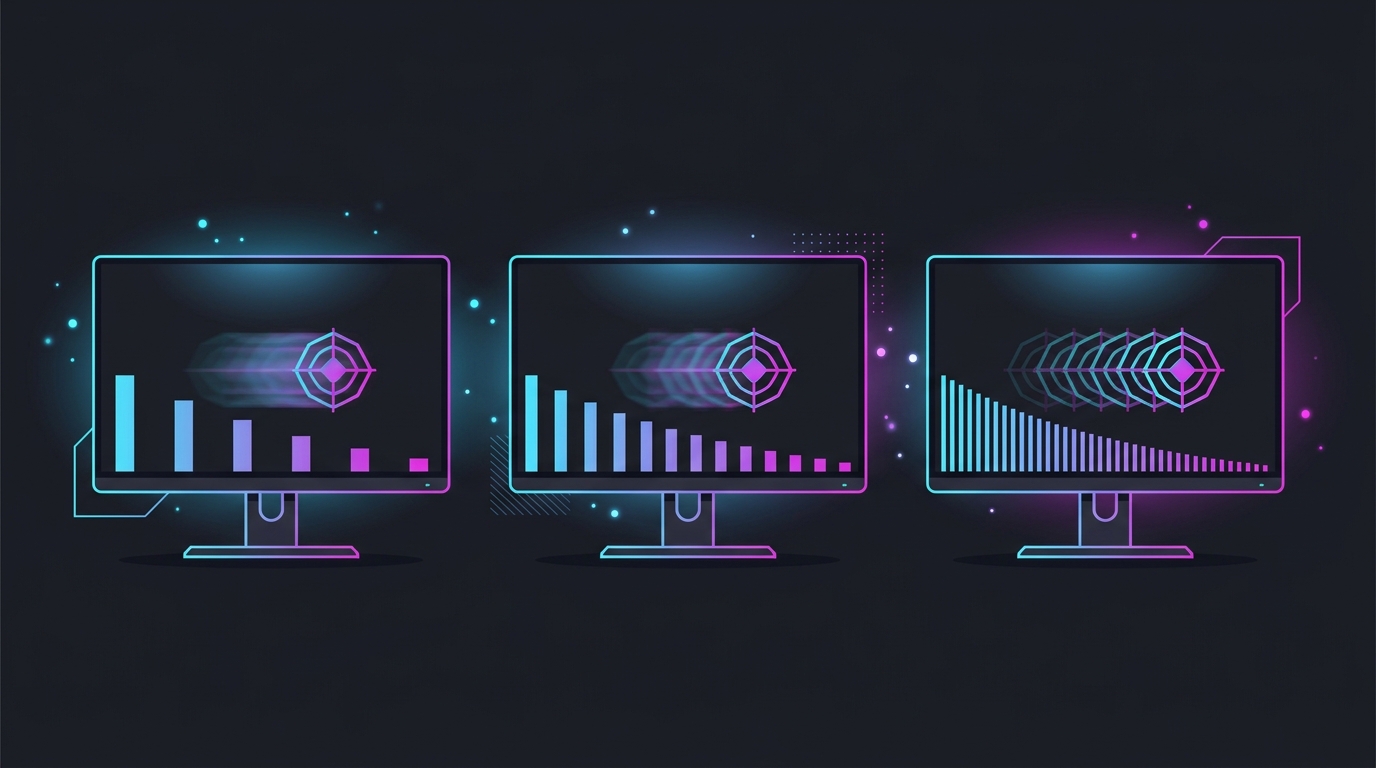
Notice the shape. The jump from 240Hz to 360Hz removes only ~1.4ms, and each step above that removes less than 1ms. Compare that to the 60Hz→144Hz jump, which removes ~9.8ms. You are paying more money for a smaller and smaller latency win as you climb — the classic diminishing-returns curve.
That frame interval is also only one stage of your total input lag. The full chain runs peripheral → PC → display, and the panel’s refresh interval is a small slice of it. A poorly-tuned 360Hz setup can feel worse than a dialed-in 240Hz one, so the cheapest latency wins are usually not the monitor — they are capping FPS correctly, enabling Reflex or Anti-Lag, and running a 0.5ms timer resolution.
Motion clarity: the part you can actually see
Latency is only half the story. The bigger felt difference between 240Hz and 360Hz is motion clarity — how sharp a moving target stays as you track or flick past it. Higher refresh (fed by higher FPS) shortens how long each frame is held on a sample-and-hold LCD/OLED, which reduces the persistence blur that smears fast motion.
At 360Hz with matching FPS, fast horizontal motion and flick shots look slightly crisper than at 240Hz. It is genuinely visible in a side-by-side to a competitive player, but it is a refinement — the enemy is a little sharper mid-flick, not suddenly readable when it was invisible before. If motion clarity is your priority, note that backlight strobing on a 240Hz panel can out-sharpen a 360Hz panel without strobing, at the cost of brightness and VRR.
Which games can even hit 360+ FPS
360Hz only makes sense for games your hardware can push past 300 FPS, and that is a short list:
- Yes, easily on strong hardware: CS2, Valorant, Overwatch 2, Rainbow Six Siege, Rocket League, older esports titles.
- Sometimes, with tuned low settings: Fortnite (Performance mode), Apex Legends, The Finals.
- Almost never: modern AAA shooters, anything CPU-bound at the top end, or titles with heavy ray tracing.
Pushing 300+ FPS is frequently CPU-bound, not GPU-bound, at these frame rates — a faster CPU and RAM matter more than a bigger GPU once you are chasing 360. If your CPU caps the game at 250 FPS, no monitor changes that; check with a CPU/GPU bottleneck test first.
240Hz vs 360Hz at a glance
| Factor | 240Hz | 360Hz |
|---|---|---|
| Frame interval | 4.2ms | 2.8ms (−1.4ms) |
| FPS to feel it | 200–260 | 300–360 |
| Motion clarity | Very clean | Slightly cleaner |
| Best for | Most competitive players | High-FPS esports on strong PCs |
| Panel options | Huge, affordable | Fewer, pricier (fast IPS/OLED/TN) |
| Value | Best latency-per-dollar at the top | Refinement for those already maxed |
The honest verdict
Buy 240Hz if you are like most competitive players: it is the sweet spot where high refresh is affordable, panel choice is wide, and the latency and clarity are already excellent. Buy 360Hz only if you genuinely sustain 300+ FPS in a fast esports title and want the last increment of tracking sharpness. Skip 480Hz/500Hz unless you are a top-tier competitor with the hardware to feed it — the returns there are sub-millisecond.
And whatever panel you land on, remember the refresh rate is one link in the chain. The cheapest, biggest wins for competitive players are usually free: sustain a stable frame rate, cap it correctly, turn on a low-latency mode, and set a 0.5ms timer resolution. A tuned 240Hz setup beats an untuned 360Hz one every time.
Related guides
Frequently asked questions
Is 360Hz worth it over 240Hz?
Only if you already sustain well over 240 FPS in your main game and play fast-flick titles like Valorant, CS2, or Overwatch 2. Going 240Hz to 360Hz removes about 1.4ms of frame delay and makes fast motion slightly cleaner — a real but subtle upgrade, far smaller than 144Hz to 240Hz. If your GPU can't hold 300+ FPS, the extra refresh sits unused and 240Hz is the smarter buy.
How many FPS do I need for a 360Hz monitor?
Aim to sustain 300+ FPS in the game you play most to feel most of the benefit, and ideally a locked 360 to use the panel fully. A 360Hz monitor still displays lower frame rates fine, but every refresh only shows a fresh frame when your FPS meets or beats the refresh rate. Check your real in-match FPS with an overlay before buying — menu FPS is misleadingly high.
Can you tell the difference between 240Hz and 360Hz?
In a direct side-by-side, trained competitive players can usually see slightly cleaner tracking and smoother flicks at 360Hz, but the difference is much smaller than 60Hz to 144Hz or even 144Hz to 240Hz. Most players notice it most on fast horizontal motion and cursor smoothness, and barely at all in slower or single-player games. It is a refinement, not a transformation.
Is 480Hz or 500Hz worth it for gaming?
For the vast majority of players, no. 240Hz to 360Hz already has steep diminishing returns, and 360Hz to 500Hz removes under 1ms of frame delay while demanding 400-500+ sustained FPS that only light esports titles reach. 480Hz and 500Hz panels are for top-tier competitors on games like CS2 and Valorant running on very strong hardware; everyone else gets more from a stable 240-360Hz setup and lower system latency.
Does a higher refresh rate reduce input lag?
Yes, but by shrinking amounts each tier. The frame interval is about 4.2ms at 240Hz, 2.8ms at 360Hz, and 2.0ms at 500Hz, so each step up removes progressively less delay. Refresh rate is only one link in the chain — stable high FPS, a low-latency mode like Reflex, timer resolution, and display processing lag matter as much or more. A faster panel helps, but it will not fix a system that is starved for frames.