Should You Turn Off Ray Tracing for Competitive Gaming?
Published
On this page
For competitive gaming, turn ray tracing off — it usually costs 20-50% of your frame rate in exchange for reflections and shadows you have no time to appreciate mid-match. In a ranked game you are reading enemy positions and holding your crosshair, and the FPS, input lag, and frame-pacing you gain by disabling ray tracing help you do exactly that. This guide explains the trade-off, the rare cases where keeping it on is fine, and how to decide per game.
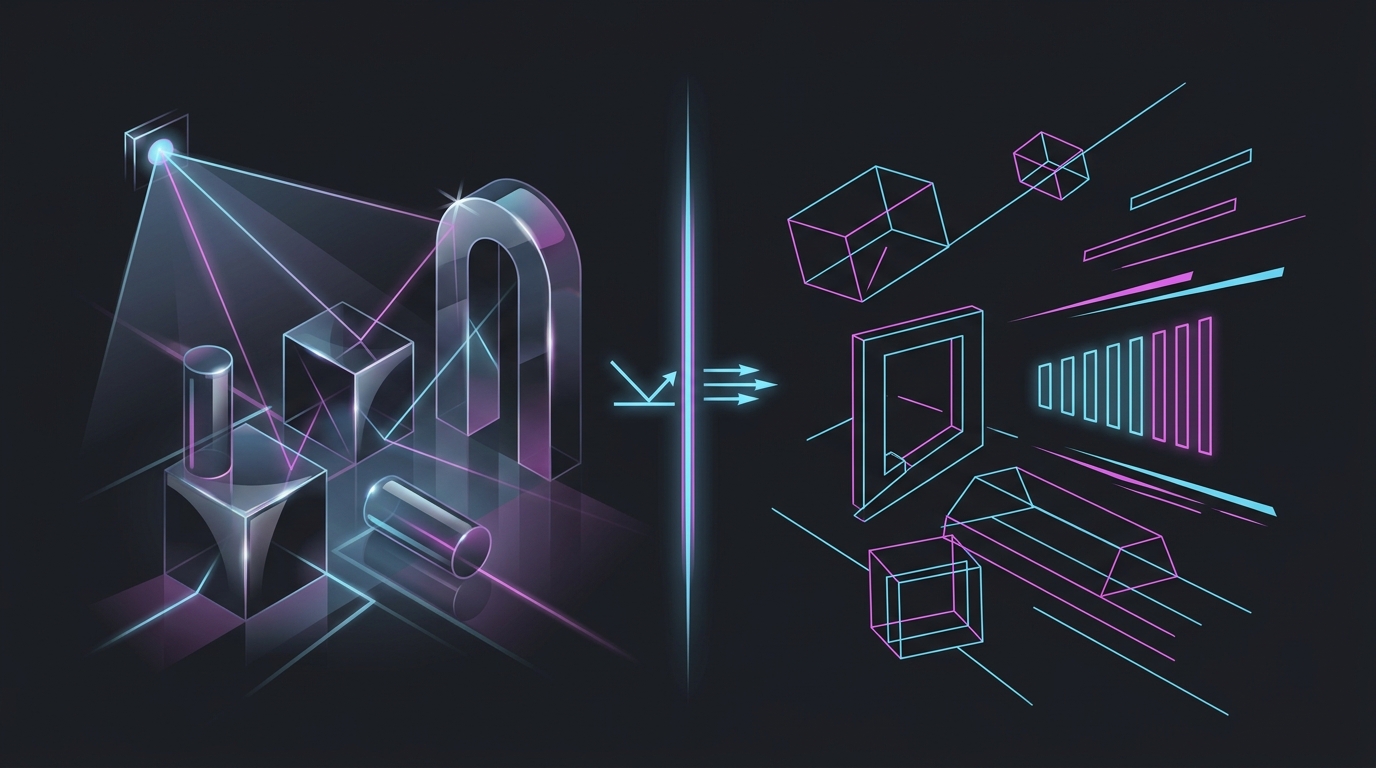
What ray tracing costs you in a match
Ray tracing simulates how light actually bounces, producing more accurate reflections, shadows, and global illumination. It looks great in a screenshot. It is also one of the most expensive things a GPU can do, and the bill comes due in three ways that matter competitively:
- Frame rate drops 20-50% in most titles, and 60%+ with path tracing. Fewer frames means less information about a moving enemy.
- Input lag rises because lower FPS holds each frame on screen longer. A drop from 200 FPS to 110 FPS adds real latency to every action.
- Frame pacing often gets choppier, since ray tracing workloads spike unevenly and can introduce stutter that reads as lag.
In a competitive match, all three work against you. The visual upside — a puddle reflecting a wall you are running past — is exactly the kind of detail you never look at when someone is shooting at you.
When to keep ray tracing on
Ray tracing is not the enemy; it is a trade-off that only makes sense when frames are not the priority:
- Single-player and story games — if your GPU holds a stable frame rate with RT on, the immersion is often worth it.
- Casual or non-ranked sessions in a game you also play competitively — turn it on to enjoy the world, off when you queue ranked.
- You have massive GPU headroom — if you already sit at a locked 240 FPS in a light title, a small RT cost may still leave you above your refresh rate. This is rare in RT-heavy games.
The deciding question is simple: does ray tracing drop you below the frame rate you want to compete at? If yes, turn it off. If you are still comfortably above your monitor’s refresh rate with it on, it is your call.
Ray tracing on vs off for competitive play
| Factor | Ray tracing ON | Ray tracing OFF |
|---|---|---|
| Frame rate | −20% to −50% (or worse) | Full FPS |
| Input lag | Higher (fewer frames) | Lower |
| Frame pacing | Often choppier | Steadier |
| Visual quality | Better reflections/lighting | Flatter but clean |
| Enemy readability | Can add visual noise | Usually clearer |
| Best for | Single-player, immersion | Ranked, esports, high FPS |
Not all ray tracing is equally expensive
If a game only lets you toggle ray tracing globally, off is the safe competitive default. But many games split it into separate options with very different costs:
- Ray-traced reflections — usually the most expensive; first to disable.
- Ray-traced global illumination (GI) — very expensive; disable for competitive.
- Ray-traced shadows — often cheaper; the last one worth testing if you want some RT.
If you want to experiment, drop reflections and GI first and measure the FPS change with an FPS overlay. Test in a real match, not a menu — the cost is highest in busy scenes with lots of geometry and light sources.
Recover the frames the right way
Once ray tracing is off, spend the frame-rate headroom on latency instead of maxing other eye-candy:
- Cap your FPS just under your refresh rate so the GPU stays in its low-latency zone — see how to cap your FPS correctly.
- Enable a low-latency mode — Reflex, Anti-Lag, or XeLL for your GPU.
- Use upscaling instead of RT if you need more frames — DLSS, FSR, or XeSS at Quality raises real FPS without the RT tax.
- Set a 0.5ms timer resolution to shave OS-level scheduling delay — the timer resolution pillar guide explains why.
Don’t confuse ray tracing with frame generation: frame gen adds interpolated frames for smoothness but does not lower input lag, so it is not a substitute for the real frames you get back by turning RT off.
The bottom line
For ranked and esports, turn ray tracing off. The 20-50% frame-rate cost, the extra input lag, and the choppier pacing all hurt your ability to aim and react, and the visual payoff is invisible when you are focused on an enemy. Keep it for single-player and casual play where the image is the point — and decide it per game, not once for your whole library.
Related guides
Frequently asked questions
Should I turn off ray tracing for competitive gaming?
Yes, in almost every case. Ray tracing typically costs 20-50% of your frame rate, and in a competitive match you are watching enemies and crosshairs, not admiring reflections. Turning it off raises FPS, lowers input lag, and steadies frame pacing — all of which help you aim and react. Leave ray tracing for single-player or casual sessions where visuals matter more than frames.
How much FPS does ray tracing cost?
It varies by game and effect, but 20-50% is the normal range, and heavy ray tracing or path tracing can cut frame rate by 60% or more. Ray-traced reflections and global illumination are the most expensive; ray-traced shadows are usually cheaper. Because the cost scales with resolution and effect count, the same setting that runs fine at 1080p can be brutal at 4K.
Does ray tracing increase input lag?
Indirectly, yes. Ray tracing lowers your frame rate, and lower FPS means each frame is on screen longer, which raises input lag. It can also make frame pacing less consistent, adding stutter that feels like lag. Turning ray tracing off restores higher, steadier FPS and the lower latency that comes with it — one reason competitive players disable it.
Is ray tracing worth it for gaming?
For single-player and story games where you want the best image, ray tracing is often worth it if your GPU can hold a stable frame rate with it on. For competitive multiplayer it is rarely worth it — the frame-rate and latency cost outweighs visual polish you have no time to notice mid-match. Decide per game: immersion titles yes, ranked shooters no.
Does turning off ray tracing give a competitive advantage?
It gives a performance advantage, not an unfair one. Higher FPS, lower input lag, and cleaner frame pacing all help you track and react faster, and every setting here is a normal in-game option. Some players also find scenes easier to read without heavy reflections and shadows adding visual noise. It is the standard competitive choice for good reason.