60Hz vs 144Hz for Gaming: Is the Upgrade Worth It?
Published
On this page
Going from 60Hz to 144Hz is the single most noticeable display upgrade in gaming — bigger than any jump above it, including 144Hz to 240Hz. You get 2.4x more frames on screen every second, clearly smoother motion, and about 10ms less display latency. This guide breaks down exactly what 144Hz buys you over 60Hz, whether you’ll actually see it, and the frame rate your PC needs to feel the full benefit.
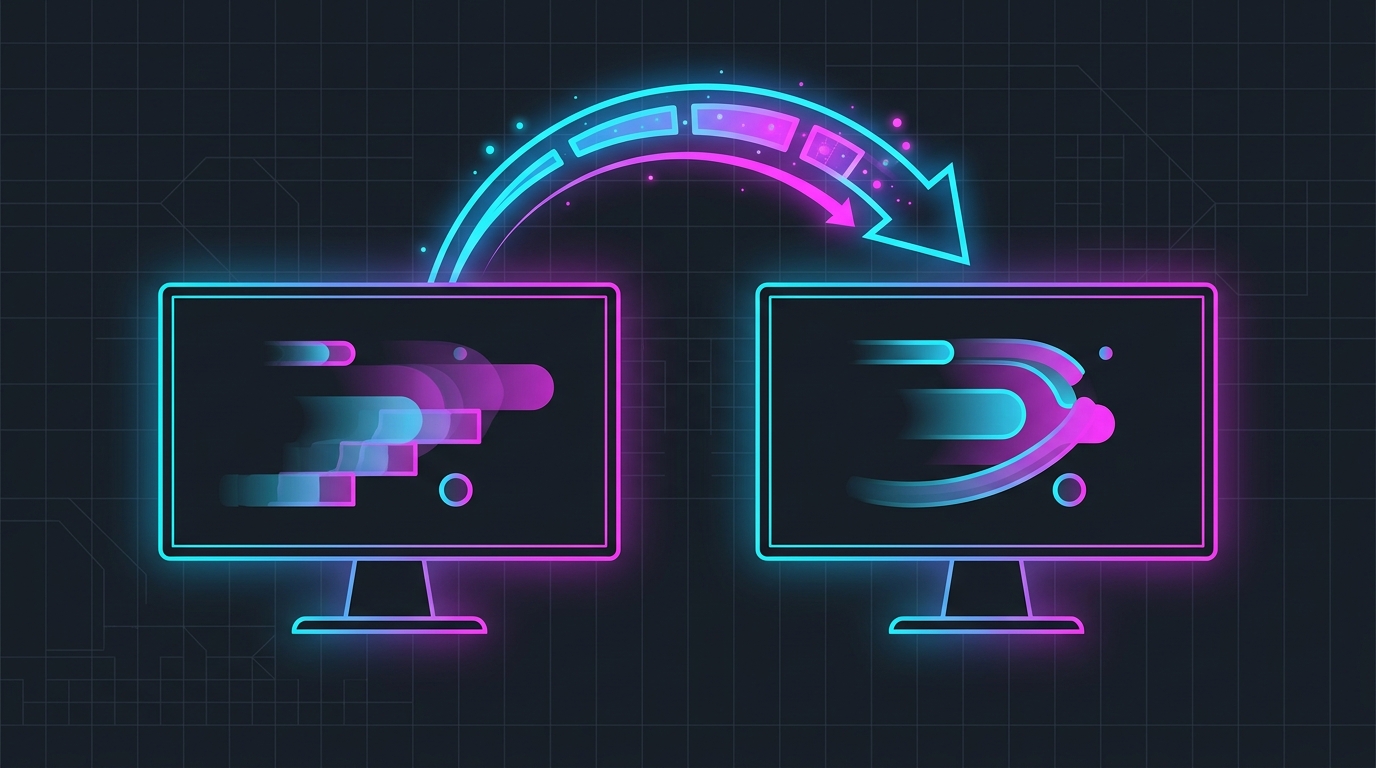
The 60Hz-to-144Hz jump is the one refresh-rate upgrade almost everyone notices instantly.
60Hz vs 144Hz at a glance
| Factor | 60Hz | 144Hz |
|---|---|---|
| Frames shown per second | 60 | 144 |
| Frame-to-frame delay | ~16.7 ms | ~6.9 ms |
| Motion clarity | Noticeable blur/stepping | Much clearer |
| FPS needed to feel it | 60+ | 120+ ideal |
| Best for | Casual, single-player | Competitive, fast-paced |
| Desktop feel | Cursor visibly steps | Cursor stays sharp |
The headline number: each refresh cuts the time a finished frame waits before it’s displayed. At 60Hz that wait is about 16.7 ms; at 144Hz it’s about 6.9 ms. That ~10 ms is felt latency on top of the obvious smoothness gain.
Why the jump is so noticeable
Refresh rate improvements have diminishing returns. The gap between 60Hz and 144Hz is enormous because you’re more than doubling the frames and halving the display delay. By the time you get to 144Hz→240Hz, you’re only shaving another ~2.9 ms and the visual change is subtle. That’s why 60Hz→144Hz is the upgrade nearly everyone feels, while 240Hz and 360Hz are refinements for players who already sustain very high FPS.
You don’t even need a game to see it: drag a window or move the mouse on the Windows desktop. At 144Hz the cursor stays crisp; at 60Hz it visibly steps between positions.
Do you need 144 FPS to benefit?
No — but frame rate is what unlocks the panel. A 144Hz monitor only shows a fresh frame on each refresh if your PC is producing that many frames. Here’s the honest picture:
- 120+ FPS sustained: you’re getting nearly the full benefit.
- 80–120 FPS: still clearly smoother than 60Hz, and G-Sync/FreeSync keeps it tear-free.
- Locked at 60 FPS by your hardware: a 144Hz panel helps less — fix the frame rate first.
If your FPS is the limit, that’s where to spend effort before buying a faster panel. See does higher FPS reduce input lag and how to cap your FPS correctly.
Getting the most out of 144Hz
Buying the monitor is step one. To actually feel all of it:
- Set the refresh rate in Windows. New 144Hz panels sometimes default to 60Hz — confirm 144Hz in Settings → Display → Advanced display. See how to optimize your monitor for gaming.
- Enable G-Sync or FreeSync to stay tear-free below 144 FPS. See G-Sync, V-Sync & Reflex setup.
- Push your frame rate up by tuning in-game settings so you sustain 120+ FPS.
- Overclock the panel if it has headroom — many 144Hz monitors run stable at 165Hz or 180Hz. See how to overclock your monitor’s refresh rate.
- Raise the Windows timer resolution with Tier1Suite so input sampling and frame pacing stay consistent at high refresh.
Is 144Hz worth it over 60Hz?
For anything competitive or fast-paced — shooters, fighting games, racing, battle royales — yes, without hesitation. It’s the highest-value upgrade you can make short of a new GPU, and the difference is obvious the moment you use it. For slow, story-driven, or turn-based games, 60Hz is still perfectly fine and the upgrade is a nice-to-have rather than a need.
Already on 144Hz and wondering whether to go higher? That’s a different, much smaller decision — see is 144Hz worth it vs 240Hz.
Related guides
Frequently asked questions
Is 144Hz a big upgrade from 60Hz?
Yes — going from 60Hz to 144Hz is the single most noticeable display upgrade in gaming, far bigger than 144Hz to 240Hz. You get 2.4x more frames shown per second, dramatically clearer motion, and the frame-to-frame delay drops from about 16.7ms to 6.9ms. Anyone who plays fast games will feel it immediately, on the desktop as well as in-game.
Can you tell the difference between 60Hz and 144Hz?
Almost everyone can, instantly. Moving the mouse cursor on the desktop is enough to see it — at 144Hz the cursor stays sharp while at 60Hz it visibly steps. In games, aiming, tracking, and camera panning all look smoother and are easier to react to. It is the clearest, most obvious refresh-rate jump there is.
Do I need 144 FPS to use a 144Hz monitor?
No, but you get the most out of it when your frame rate is high. A 144Hz panel still displays 80 or 100 FPS more smoothly than a 60Hz panel would, and it pairs with G-Sync or FreeSync to stay tear-free below 144. To feel the full benefit — every refresh showing a fresh frame — aim to sustain 120+ FPS in your main game.
Does 144Hz reduce input lag compared to 60Hz?
Yes. A finished frame waits about 16.7ms to be shown at 60Hz but only about 6.9ms at 144Hz, so a 144Hz panel cuts roughly 10ms of display latency on top of feeling smoother. Refresh rate is only one link in the chain — high stable FPS, NVIDIA Reflex, and Game Mode on the display all matter too — but the jump from 60Hz to 144Hz is a genuine latency win.
Is 60Hz enough for gaming in 2026?
60Hz is playable and fine for slower or single-player games, but it is the biggest bottleneck for competitive and fast-paced titles. If you play shooters, fighting games, or anything where reaction time matters, a 144Hz monitor is the highest-value upgrade you can make short of a GPU. For casual or story games, 60Hz is still perfectly enjoyable.