Fix DXGI_ERROR_DEVICE_REMOVED (0x887A0005)
Published
On this page
DXGI_ERROR_DEVICE_REMOVED (0x887A0005) means Windows completely lost contact with your GPU mid-game and treated it as if it were unplugged from the PCIe bus — so the game had no device left to render on and crashed. It is more severe than the timeout-based DXGI_ERROR_DEVICE_HUNG (0x887A0006): a corrupt driver, an unstable overclock, memory instability, or a power/seating fault yanked the graphics device off the system entirely. The fixes below are ordered from most to least common cause.
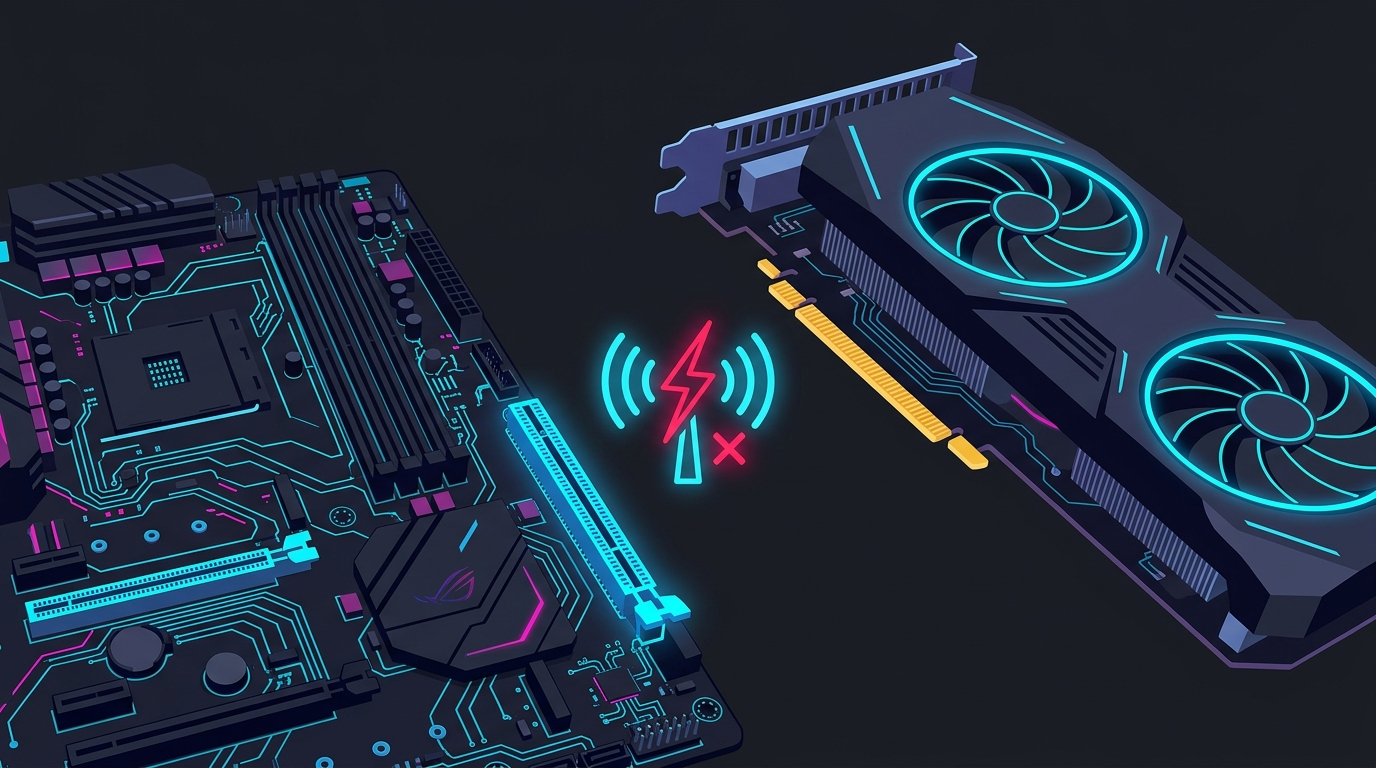
The GPU dropped off the bus — Windows saw it as removed. The cause is almost always driver, overclock, memory, or power.
What the error actually is
The full crash usually reads something like DXGI_ERROR_DEVICE_REMOVED or, from a Direct3D 12 title, DirectX function "GetDeviceRemovedReason" failed with DXGI_ERROR_DEVICE_REMOVED. The hex code is 0x887A0005.
DirectX exposes a helper, GetDeviceRemovedReason(), that returns why the device left. The sub-reason it reports narrows the cause:
| Reason code | Hex | What it points to |
|---|---|---|
DXGI_ERROR_DEVICE_HUNG | 0x887A0006 | GPU missed the ~2s TDR timeout — slow, not gone (see the DEVICE_HUNG guide) |
DXGI_ERROR_DEVICE_REMOVED | 0x887A0005 | Full comms loss — driver crash, power, or seating |
DXGI_ERROR_DEVICE_RESET | 0x887A0007 | A badly formed command reset the device — usually a game/driver bug |
DXGI_ERROR_DRIVER_INTERNAL_ERROR | 0x887A0020 | The driver itself faulted — reinstall it clean |
If the game logs a reason, note it: a DEVICE_HUNG reason means the fixes on our DXGI_ERROR_DEVICE_HUNG page apply too, since the two crashes overlap heavily.
Fix 1 — Clean-reinstall the GPU driver with DDU
A corrupt or half-updated driver is the single most common cause of DEVICE_REMOVED. A normal “update” installs over the broken files; a clean reinstall removes them first.
- Download the latest driver from NVIDIA or AMD, plus Display Driver Uninstaller (DDU).
- Boot into Safe Mode, run DDU, and choose Clean and restart.
- Install the freshly downloaded driver. For NVIDIA, a Custom → Clean install is enough if you would rather skip Safe Mode.
This alone resolves the majority of cases. If it comes back, the cause is not the driver — move on.
Fix 2 — Disable XMP / EXPO and test RAM at JEDEC
This is the fix most guides miss. Your RAM’s XMP (Intel) or EXPO (AMD) profile runs memory above its guaranteed speed, and an unstable profile makes the CPU fail to feed the GPU cleanly — which drops the graphics device off the bus and surfaces as DEVICE_REMOVED, even though nothing is wrong with the GPU.
- Enter BIOS (usually Del or F2 at boot).
- Set the memory profile to Disabled (base JEDEC speed, e.g. 4800 MT/s).
- Save, reboot, and play. If the crashes stop, the profile was the cause.
You do not have to give up XMP forever — re-enable it at a lower frequency or with looser timings once you have confirmed it was the trigger. If crashes continue at JEDEC, run MemTest86 overnight to rule out a genuinely faulty stick.
Fix 3 — Reset any GPU or CPU overclock
A factory or manual overclock that is stable in a benchmark can still fail under a real game’s mixed load and drop the device.
- MSI Afterburner / vendor tool: click Reset to return the GPU to stock clocks and voltage. See the MSI Afterburner setup guide for where the reset is.
- Factory-OC cards: even out-of-the-box “OC edition” cards can be unstable — test at a small negative core offset (−50 to −100 MHz).
- CPU: disable any manual CPU overclock or aggressive Precision Boost / MCE setting in BIOS.
An undervolt often fixes DEVICE_REMOVED where a downclock does not, because it lowers the voltage droop that causes the crash while keeping performance.
Fix 4 — Check GPU power and seating
DEVICE_REMOVED is a physical disconnect from Windows’ point of view, so bad power delivery is a real cause on desktops:
- Use separate PCIe power cables for each connector on high-draw cards — do not daisy-chain a single cable across two 8-pins.
- Reseat the GPU firmly in the top PCIe slot and reseat the power connectors at both ends.
- Confirm your PSU has enough headroom (a 4070-class card wants ~650 W; a 4080/4090-class card ~850 W).
- On a laptop, always play plugged in — battery power starves the dGPU and triggers this crash.
Fix 5 — TdrDelay registry workaround (last)
Raising the Timeout Detection and Recovery window helps a DEVICE_HUNG crash far more than a true DEVICE_REMOVED, so try this only after Fixes 1–4.
- Open Registry Editor, go to
HKEY_LOCAL_MACHINE\SYSTEM\CurrentControlSet\Control\GraphicsDrivers. - Create a QWORD (64-bit) value named
TdrDelay, set to8(decimal). - Reboot.
This buys the GPU longer before Windows declares it lost. It is a workaround — if it “fixes” the crash, an unstable OC or driver is still the real cause underneath.
Still crashing?
Work down the list — driver, memory, overclock, power — before suspecting the GPU itself. If DEVICE_REMOVED persists at stock clocks, JEDEC RAM, a clean driver, and confirmed power, test the card in another system to isolate a dying GPU. For the related timeout crash, see how to fix DXGI_ERROR_DEVICE_HUNG; for the VRAM-exhaustion crash, see out of video memory. Keeping drivers clean and your system stable also smooths frame pacing and input lag — the same stability work pays off in-game.
Frequently asked questions
What does DXGI_ERROR_DEVICE_REMOVED mean?
It means Windows completely lost communication with your GPU mid-frame and treated the device as if it had been unplugged from the PCIe bus. It is more abrupt than DXGI_ERROR_DEVICE_HUNG (0x887A0006), which is only a timeout — DEVICE_REMOVED (0x887A0005) is a full comms loss, usually from a driver crash, an unstable overclock, memory instability, or a power/seating problem. The game then shuts down because it can no longer render.
Is DXGI_ERROR_DEVICE_REMOVED a hardware or software problem?
Usually software — a corrupt or buggy GPU driver is the single most common cause, and a clean reinstall with DDU fixes most cases. But it is also the classic symptom of an unstable overclock (GPU, CPU, or RAM), so if a clean driver does not fix it, disable XMP/EXPO and any GPU overclock next. Genuine hardware failure (dying GPU, faulty RAM, insufficient PSU) is the least common cause and is what you test for last.
Why does disabling XMP or EXPO fix DXGI_ERROR_DEVICE_REMOVED?
XMP (Intel) and EXPO (AMD) run your RAM above its guaranteed JEDEC speed, and an unstable memory profile makes the CPU fail to feed data to the GPU cleanly, which can drop the graphics device off the bus and surface as DXGI_ERROR_DEVICE_REMOVED. Setting RAM back to its base JEDEC speed in BIOS is a fast, free stability test — if the crashes stop, the profile was the cause and you can re-tune it lower.
What is the difference between DEVICE_REMOVED and DEVICE_HUNG?
DXGI_ERROR_DEVICE_HUNG (0x887A0006) means the GPU missed Windows' ~2-second Timeout Detection and Recovery (TDR) window — it was slow, not gone. DXGI_ERROR_DEVICE_REMOVED (0x887A0005) means Windows lost all contact with the GPU, as if it were physically removed. Confusingly, when a game logs GetDeviceRemovedReason(), a DEVICE_REMOVED crash often reports HUNG as its underlying reason — so the two overlap in practice and share most fixes.
Does the TdrDelay registry fix work for DXGI_ERROR_DEVICE_REMOVED?
It helps less than it does for DEVICE_HUNG. Raising TdrDelay extends the timeout window, which directly addresses a HUNG (slow GPU) crash but does little for a true DEVICE_REMOVED (comms loss) crash. Try it only after a clean driver reinstall, disabling XMP/EXPO, and resetting any overclock — it is a workaround, not a cause fix.