Best 360Hz Monitors for Competitive FPS (2026): Is It Worth It?
Published
On this page
A 360Hz monitor is the highest-refresh tier in competitive gaming — but it’s only worth buying if your PC can actually feed it. The rule is simple: 360Hz needs 300+ FPS to matter. Below that, you’re paying for refresh your GPU can’t fill, and a 240Hz panel gives you most of the benefit for much less. Here’s who should buy 360Hz and what to get.
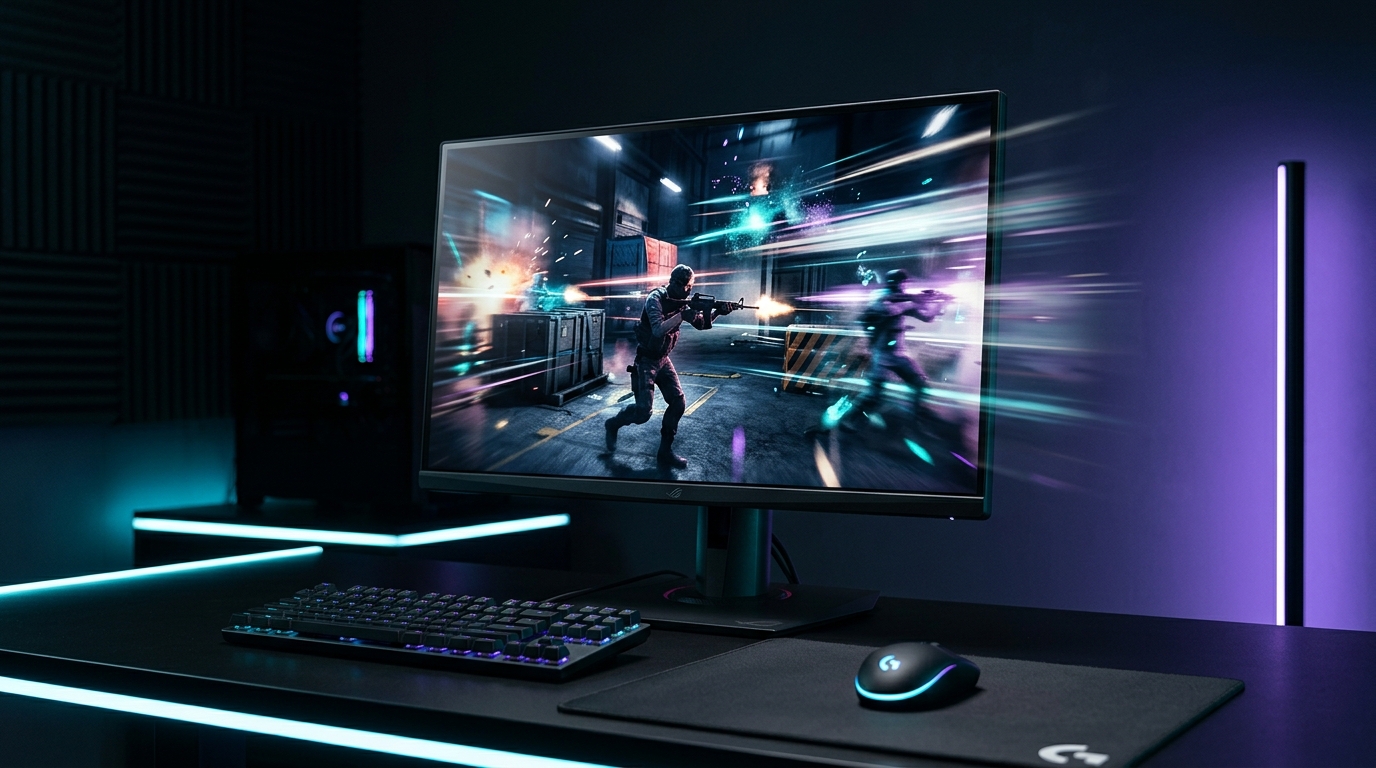
360Hz is the esports tier — genuinely smoother, but only if your rig sustains 300+ FPS to fill it.
Quick comparison
| Pick | Refresh | Resolution | Best for |
|---|---|---|---|
| 1080p 360Hz | 360Hz | 1080p | Esports on rigs that hold 300+ FPS |
| 1080p 280Hz | 280Hz | 1080p | The value step-down that’s nearly as fast |
| 1080p 240Hz | 240Hz | 1080p | Most players — better value overall |
First: can your PC feed 360 FPS?
This is the whole decision. A 360Hz panel only shows its advantage when your frame rate is up near 300–360 FPS. Light esports titles — Valorant, CS2, Rocket League, Overwatch 2 — reach that on strong rigs, especially with a stretched resolution lowering the pixel count. Demanding AAA games won’t get close, so don’t buy 360Hz for them.
The 360Hz pick
If you play competitive esports and your rig holds 300+ FPS, a fast 1080p 360Hz IPS panel is the top tier for motion clarity and latency.
Alienware AW2523HF — the 360Hz pick
- 24.5" 1080p IPS at 360Hz — the smoothest, lowest-latency option available
- 24.5" 1080p — the competitive size and pixel load, easy to feed 300+ FPS
- Fast IPS with a genuinely low gray-to-gray response
The value step-down
Not sure you’ll hold 300+ FPS, or want most of the speed for less? A 280Hz panel is nearly as fast and noticeably cheaper — the smarter buy for most competitive players.
ASUS TUF VG259QM — 280Hz for less
- 24.5" 1080p Fast IPS, overclocks to 280Hz — most of 360Hz's speed at a lower price
- G-Sync Compatible + ELMB-Sync for tear-free, low-blur motion
- The value sweet spot if your FPS lands in the 240–280 range
Want to see the full field? Browse current 360Hz gaming monitors — the “1080p, fast IPS, feed it 300+ FPS” checklist applies to all of them.
360Hz vs 240Hz: the honest take
The jump from 144Hz to 240Hz is large and obvious. The jump from 240Hz to 360Hz is real but subtle — a little less motion blur and a slightly fresher image. If you’re a serious competitive player on a strong rig, it’s a worthwhile edge. If you’re stepping up from 60/144Hz, put your money into 240Hz first; it’s where most of the benefit lives. For the budget tier, see our best budget 240Hz monitors guide.
Feed the panel, then protect the latency
A 360Hz monitor is only as good as the frames and setup behind it. Push frames with a stretched resolution, then protect the latency: run exclusive Fullscreen, enable G-Sync/FreeSync, cap FPS just under 360, and follow the minimize input delay checklist. The free timer resolution tweak via Tier1Suite tightens frame pacing on top.
Related guides
- Best Stretched Resolution for 240Hz & 360Hz Monitors
- Best Budget 240Hz Monitors for Competitive Gaming
- Best Monitor for Stretched Resolution & Competitive FPS
- Does Stretched Resolution Increase FPS?
Buy 360Hz only if your PC sustains 300+ FPS in the games you play — otherwise 240Hz (or an overclocked 280Hz panel) is the better value. Keep it 1080p, feed it frames, and don’t let a sloppy setup add the latency back.
Frequently asked questions
Is a 360Hz monitor worth it?
It's worth it if you play competitive esports titles and your PC reliably pushes 300+ FPS. At that point 360Hz gives you the lowest motion blur and latency available. If your frame rate sits below ~250 FPS in your main games, a 240Hz panel delivers most of the benefit for much less money — you can't see refresh your GPU can't feed.
Is there a real difference between 240Hz and 360Hz?
Yes, but it's smaller than the jump from 144Hz to 240Hz. 360Hz shortens the time each frame is on screen, which slightly reduces motion blur and the delay between your action and seeing it. Competitive players on fast esports titles notice it; most players get better value from 240Hz plus a clean low-latency setup.
What PC do I need for 360Hz?
To actually use 360Hz you need to sustain roughly 300+ FPS in your game. Light esports titles like Valorant, CS2, and Rocket League hit that on strong mid-to-high-end rigs, especially with a stretched resolution to lower the pixel load. Demanding AAA games rarely reach 360 FPS, so 360Hz is a competitive-esports purchase, not an all-purpose one.
Should a 360Hz monitor be 1080p?
Yes. Every 360Hz competitive monitor is 1080p, and that's the right choice — the lower pixel count is what lets your GPU push the 300+ FPS a 360Hz panel needs, and 1080p is the resolution competitive players use anyway. A higher-resolution 360Hz panel would be far harder to feed frames.