Motion Blur Reduction & Backlight Strobing Explained (ULMB, DyAc, ELMB)
Published
On this page
If you’ve seen settings called ULMB, DyAc, ELMB, or “Motion Blur Reduction” in your monitor’s menu and wondered whether to turn them on, this explains exactly what they do. All of these are backlight strobing — a technique that trades some brightness (and usually VRR) for dramatically sharper motion. Here’s how it works, what it costs, whether it adds input lag, and when it’s worth using for competitive play.
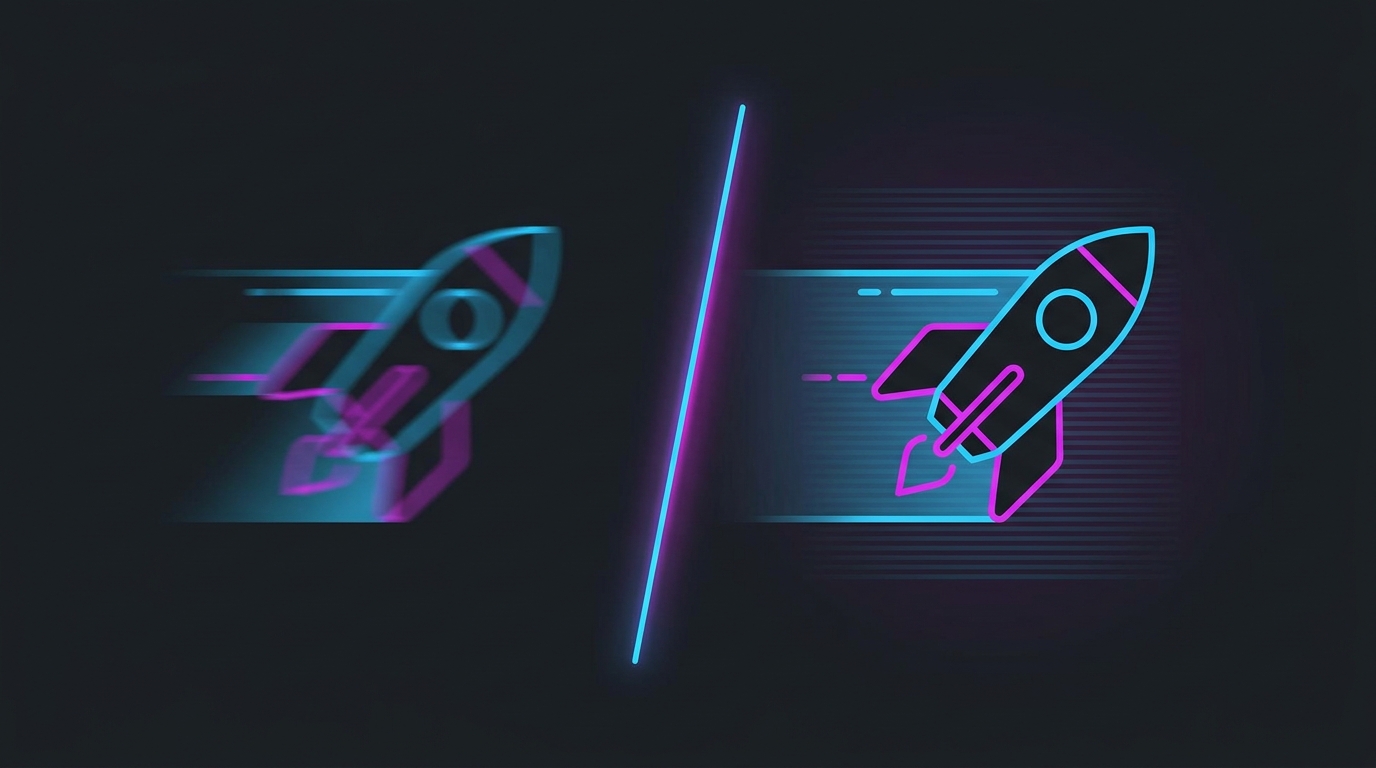
Strobing blanks the backlight between frames so each frame reads distinctly — the same reason CRTs had near-zero motion blur.
Why sample-and-hold displays blur motion
Modern LCDs and OLEDs are sample-and-hold: each frame stays lit on screen until the next one replaces it. Your eyes track a moving object smoothly, but the image is holding still for the whole frame, so the object smears across your retina. This “persistence blur” happens even on a perfect, instant-response panel — it’s caused by the frame being held, not by slow pixels.
Two things reduce it:
- Holding each frame for less time — a higher refresh rate (and matching FPS) shortens the hold, so there’s less smear.
- Blanking the screen between frames — backlight strobing turns the backlight off for part of each cycle so your eye sees a brief flash of each frame instead of a continuous held image.
What strobing actually does
Backlight strobing flashes the backlight in sync with the refresh cycle. For a fraction of every frame the screen is dark, then it flashes the fresh frame. Because your eye isn’t tracking a held image anymore, persistence blur drops massively — motion looks close to CRT-sharp. This is the same principle that made CRT monitors so good for motion clarity.
The brand names are all the same core idea:
| Brand name | Made by |
|---|---|
| ULMB / ULMB 2 | NVIDIA (licensed on many monitors) |
| DyAc / DyAc+ / DyAc 2 | BenQ Zowie |
| ELMB / ELMB-Sync | ASUS |
| MBR / MPRT mode | Generic / various |
The trade-offs (why it’s not just “on”)
Strobing isn’t free. Before you enable it, know the costs:
- Dimmer image — the backlight is off part of the time, so brightness drops ~30–50%. Best in a moderately lit room.
- Usually no VRR — most strobing modes can’t run with G-Sync/FreeSync at the same time (ULMB 2 and DyAc are improving here, but it’s still common). You trade adaptive sync for clarity.
- Needs a stable, matching frame rate — strobing looks best when your FPS matches the strobing refresh. An unstable frame rate causes crosstalk (faint double-images), which is distracting.
- Not for HDR — bright HDR and a dimmed strobed backlight don’t mix.
Does it add input lag?
A little, and less than most people expect. The panel has to wait for the right moment in the refresh cycle to strobe, which adds a small, fixed delay — usually a couple of milliseconds. The larger practical cost is losing VRR, which changes how you should cap frames.
For most competitive players the strobing delay itself is negligible; the real decision is clarity-with-strobing vs latency-and-smoothness-with-VRR. If you go the VRR route instead, set it up correctly with G-Sync/V-Sync/Reflex and a proper FPS cap for low latency.
Should you turn it on?
Turn strobing on if:
- You can hold a stable frame rate that matches the refresh (e.g. a locked 240 FPS on a 240Hz panel).
- You prioritise seeing moving targets and flicks clearly over maximum brightness.
- You’re fine gaming without VRR in that title.
Leave it off if your frame rate swings (crosstalk will bug you), you want G-Sync/FreeSync, or you game in a bright room where the dimming hurts. A high-refresh panel at matching FPS already looks very clean without it — strobing is the extra step for players chasing the sharpest possible motion.
How to enable it
It lives in your monitor’s OSD, not Windows — look for ULMB, DyAc, ELMB, Motion Blur Reduction, or MPRT under a “Gaming” or “Image” menu. Note that enabling it often greys out G-Sync/FreeSync and locks you to specific refresh rates (commonly 120/240Hz). Match your in-game FPS cap to that refresh for the cleanest result. Also make sure the rest of your display chain is tuned — see how to optimize your monitor for gaming and reduce input delay.
Bottom line
Backlight strobing (ULMB, DyAc, ELMB) blanks the screen between frames to kill persistence blur, giving near-CRT motion clarity — at the cost of brightness, usually VRR, and the need for a stable matching frame rate. It adds only a small amount of input lag. Use it when you can lock your FPS to the panel’s refresh and you value motion clarity most; otherwise a high refresh rate with VRR and a good input-delay setup is the smoother all-round choice. Try both in your main game and keep whichever tracks better for your aim.
Related guides
Frequently asked questions
What is backlight strobing / motion blur reduction on a monitor?
It's a mode that flashes the monitor's backlight in sync with the refresh cycle, blanking the screen briefly between frames so your eyes see each frame more distinctly instead of smearing one into the next. Brands call it ULMB (NVIDIA/many monitors), DyAc (BenQ Zowie), ELMB (ASUS), and MBR generically. The result is much sharper motion — moving enemies and text stay crisp instead of blurring.
Does motion blur reduction add input lag?
A little, but less than most people fear. Strobing itself adds a small, fixed delay because the panel waits to strobe the backlight at the right moment — typically a couple of milliseconds. The bigger latency cost is that most strobing modes can't run at the same time as G-Sync/FreeSync, so you lose VRR. For pure aim-tracking clarity many players accept it; for the lowest raw latency, high FPS with VRR is often preferred.
Should I use backlight strobing for competitive gaming?
Use it if you value seeing moving targets and flick-shots with maximum clarity and you can sustain a stable frame rate that matches the strobing refresh (e.g. a locked 240 FPS at 240Hz). Avoid it if your frame rate is unstable — strobing at a mismatched frame rate causes distracting double-images (crosstalk) — or if you'd rather keep G-Sync/FreeSync on. It's a preference, so try it in your main game and keep what feels sharper.
Why does backlight strobing make the screen dimmer?
Because the backlight is off for part of each refresh cycle, the average brightness drops — often by 30–50%. That's the main trade-off. It also means strobing looks best in a moderately lit room where the dimmer image is still comfortable, and it's one reason bright HDR content and strobing don't mix well.
Is high refresh rate or backlight strobing better for motion clarity?
Both reduce motion blur but differently. High refresh (and high FPS) shortens how long each frame is held, reducing blur while keeping brightness and VRR. Strobing blanks the screen between frames for the sharpest possible motion but costs brightness and usually VRR. A 240Hz+ panel at matching FPS already looks very clean; strobing pushes clarity further if you accept the trade-offs.