7 Days to Die Low FPS Fix: Blood Moon, Cities and Bases
Published
On this page
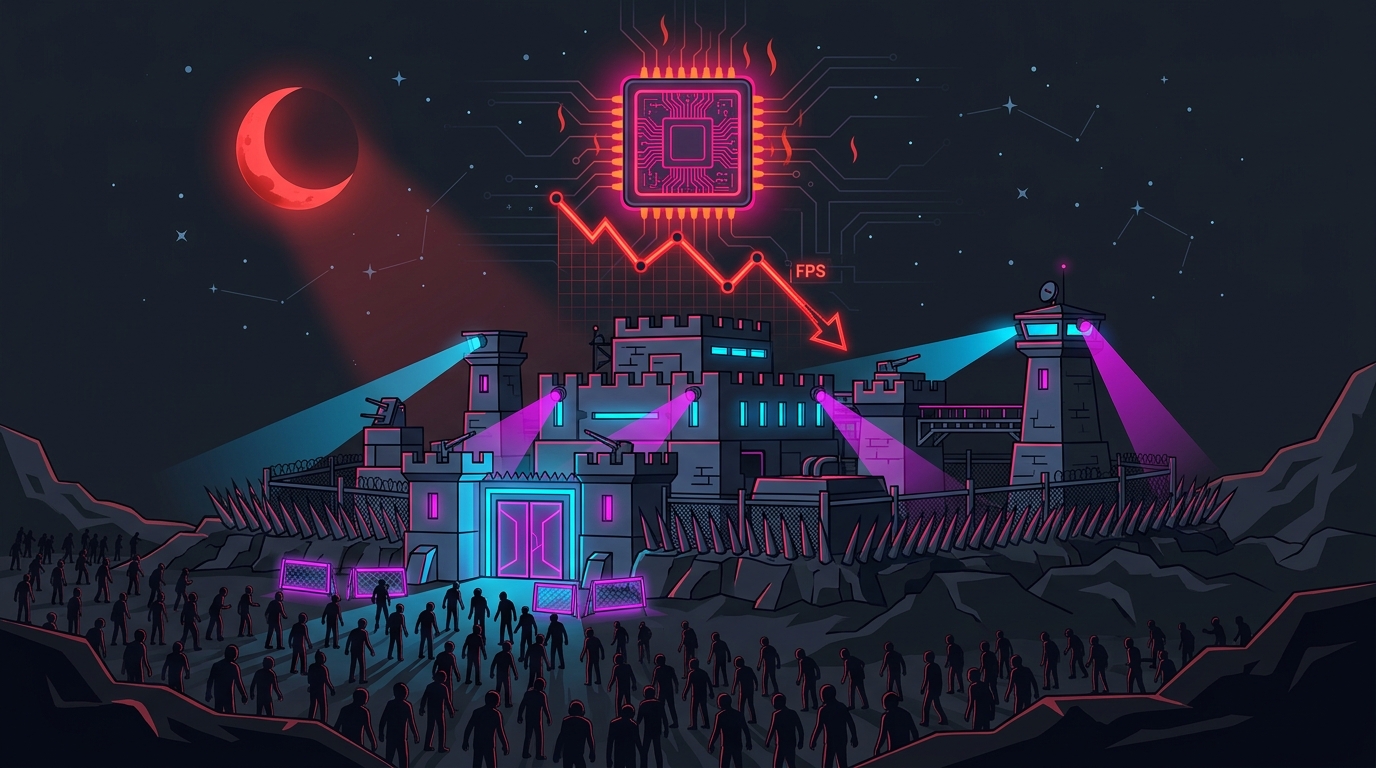
7 Days to Die runs at low FPS during blood moons, in cities and around big bases because the game is CPU-bound there, not because your graphics card is too slow. Zombie pathfinding, block damage, structural integrity and every placed object all load the processor. The fix is to cut the few graphics settings that cost the most, control how many zombies the horde spawns, and keep your horde base small and out of town.
Why 7 Days to Die is CPU-bound
7 Days to Die is a fully destructible voxel world built on Unity. Every block can be damaged, every structure has structural integrity that the game recalculates when blocks break, and every zombie has to find a path through that changing world. In the wilderness there’s little to process and your GPU sets the frame rate. In a city, near a large base, or on blood moon night, the CPU becomes the bottleneck.
Benchmarks back this up: on a strong system the game is heavily CPU-bound at 1080p and only becomes GPU-bound at 1440p and 4K. That’s before a horde arrives.
Test which one you are. Turn on a performance overlay (how to show FPS and GPU usage) and play through a blood moon or walk into a city:
| What you see when FPS drops | What it means | What helps |
|---|---|---|
| GPU usage below ~80% | CPU-bound — zombies, blocks and objects are the limit | Horde size, base location and size, Dynamic Mesh, closing background apps |
| GPU usage ~95–100% | GPU-bound — graphics settings are the limit | Shadows, reflections, ambient occlusion, upscaling |
This is the same mechanism covered in why base building tanks FPS in survival games. 7 Days to Die just adds a horde that attacks the base every seventh night.
Fix 1: The graphics settings that actually cost frames
Open Options → Video. These are the settings that make the most difference when you’re GPU-bound, based on per-setting benchmarks of 7 Days to Die:
| Setting | Approx. FPS cost at max | Recommended |
|---|---|---|
| Shadow Quality | ~27% | Medium or Low |
| Screen Space Reflections | ~25% | Off |
| Reflections (cube-mapped) | ~20%+ | Low or Off |
| Ambient Occlusion (SSAO) | ~18% | Off |
| Terrain Quality | ~12–13% | Medium |
| Object Quality | ~4–5% | Medium–High |
| Shadow Distance, Grass Distance, View Distance, LOD | Small in benchmarks | Lower if CPU-bound in cities |
| Texture Quality | Costs VRAM, not FPS | Match your VRAM (lowest preset still uses 4 GB+) |
| VSync | Adds input lag | Off; cap FPS instead |
Keep Occlusion on. It stops the game drawing things hidden behind walls, which helps most indoors and in towns. It can make trees or objects pop in as you turn, but the frame rate gain is worth it.
Use upscaling. Version 2.0 replaced FSR 2 with FSR 3 and added DLSS for NVIDIA RTX cards. At 1440p and 4K, the Quality mode of either is the cheapest large FPS gain available. See DLSS vs FSR vs XeSS if you’re choosing between them.
Fix 2: Try turning Dynamic Mesh off
Dynamic Mesh draws distant buildings in real time, so a building you destroyed still looks destroyed from across the map. It has its own on/off toggle plus count and quality sliders.
In a static benchmark it barely moves the frame rate, but it adds 600–800 MB of memory use. Many players report it’s a large drag in practice, especially while blocks are being broken. That’s exactly what happens on blood moon. Turn it off, play a horde night, and compare. You lose accurate far-off detail, not anything that affects gameplay.
Fix 3: Control the size of the horde
On blood moon, the number of zombies on screen matters more than any graphics setting. These are world or server settings, not video settings:
| Setting | What it does | Default | Performance advice |
|---|---|---|---|
Blood Moon Count (BloodMoonEnemyCount) | Zombies alive at once per player during blood moon | 8 | Raising it is the #1 cause of unplayable blood moons |
Max spawned zombies (MaxSpawnedZombies) | Hard ceiling on zombies alive in the world | 64 | Also caps the blood moon total; raise with care |
With 8 players at the default count, the horde already fills the default cap of 64. A server that raises either value for “harder” blood moons is asking every client’s CPU to handle more pathfinding at once. If you host, keep the defaults unless your players’ hardware can handle more. If you play on someone else’s server and every blood moon collapses, the settings may be the reason. Ask the host.
Fix 4: Build your horde base for frame rate
Where and how you build changes how hard the CPU works on blood moon night:
- Build outside cities. A horde base in a dense town adds hundreds of buildings and props to what the game already processes. Players consistently report better blood moon FPS from bases in open ground.
- Don’t put every player in one mega-base. On a shared server, every zombie then paths toward the same spot. Spreading players out spreads the load.
- Keep the horde base compact. Fewer blocks means fewer structural-integrity recalculations when zombies break through.
- Clean up loot bags. Each dropped bag is another object the game tracks. Clear them after each blood moon instead of letting hundreds pile up.
- Keep your main base lean. Dozens of lights, running workstations and storage crates all add up. Consolidate storage and turn off lights you don’t need.
Fix 5: Rule out the server
If you get rubber-banding, zombies that teleport, or doors and blocks that react late, that’s usually low server performance, not your PC. Blood moon is the worst time for it because the server has to simulate every zombie for every player.
Running your own server? Our survival game dedicated server performance guide covers the hosting side: tick rate, why core count doesn’t save you, and how to cut what the server simulates. If your FPS starts fine and gets worse over a long session, see why FPS drops after hours of gameplay.
Windows-side fixes that help
- Close background apps — browsers, launchers and RGB software all compete for the CPU time the horde needs.
- Clean-install your GPU driver with DDU if FPS dropped after an update.
- Check for a real bottleneck. How to check for a CPU or GPU bottleneck walks through the test in more detail.
- Cap your frame rate a few FPS below your refresh rate instead of using VSync, for steadier frame pacing. The timer resolution guide explains why Windows timer precision matters for frame pacing.
The short version
- Check GPU usage: low usage during drops means you’re CPU-bound.
- Lower Shadows, turn off Screen Space Reflections and SSAO, and keep Occlusion on.
- Use DLSS or FSR 3 at 1440p and above.
- Try Dynamic Mesh off and compare a blood moon.
- Keep Blood Moon Count and max spawned zombies at their defaults.
- Build a compact horde base outside cities, and clear loot bags.
More survival-game performance guides: DayZ low FPS, Sons of the Forest low FPS, Valheim low FPS, best Palworld settings and best Enshrouded settings.
Frequently asked questions
Why does my FPS drop during blood moon in 7 Days to Die?
Blood moon is a CPU problem, not a graphics problem. Every zombie in the horde pathfinds toward your base, breaks blocks and triggers structural-integrity checks, and the processor has to handle all of it every frame. The biggest levers are the number of blood moon zombies (Blood Moon Count and max spawned zombies on your server), building your horde base outside cities, and not stacking every player into one base.
What is the best 7 Days to Die setting for more FPS?
In GPU-bound scenes, shadows, screen-space reflections, cube-mapped reflections and ambient occlusion are the most expensive settings — each can cost roughly 18–27% of your frame rate in benchmarks. Lower those first, keep Occlusion on, and use DLSS or FSR 3 upscaling, which were added in version 2.0. If your GPU usage is low, the problem is your CPU and graphics settings will help less.
Should I turn off Dynamic Mesh in 7 Days to Die?
Try it. Dynamic Mesh draws distant buildings and keeps destroyed ones looking destroyed from afar. Static benchmarks show little FPS difference, but it costs 600–800 MB of extra memory and many players report smoother frames with it off, especially while blocks are being destroyed. You lose accurate distant detail, not anything that affects gameplay.
Is 7 Days to Die CPU or GPU bound?
Both, depending on where you are. Benchmarks show it heavily CPU-bound at 1080p and GPU-bound at 1440p and 4K on a strong system. In cities, around big bases and during blood moon, most players are CPU-bound. Check your GPU usage in an overlay: below about 80% while FPS drops means the CPU is the limit.
Does a bigger base lower FPS in 7 Days to Die?
Yes. Every block, light, workstation, storage crate and dropped loot bag near you is something the game tracks, and horde damage adds structural-integrity calculations on top. A compact horde base built away from cities, with loot bags cleaned up after each blood moon, keeps the object load down.