Sons of the Forest Low FPS and Base Lag Fix
Published
On this page
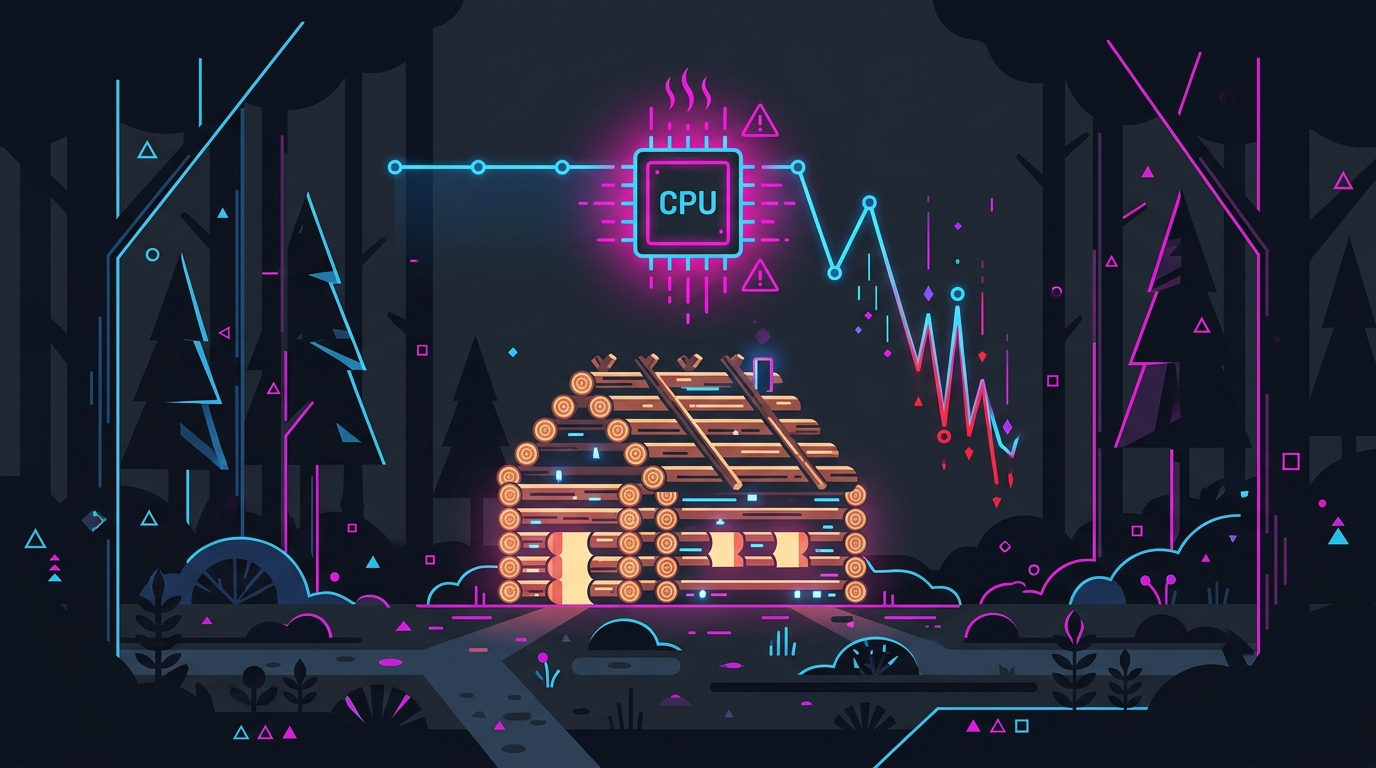
Sons of the Forest runs low on most PCs because it is CPU-bound, not GPU-bound: AI, physics objects and every structure you build are simulated on the processor, so frame rate falls as your base grows and when you host friends. Lowering a handful of expensive graphics settings buys back GPU headroom, but the bigger wins come from how you build and how you host. This guide covers both.
This is one game in our survival and base-building series. The shared mechanism — why placed objects cost CPU time in every survival game — is explained in why base building tanks FPS in survival games.
Why Sons of the Forest is CPU-bound
Sons of the Forest is a Unity game (full release 22 February 2024) that does a lot of simulation work every frame:
- AI — cannibal groups, mutants, and your companions Kelvin and Virginia all make decisions on the CPU.
- Physics objects — felled trees, logs and dropped items are live physics objects until they settle.
- Structures — every placed log, wall, beam, trap, effigy and light is an individual object the game tracks.
That is why reviewers testing on an RTX 4070 still saw erratic frame rates and random dips, and why players report FPS dropping while placing building pieces on high-end PCs. A faster graphics card doesn’t raise a CPU ceiling.
Quick check: open an overlay (MSI Afterburner / RTSS) and watch GPU usage. If it sits well under 90% while FPS is low, you are CPU-bound — see how to check for a CPU or GPU bottleneck. If GPU usage is pinned near 99%, the settings below will help most.
Fix 1 — The settings that actually cost frames
Set these in the game’s graphics settings menu. Start from the High preset, switch to Custom, and change only the heavy options:
| Setting | Recommended | Why |
|---|---|---|
| Contact Shadows | Off | Around 5% FPS on its own |
| Screen Space Reflection | Off | Expensive, mostly visible on water |
| Shadow Quality | Medium | One of the heaviest options |
| Fog Quality | Medium | Heavy volumetric cost in the forest |
| Grass | Medium / Low | A couple of extra frames at Low |
| Draw Distance | Medium / High | Lower = fewer objects for the CPU too |
| Parallax Distance | Medium | Moderate cost |
| Micro Shadowing | On (Off if GPU-bound) | Small cost |
| Clouds | Low / Medium | Small cost, little visual loss at Low |
| Texture Resolution | Full (6 GB+ VRAM) | Costs VRAM, not FPS |
| Motion Blur / Film Grain | Off | Clarity, not performance |
| Dynamic Resolution | DLSS Quality / FSR | The single biggest GPU-side boost |
Upscaling: the Dynamic Resolution setting chooses between native, DLSS, TAAU and FSR (FSR 2 was added in the December 2023 update; it originally shipped with FSR 1.0). On an RTX card use DLSS Quality or Balanced. On AMD or Intel use FSR on Quality. Upscaling helps GPU-bound scenes a lot — it helps a CPU-bound base very little, because the CPU still has the same simulation to run.
Draw Distance is the one setting that helps both sides. Fewer objects in range means less for the GPU to render and fewer objects for the CPU to prepare each frame, which makes it the first thing to lower if your base area is the problem.
Fix 2 — Build for frame rate
Your base is the performance problem that grows. Each structure piece adds to the per-frame object cost, and it compounds in multiplayer: server hosts report that a 500+ structure fort with dozens of traps, effigies and solar panels makes a server sluggish.
- Prefer fewer, larger pieces. A wall built from many individually placed logs is far more objects than it looks like.
- Go easy on traps, effigies and lights. They are active objects, not just geometry, and they pile up around a defensive perimeter.
- Don’t wall the whole map. Long defensive log walls are the most common way to reach hundreds of structures without noticing.
- Build a second, smaller camp for day-to-day crafting if your main fort has become a slideshow. Performance recovers when the big base is out of range.
The same object-count mechanism shows up in Valheim, Palworld and Enshrouded — the fix is always to reduce what the CPU has to simulate, not to lower the resolution.
Fix 3 — Multiplayer: host lag vs low FPS
These are two different problems with different fixes:
| Symptom | Likely cause | Fix |
|---|---|---|
| Host’s FPS drops as each player joins | Host PC simulating the whole world | Dedicated server |
| Buildings load slowly, rubber-banding | Server or host overloaded | Fewer structures, restart the world |
| Low FPS but responsive controls, solo | Your CPU / object load | Fix 1 + Fix 2 |
In a player-hosted game the host PC runs AI, structures and every connected player on top of rendering its own frames, so the host always has the worst frame rate in the group. Moving the world to a dedicated server takes that simulation off the host’s PC entirely. For long-running worlds, a scheduled restart clears the gradual slowdown that builds up over days — more on server sizing in survival game server lag.
Fix 4 — The Windows and driver layer
These won’t beat a CPU limit, but they remove the stutter that sits on top of it:
- Cap your frame rate a few FPS below your typical minimum. A steady cap feels smoother than a number that swings between 90 and 50 — see the best FPS cap for low latency.
- Install on an SSD. The game lists an SSD as preferred, and it shortens the hitching when you move into new areas.
- Verify game files in Steam (Properties → Installed Files → Verify integrity) if stutter started after an update.
- Clean-install your GPU driver and clear the shader cache after major game patches.
- If FPS decays over a long session, it is usually memory or object accumulation rather than settings — see why FPS drops after hours of gameplay. Restarting the game restores it.
- Check DPC latency if you see periodic hitches regardless of settings: how to fix high DPC latency.
For the rest of the Windows tuning layer — timer resolution, power plan and background cleanup — Tier1Suite applies it in one place, and our timer resolution guide explains what each change does.
System requirements
| Minimum | Recommended | |
|---|---|---|
| CPU | Core i5-8400 / Ryzen 3 3300X | Core i7-8700K / Ryzen 5 3600X |
| RAM | 12 GB | 16 GB |
| GPU | GTX 1060 3GB / RX 570 4GB | GTX 1080 Ti / RX 5700 XT |
| API | DirectX 11 | DirectX 11 |
| Storage | 20 GB, SSD preferred | 20 GB, SSD preferred |
Note how demanding the recommended CPU is relative to the GPU — that ratio tells you where this game spends its time.
The short version
- Sons of the Forest is CPU-bound: AI, physics and structures all run on the processor.
- Turn Contact Shadows and SSR off, Shadows and Fog to Medium, and use DLSS/FSR — that fixes the GPU side.
- Lower Draw Distance first around a large base; it helps both CPU and GPU.
- Build with fewer, larger pieces and fewer traps, effigies and lights.
- Hosting? The host always suffers most — use a dedicated server for big worlds.
More in the series: why base building tanks FPS · survival game server lag · the best tools to fix stuttering.
Frequently asked questions
Why is my FPS so low in Sons of the Forest?
Sons of the Forest is heavily CPU-bound: the game simulates cannibal and mutant AI, your companions Kelvin and Virginia, physics objects like logs, and every structure you have placed, all on the CPU. That is why even high-end graphics cards see erratic frame rates and dips. If your GPU usage sits well below 90% while FPS is low, the CPU is the limit and lowering graphics settings will only help a little.
Why does my FPS drop when I build a big base in Sons of the Forest?
Every log, wall, trap, effigy and light you place is a separate object the game has to track and render, so frame rate falls as the base grows — players report FPS drops while placing building pieces even on high-end PCs. Large forts with hundreds of structures plus dozens of traps, effigies and solar panels also make multiplayer servers sluggish. Fewer, larger pieces and fewer decorative objects recover the most performance.
What are the best Sons of the Forest settings for FPS?
Turn Contact Shadows and Screen Space Reflections off, set Shadow Quality and Fog Quality to Medium, drop Grass to Medium or Low, and enable DLSS on Quality (or FSR on AMD and Intel GPUs) through the Dynamic Resolution setting. Contact Shadows alone is worth around 5% FPS. Keep Texture Resolution at Full if you have 6 GB of VRAM or more, since it costs memory rather than frame rate.
Why does Sons of the Forest lag when I host multiplayer?
In a player-hosted game the host PC runs the whole world simulation — AI, structures and every connected player — on top of rendering its own frames, so the host's FPS drops as each player joins. On large bases this gets severe. A dedicated server moves the simulation off the host PC, and scheduling a regular server restart keeps a long-running world from getting sluggish.
What are the Sons of the Forest system requirements?
Minimum is an Intel Core i5-8400 or Ryzen 3 3300X, 12 GB RAM and a GTX 1060 3GB or RX 570 4GB. Recommended is a Core i7-8700K or Ryzen 5 3600X, 16 GB RAM and a GTX 1080 Ti or RX 5700 XT. Both specs list DirectX 11, 20 GB of storage and note that an SSD is preferred.