Valheim Low FPS and Base Lag Fix — Why Big Bases Kill Frames
Published
On this page
Valheim’s frame rate collapses in big bases because every placed piece is a separate object instance — and players typically hit trouble around 10,000 instances, with terrain edits counting toward that total. That last part catches nearly everyone out: the flattened platform under your base costs performance just like the buildings on it. This guide covers the instance limit, the boot.config tweak worth 30–50% for some players, and which settings actually matter.
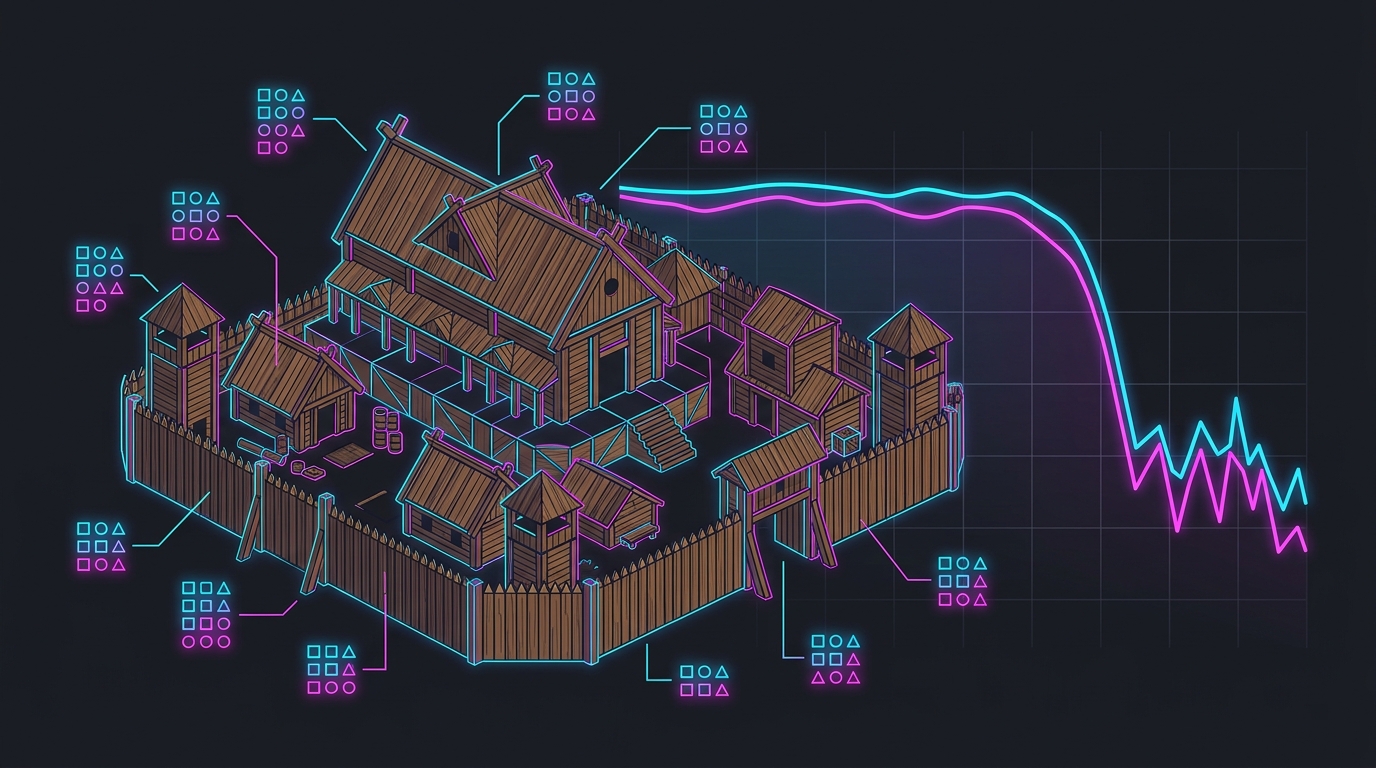
The flat ground under your longhouse is itself a performance cost.
The instance limit, explained
Valheim tracks individual instances — every wall, beam, chest, torch, crafting station, and every piece of modified terrain. Each frame, the CPU has to account for them. Players commonly report significant FPS loss beginning around 10,000 instances, plus or minus a few thousand depending on hardware.
Two consequences that aren’t obvious:
- Terrain alterations count. Every raise, level and dig is stored. Large flattened build platforms are a hidden instance cost that can rival the structures on top.
- Biomes start at different budgets. Plains typically sit around 2,000–3,000 instances, while Meadows runs closer to 5,000 — so Plains leaves noticeably more headroom for a large build before you place your first wall.
Confirm it’s the CPU: watch GPU usage while frame rate is bad in your base. Well under 100% means you’re CPU-bound, and no graphics setting will fix it. The general mechanism is covered in why base building tanks FPS in survival games.
Fix 1 — The boot.config graphics-jobs tweak
The single best-known Valheim performance tweak. Adding these two lines to Valheim’s boot.config allows more rendering work to run across threads:
gfx-enable-gfx-jobs=1
gfx-enable-native-gfx-jobs=1
Players have reported framerate improvements in the 30–50% range. Two sensible precautions: back up boot.config before editing it, and if you see visual glitches afterwards, remove the lines — results vary by hardware and engine version.
Fix 2 — Build for frame rate, not just aesthetics
This is where the real, permanent gains are:
- Don’t over-terraform. Pick naturally flat ground. Every levelling pass is instances you can’t get back without undoing the terrain.
- Build compact and vertical rather than sprawling. Fewer objects inside the render radius at once.
- Cut decorative clutter. Item stands, spare chests, dropped loot and decoration are all instances.
- Reduce dynamic light sources. Torches and fires are disproportionately expensive because each affects everything nearby. Use fewer, and prefer standing torches over lining every wall.
- Split into outposts. Several small bases perform far better than one mega-base with the same total object count, because you’re never near all of it at once.
- Demolish what you no longer use. Old scaffolding, first-attempt huts and abandoned workbenches still count.
Fix 3 — In-game settings that genuinely matter
Valheim’s graphics options are modest, and only some of them touch the actual bottleneck:
| Setting | Effect | Recommendation |
|---|---|---|
| Special lighting effects | Dynamic light cost — real CPU/GPU saving | Off if base lag is bad |
| Bloom | Post-processing cost, and it’s heavy-handed | Off |
| Vegetation / draw distance | Fewer objects drawn | Lower for base-heavy saves |
| Shadows | Moderate GPU cost | Medium |
| Anti-aliasing, textures | Barely affects base lag | Leave as preferred |
Also worth doing: disable fullscreen optimizations in the game executable’s Compatibility properties, a long-standing Valheim fix.
Fix 4 — Multiplayer: is it lag or low FPS?
These get conflated constantly and have unrelated fixes.
| Symptom | Cause |
|---|---|
| Rubber-banding, late interactions, sliding creatures | Server tick rate |
| Low frame rate, but responsive controls | Your CPU / object load |
Valheim’s dedicated server is single-thread bound, so what decides its performance is single-core clock speed — 4 GHz+, with modern X3D or Ryzen 9 class chips ideal — not core count. RAM-wise, about 4 GB handles 2–10 vanilla players, but plan 8 GB+ for modded servers and newer engine versions. Full detail in survival game server lag.
Fix 5 — The Windows and driver layer
- Cap your frame rate below your refresh rate for even frame pacing.
- High Performance power plan so the CPU keeps its clocks up — Valheim cares about single-core speed more than most games.
- Update GPU drivers, and if stutter appeared right after a driver update, see clear shader cache to fix stuttering.
- Persistent micro-stutter everywhere? Check how to fix high DPC latency and the best tools to fix stuttering in games.
- Getting worse the longer you play? That’s a different problem — see why FPS drops after hours of gameplay.
The short version
- Valheim slows down around ~10,000 instances, and terrain edits count.
- Plains (~2,000–3,000) starts with more headroom than Meadows (~5,000).
- Add
gfx-enable-gfx-jobs=1andgfx-enable-native-gfx-jobs=1toboot.config(back it up first). - Turn off special lighting and bloom; lower vegetation/draw distance.
- Build compact, un-terraformed, with fewer torches — that’s the permanent fix.
- Servers are single-thread bound: buy clock speed, not cores.
Related: Why base building tanks FPS · Survival server lag · Palworld settings · Enshrouded settings
Frequently asked questions
Why is my FPS so bad in my Valheim base?
Because every piece you place is a separate object instance the CPU has to track, and players commonly start seeing significant FPS loss around 10,000 instances, give or take a few thousand depending on hardware. Terrain alterations count toward that total as well, so a large flattened build platform can cost as much performance as the structures standing on it. It is a CPU limit, not a graphics card limit.
What is the boot.config fix for Valheim FPS?
Adding the lines gfx-enable-gfx-jobs=1 and gfx-enable-native-gfx-jobs=1 to Valheim's boot.config file lets more rendering work run across multiple threads, and players have reported framerate gains in the region of 30–50%. The file sits in the game's data folder. Back it up before editing, and remove the lines if you see any visual glitches.
Does terrain flattening reduce FPS in Valheim?
Yes. Valheim stores every raise, level and dig as data, and those terrain alterations count as instances exactly like placed buildings do. This is why heavily terraformed build sites perform worse than they look — the flat platform under your base is itself a performance cost. Building on naturally flat ground is one of the most effective and least-known fixes.
Which biome is best for building a big base in Valheim?
Biomes start you with different object budgets before you place anything. Plains typically sit around 2,000–3,000 instances versus roughly 5,000 in Meadows, which leaves more headroom for a large build. If you are planning a mega-base and care about frame rate, the starting instance count of the biome is a real consideration alongside the usual danger and resource trade-offs.
Will a better graphics card fix Valheim base lag?
Usually not. Base lag in Valheim is CPU-bound object load, so a GPU upgrade tends to disappoint. Higher single-core CPU clock speed helps, and reducing object count helps most of all. Confirm the diagnosis by checking GPU usage while frame rate is low — if the GPU is well under 100%, you are CPU-limited and no graphics setting will rescue it.