STALKER 2 Stuttering Fix: Stop Hitching and Traversal Stutter
Published
On this page
Most STALKER 2 stuttering is one of three things: Unreal Engine 5 shader compilation, open-world traversal streaming, or Lumen and textures overrunning your VRAM budget — and each has a different fix, so diagnosing before changing settings saves you a lot of wasted tweaking. This guide works through them in order of impact, from the settings that flatten frame time the most to the Windows-side causes worth checking last.
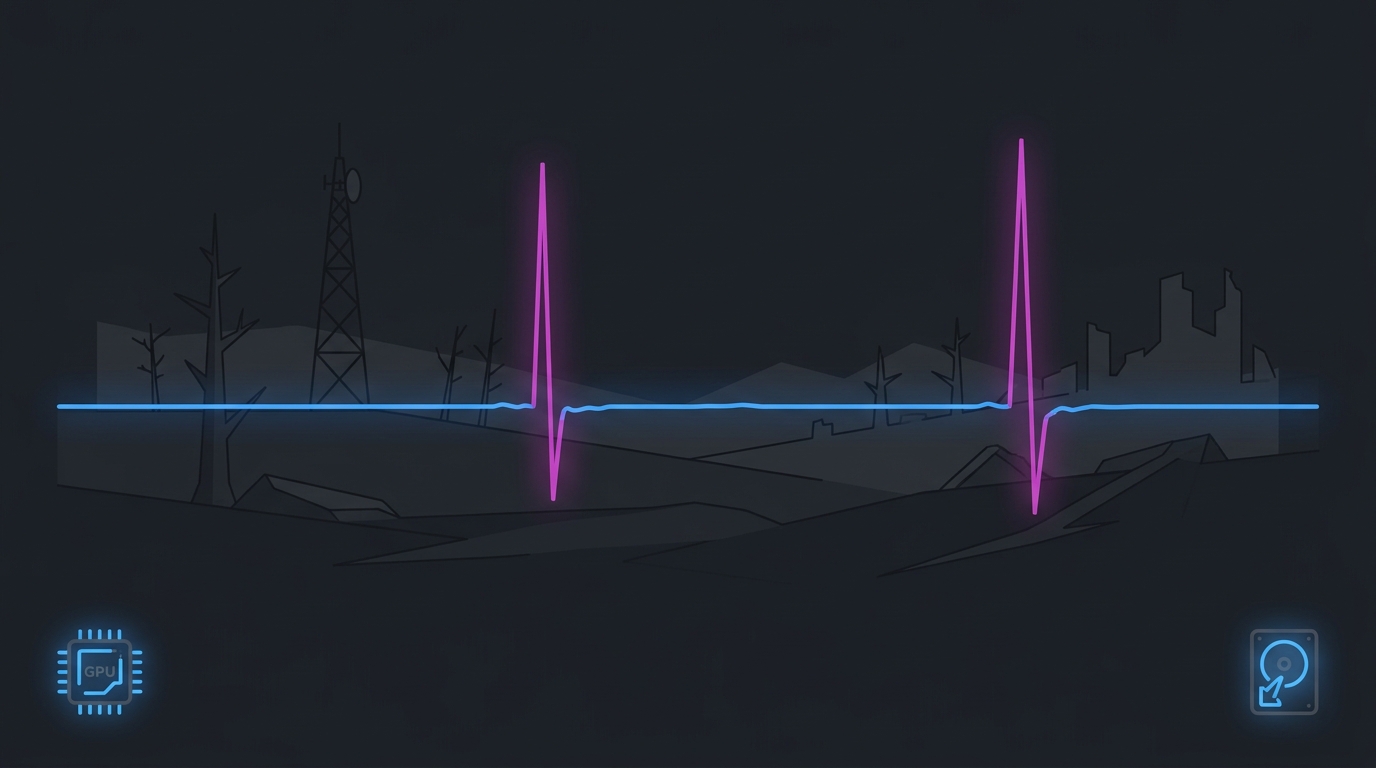
Average FPS hides stutter. Watch the frame-time graph — a flat line at 60 feels better than a spiky average of 90.
Step 1 — Diagnose with frame time, not FPS
The FPS counter tells you almost nothing about stutter. A single 90 ms frame in an otherwise smooth second barely moves the average but is very obvious to your eyes. Turn on a frame-time graph and watch when the spikes happen:
- Spikes when new effects appear (first grenade, first anomaly, first weather change) → shader compilation. Go to Step 2.
- Spikes when crossing region boundaries or sprinting through new terrain → streaming/traversal. Go to Step 4.
- Spikes that get worse the longer you play, especially at high textures + ray tracing → VRAM pressure. Go to Step 3.
- Constant sawtooth everywhere → CPU limit or an FPS cap problem. Go to Step 5.
Set up a graph with the RivaTuner Statistics Server guide or an in-game FPS overlay.
Step 2 — Let shaders compile once, at final settings
Unreal Engine 5 compiles shaders on demand, so your first session in the Zone will hitch whenever the game meets a material or effect it hasn’t built yet. That is expected engine behaviour and no setting removes it entirely.
What you can control is how many times you pay that cost:
- Decide your graphics settings before you start playing, and leave them alone.
- Play the first 30-60 minutes normally — the hitching thins out as the cache fills.
- Don’t update the GPU driver mid-playthrough if you can avoid it. A driver update invalidates the shader cache and you start over.
If hitching persists badly after a driver update, clear the stale cache and rebuild it in one clean session — see clear shader cache to fix stuttering.
Step 3 — Cut Lumen and size textures to your VRAM
Lumen (UE5’s software/hardware ray-traced global illumination) is the single most expensive thing STALKER 2 does, and the most common source of spikes on 8 GB cards.
In Settings → Graphics, in this order:
| Setting | Change | Why |
|---|---|---|
| Hardware Ray Tracing / RT Global Illumination | Off | Biggest single frame-time win; software Lumen still looks good |
| Global Illumination Quality | Medium or Low | Second-biggest Lumen cost |
| Textures | One tier below where VRAM fills | Prevents the slow-building spike pattern |
| Shadow Quality | Medium | Meaningful cost, little visual loss in the Zone’s lighting |
| Effects / Foliage Quality | Medium | Helps in dense forest and anomaly fields |
| Motion Blur | Off | Hides target detail and adds latency |
| Anti-aliasing / Upscaling | DLSS / FSR Quality | Large GPU saving with modest sharpness cost |
Watch VRAM usage in your overlay for a few minutes of real play, not in a menu. If it sits at 95-100% of your card’s capacity, drop textures one tier — the stutter usually goes with it. Upscaling choices are compared in DLSS vs FSR vs XeSS.
Step 4 — Fix traversal and streaming hitches
The Zone streams continuously, so storage and memory speed matter more here than in a corridor shooter:
- Install on an SSD, ideally NVMe. Mechanical drives cannot feed UE5 streaming and produce long hitches at region boundaries. Compare the real-world difference in NVMe vs SATA SSD for gaming.
- Leave 15-20% of the drive free. A nearly full SSD loses sustained performance, which shows up exactly as traversal stutter.
- Enable XMP/EXPO. RAM running at JEDEC defaults starves an open-world streaming engine — see how to enable XMP or EXPO.
- 16 GB is the practical floor; 32 GB helps. With a browser and Discord open, 16 GB systems page to disk during traversal, which reads as stutter.
Step 5 — Cap FPS to what your CPU can always hold
STALKER 2’s frame rate swings hard between open terrain and busy villages or firefights. Those swings are the stutter you feel. Capping removes them:
- Play through a dense area — a settlement, or a fight with several NPCs — and note the lowest stable FPS.
- Cap a few frames below that number with RTSS or your driver’s frame limiter.
- Keep V-Sync off and use the cap instead; if you have G-Sync or FreeSync, cap 3-4 FPS below your refresh rate.
A locked 60 genuinely feels smoother than an average of 90 that repeatedly drops to 45. The reasoning and exact values are in the best FPS cap for low latency and how to cap your FPS correctly.
Step 6 — Clear the usual Windows-side culprits
If the frame time is still spiky after the above:
- Run in exclusive Fullscreen, not borderless — see fullscreen vs borderless vs windowed.
- Disable MPO if you get flickering plus stutter on NVIDIA — disable MPO to fix stutter and flickering.
- Close overlays you don’t need (browser hardware acceleration, capture software, RGB utilities). Keep one overlay for monitoring.
- Clean-install the GPU driver if stutter started after an update — how to clean install GPU drivers with DDU.
- Check DPC latency if the spikes are periodic and happen outside the game too — how to fix high DPC latency.
- Rule out generic lag spikes with how to fix lag spikes in games.
What to expect honestly
STALKER 2 is a large, systemic UE5 open world, and some first-visit hitching is the engine building its cache — no configuration removes that completely. What the steps above do remove is the repeatable stutter: the VRAM spikes, the traversal hitches on slow storage, and the frame-rate swings between areas. After a properly compiled shader cache, RT off, a sensible texture tier and a CPU-safe FPS cap, the frame-time line should be flat enough that the remaining hitches are rare and short.
For the system-side layer underneath all of this — a steady timer, a clean power plan and a tuned frame pipeline — start with how to minimize input delay for competitive gaming and the timer resolution pillar guide.
Related guides
Frequently asked questions
Why does STALKER 2 stutter so much?
Three causes account for almost all of it. First, Unreal Engine 5 compiles shaders as you encounter new effects, so the first hour in a new area hitches while that cache builds. Second, the Zone is a large streaming open world, so moving fast between regions triggers traversal stutter as assets load. Third, Lumen and high texture settings can exceed your VRAM budget, which turns steady frames into repeated spikes. Fixing the settings that drive those three fixes most of the stutter.
How do I fix shader compilation stutter in STALKER 2?
Let it finish rather than fighting it. Play the first 30-60 minutes at your final settings — changing graphics settings or updating the GPU driver invalidates the cache and starts the compilation over. If the hitching is severe or persists after a driver update, clear the DirectX shader cache in Windows Disk Cleanup and let STALKER 2 rebuild it once in a single session. Do not change settings mid-way through, or you'll compile twice.
What settings reduce STALKER 2 stuttering the most?
Lower or disable hardware ray tracing and drop Global Illumination Quality first — Lumen is the heaviest single cost in the engine and the most common cause of VRAM-related spikes. Then cap your frame rate to a value your CPU can hold in villages and firefights, not your best-case number. Set textures one tier below the point where your VRAM fills. Those three changes flatten frame time far more than shadow or foliage tweaks.
Does STALKER 2 need an SSD?
Effectively yes. The Zone streams assets continuously while you move, and a mechanical hard drive cannot feed that fast enough, which shows up as long traversal hitches when crossing region boundaries or sprinting through new territory. Install the game on an SSD — NVMe if you have one — and leave at least 15-20% of the drive free so sustained write performance doesn't collapse.
Will capping FPS reduce stuttering in STALKER 2?
Usually yes, and it is one of the most reliable fixes. An uncapped frame rate swings hard between open terrain and dense villages, and those swings are what you feel as stutter. Cap to a rate your CPU sustains in the worst areas — often 60 or 72 on mid-range hardware — using RTSS or the driver's frame limiter. A steady 60 feels smoother than an average of 90 that repeatedly dips to 45.