Silent Hill 2 Remake Stuttering Fix (PC): Stop Traversal & Shader Stutter
Published
On this page
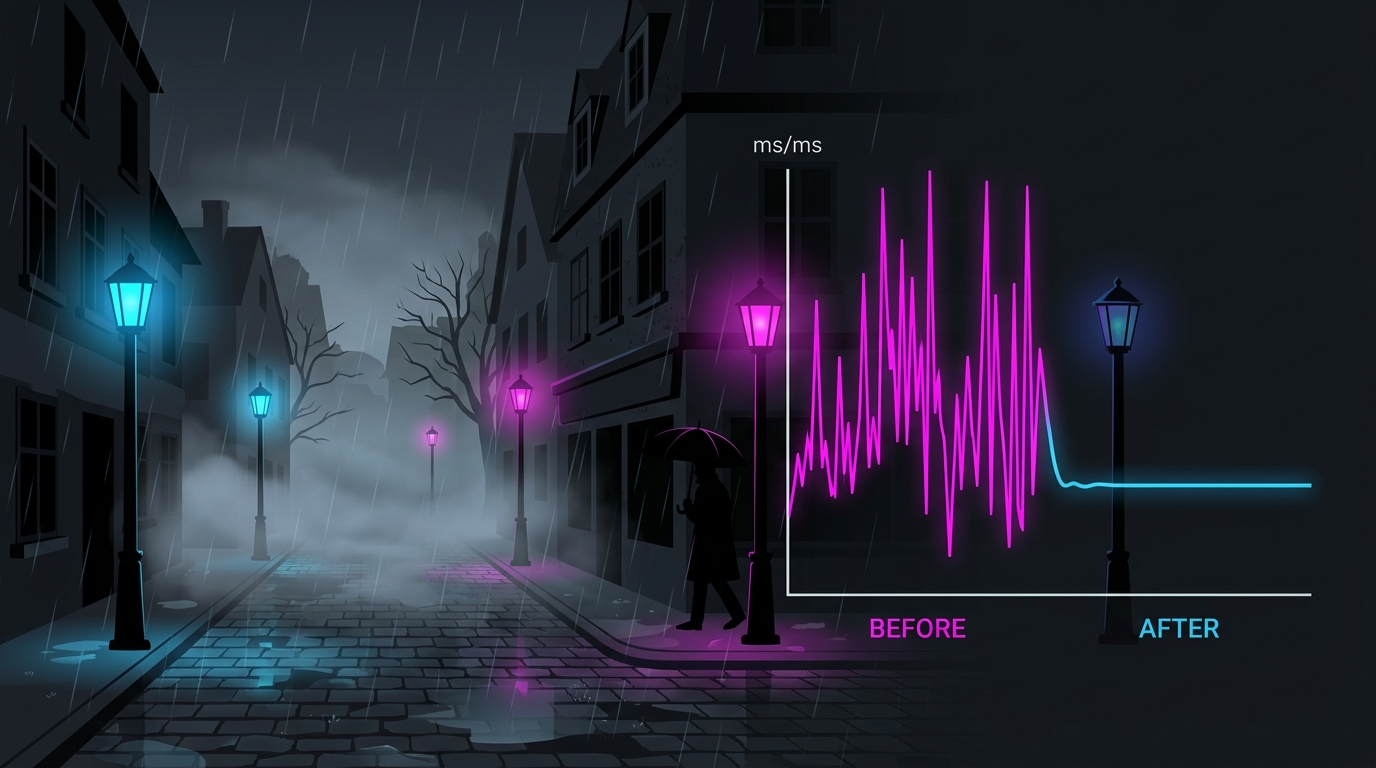
To fix Silent Hill 2 Remake stuttering, turn off Hardware-accelerated GPU Scheduling (HAGS) in Windows and reboot — this kills the recurring every-few-seconds traversal hitch — then enable DLSS/FSR upscaling, let shaders finish compiling, and cap your frame rate. Silent Hill 2 Remake is a Bloober Team Unreal Engine 5 title, so it shows the classic UE5 stutter pattern: traversal (streaming) hitches while you move and shader-compilation bursts on first sight of new effects. Here is how to fix each cause, in order of impact.
First fix: turn off Hardware-accelerated GPU Scheduling
The most common Silent Hill 2 Remake complaint is a frame drop every 5–6 seconds while walking through the fog. This is UE5 traversal stutter, and on this game the reliable cure is disabling Hardware-accelerated GPU Scheduling (HAGS):
- Open Windows Settings → System → Display → Graphics.
- Click Change default graphics settings.
- Turn Hardware-accelerated GPU scheduling to Off.
- Reboot — the change only applies after a restart.
HAGS helps in many games, so this is game-specific — see our HAGS on or off guide for the wider trade-off. If Silent Hill 2 Remake is the only title that hitches for you, leave HAGS off just while you play it.
Second fix: clear and pre-build shaders
If the stutter is instead random bursts the first time you enter an area, trigger a new effect, or start combat, that is shader compilation. UE5 compiles shaders on demand, so the first encounter with each effect hitches, then runs smoothly afterward.
- On first launch, wait at the main menu for a minute or two so any pre-compilation pass can finish.
- Play the opening areas at a relaxed pace to let the game build its shader cache; hitches shrink after the first hour.
- If a driver update or game patch reintroduces stutter, clear the shader cache so it rebuilds cleanly.
Our shader compilation stutter explainer covers why this happens on every UE5 game and how to tell it apart from traversal stutter.
Third fix: enable upscaling to remove GPU-bound hitching
Silent Hill 2 Remake’s UE5 renderer is heavy, and a GPU pushed to 99% usage stutters under load. Enable DLSS (NVIDIA RTX), FSR (AMD or older cards), or XeSS — without upscaling, frame drops are the norm; with it, a stable 60 FPS is achievable on mid-range hardware.
Run Quality at 1080p and Balanced at 1440p/4K. Pick the right upscaler for your card with our DLSS vs FSR vs XeSS comparison.
Fourth fix: tame VRAM pop-in and streaming hitches
The Texture Quality setting controls how much VRAM the game allocates for streaming. Set too high for your card, it causes texture pop-in and streaming stutter as assets swap in and out.
- On 8 GB cards, keep Texture Quality at Medium/High at 1080p–1440p.
- Install the game on an SSD — mechanical drives cannot stream UE5 assets fast enough and cause hitching.
- Turn on an FPS/VRAM overlay to watch VRAM use; if you are near your card’s limit, drop Textures one notch.
Optional: force DX11 to drop software ray tracing
Silent Hill 2 Remake keeps software ray tracing (Lumen GI and reflections) running even when you turn ray tracing off in the menu, which adds constant GPU cost. Launching the game in DirectX 11 disables Lumen entirely for a lighter, smoother frame at the cost of some lighting fidelity. This is a last resort for weaker GPUs — most players fix the stutter with HAGS off plus upscaling and never need it.
System-level tuning (do these once)
- Clean-install your GPU driver with DDU — UE5 games are sensitive to driver state.
- Disable VBS for a free FPS gain and set a high-performance power plan.
- Run RAM at rated speed with XMP/EXPO to protect 1% lows during streaming.
- Disable MPO if you see flicker or micro-stutter on the desktop and in-game.
- Check for driver-level hitching with our high DPC latency fix.
Lock a stable frame rate
A capped, steady frame rate feels smoother than an uncapped one that swings. Set a cap a few frames below your refresh rate with RivaTuner Statistics Server, and read how to cap your FPS correctly and the best FPS cap for low latency.
Want more FPS, not just smoother frames?
If your average frame rate is low even after the stutter is gone, that is a settings problem. See our best Silent Hill 2 Remake settings for FPS for the full optimized configuration. For system-wide responsiveness, pair it with the timer resolution guide and how to minimize input delay.
Frequently asked questions
How do I fix stuttering in Silent Hill 2 Remake?
The single most effective fix for Silent Hill 2 Remake's periodic stutter is turning off Hardware-accelerated GPU Scheduling (HAGS) in Windows Graphics settings, then rebooting — this is a known cure for the every-few-seconds traversal hitch on this Unreal Engine 5 port. Follow it by enabling DLSS or FSR upscaling, capping your frame rate a few frames below your monitor's refresh, and letting shaders finish compiling on first launch. Together these remove the two main stutter sources: traversal (streaming) hitches and shader-compilation hitches.
Why does Silent Hill 2 Remake stutter every few seconds?
The rhythmic every-5-to-6-second stutter in Silent Hill 2 Remake is UE5 traversal stutter — the engine generates Pipeline State Objects and streams in new areas as you walk, and each generation can pause the frame. On many systems this specific hitch is triggered by Hardware-accelerated GPU Scheduling, so turning HAGS off in Windows removes it. If the stutter is instead random bursts on first entering an area or during combat, that is shader compilation, which clears after the shaders build.
Does turning off HAGS fix Silent Hill 2 Remake stutter?
Yes — for the recurring traversal stutter (frame drops every few seconds while moving through the world), disabling Hardware-accelerated GPU Scheduling is the most widely reported fix in Silent Hill 2 Remake. Open Windows Settings, go to System, Display, Graphics, Change default graphics settings, turn Hardware-accelerated GPU scheduling off, and reboot. It will not fix shader-compilation bursts or VRAM pop-in, which need upscaling and correct texture settings instead.
Is Silent Hill 2 Remake's stutter caused by ray tracing?
Partly. Silent Hill 2 Remake uses UE5 software ray tracing (Lumen global illumination and reflections) that stays active even when you disable ray tracing in the menu, adding constant GPU load that worsens hitching on weaker cards. You can force the DirectX 11 renderer to drop software RT entirely for a smoother, if flatter-looking, image. For most players, enabling upscaling and turning off HAGS fixes the stutter without needing the DX11 workaround.
What are the best system settings to stop Silent Hill 2 Remake stuttering?
Install the game on an SSD to cut streaming hitches, clean-install your GPU driver with DDU, disable HAGS to kill the traversal stutter, and run RAM at its rated XMP/EXPO speed to protect 1% lows. Then enable DLSS or FSR and cap your frame rate to a value your PC holds steadily. A stable capped frame rate feels far smoother than an uncapped one that swings up and down.