Red Dead Redemption 2 Stuttering Fix (PC): Stop Frame Drops
Published
On this page
Red Dead Redemption 2 rarely has a frame-rate problem — it has a frame-time problem. The average FPS can look fine while riding into Saint Denis produces a half-second lurch. This guide works through the fixes in order of how often they solve it, starting with the API and VRAM issues that cause the majority of reported stutter.
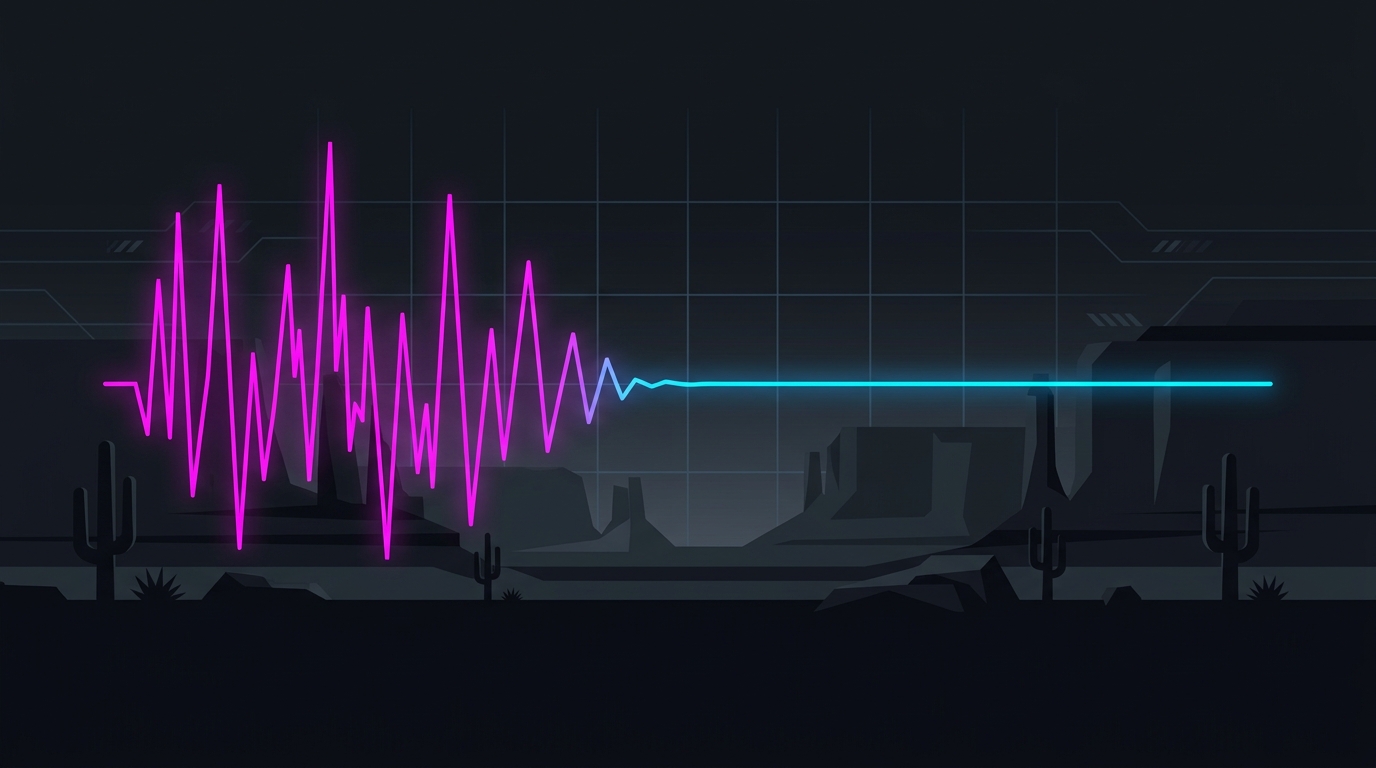
Stutter is a frame-time spike, not a low average. Fix the spikes and the game feels twice as smooth at the same FPS.
1. Switch the graphics API to Vulkan
In Settings → Graphics → Graphics API, choose Vulkan and restart the game.
DirectX 12 is where most RDR2 stutter and crash reports concentrate, especially on NVIDIA hardware. Vulkan generally produces flatter frame times in traversal and town areas. If you’re on AMD and Vulkan feels worse, test DX12 — but test Vulkan first, because it fixes this outright for a large share of players.
2. Get under your VRAM budget
Scroll to the bottom of the graphics settings and watch the estimated VRAM usage meter. RDR2 will happily let you set values that exceed your card, and the result is texture-streaming hitches rather than an obvious FPS drop.
Target ~90% of your card’s VRAM or lower. The settings that consume the most, in order:
| Setting | Effect on VRAM | Suggested |
|---|---|---|
| Texture Quality | Very high | High (Ultra only with 12GB+) |
| Water Quality | High | Medium |
| Far Volumetric Resolution | High | Medium |
| Reflection Quality | High | Medium |
| Shadow Quality | Moderate | High |
| MSAA | Extreme | Off — use TAA instead |
MSAA is the biggest single trap. MSAA x2 can cost several gigabytes and a third of your frame rate in this game. Turn it off and use TAA (Medium or High) or DLSS/FSR.
3. Clear the shader cache and reinstall drivers cleanly
Repeat stutter in the same locations, or stutter that appeared right after a driver update, usually means a corrupted shader cache.
- Clear the driver shader cache — see our shader cache guide.
- If it persists, do a clean driver install with DDU.
- Delete RDR2’s own settings file at
Documents\Rockstar Games\Red Dead Redemption 2\Settings\system.xmlto force a fresh detection pass. The game rebuilds it on launch.
Give it 10–15 minutes of play afterwards — the first run recompiles shaders and will hitch by design.
4. Fix traversal and town stutter
Riding fast and entering dense areas forces heavy streaming. These help most:
- Move RDR2 to an SSD if it’s on a hard drive. This is not optional for this game — HDD traversal stutter cannot be tuned away.
- Set Water Physics Quality to the lowest setting. It’s an unusually expensive CPU option with minimal visual payoff.
- Drop Volumetric Lighting Quality and Far Volumetric Resolution to Medium — the two heaviest CPU-side settings in towns.
- Set Tree Tessellation to Off. It causes irregular spikes in forested areas.
- Turn off TAA Sharpening if you use DLSS, which has its own sharpening pass.
5. Cap your frame rate for consistent pacing
An uncapped frame rate swinging between 90 and 140 FPS feels worse than a locked 90. Find the frame rate you can hold in Saint Denis (the game’s worst-case area), then cap 5–10 FPS below it.
Cap in the NVIDIA Control Panel, AMD Adrenalin, or RTSS rather than in-game — external caps produce more consistent frame times. Our FPS cap guide covers the right value to pick, and if you’re on a VRR display, keep the cap inside the G-Sync/FreeSync range.
6. Windows and system-level causes
If the stutter is rhythmic — a hitch every few seconds regardless of what you’re doing — it’s usually a system issue, not RDR2:
- Check for DPC latency spikes from a misbehaving driver: how to fix high DPC latency.
- Verify XMP/EXPO is enabled — RDR2 is memory-bandwidth sensitive and running RAM at JEDEC defaults costs real 1% lows: XMP/EXPO guide.
- Disable Xbox Game Bar and Game DVR, which hook the game and add overhead: guide.
- If you have 16GB of RAM, close browsers before playing. RDR2 with a Chrome window can push into pagefile territory.
- Confirm the game is running on your discrete GPU, not integrated — check Task Manager’s GPU column while in-game.
7. Verify with frame-time data, not feel
Before and after each change, look at the frame-time graph rather than the FPS counter. Set up an overlay with RTSS or any FPS overlay and watch the 1% lows. A fix that raises average FPS but leaves the spikes is not a fix — smooth frame times at 80 FPS beat spiky frame times at 110.
Related guides
Frequently asked questions
Why does Red Dead Redemption 2 stutter so much on PC?
Three causes account for most of it. First, RDR2 streams a very large open world, so traversal on horseback or into towns hits the storage and CPU hard. Second, the settings menu lets you exceed your VRAM budget easily, and going over causes texture-streaming hitches. Third, shader compilation and driver-cache issues produce one-off stutters that repeat after every driver update. Fixing VRAM headroom and the API choice resolves the majority of cases.
Should I use Vulkan or DirectX 12 in RDR2?
Vulkan is the better default for most systems — it generally delivers smoother frame times and fewer traversal hitches, particularly on NVIDIA hardware. DirectX 12 can perform better on some AMD configurations and is required if you want certain frame-generation mods, but it is also where most of the reported stutter and crash issues cluster. If you are stuttering on DX12, switching to Vulkan is the single highest-value test.
Does RDR2 stuttering mean my VRAM is full?
Very often, yes. RDR2's settings menu shows a running VRAM estimate, and the game does not hard-stop you from exceeding it. Once you go over, the engine constantly evicts and reloads textures, which shows up as periodic hitches rather than a lower average FPS. Keep the estimated usage at roughly 90% of your card's VRAM or below and a large class of stutter disappears.
Will capping my FPS fix RDR2 stutter?
It frequently helps a lot. An uncapped frame rate that swings between 90 and 140 feels worse than a locked 90, because stutter is a frame-time consistency problem rather than an average-FPS problem. Cap a few frames below what your system can hold in the heaviest area — usually a town like Saint Denis — and the frame pacing smooths out noticeably.
Why does RDR2 stutter after alt-tabbing?
RDR2 handles focus loss poorly in fullscreen. Use borderless windowed mode if you alt-tab often, and disable overlays that re-hook the game on focus change. If it still hitches, the game is usually rebuilding its streaming state, and a restart is faster than waiting it out.