Best Kingdom Come: Deliverance 2 Settings for FPS (PC Optimization Guide)
Published
On this page
The best Kingdom Come: Deliverance 2 settings for FPS are Vegetation Quality Medium, Shadows High, Object and Character Detail Medium, Global Illumination Medium, and DLSS/FSR enabled — Vegetation and Shadows are the two heaviest settings, so those trims recover the most frames. KCD2 is a well-optimized CryEngine open-world RPG that mainly rewards smart draw-distance and upscaling choices rather than blanket “everything low.” Here is the full optimized configuration.
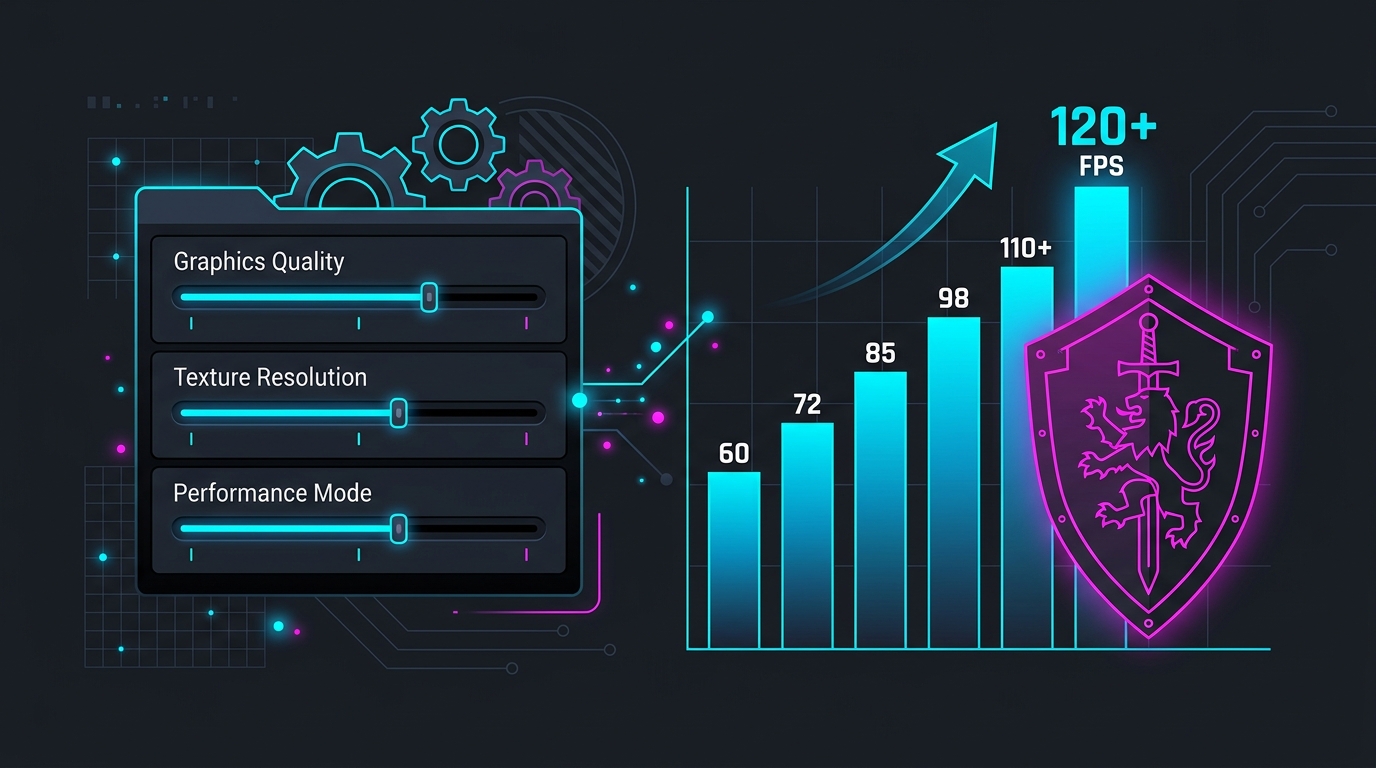
Quick optimized settings table
Start here, then fine-tune for your hardware. These values target a smooth, high-FPS experience while keeping the game looking close to Ultra.
| Setting | Recommended | Why |
|---|---|---|
| Upscaling (DLSS/FSR) | Native AA (1080p) / Quality (1440p–4K) | Biggest single FPS gain, minimal visual loss |
| Vegetation Quality | Medium | Heaviest setting — huge cost in forests/towns |
| Shadows | High | Second-heaviest; High ≈ Ultra visually |
| Global Illumination | Medium | Large gain for a small visual change |
| Object Quality | Medium | Controls object draw distance (CPU cost) |
| Character Detail | Medium | Controls NPC draw distance (CPU cost in crowds) |
| Textures | High / Ultra | Almost free if you have the VRAM |
| Texture Filtering | High | Cheap, sharpens ground/distant detail |
| Water Detail | Medium | Noticeable cost, minor visual change |
| Effects / Particles | High | Modest cost |
| Frame Generation | Off unless base FPS > 60 | Adds latency at low base rates |
The settings that actually move your FPS
KCD2’s cost is concentrated in a handful of options. Spend your quality budget on textures (which are nearly free) and pull back on the expensive ones.
Vegetation Quality — your biggest lever
Vegetation is the most demanding setting in the game. It controls foliage density and how far grass, bushes, and trees render, and forests and town outskirts are exactly where frames drop. Set it to Medium for a large gain with little visual difference during actual play; drop to Low only if you still need frames.
Shadows — High, not Ultra
Shadows are the second-heaviest setting. High is visually near-identical to Ultra and costs meaningfully less. There is almost never a reason to run Ultra shadows in this game.
Object Quality and Character Detail — draw distance is CPU work
These two govern how far objects and NPCs render at full detail. Because KCD2 is CPU-bound in dense areas like Kuttenberg, pushing them to Ultra forces the CPU to render crowds and props at distance, tanking your 1% lows. Medium keeps scenes looking full while lifting your minimum frame rate — the number that determines how smooth the game feels.
Global Illumination — Medium is the value pick
GI on Medium looks close to higher presets during normal play and recovers a solid chunk of GPU headroom.
Textures — keep them high
Textures barely affect frame rate as long as you have enough VRAM. On 8 GB cards, High is safe at 1080p/1440p; drop Texture Resolution one notch only if you see VRAM-related stutter.
Upscaling: the essential setting
Enable DLSS (NVIDIA RTX), FSR (AMD or older cards), or XeSS. KCD2’s upscaling delivers roughly a 30–60% performance uplift with little visual loss, and at 1080p you should run Native AA / DLAA — it uses the upscaler purely as a superior anti-aliasing pass at full resolution. At 1440p and 4K, Quality mode is the sweet spot. Pick the right upscaler for your GPU with our DLSS vs FSR vs XeSS comparison.
Only turn on Frame Generation once your real frame rate is already above ~60 FPS — below that it adds noticeable input latency. See frame generation and input lag for the trade-off.
System-level tuning (do these once)
Graphics settings are half the job. These system tweaks lift KCD2 specifically:
- 24–32 GB RAM. This game is unusually RAM-hungry — 16 GB causes 1% low stutter at high settings. Run your kit at rated speed with XMP/EXPO.
- Install on an SSD to eliminate streaming stutter and texture pop-in.
- Clean-install your GPU driver with DDU and keep it current.
- Disable VBS for a free CPU-bound FPS gain, set a high-performance power plan, and enable GPU scheduling (HAGS).
- Cap your FPS for consistent frame times — a steady 60 feels smoother than a fluctuating 75.
Display and latency
For the lowest input lag, run Fullscreen rather than borderless — see fullscreen vs borderless vs windowed. Then squeeze out system-level responsiveness with the timer resolution guide and how to minimize input delay.
Still stuttering?
If you get hitches rather than a low average frame rate, that is a separate problem — shader compilation, the Bluetooth-peripheral bug, or storage. Our dedicated Kingdom Come: Deliverance 2 stuttering fix walks through each cause.
Frequently asked questions
What are the best Kingdom Come: Deliverance 2 settings for FPS?
The best FPS-per-quality settings in Kingdom Come: Deliverance 2 are Vegetation Quality Medium, Shadows High, Object/Character Detail Medium, Global Illumination Medium, with DLSS or FSR enabled. Vegetation and Shadows are the two heaviest settings, so lowering them recovers the most frames in dense areas. Keep Textures as high as your VRAM allows since they barely affect FPS, and always enable upscaling.
Which Kingdom Come: Deliverance 2 settings hurt FPS the most?
Vegetation Quality and Shadows have the largest performance cost in Kingdom Come: Deliverance 2, followed by Global Illumination and Object/Character detail (which also control draw distance). These settings hit hardest in towns and forests where the CPU is already loaded. Textures, by contrast, cost almost no FPS as long as you have enough VRAM, so keep them high.
Should I use DLSS or FSR in Kingdom Come: Deliverance 2?
Yes — upscaling is essential in Kingdom Come: Deliverance 2 and gives roughly a 30–60% frame-rate boost with little visual loss. Use DLSS on an NVIDIA RTX card and FSR on AMD or older GPUs. At 1080p set it to Native AA / DLAA for the best image; at 1440p or 4K use Quality mode. Frame Generation should only be used once your base frame rate is already above about 60 FPS.
Is Kingdom Come: Deliverance 2 well optimized on PC?
Kingdom Come: Deliverance 2 is well optimized for a large open-world RPG and runs well on mid-range hardware, but it is CPU-heavy in dense areas like Kuttenberg and benefits a lot from 24 GB+ of RAM and an SSD. With upscaling on and Vegetation/Shadows tuned, a mid-range PC can hold a smooth 60 FPS. It is not a broken port — the gains come from targeted settings, not brute force.
What are the recommended specs for Kingdom Come: Deliverance 2?
Warhorse's recommended specs for 60+ FPS at 1080p in Kingdom Come: Deliverance 2 call for a modern 6–8 core CPU, an RTX 3060 / RX 6600-class GPU or better, an SSD, and 24 GB of RAM. RAM is the standout requirement — 16 GB works at Medium but causes 1% low stutter at higher settings, so 24–32 GB is the sweet spot.