Frame Generation and Input Lag: Should You Use It in Competitive Games?
Published
On this page
Frame generation makes the FPS counter lie to you — pleasantly in single-player, dangerously in competitive. Understanding why takes one mental model: generated frames are smoothness, real frames are responsiveness. Here’s how to apply that to every “should I turn it on?” decision.
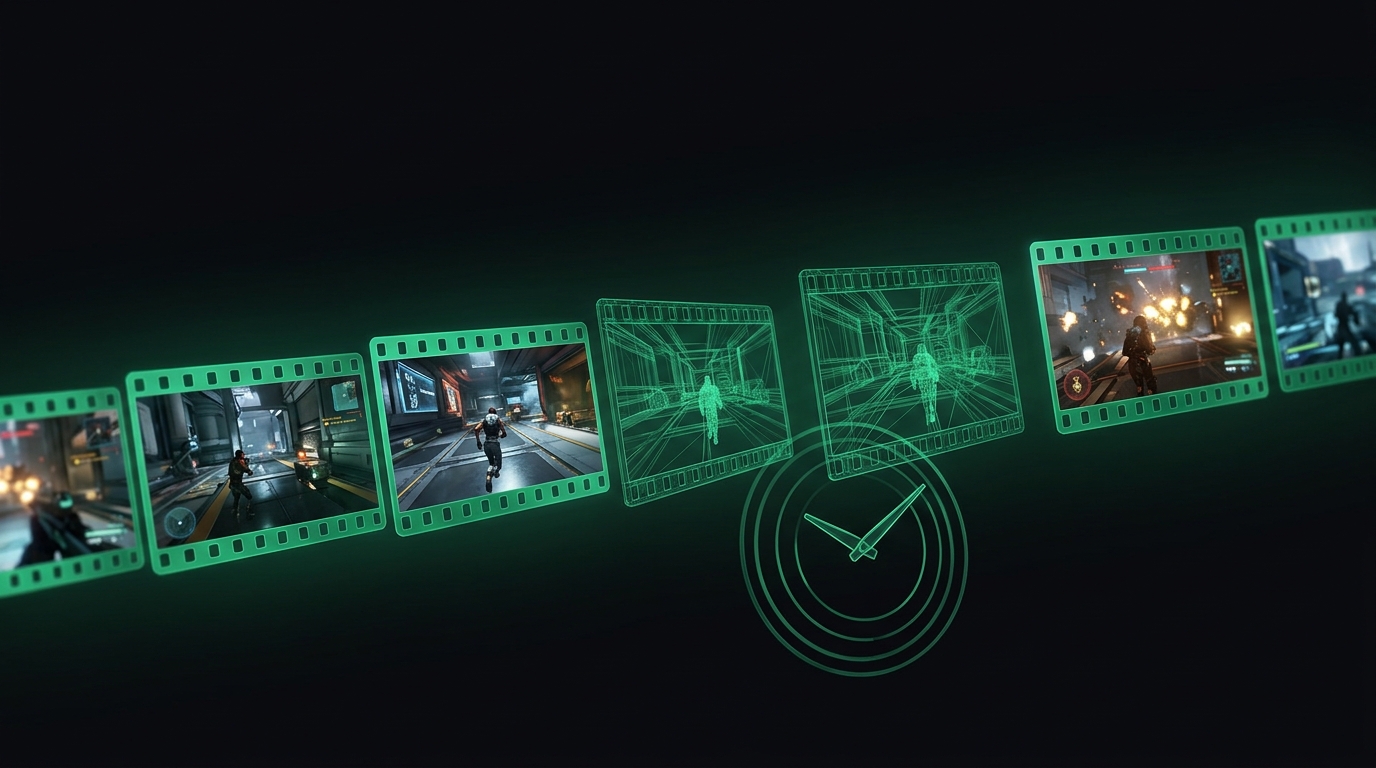
Half those frames show your input. The other half are educated guesses.
How frame gen works (30 seconds)
DLSS Frame Generation (NVIDIA), FSR 3 (AMD) and XeSS-FG (Intel) all do a version of the same thing: render real frame A and real frame B, then synthesize a frame between them and display A → generated → B.
The catch is in the ordering: to interpolate between A and B, the pipeline must hold B back while the generated frame shows. That hold is latency. Your mouse input only influences real frames — the generated ones can’t react to anything you do.
What it costs
| Scenario | Displayed FPS | Responsiveness feels like |
|---|---|---|
| 60 real, no FG | 60 | 60 FPS |
| 60 real + FG | ~110–120 | ~55 FPS (slightly worse than without) |
| 100 real + FG | ~190 | ~90–95 FPS |
The vendor mitigation: frame gen ships paired with Reflex (NVIDIA) or Anti-Lag (AMD), which claws back queue latency. Net result with mitigation: latency similar to native rendering at the real frame rate — never better than it.
The decision table
| Game type | Frame gen? |
|---|---|
| Competitive FPS (CS2, Valorant, Apex, OW2) | Off — always |
| Fast single-player action | Off below ~60 real FPS, optional above |
| Cinematic/heavy single-player (path tracing etc.) | On — its home turf |
| MMO mass PvP | Off for combat; smoothness gain rarely worth the float |
Rule: frame gen multiplies a good frame rate; it cannot rescue a bad one. From 35 real FPS you get a smooth-looking 65 that steers like a boat.
What to use instead in competitive games
The legitimate “free FPS” tool is upscaling (DLSS/FSR/XeSS Super Resolution) — it raises real frame rate and therefore cuts latency. The full comparison lives in our DLSS vs FSR vs XeSS guide. Then stack the standard chain: Reflex + frame cap, VRR done right, fullscreen, and timer resolution via Tier1Suite.
Test it yourself
Don’t take anyone’s word for it — measure your input lag with frame gen on and off in the same scene. NVIDIA’s PC Latency overlay shows the difference directly. The number will match what your hands already told you.
Related guides
Frequently asked questions
Does frame generation add input lag?
Yes, inherently. Generated frames are interpolated between real ones, so the game holds a real frame back to generate from — your displayed FPS rises but your input is sampled at the lower real frame rate, plus a queuing cost.
Should I use frame generation in competitive shooters?
No. The FPS number goes up but responsiveness reflects the real frame rate underneath. In aim-critical games, real frames are the only frames that count.
When is frame generation actually good?
Single-player and visually heavy games where you have around 60+ real FPS as a base. It makes 70 FPS look like 120+ on a high-refresh monitor while Reflex keeps latency tolerable.
Why does my game feel floaty at 120 FPS with frame gen on?
Because input is tied to the real frames — at 120 displayed from 60 real, you have 60 FPS responsiveness wearing a 120 FPS costume. The disconnect between smoothness and feel is the floatiness.