NVIDIA Smooth Motion vs Frame Generation: Which for Competitive Gaming?
Published
On this page
NVIDIA Smooth Motion and DLSS Frame Generation both insert AI-generated frames to make motion look smoother, but Smooth Motion is a driver-level feature that works in almost any game, while DLSS Frame Generation is built into specific games and produces cleaner results — and both add input lag, so neither belongs in serious competitive play. This guide compares how they work, the latency cost, image quality, and which to pick for each type of game.
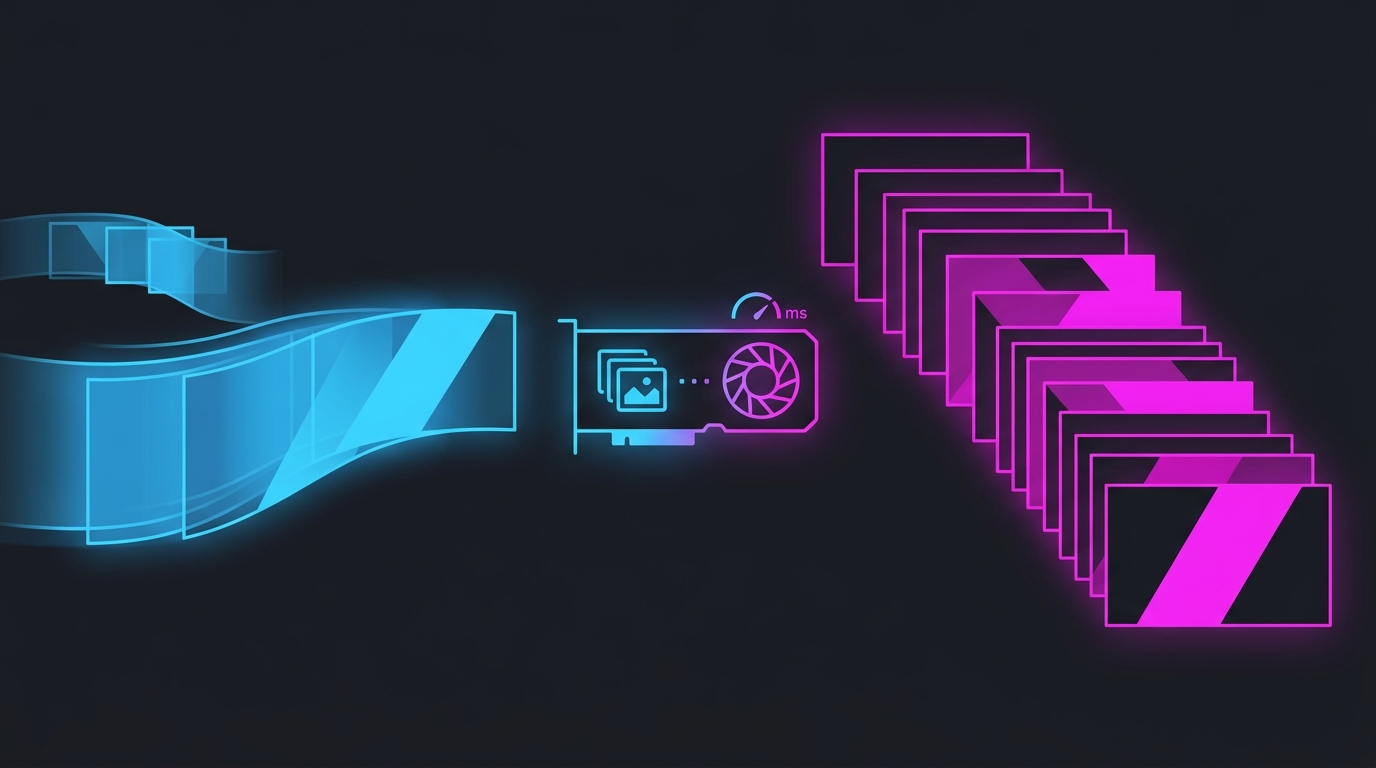
The one-line difference
- DLSS Frame Generation — in-game frame generation. The game is coded to use it and hands NVIDIA its motion vectors and depth data, so the interpolated frames are clean. Downside: it only exists in titles that integrated it.
- NVIDIA Smooth Motion — driver-level frame generation in the NVIDIA App. It works in nearly any DirectX/Vulkan game without integration, but it only sees the rendered image, so it has less data and can artifact more.
Both double perceived smoothness by showing one generated frame for every real frame, and both add latency because a generated frame can only be built once the next real frame exists.
Side-by-side comparison
| NVIDIA Smooth Motion | DLSS Frame Generation | |
|---|---|---|
| Where it runs | Driver level (NVIDIA App) | Inside the game |
| Game support | Almost any DX/Vulkan game | Only integrated titles |
| Data used | Rendered image only | Game motion vectors + depth |
| Image quality | Good; more artifacts in fast motion | Cleaner, fewer artifacts |
| Input lag | Adds latency | Adds latency |
| GPU support | RTX 40 / 50 series | RTX 40 / 50 series + game integration |
| Best for | Smoothing single-player games without DLSS FG | Supported single-player / cinematic games |
Why both add input lag
Frame generation is interpolation, not prediction. To place a smooth frame between two real frames, the GPU has to already hold the newer real frame — so the current one is briefly delayed before it’s shown. That delay is added on top of your base frame time, which is why generated frames never reduce input lag; they only make the picture look smoother.
NVIDIA Reflex offsets much of the added latency by shortening the render queue, and both features are meant to be paired with it. But the honest framing is: frame generation is a smoothness feature, not a latency feature. For the full mechanism see frame generation input lag explained.
Which should you use?
Competitive shooters — usually neither
If you play Valorant, CS2, Fortnite, Apex, or any ranked shooter, skip both. These games already run at high real frame rates on capable hardware, and competitive play prizes low latency over smoothness. Generated frames add lag for a benefit — smoother motion — that matters least here. Spend the budget on Reflex + an FPS cap instead: see best FPS cap for low latency and NVIDIA Reflex: should you turn it on?.
Single-player / cinematic games — pick by support
- If the game has DLSS Frame Generation, use it — better image quality from the game’s own motion data.
- If the game doesn’t support it, Smooth Motion is the way to get frame generation anyway, driver-side. This is its real strength: making a demanding, un-supported single-player title feel smooth on a high-refresh monitor.
The rule of thumb
Use frame generation where smoothness matters and latency doesn’t (story games, sim/strategy, capped-out visuals). Turn it off where latency matters and your real FPS is already high (competitive shooters).
Do you even need generated frames?
Frame generation only makes sense when your real frame rate is high enough that the added latency is small and the extra frames fill a high-refresh monitor. If your base FPS is low (say under ~60), generated frames sit on top of already-sluggish input, and the game feels worse than it looks. Fix the real frame rate first — with in-game settings, upscaling (DLSS/FSR quality), and system tuning — before reaching for frame generation.
For the upscaling side of that decision, see DLSS vs FSR vs XeSS for gaming.
Bottom line
- Smooth Motion = frame generation for any game, driver-level, slightly more artifacts.
- DLSS Frame Generation = frame generation for supported games, cleaner, game-integrated.
- Both add input lag and are smoothness tools, not latency tools — pair with Reflex.
- Competitive play: turn both off and chase low latency instead.
- Single-player: use DLSS FG if the game has it, Smooth Motion if it doesn’t.
Related guides
Frequently asked questions
What is the difference between NVIDIA Smooth Motion and Frame Generation?
Both insert AI-generated frames between real ones to raise perceived smoothness, but they work at different levels. DLSS Frame Generation is built into a specific game and uses that game's motion vectors, giving cleaner interpolation but only in supported titles. NVIDIA Smooth Motion is a driver-level feature in the NVIDIA App that works in almost any DirectX/Vulkan game without integration, at the cost of more artifacts because it has less scene data to work with.
Should I use Smooth Motion or Frame Generation for competitive games?
For most competitive shooters, use neither. Both frame-generation methods add input latency because a generated frame must wait for the next real frame before it can be shown, and competitive play values latency over smoothness. If a game already runs at a high real frame rate you don't need generated frames; spend the settings budget on lowering input lag with Reflex and an FPS cap instead.
Does NVIDIA Smooth Motion add input lag?
Yes. Like all frame generation, Smooth Motion holds the current real frame to interpolate a new one before it, which adds latency on top of your base frame time. Enabling NVIDIA Reflex (where the game supports it) offsets much of that cost, but generated frames never reduce input lag — they only make motion look smoother. For latency-sensitive play, that trade-off usually isn't worth it.
Which GPUs support NVIDIA Smooth Motion?
NVIDIA Smooth Motion is a driver-level feature exposed in the NVIDIA App and runs on modern GeForce RTX cards (40 and 50 series). DLSS Frame Generation is also RTX 40/50 only and additionally requires the game to have integrated it. Because Smooth Motion is driver-level, it works in far more games than DLSS Frame Generation, including titles that never added DLSS at all.
Is Smooth Motion or Frame Generation better image quality?
DLSS Frame Generation generally looks cleaner because it uses the game's own motion vectors and depth data to build the interpolated frame, reducing warping and UI artifacts. Smooth Motion works from the rendered image alone, so it can show more artifacts around fast motion, HUD elements, and text. In slower single-player games the difference is small; in fast motion it's more visible.