ARK: Survival Ascended Stuttering Fix (UE5 Stutter & FPS Drops)
Published
On this page
The biggest fix for ARK: Survival Ascended stutter is to cap your frame rate to a number your PC holds everywhere — bases, jungles, and open ocean alike — because the game’s wild FPS swings are what you actually feel as stutter. ARK Ascended is a UE5 world with Nanite, Lumen, and ray tracing streaming in real time, so it’s genuinely demanding — but sustained hitching is almost always an uncapped frame rate, VRAM overflow, or asset streaming off a slow drive. Work these in order.
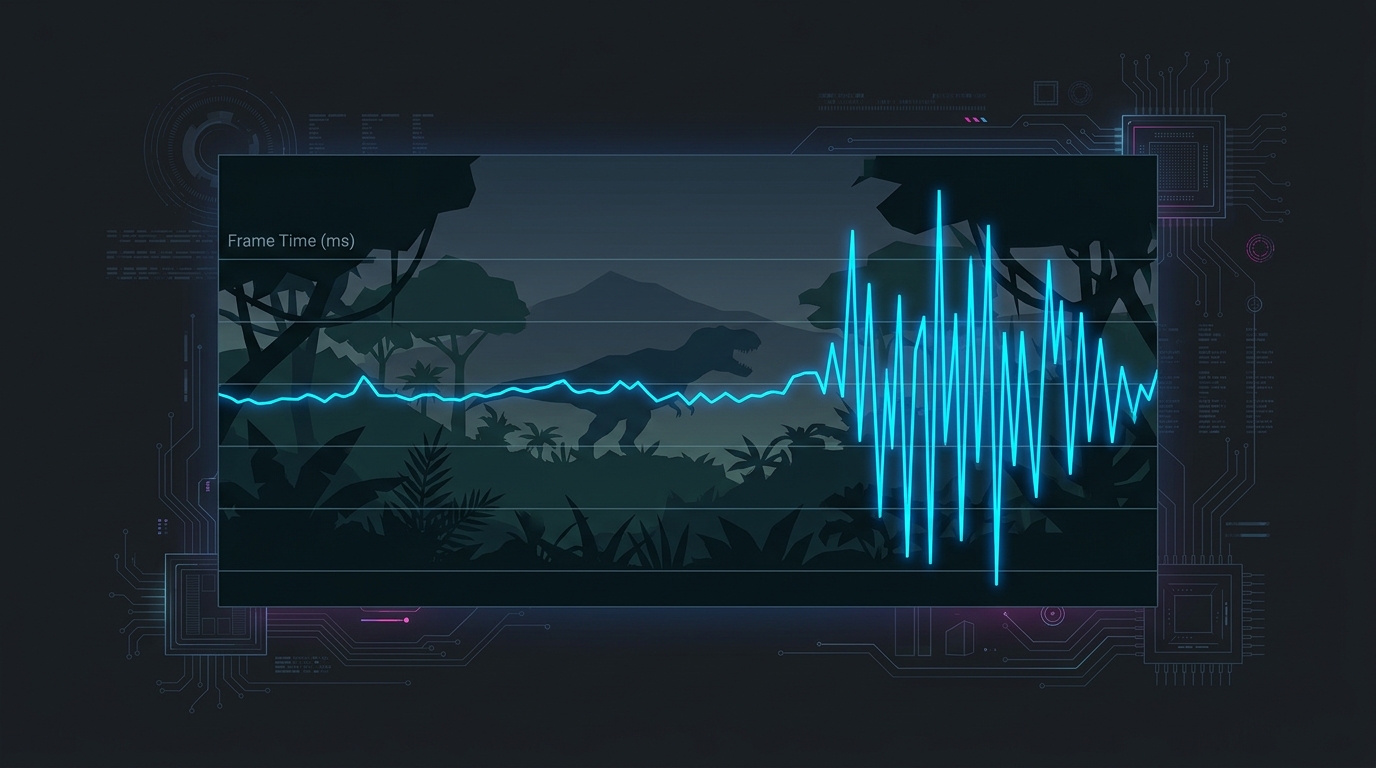
ARK Ascended’s frame rate swings hard between open water and dense bases. Capping it, fitting settings to your VRAM, and streaming off an NVMe removes most of the stutter.
Diagnose the stutter first
Turn on a frame-time graph before changing anything — a smooth number with spikes tells you far more than the average FPS. Use the RivaTuner Statistics Server (RTSS) overlay or an FPS overlay in any game and watch the frame-time line:
- Spikes when you move into new terrain or a base → traversal / asset-streaming stutter (drive + cap).
- Spikes the first time an effect or enemy appears, easing on repeat → shader compilation.
- Frame rate slowly degrades and textures pop or blur → VRAM overflow (settings too high).
- A hard hitch every few seconds regardless of scene → background/CPU or Windows-side issue.
1. Cap your frame rate (the biggest single win)
ARK Ascended’s frame rate is inconsistent by nature — dense builds and jungles can halve your open-terrain FPS. That swing is the stutter. Pick a target your GPU sustains in the worst case and cap there:
- Find your floor: stand in a large base or thick jungle and note the FPS.
- Cap a few frames below it — often 60 or 72 FPS on mid-range hardware.
- Set the cap in RTSS or the in-game limiter. See how to cap your FPS correctly and the best FPS cap for low latency.
A locked 60 that never dips feels dramatically smoother than a jittery 90-to-40. This one change fixes what most players call “stuttering.”
2. Turn off hardware ray tracing and tame Lumen
ARK Ascended leans on Lumen global illumination and optional hardware ray tracing, both extremely heavy. On most GPUs, disabling hardware ray tracing gives a large, immediate smoothness gain for a minor visual cost. Then in the graphics menu:
- Global Illumination: drop to Medium or Low — the single heaviest setting.
- View Distance: High at most; Epic streams far more geometry and causes traversal hitching.
- Post Processing: Medium — cuts expensive screen-space effects.
- Leave Textures as high as your VRAM allows (see step 4).
3. Let shaders compile and clear a corrupt cache
Some first-visit hitching is UE5 compiling shaders on the fly. Play a session through the intro area and common biomes to prime the cache — the same effects hitch less afterward. After a GPU driver update, the cache is rebuilt, so expect a fresh round of first-time hitches.
If stutter suddenly worsened, the shader cache may be corrupt. Clear the shader cache to fix stuttering and let it rebuild cleanly.
4. Fit textures and view distance to your VRAM
When ARK Ascended runs out of video memory it swaps assets in and out constantly — you see textures pop in and the frame time spikes. Watch VRAM usage in the RTSS overlay and keep it under ~90% of your card’s capacity:
- 8GB cards: Textures Medium–High, View Distance High, ray tracing off.
- 12GB cards: Textures High, View Distance High.
- 16GB+ cards: Textures Epic is safe; watch usage in dense scenes.
Enable DLSS, FSR, or XeSS to lower the internal render resolution — it cuts VRAM pressure and raises FPS. See DLSS vs FSR vs XeSS for gaming.
5. Stream off an NVMe SSD
ARK Ascended streams assets continuously. On a hard drive or slow SATA SSD you get traversal hitching that no setting fixes. Install the game on an NVMe SSD if you can — see NVMe vs SATA SSD for gaming. Confirm you have enough system memory too: 32GB is strongly recommended, because the game plus Windows can exceed 16GB and push you into disk-swap lag spikes.
6. Clean up the Windows and CPU side
With the game tuned, remove the system-level causes of periodic hitching:
- Enable XMP / EXPO so your RAM runs at rated speed — guide here. ARK is memory-bandwidth-hungry.
- Disable MPO if you get intermittent flicker-hitches — disable MPO to fix stutter and flickering.
- Run in exclusive Fullscreen, not borderless, for the most stable frame pacing.
- Update GPU drivers with DDU if stutter followed a driver change — clean-install GPU drivers with DDU.
- Close background apps and check for lag spikes while downloading updates.
Realistic expectations
ARK: Survival Ascended is one of the most demanding games on PC, and a baseline of first-visit shader hitching is the UE5 engine, not your setup. But the sustained stutter players complain about is fixable: cap the frame rate, fit settings to your VRAM, and stream off an NVMe, and the game runs consistently smooth even though it stays heavy. For the system-wide latency and frame-pacing foundation underneath all of this, see how to minimize input delay for competitive gaming and the ultimate guide to timer resolution for gaming.
Related guides
Frequently asked questions
Why does ARK: Survival Ascended stutter so much?
ARK: Survival Ascended is built on Unreal Engine 5 with heavy use of Nanite, Lumen, and hardware ray tracing, and it streams a huge open world in real time. Most stutter comes from three sources: shaders compiling the first time an effect appears, the engine loading new terrain and structures as you move (traversal stutter), and VRAM running out when textures and view distance are set too high. It is one of the most demanding survival games on PC, so some hitching is the engine — but capping FPS and matching settings to your hardware removes the worst of it.
What is the single biggest fix for ARK Ascended stutter?
Cap your frame rate to a number your PC can hold consistently, even in bases and jungles. ARK's frame rate swings wildly between open ocean and dense builds, and those swings are what you feel as stutter. Capping at 60 or 72 FPS (or a value your GPU always sustains) turns an inconsistent 90-to-40 experience into a smooth, even one. Use RTSS or the in-game limiter and pick a target below your worst-case dips.
Does lowering settings fix ARK Ascended stuttering?
It helps a lot, but which settings matter most is specific: Global Illumination (Lumen), View Distance, and Post Processing are the heaviest, and dropping textures to fit your VRAM stops the memory-swap stutter. Turning off hardware ray tracing gives a large, immediate smoothness gain on most GPUs. Blindly maxing everything is the number-one cause of stutter in this game.
Will more RAM or a better SSD stop ARK Ascended stutter?
An NVMe SSD is close to mandatory — ARK Ascended streams assets constantly, and a slow SATA SSD or hard drive causes traversal hitching no setting can fix. 32GB of system RAM is strongly recommended because the game and Windows together push past 16GB, and once you're swapping to disk you get lag spikes. Both address the streaming and memory side of the stutter, which settings alone can't.
Is ARK: Survival Ascended stutter fixable or just the game?
Both. A baseline of first-visit shader hitching is inherent to the UE5 engine and can't be fully eliminated. But the sustained, repeated stutter most players report is fixable: it's almost always an uncapped frame rate swinging with scene complexity, VRAM overflow from settings set too high, or asset streaming off a slow drive. Fix those three and the game becomes consistently smooth even though it stays demanding.