Intel XeSS 2 and XeSS 3 Explained (Super Resolution, Frame Generation, XeLL)
Published
On this page
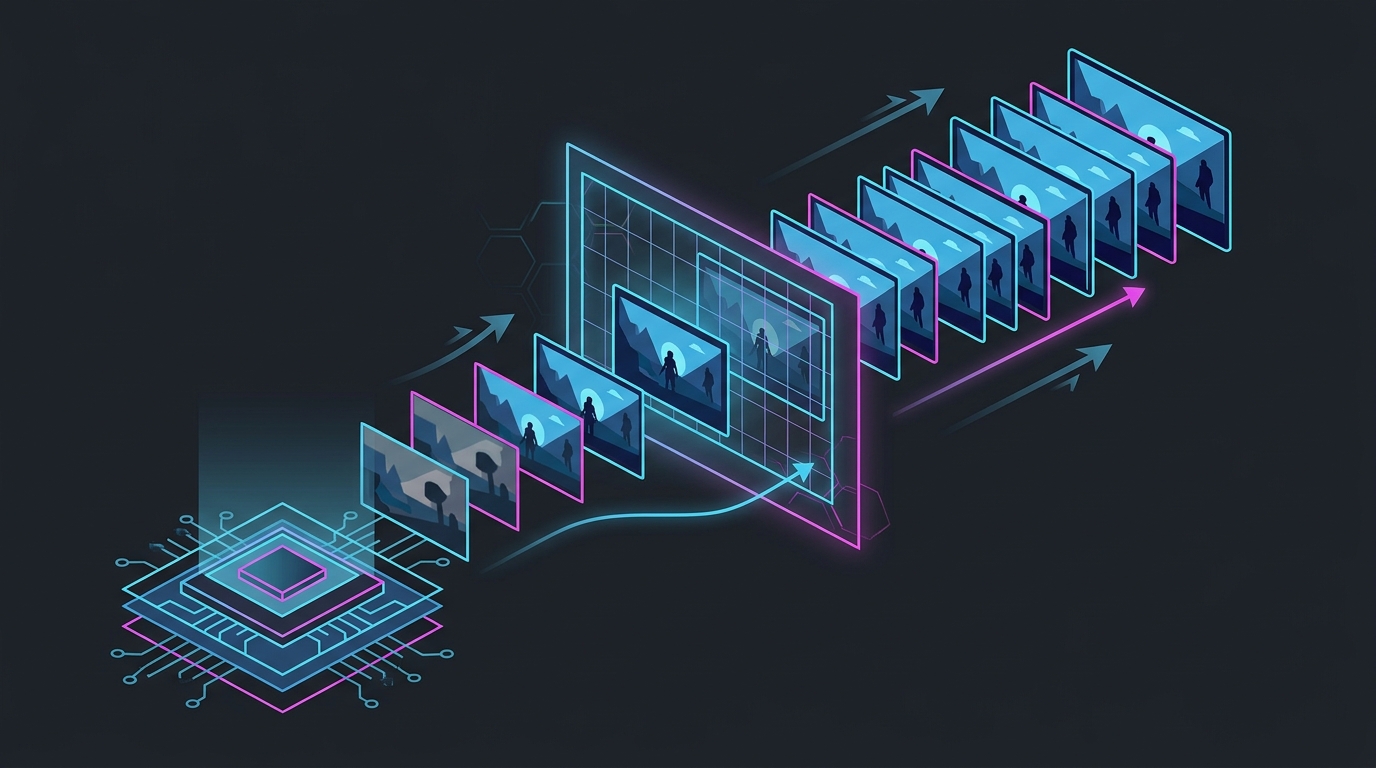
Intel XeSS 2 is a three-part package — XeSS Super Resolution (AI upscaling), XeSS Frame Generation or XeFG (AI frames for smoothness), and Xe Low Latency or XeLL (a Reflex-style latency cut) — and XeSS 3 adds Multi Frame Generation (2X/3X/4X) on top. Super Resolution and XeLL lower input lag; Frame Generation adds it. XeSS looks and runs best on Intel Arc GPUs but also works on GeForce RTX and Radeon RX cards through a lower-quality fallback. This guide explains what each piece does, which GPUs run which parts, and how XeSS compares with DLSS and FSR in 2026.
What XeSS actually is
XeSS (Xe Super Sampling) is Intel’s AI upscaler, and like NVIDIA’s DLSS it has grown from a single upscaling feature into a bundle. There are two things to keep straight from the start.
First, XeSS has two code paths:
- XMX — runs on Intel Arc GPUs using their dedicated AI (matrix) hardware. This is the fast, high-quality path XeSS was designed around.
- DP4a — a fallback that runs on almost any modern GPU, including GeForce RTX and Radeon RX. It works everywhere but is softer in detail and costs more performance than XMX.
Second, “XeSS” is not one toggle. Since XeSS 2 it’s a family of independent features, and mixing them up is where most confusion starts.
The three parts of XeSS 2
XeSS 2 launched alongside the Arc B-series (Battlemage) in late 2024 and bundles three separate features you can enable independently:
| Feature | What it does | Effect on input lag |
|---|---|---|
| XeSS Super Resolution (SR) | Renders the game at a lower internal resolution and AI-upscales it to a sharp output — raises real FPS | Lowers it (more real frames) |
| XeSS Frame Generation (XeFG) | Inserts AI-interpolated frames between real ones for a higher on-screen counter | Raises it (interpolated frames carry no input) |
| Xe Low Latency (XeLL) | Trims the render queue so input is sampled closer to display, like NVIDIA Reflex | Lowers it |
The important takeaway: Super Resolution and XeLL make the game more responsive; Frame Generation makes it smoother but less responsive. They are separate switches for a reason.
What XeSS 3 adds
XeSS 3 is an incremental upgrade over XeSS 2, and its headline is Multi Frame Generation. Where XeSS 2’s XeFG inserts one AI frame per real frame (a 2X effect), XeSS 3 inserts up to three:
- 2X — 1 generated frame per real frame
- 3X — 2 generated frames per real frame
- 4X — 3 generated frames per real frame
That mirrors NVIDIA’s DLSS 4 Multi Frame Generation and AMD’s frame-gen roadmap. XeSS 3 Multi Frame Generation is rolling out on Intel Arc B-series desktop GPUs and the Panther Lake laptop platform through 2026. Super Resolution and XeLL are unchanged from XeSS 2 — the practical difference between the two versions is how many frames the frame generator can add.
As with every multi-frame system, the extra frames are smoothness, not responsiveness: 4X can triple the number on the counter while your aim still updates at the real base frame rate underneath.
Which GPUs run XeSS
This is the part that trips people up, because XeSS is unusually cross-vendor:
| GPU | Super Resolution | Frame Generation | Quality path |
|---|---|---|---|
| Intel Arc (A-series, B-series) | ✅ | ✅ (XeFG; MFG on B-series via XeSS 3) | XMX (best) |
| GeForce RTX (20/30/40/50) | ✅ | ✅ (XeSS 2+) | DP4a (fallback) |
| Radeon RX (6000+) | ✅ | ✅ (XeSS 2+) | DP4a (fallback) |
XeSS Super Resolution has run on non-Intel GPUs since the beginning through DP4a, and XeSS 2 opened Frame Generation and XeLL to RTX and RX cards as well. But the XMX path is exclusive to Arc, so an Intel card gets the sharpest, cheapest version of XeSS. On an NVIDIA or AMD card you’d normally reach for DLSS or FSR first and treat XeSS as a fallback when a game supports it but not the others. XeSS is now in 160+ games.
XeSS vs DLSS vs FSR in one table
| Intel XeSS | NVIDIA DLSS 4 | AMD FSR 4 | |
|---|---|---|---|
| Upscaling type | AI (XMX on Arc / DP4a elsewhere) | AI (Transformer model) | AI (CNN, RDNA 4 only) |
| Runs on other vendors’ GPUs | ✅ (DP4a fallback) | ❌ | ❌ |
| Multi Frame Generation | ✅ XeSS 3 (Arc) | ✅ RTX 50 only | ✅ (RX 9000 gen) |
| Low-latency feature | XeLL | Reflex / Reflex 2 | Anti-Lag 2 |
| Best-case image quality | Very good on Arc (XMX) | Best in class | Close to DLSS 4 |
The one rule that holds across all three vendors: super-resolution (real upscaling) raises true FPS and lowers input lag, while frame generation adds latency. For the full three-way breakdown see DLSS vs FSR vs XeSS; for the latency mechanism see Frame Generation and Input Lag Explained.
How to set XeSS up correctly
The order of operations is the same as DLSS or FSR:
- Turn on XeSS Super Resolution at Quality (or Balanced if you need more frames). This is the real FPS win and it lowers input lag.
- Turn on XeLL (Xe Low Latency) if the game exposes it. Free latency, no image cost — always on for competitive play.
- Leave Frame Generation off for competitive shooters. Only enable XeFG or XeSS 3 Multi Frame Generation in single-player games where you already hold ~60 real FPS and want to fill a high-refresh monitor.
- Cap your FPS just below your refresh so generated frames don’t tear — see How to Cap Your FPS Correctly.
For the three vendors’ low-latency features side by side, see NVIDIA Reflex vs AMD Anti-Lag 2 vs Intel XeLL.
Bottom line
XeSS is Intel’s answer to DLSS and FSR, and by XeSS 3 it matches them feature-for-feature: an AI upscaler, multi-frame generation, and a Reflex-style latency cut. It’s at its best on an Intel Arc GPU (the XMX path is sharp and cheap) and useful as a cross-vendor fallback on RTX and RX cards where DLSS or FSR isn’t available. Keep the mental split: run Super Resolution + XeLL for real frames and low latency, and treat Frame Generation as an optional smoothness layer for single-player, not a responsiveness fix.
No upscaler touches the part of latency that comes from your system — timer resolution, background load, and the input pipeline. The free Tier1Suite tightens those so your real frames respond as fast as possible before any AI frames are added.
Related guides
Frequently asked questions
What is Intel XeSS 2?
XeSS 2 is Intel's upscaling and latency package, introduced with the Arc B-series (Battlemage) in late 2024. It bundles three separate features: XeSS Super Resolution (the AI upscaler that raises real frame rate), XeSS Frame Generation or XeFG (which inserts AI frames for smoothness), and Xe Low Latency or XeLL (a Reflex-style feature that cuts render-queue latency). They are independent toggles — you can run Super Resolution and XeLL without Frame Generation.
What is the difference between XeSS 2 and XeSS 3?
XeSS 3 adds Multi Frame Generation on top of XeSS 2. Where XeSS 2's XeFG inserts one AI frame per real frame (a 2X effect), XeSS 3 Multi Frame Generation inserts up to three, giving 2X, 3X, and 4X modes like NVIDIA's DLSS 4. XeSS 3 is rolling out on Intel Arc B-series desktop GPUs and Panther Lake laptop chips in 2026. Everything else — Super Resolution and XeLL — is shared between the two versions.
Does XeSS work on NVIDIA and AMD GPUs?
Yes, partly. XeSS Super Resolution has always run on any modern GPU through its DP4a code path, and XeSS 2's Frame Generation and XeLL were opened up to GeForce RTX and Radeon RX cards too. The catch is quality: on an Intel Arc GPU, XeSS uses the faster, sharper XMX (AI-hardware) path, while on non-Intel cards it falls back to DP4a, which looks slightly softer and costs a bit more performance. XeSS runs cross-vendor, but it looks and runs best on Arc.
Does XeSS reduce input lag?
It depends which part. XeSS Super Resolution raises your real frame rate by rendering at a lower internal resolution and upscaling, and higher real FPS means lower input lag — so upscaling helps responsiveness. XeSS Frame Generation does the opposite: it interpolates extra frames that carry no new input, so it adds latency. Xe Low Latency (XeLL) then trims render-queue delay like NVIDIA Reflex. Use Super Resolution plus XeLL for competitive play and treat Frame Generation as optional smoothness.
Is XeSS as good as DLSS and FSR?
On an Intel Arc card, XeSS Super Resolution (XMX path) is close to DLSS in quality and clearly ahead of the old FSR algorithms. On NVIDIA or AMD hardware it uses the DP4a fallback and lands behind DLSS 4's Transformer model and roughly level with or just behind FSR. For frame generation, XeSS 3's Multi Frame Generation now matches DLSS 4 and FSR on the feature list. The honest summary: XeSS is a genuine third option, strongest on Arc, useful as a fallback everywhere else.