Is AMD FSR 4 Worth It? FSR 4 vs FSR 3.1 and DLSS 4
Published
On this page
AMD FSR 4 is worth it if you have an RDNA 4 Radeon RX 9000 card: it’s AMD’s first machine-learning upscaler and a large quality jump over FSR 3.1, removing most of the ghosting and shimmer that made older FSR trail DLSS. It’s currently exclusive to RX 9000 (with a staged rollout to some older Radeon cards through 2026-2027), and because it’s super-resolution — real upscaling — it raises true FPS and lowers input lag, unlike frame generation. This guide covers what FSR 4 changes, which GPUs get it, and how it stacks up against FSR 3.1 and DLSS 4.
What FSR 4 actually is
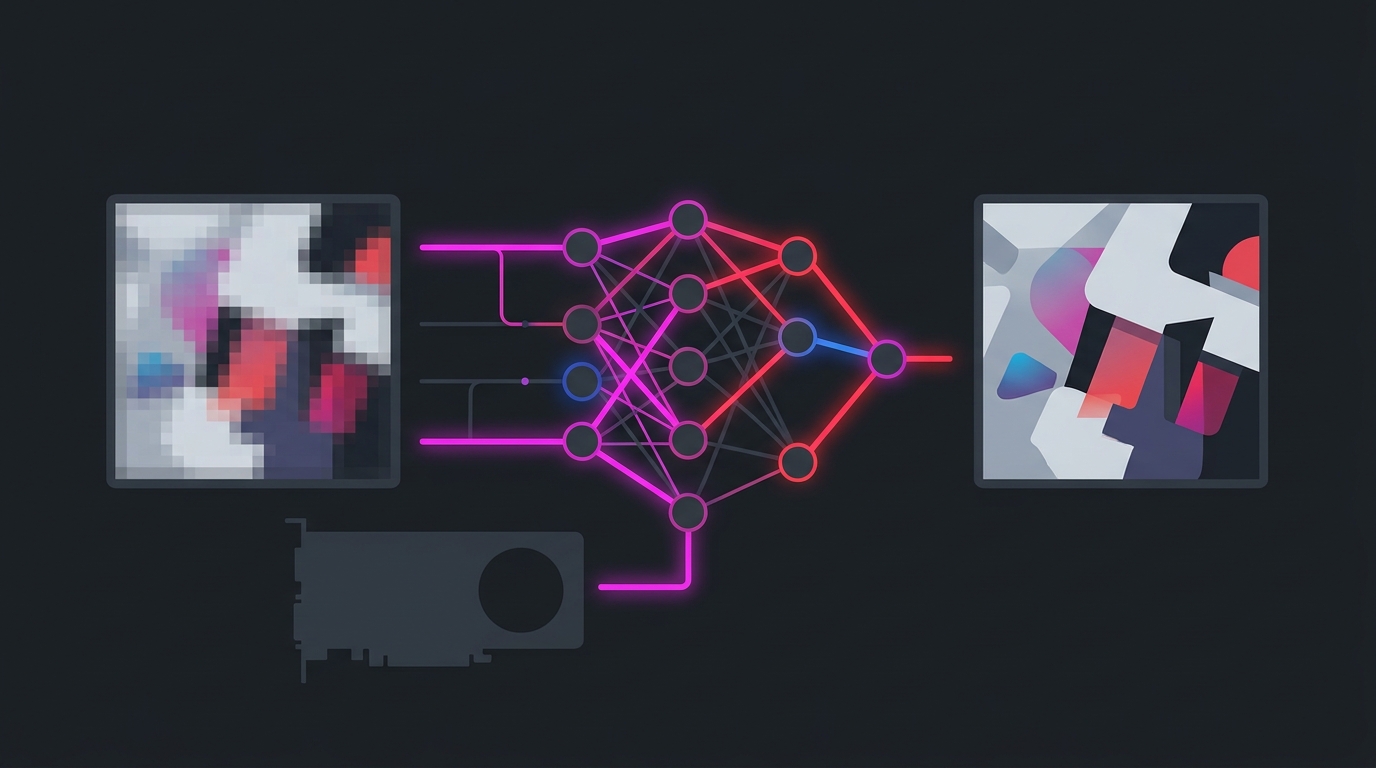
FSR 4 is the fourth generation of AMD’s FidelityFX Super Resolution, and it’s a clean break from what came before. FSR 1 through 3.1 used hand-written spatial and temporal algorithms — clever, but not AI, and they showed it in motion with fizzy edges and ghosting.
FSR 4 replaces the upscaling core with a machine-learned convolutional neural network (CNN), co-developed with Sony (the same lineage as the PS5 Pro’s PSSR work). That’s why it needs the AI accelerators in RDNA 4 hardware and doesn’t run on older Radeon cards by default.
Two things to keep straight:
- FSR 4 = super-resolution (upscaling). It renders the game at a lower internal resolution and reconstructs a sharp output image. This raises real frame rate.
- FSR frame generation is separate. The frame-gen part (and driver-level AFMF) inserts interpolated frames for smoothness and is not the same technology. See Should You Use AMD Frame Generation?.
Which Radeon GPUs support FSR 4
FSR 4 needs RDNA 4’s AI hardware, so it launched locked to the RX 9000 Series and has been expanding since:
| GPU generation | Example cards | FSR 4 support |
|---|---|---|
| RDNA 4 (RX 9000) | RX 9070 XT, RX 9070, RX 9060 XT | ✅ At launch |
| RDNA 3 (RX 7000) | RX 7900 XTX, RX 7800 XT | ⏳ Staged rollout (mid-2026, via FSR Redstone) |
| RDNA 3.5 / RX 8000 | RX 8000 laptop/APU parts | ✅ Added with Redstone (4.1), March 2026 |
| RDNA 2 (RX 6000) | RX 6800, RX 6700 XT | ⏳ Targeted later (around Q1 2027) |
| NVIDIA / Intel GPUs | any GeForce / Arc | ❌ Not supported |
If you’re on an RX 9000 card, FSR 4 is available today. If you’re on an RX 7000 or 6000 card, check AMD’s latest Adrenalin release notes before assuming it’s live for you — the ML upscaler is being backported carefully because older cards have weaker AI throughput.
How to turn it on
On a supported card, FSR 4 is largely automatic:
- In-game: if a game natively supports FSR 3.1 (or FSR 4), enable FSR upscaling in its graphics menu and pick a quality mode.
- Driver override: in AMD Adrenalin, any DirectX 12 game with native FSR 3.1 support can be upgraded to FSR 4 for RX 9000 owners by toggling the FSR 4 option — no game patch required.
- The one limit: the FSR 4 override does not work in Vulkan games. Those still run whatever FSR version they shipped with.
For a clean baseline before you upscale, see Best AMD Adrenalin Settings for Gaming.
FSR 4 vs FSR 3.1 vs DLSS 4
| FSR 3.1 | FSR 4 | DLSS 4 (Super Resolution) | |
|---|---|---|---|
| Upscaling method | Hand-tuned algorithm (no AI) | Machine-learned CNN | Machine-learned Transformer model |
| GPU support | Almost any GPU | RDNA 4 (staged to older Radeon) | RTX 20 Series and up |
| Ghosting / particle shimmer | Noticeable in motion | Largely fixed | Minimal |
| Fine-detail sharpness | Softer | Strong | Sharpest (Transformer edge) |
| Overall quality | Clear DLSS runner-up | Genuine DLSS competitor | Current quality leader |
The honest summary: FSR 4 finally makes AMD upscaling competitive. It closes most of the gap to DLSS and, versus older DLSS models, can match or beat them for image stability. NVIDIA’s newest Transformer DLSS 4 model still holds a small lead in the finest detail and anti-aliasing, but the days of FSR looking obviously worse are over. For the broader three-way picture, see DLSS vs FSR vs XeSS for Gaming.
FSR 4 and input lag
Because FSR 4 is real upscaling, it raises your true frame rate — the GPU renders fewer pixels internally and reconstructs the rest — and higher real FPS means lower input lag. That makes FSR 4 a responsiveness win, not just a visual one.
Do not confuse this with frame generation, which inserts interpolated frames and adds latency. The clean approach on a Radeon card:
- Turn on FSR 4 upscaling (Quality mode at 1440p/4K) to gain real frames.
- Cap your FPS correctly so you stay in your monitor’s refresh window: How to Cap Your FPS Correctly.
- Add frame generation only if you have leftover need for smoothness on a high-refresh panel — and never in competitive play.
If you’re chasing stable frames on a Radeon rig, also see Fix Lag Spikes and Stutter on AMD Radeon GPUs.
Bottom line
FSR 4 is the upscaler AMD owners have waited for: a machine-learning image that finally competes with DLSS, delivered free through the driver on any DX12 FSR 3.1 game. If you have an RX 9000 card, use it — Quality mode gives you a large, near-lossless FPS gain that also lowers input lag. If you’re on an older Radeon, FSR 4 is coming to you in stages, so confirm your card is covered before you count on it. And keep upscaling and frame generation in separate mental boxes: FSR 4 raises real frames and cuts lag; frame generation only adds smoothness.
The free Tier1Suite handles the latency an upscaler can’t — timer resolution, background load, and your input pipeline — so the real frames FSR 4 gives you respond as fast as possible.
Related guides
Frequently asked questions
Is AMD FSR 4 worth it?
Yes, if you own an RDNA 4 Radeon card (RX 9000 Series). FSR 4 is AMD's first machine-learning upscaler and is a large jump in image quality over FSR 3.1 — it removes most of the ghosting, shimmering, and fizzy particle artifacts that made older FSR look worse than DLSS. On a supported card there's little reason not to use it. If you're on an older Radeon GPU, FSR 4's rollout is still expanding, so check whether your card is covered yet before counting on it.
Which GPUs support FSR 4?
FSR 4 launched exclusively on RDNA 4 (Radeon RX 9000 Series) cards — the RX 9070 XT, RX 9070, and RX 9060 XT — because it needs their AI accelerators. AMD then began extending it: RX 8000 Series support arrived with the FSR Redstone (4.1) update in March 2026, RX 7000 Series support was planned for mid-2026, and older RX 6000 cards are targeted later. NVIDIA and Intel GPUs do not run FSR 4.
What's the difference between FSR 4 and FSR 3.1?
FSR 3.1 uses a hand-tuned, non-AI spatial-temporal algorithm; FSR 4 replaces the upscaling core with a machine-learned convolutional neural network co-developed with Sony. The practical result is a much more stable image — FSR 4 largely fixes the disocclusion ghosting, particle shimmer, and edge crawling that FSR 3.1 showed in motion. Note that FSR 4 is the super-resolution (upscaling) part; FSR frame generation is a separate feature.
Is FSR 4 as good as DLSS 4?
It's close. FSR 4 closes most of the historic gap and, in some titles, matches or beats NVIDIA's older DLSS CNN model for stability and detail. However, NVIDIA's newer DLSS 4 Transformer model is generally still a step ahead in fine-detail reconstruction and anti-aliasing. For most players the difference is small in motion — FSR 4 is finally a genuine DLSS competitor rather than the clear runner-up FSR used to be.
Does FSR 4 reduce input lag?
FSR 4 super-resolution raises your real frame rate by rendering at a lower internal resolution and upscaling, and higher real FPS means lower input lag — so upscaling helps responsiveness. This is the opposite of FSR frame generation, which inserts interpolated frames and adds latency. Keep the two separate: use FSR 4 upscaling to gain real frames, and treat frame generation as an optional smoothness layer, not a latency fix.