Throne and Liberty Stuttering Fix: Smooth Out Large-Scale Fights
Published
On this page
Throne and Liberty runs fine in the open world and falls apart in sieges — because mass PvP is a CPU and memory workload, not a graphics one. These fixes target what actually causes the drops: character rendering, RAM pressure, and frame pacing.
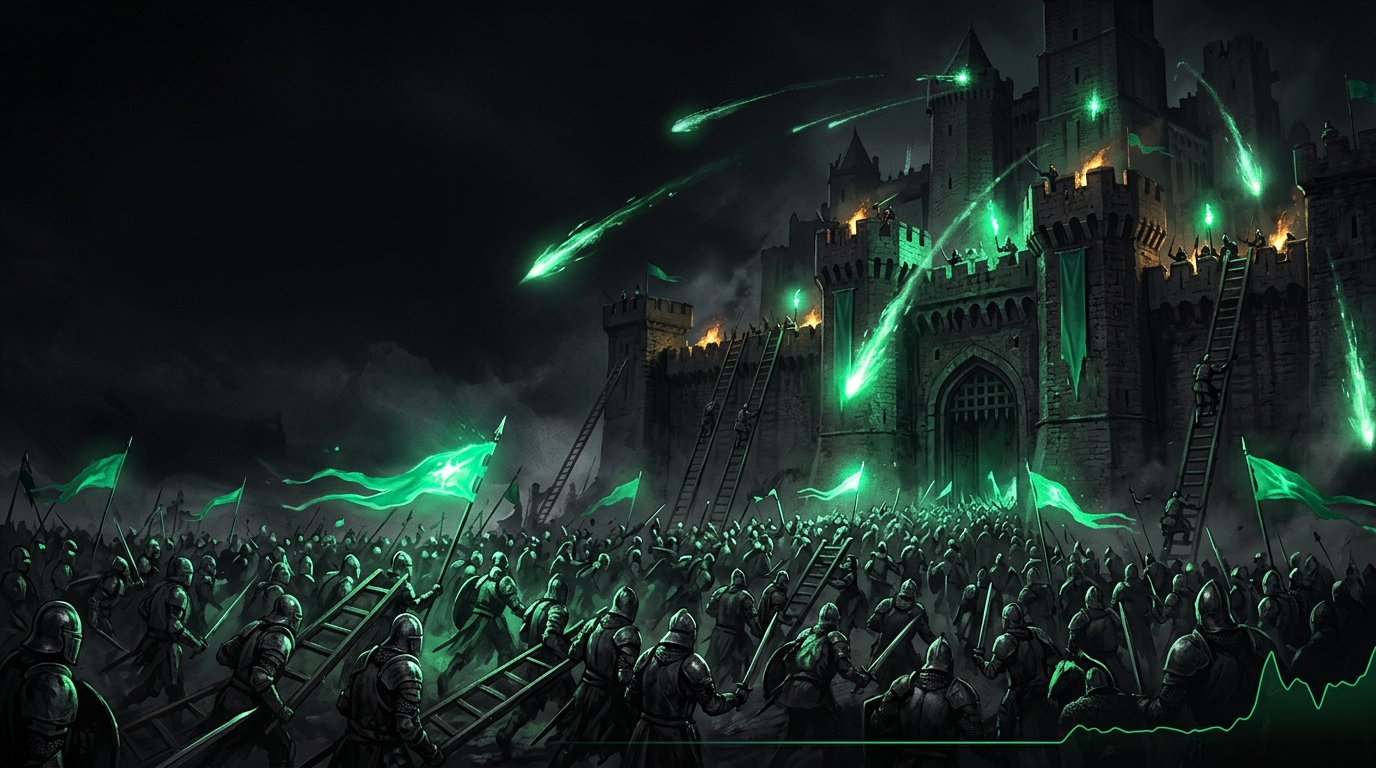
A siege is a CPU benchmark with a game attached. Tune for player density, not scenery.
1. Limit character rendering
The highest-value settings in mass PvP control how other players render:
| Setting | Recommended value |
|---|---|
| Max Displayed Characters / Crowd Density | Low–Medium |
| Distant Character Detail | Low |
| Other Players’ Effects | Reduced / Essential only |
| Shadows | Low |
| Anti-Aliasing | Low-cost option (TAA/FSR) |
Exact labels shift between patches — the principle holds: anything that scales per-player goes down first. Your own graphics quality barely matters when 200 players hit one gate; see the base settings guide for the full table.
2. Feed the CPU
- Enable XMP/EXPO — the single biggest siege-FPS win on most systems.
- 16 GB RAM is the floor; 32 GB is the comfortable spec for sieges — see how much RAM you need.
- Close background apps before scheduled sieges; debloat Windows for a permanent fix.
- Set the high performance power plan.
3. Smooth the frame delivery
A siege will never run at your open-world FPS — the goal is stable:
- Cap FPS around your realistic siege frame rate rather than your field frame rate — capping guide. Yes, that means capping below your monitor refresh; smooth 60 beats lurching 90.
- Run Tier1Suite to raise Windows timer resolution — frame pacing under heavy CPU load is exactly where it helps.
- If you use VRR, set G-Sync/FreeSync up properly so the swings stay tear-free.
4. Standard system passes
- Clean-install GPU drivers with DDU if stutter appeared after an update.
- Clear the shader cache after big patches.
- Disable Game Bar/DVR.
- Install on NVMe — zone loads and city streaming want it (NVMe vs SATA).
5. Rule out the network
MMO “stutter” is often server tick or connection trouble. Rubber-banding with a flat frame-time graph means network: run through the high ping and packet loss fixes, and prefer ethernet on siege nights.
Related guides
Frequently asked questions
Why does Throne and Liberty stutter in sieges and world bosses?
Hundreds of players on screen is a CPU and memory problem, not a GPU one. Character rendering limits, faster RAM and background-process cleanup matter far more than graphics settings.
What is the most important setting for siege FPS in Throne and Liberty?
The character display / crowd density options. Limiting how many distant players render fully is worth more FPS in mass PvP than every graphics slider combined.
Does more RAM help Throne and Liberty?
Yes. Large-scale fights with hundreds of geared characters are memory-hungry; 32 GB with XMP enabled noticeably reduces hitching versus 16 GB.
Why is my FPS fine solo but terrible in cities?
Player density. Cities and hubs are CPU-bound from animating and rendering other characters. That is engine load, not a problem with your graphics card.