Throne and Liberty DLSS, FSR, and Frame Generation Settings
Published
On this page
On an NVIDIA RTX card use DLSS 3.5 on Quality; on AMD use FSR 2 on Quality — both roughly double frame rates in Throne and Liberty’s demanding zones, and frame generation is available only on RTX 40-series cards through DLSS 3. Keep frame generation for PvE and exploration, not large-scale sieges where input latency decides fights. This guide sets the right upscaler and mode for open-world FPS and clean siege visuals.
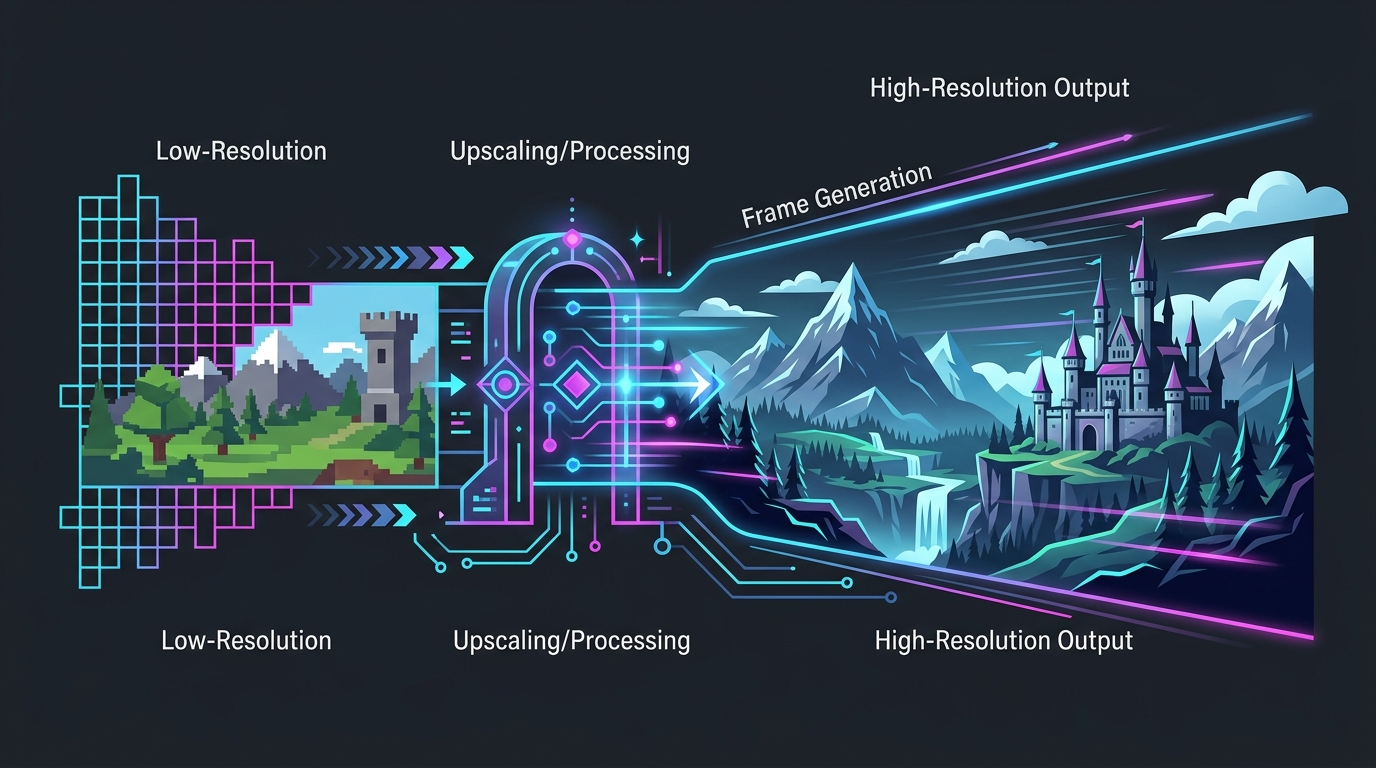
What Throne and Liberty supports
Throne and Liberty is an Unreal Engine 4 MMO, which shapes exactly which technologies you get:
| Technology | Status in Throne and Liberty |
|---|---|
| NVIDIA DLSS 3.5 (Super Resolution) | ✅ Supported — cleanest upscaler on RTX |
| DLSS 3 Frame Generation | ✅ RTX 40-series only — big boost, adds latency |
| AMD FSR 2 | ✅ Supported — no frame generation (UE4 FSR 2) |
| Intel XeSS | ⚠️ Included but WIP — can produce artifacts |
Because FSR here is the older version 2, AMD and pre-RTX-40 NVIDIA cards get Super Resolution upscaling but no frame generation — that feature is exclusive to RTX 40 owners via DLSS 3.
Best Throne and Liberty upscaling settings
Set these in Settings → Graphics:
| Setting | Recommendation |
|---|---|
| Upscaler | DLSS (RTX) / FSR (AMD) |
| Upscaler mode | Quality (Balanced if GPU-limited in sieges) |
| Frame Generation | On for PvE only (RTX 40); Off for PvP/sieges |
| NVIDIA Reflex | On if available |
| V-Sync | Off |
Quality mode is the default because Ultra Performance visibly degrades texture quality and detail — avoid it unless nothing else keeps you playable during the heaviest siege moments.
When Frame Generation helps (and when it hurts)
DLSS 3 Frame Generation inserts AI-generated frames between real ones. In Throne and Liberty the trade-off is clearly split by content:
| Scenario | Frame Generation verdict |
|---|---|
| Questing, dungeons, exploration | ✅ Fine — smooth and comfortable |
| Open-world PvP / guild sieges | ❌ Off — added latency hurts reactions |
| Below ~60 real FPS | ❌ Off — it smears and feels worse |
A higher FPS counter does not mean the game got more responsive — see frame generation input lag explained and should you use NVIDIA frame generation for the full picture.
Sieges are CPU-bound — upscaling won’t fix everything
Upscaling only reduces GPU load. Throne and Liberty’s large-scale sieges pack dozens of players, spell effects, and physics into one place, which is CPU-bound — so DLSS and FSR can’t recover those frames. When sieges tank:
- Lower Shadows, Effects, and Post-Processing first.
- Run a stable FPS cap for steadier frame times — see how to cap your FPS correctly.
- Free CPU headroom with system-level tuning.
The full graphics pass is in our best Throne and Liberty settings guide, and if you get hitches moving between zones, the Throne and Liberty stuttering fix covers shader and streaming stutter separately.
Finish the latency chain
- An FPS cap just below your refresh rate and V-Sync off.
- System-level tuning via the timer resolution pillar and input delay guide.
Related guides
Frequently asked questions
Does Throne and Liberty support DLSS and FSR?
Yes. Throne and Liberty supports NVIDIA DLSS 3.5 and AMD FSR 2, and both roughly double frame rates at their most aggressive presets. It also includes Intel XeSS, but XeSS is still rough and can produce artifacts, so DLSS on NVIDIA and FSR on AMD are the reliable picks. Set the upscaler to Quality first and only move to Balanced if you still need frames in dense zones.
Does Throne and Liberty have frame generation?
Frame generation is available only to NVIDIA RTX 40-series owners through DLSS 3, where it can boost performance dramatically at high graphics presets. Because Throne and Liberty runs on Unreal Engine 4, it uses the older FSR 2, which does not include AMD frame generation — so AMD and older NVIDIA cards get upscaling but not frame generation. If you have an RTX 40 card, frame generation is best kept for PvE and open-world play, not competitive sieges.
Should I use frame generation in large-scale PvP and sieges?
No. Guild-versus-guild sieges and large open-world PvP are exactly where added input latency hurts most, and frame generation trades responsiveness for a smoother FPS counter. Turn it off for competitive fights and rely on DLSS or FSR Super Resolution for real frames. Save frame generation for questing, dungeons, and exploration where the extra smoothness is pleasant and the latency doesn't cost you.
Which upscaling mode is best in Throne and Liberty?
Quality mode. Throne and Liberty's dense sieges and cluttered open world make readability important, and aggressive presets like Ultra Performance noticeably degrade texture quality and detail. Quality recovers a large chunk of FPS while keeping the image clean. Only drop to Balanced or Performance when you're badly GPU-limited in the heaviest siege moments, and avoid Ultra Performance unless nothing else holds a playable frame rate.
Why does my FPS still drop in Throne and Liberty sieges even with DLSS on?
Large-scale sieges pack dozens of players, spell effects, and physics into one area, which loads the CPU heavily — and upscaling only reduces GPU load, not CPU load. When you're CPU-bound, DLSS or FSR can't recover those frames. Lower effect-heavy settings like shadows and post-processing, cap your FPS for steadier frame times, and apply system-level tuning to free CPU headroom.