How Much RAM Do You Need for Gaming? (2026 Guide)
Published
On this page
RAM is one of the cheapest ways to fix stutter and unlock smoother gaming — but only if you get the capacity, channels, and speed right. This guide cuts through the confusion on how much RAM you actually need in 2026.
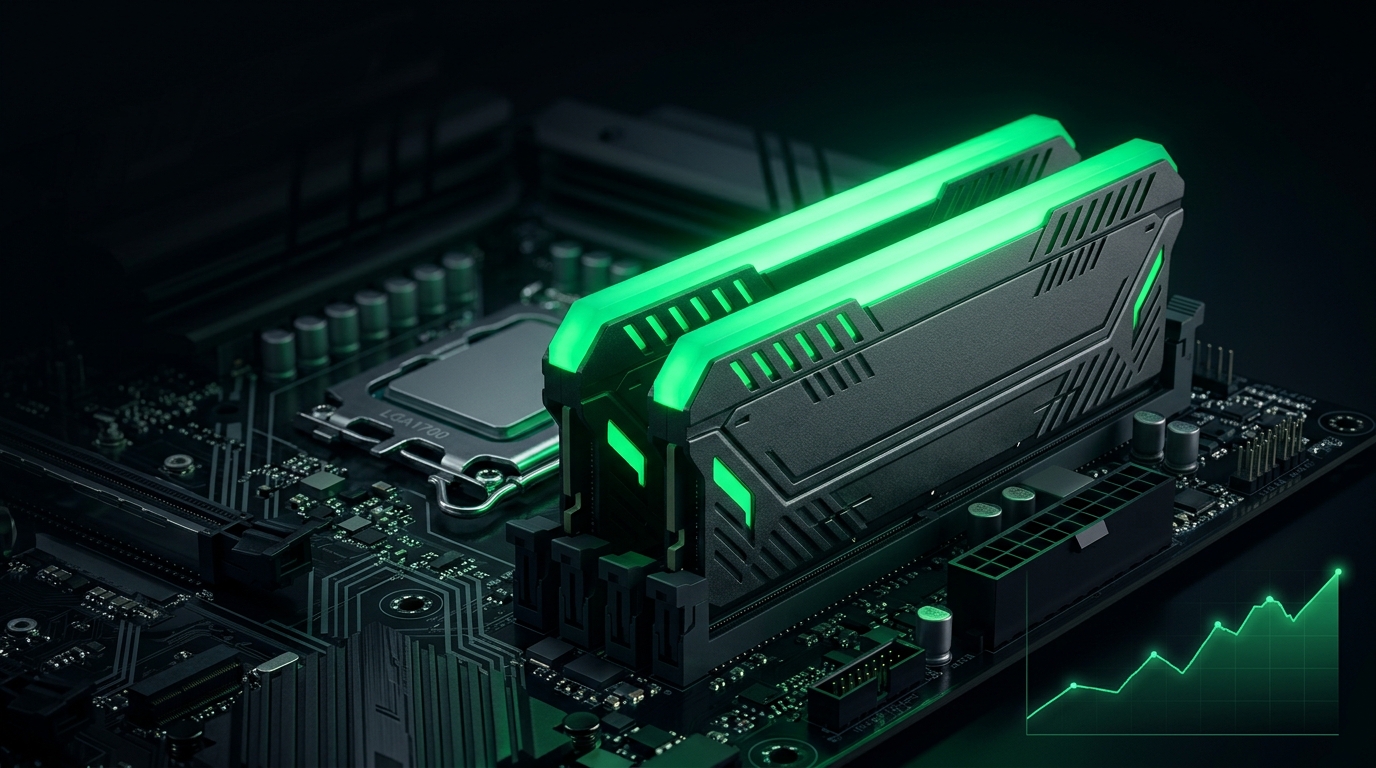
Capacity stops stutter; speed and dual-channel add FPS. You need to get all three right, not just buy a big number.
The short answer
| Capacity | Verdict for gaming in 2026 |
|---|---|
| 8 GB | Not enough — causes stutter in modern games |
| 16 GB | Minimum; fine for most games solo |
| 32 GB | The sweet spot — headroom for heavy games, streaming, and multitasking |
| 64 GB | Overkill for pure gaming; only for creative/pro workloads |
32 GB has become the recommended target because modern games (and Windows plus a browser and Discord in the background) increasingly push past 16 GB.
Why 16 GB now stutters for some
It’s not just the game. While you play, Windows, your browser, Discord, overlays, and a launcher all hold RAM. When the total exceeds your capacity, Windows pages to disk and you get stutter — even with a strong GPU. Heavy titles like Escape from Tarkov and Rust are the worst offenders.
Dual-channel is mandatory
Two sticks beat one big stick:
- Two matched modules run in dual-channel, roughly doubling memory bandwidth.
- A single stick (single-channel) can cost you significant FPS, especially on integrated or budget systems.
- Always buy RAM in matched pairs (a 2x16 GB kit, not 1x32 GB).
Speed matters — and it’s free FPS
Out of the box, RAM often runs at a slow default speed. Turn on its rated profile:
- Enable XMP (Intel) or EXPO (AMD) in BIOS. See How to Enable XMP or EXPO for Gaming.
- Faster RAM directly improves 1% lows and frame consistency.
- Cache-heavy CPUs especially benefit — see Best CPU for Gaming 2026.
How to check what you have
- Task Manager → Performance → Memory shows capacity, speed, and slots used.
- Confirm it’s running at rated speed (if not, enable XMP/EXPO).
- Confirm two slots are populated for dual-channel.
Related guides
- How to Enable XMP or EXPO for Gaming
- Best CPU for Gaming 2026
- NVMe vs SATA SSD for Gaming
- Rust Stuttering Fix
For gaming in 2026, get 32 GB in a matched dual-channel kit and enable XMP/EXPO so it runs at full speed. That combination of capacity, channels, and speed kills stutter and lifts your 1% lows.
If your budget is tight, 16 GB dual-channel with XMP/EXPO is the minimum that still games well — just close background apps.
Frequently asked questions
Is 16 GB of RAM still enough for gaming?
For most games yes, but modern open-world and extraction shooters increasingly push past it, especially with a browser and Discord open. 32 GB is the comfortable choice for a new build.
Does RAM speed matter for gaming?
Yes, particularly on CPU-bound setups. Faster memory with tuned timings raises minimum FPS, and enabling XMP or EXPO is the free first step most people skip.
Is 8 GB of RAM enough in 2026?
Not for serious gaming. Many current titles alone exceed 8 GB, causing stutter and long load times as the system swaps to disk.
Does dual-channel RAM make a difference?
A big one. Two sticks roughly double memory bandwidth versus one, which directly lifts FPS in CPU-bound games. Always buy RAM in pairs.