Black Myth Wukong Stuttering Fix: Stop FPS Drops and Frame Spikes
Published
On this page
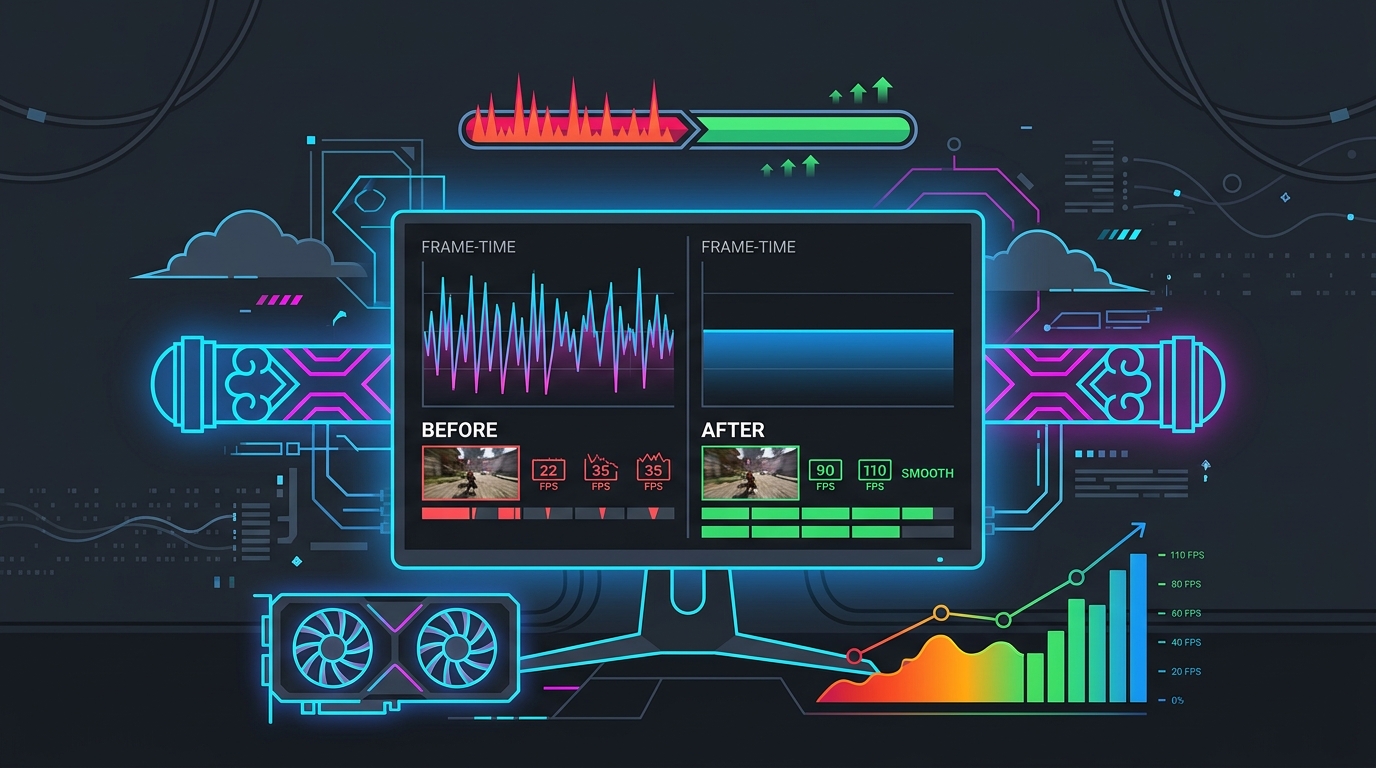
Black Myth Wukong is one of the most visually demanding games ever released, built on Unreal Engine 5 with Lumen lighting active throughout. That combination means traversal stutter, shader compilation hitches, and VRAM pressure are the three main enemies of a smooth playthrough. This guide walks through every practical fix to stop the stuttering and stabilize your frame times.
Step 1 — Update to the latest game version and GPU driver
Game Science has patched shader compilation and Lumen issues several times. Make sure you are fully up to date before trying anything else.
- Steam: right-click Black Myth Wukong → Properties → Updates → set to Always keep this game updated.
- GPU driver: install the latest stable driver for your card from NVIDIA or AMD. Avoid beta drivers during a playthrough if you can — every driver update resets the shader cache and causes recompilation stutter.
Step 2 — Let shader compilation finish (the single biggest fix)
UE5 compiles shaders at first launch and on every patch or driver update. Black Myth Wukong shows a progress bar during this process. Do not skip it and do not skip the pre-compilation that occurs in the first seconds of a new area. If you play through anyway, those hitches are the engine compiling shaders in real time.
- Wait for the shader compilation bar to reach 100% before you start playing.
- After a driver update, relaunch the game before a session so it recompiles before the session, not during it.
Step 3 — Clear the driver shader cache
If stutter returned after a patch or driver update and letting compilation finish did not fully help, the old cache may be corrupted. Clear it so the game rebuilds it cleanly:
NVIDIA:
- Open NVIDIA Control Panel → Manage 3D Settings → Shader Cache Size → set to Disabled, click Apply.
- Navigate to
C:\Users\<YourName>\AppData\Local\NVIDIA\DXCacheand delete the contents. - Re-enable the shader cache and relaunch Black Myth Wukong.
AMD:
- Open AMD Software → Performance → Tuning → Reset Shader Cache.
Step 4 — Lower Global Illumination quality (the main Lumen lever)
Lumen global illumination is the largest single frame-time cost in Black Myth Wukong, and it is responsible for most traversal stutter across environment transitions. You do not need Cinematic GI to enjoy the game’s visuals.
Open Settings → Graphics:
| Setting | Recommended |
|---|---|
| Global Illumination Quality | Medium (High/Cinematic causes traversal stutter) |
| Reflection Quality | Medium |
| Full Ray Tracing | Off |
| Motion Blur | Off (adds perceived stutter) |
| Texture Quality | High if VRAM allows; Medium on 8 GB cards |
These four changes address the three main stutter sources (Lumen traversal, ray tracing overhead, VRAM pressure) without visibly hurting the game’s appearance at normal play distance.
Step 5 — Enable upscaling and cap your frame rate
Upscaling reduces the internal render resolution, which directly lowers VRAM pressure and Lumen’s per-frame cost.
- Enable DLSS Quality (NVIDIA), FSR Quality (AMD/Intel), or XeSS Quality (Intel Arc).
- Do not use Frame Generation unless your base frame rate is consistently above 60 FPS — below that threshold it adds latency without making the game feel smoother.
- Cap FPS at your refresh rate (or slightly below it, e.g., 141 on 144 Hz) using the in-game frame rate cap or RTSS. An uncapped frame rate near your ceiling causes GPU utilization spikes that show up as frame-time hitches.
Step 6 — Check VRAM usage
On 8 GB cards (RTX 3070, RTX 4060, RX 6700 XT, and similar), Black Myth Wukong’s high-texture assets can overflow VRAM in visually dense areas, causing the worst hitching.
- Drop Texture Quality to Medium.
- Enable upscaling (Step 5) to lower the framebuffer’s VRAM footprint.
- Check VRAM usage in AMD Software → Performance → Metrics or with GPU-Z during a stutter-prone area. If VRAM is pegged at 100%, texture quality is the culprit.
Step 7 — Install on an NVMe SSD
Black Myth Wukong streams large UE5 asset packages continuously. A slow drive (SATA SSD or HDD) adds an IO bottleneck that shows up as micro-hitches when entering new rooms, even when the GPU and CPU are fine.
Install the game on an NVMe SSD if you have one. The difference in traversal smoothness is substantial — this is one of the most effective fixes for the micro-stutter between areas.
Step 8 — Close background apps and overlays
Overlays and recording software add GPU frame-time overhead that amplifies stutter:
- Disable Xbox Game Bar (Settings → Gaming → Xbox Game Bar → Off) — see how to disable Xbox Game Bar for FPS.
- Quit Discord Overlay, GeForce Experience Overlay, and any streaming software during play sessions.
- Quit browser tabs — Chrome and Firefox GPU acceleration competes for VRAM.
If stutter persists
- Verify game files (Steam → right-click → Properties → Local Files → Verify integrity).
- Check thermals — CPU or GPU thermal throttling causes hard stutter. Black Myth Wukong runs both hard; monitor temps with HWiNFO64 while playing.
- Disable Hardware-Accelerated GPU Scheduling (HAGS) temporarily — on some systems HAGS adds frame-time variance in DX12 titles.
Related guides
- Best Black Myth Wukong Settings for FPS and Visuals
- Black Myth Wukong System Requirements
- DLSS vs FSR vs XeSS: Which Upscaler is Best for Your GPU?
- How to Minimize Input Delay for Competitive Gaming
- The Ultimate Guide to Timer Resolution for Gaming
The fastest Black Myth Wukong stutter fix is letting shader compilation finish fully and setting Global Illumination to Medium. From there, enabling upscaling, clearing the driver shader cache, and moving the game to an NVMe SSD cover the remaining traversal and streaming hitches.
Frequently asked questions
Why does Black Myth Wukong stutter so much?
Black Myth Wukong is a Unreal Engine 5 game that relies heavily on Lumen global illumination and shader compilation. Traversal stutter hits when Lumen recalculates lighting across environment transitions. Shader compilation stutter hits right after a patch or a driver update — the first playthrough of each area is rough, then it smooths out. VRAM overflow on 8 GB cards causes the worst hitching in visually dense areas.
How do I fix traversal stutter in Black Myth Wukong?
Traversal stutter in UE5/Lumen games is reduced by setting Global Illumination to Medium instead of High or Cinematic, installing the game on an NVMe SSD, and enabling upscaling (DLSS Quality or FSR Quality). There is no single-click fix for Lumen traversal, but lowering GI quality and improving streaming speed (faster SSD) reduces the frequency and severity.
Does Black Myth Wukong stutter less after the first play?
Yes, significantly. The worst shader compilation stutter happens on the first run of each area after install or a patch. On subsequent plays the compiled shaders are cached and the game runs much smoother. If you reinstall or update drivers and get bad stutter again, that is why — let the game re-compile by playing through each new area once.
Will the stuttering fix patch Black Myth Wukong?
Game Science has released several patches addressing shader compilation and frame-time issues. Make sure you are on the latest version. If stutter persists after updating, the remaining sources are typically VRAM overflow, driver-level shader cache, or Lumen GI load — which the settings in this guide address.
Can I fix Black Myth Wukong DX12 stutters by switching to DX11?
No — Black Myth Wukong only supports DirectX 12. The DX12 stutter is mostly shader compilation; it cannot be avoided by switching APIs. The practical fixes are cleaning the driver shader cache and letting the game compile shaders fresh, then avoiding driver updates mid-playthrough if possible.