24 vs 27 Inch Monitor for Competitive Gaming: Which Size Wins?
Published
On this page
For pure competitive FPS, 24-25 inch is the better size; 27 inch wins when the same monitor also has to serve single-player games, work and streaming. Screen size does not change input lag, frame rate or your sensitivity — it changes how far your eyes travel across the screen and how sharp the image looks at a given resolution. This guide covers what actually differs, so you can pick by how you play instead of by the spec sheet.
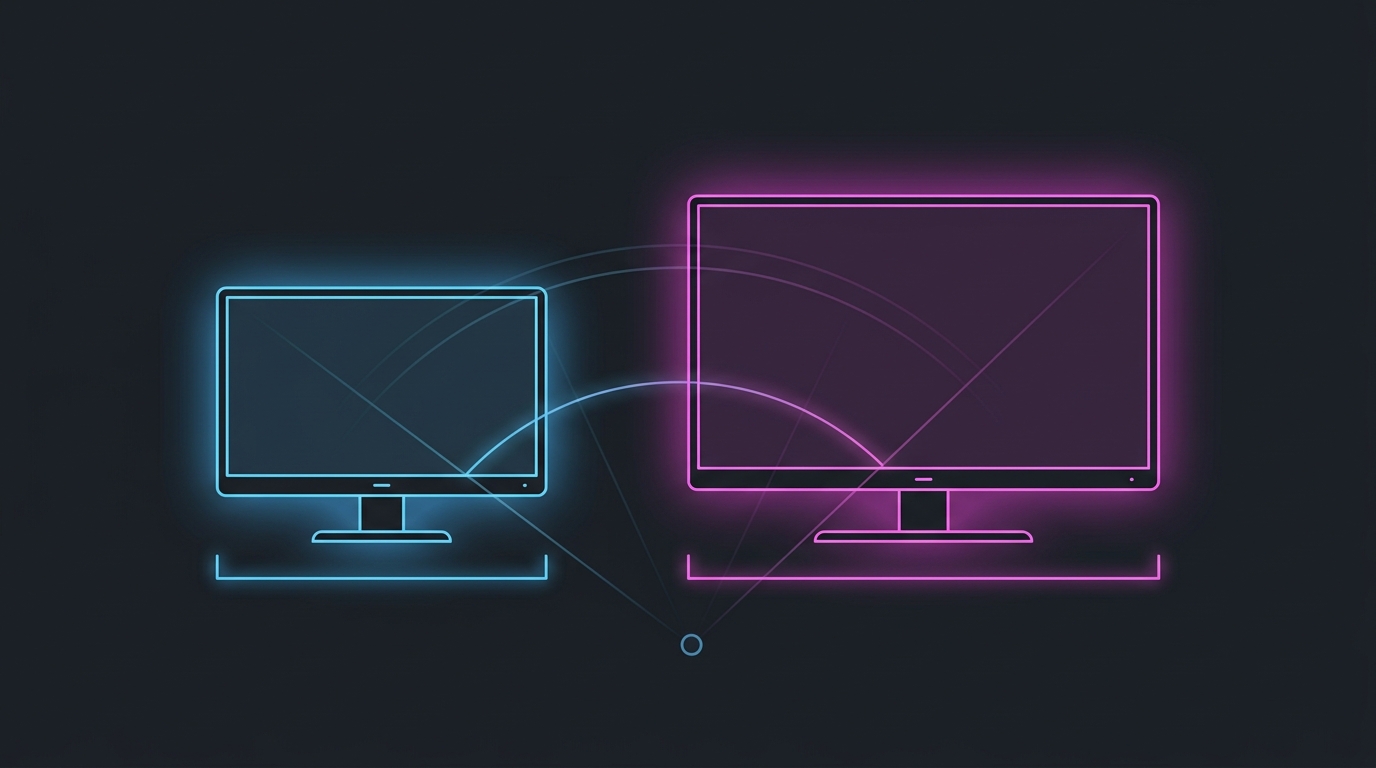
Size decides how much of the screen sits in your central vision. Resolution, refresh rate and response time decide everything else.
24 vs 27 inch at a glance
| Factor | 24-25 inch | 27 inch |
|---|---|---|
| Best paired resolution | 1080p (~92 PPI at 24”) | 1440p (~109 PPI at 27”) |
| 1080p sharpness | Crisp | Softer (~82 PPI) |
| Eye travel corner-to-corner | Shorter | Longer |
| Fits in central vision at 60-70 cm | Yes, essentially all of it | Partially — edges sit in peripheral vision |
| Input lag difference | None | None |
| GPU cost at the paired resolution | Lower | ~78% more pixels at 1440p |
| Best for | Competitive FPS, small desks | Mixed competitive + single-player, sim, work |
What screen size actually changes
Eye travel. At a typical 60-70 cm desk distance, a 24 inch panel subtends a smaller angle, so the crosshair, the minimap, your ammo count and the screen edges are all closer together. Less eye movement between them means fewer moments where you’re looking at the HUD instead of the enemy. On a 27 inch panel at the same distance, the corners sit further out — you either move your eyes more or sit further back, which cancels the size advantage.
Apparent target size. A 27 inch screen shows the same enemy physically larger. That sounds like a pure win, and for players with less-than-perfect vision or a deeper desk it often is. But target size relative to the screen is unchanged, which is what your aim actually calibrates against — a 5-pixel-wide head is 5 pixels wide on both panels.
Sharpness. This is the biggest genuine drawback of 27 inch at 1080p. Pixel density drops from roughly 92 PPI (24 inch) to about 82 PPI (27 inch), so the image is noticeably coarser and distant enemies smear into the background more. If you want 27 inch, pair it with 1440p — but check that your GPU can still hold the frame rate your refresh rate needs first. The 1080p vs 1440p decision guide works through that trade-off with the actual FPS cost.
What screen size does not change
- Input lag. Panel diagonal is not part of the latency chain. Processing, response time, refresh rate and your PC’s frame pipeline are. See response time vs input lag for what those specs really mean.
- Frame rate. Resolution costs frames; inches don’t. A 27 inch 1080p panel is exactly as cheap to drive as a 24 inch 1080p panel.
- Your sensitivity. The same cm/360 turns you the same amount on both. Keep your eDPI identical if you switch sizes — the flicks will feel longer on the bigger screen for a few days, then stop.
- Field of view. FOV is a game setting, not a hardware property. A larger monitor shows the same FOV bigger, not wider.
When 24-25 inch is the right pick
- You play competitive FPS (Valorant, CS2, Apex, Fortnite, Overwatch 2) as your main game.
- You sit close — under about 70 cm from the panel.
- You want 1080p at 240Hz or higher and want it sharp.
- You’re building around the resolution most stretched-res setups derive from. Most 4:3 and 16:10 stretched resolutions are stretched onto a 1080p panel, which is standard on this size class — see the best stretched resolution for 1080p monitors.
- You want to practise on the same size class used on tournament stages.
When 27 inch is the right pick
- The monitor also has to handle single-player games, editing, coding or streaming.
- You sit further back, or you find a 24 inch panel genuinely small to read.
- You’re going 1440p and your GPU can feed it at your target refresh rate.
- You want one screen instead of a competitive panel plus a second display.
A 27 inch 1440p high-refresh panel is the most versatile competitive-capable monitor you can buy right now. It is not a handicap in ranked play — the pros’ 24 inch preference is a standardisation and practice-consistency effect at least as much as a measured advantage.
Don’t buy on size alone
Size is one of four display decisions, and it’s the least impactful of them:
- Refresh rate — the single biggest felt upgrade. Is 144Hz worth it vs 240Hz?
- Resolution — the frame-rate decision. 1080p vs 1440p and 1440p vs 4K.
- Panel type — motion clarity and contrast. IPS vs VA vs TN.
- Size — eye travel and sharpness at your chosen resolution. This guide.
Whichever you pick, the display is only the last link in the chain. If you want the response you paid for, tune the frame pipeline behind it: how to optimize your monitor for gaming, then how to minimize input delay for competitive gaming and the timer resolution pillar guide.
Related guides
Frequently asked questions
Is a 24 or 27 inch monitor better for competitive gaming?
24-25 inch is better for pure competitive FPS play, and 27 inch is better for mixed use. On a 24 inch panel at a normal 60-70 cm desk distance the whole playfield sits inside your central vision, so your eyes travel less between the crosshair, the minimap and the edges of the screen. A 27 inch panel shows the same game larger, which some players find easier to see, but it pushes HUD elements further into peripheral vision. Neither size changes input lag or frame rate.
Why do pros use 24 inch monitors?
Three practical reasons, not a rule. Tournament stages standardised on 24-25 inch 1080p high-refresh panels, so pros practise on what they compete on; the smaller panel keeps the entire screen inside central vision at close desk distance; and 1080p — the resolution these panels almost always use — is the easiest to sustain at 240-360+ FPS. Muscle memory built on one size is also worth more than any small theoretical advantage of switching.
Does monitor size affect input lag?
No. Input lag comes from the panel's processing, response time, refresh rate and your PC's frame pipeline — not the diagonal measurement. A 27 inch and a 24 inch monitor using the same panel technology and refresh rate have effectively identical latency. If you want lower lag, look at refresh rate, response time and your in-game frame pipeline, not screen size.
Does screen size change your aim or sensitivity?
Screen size does not change your sensitivity — the same mouse movement turns you the same number of degrees regardless of panel size. What changes is how many centimetres of glass a target crosses, so a larger screen makes the same flick feel like it covers more distance. If you move between sizes, keep your eDPI identical and give yourself a few sessions to readjust visually rather than changing sensitivity.
Is 27 inch too big for 1080p?
For competitive play it is usable but visibly softer. 1080p on a 27 inch panel works out to about 82 pixels per inch versus about 92 PPI on a 24 inch panel, so text and distant enemies look coarser. If you want a 27 inch screen, 1440p is the better pairing at roughly 109 PPI — provided your GPU can still hold the frame rate your refresh rate needs.