NVIDIA Reflex 2 and Frame Warp Explained: Real Input Lag Cut
Published
On this page
NVIDIA Reflex 2 is a two-part latency tech — the original Reflex Low Latency mode plus a new step called Frame Warp — that NVIDIA measures at up to a 75% cut in PC latency versus no Reflex, by re-projecting the finished frame to match your latest mouse input right before it hits the screen. It reduces input lag (unlike frame generation, which adds it), it debuts first on RTX 50 Series cards, and as of mid-2026 it is still not broadly released. This guide explains what Reflex 2 and Frame Warp actually do, the real numbers, how they differ from frame generation, and what to do for lower latency right now.
What Reflex 2 is
Reflex 2 stacks two techniques that both attack system (PC) latency — the time from your mouse move to the pixels changing on screen:
- Reflex Low Latency (the original Reflex, shipping since 2020). It keeps the render queue short so the GPU starts each frame with the freshest input, and lets the CPU sample your mouse later, closer to when the frame is submitted. This alone typically cuts latency substantially in GPU-bound games.
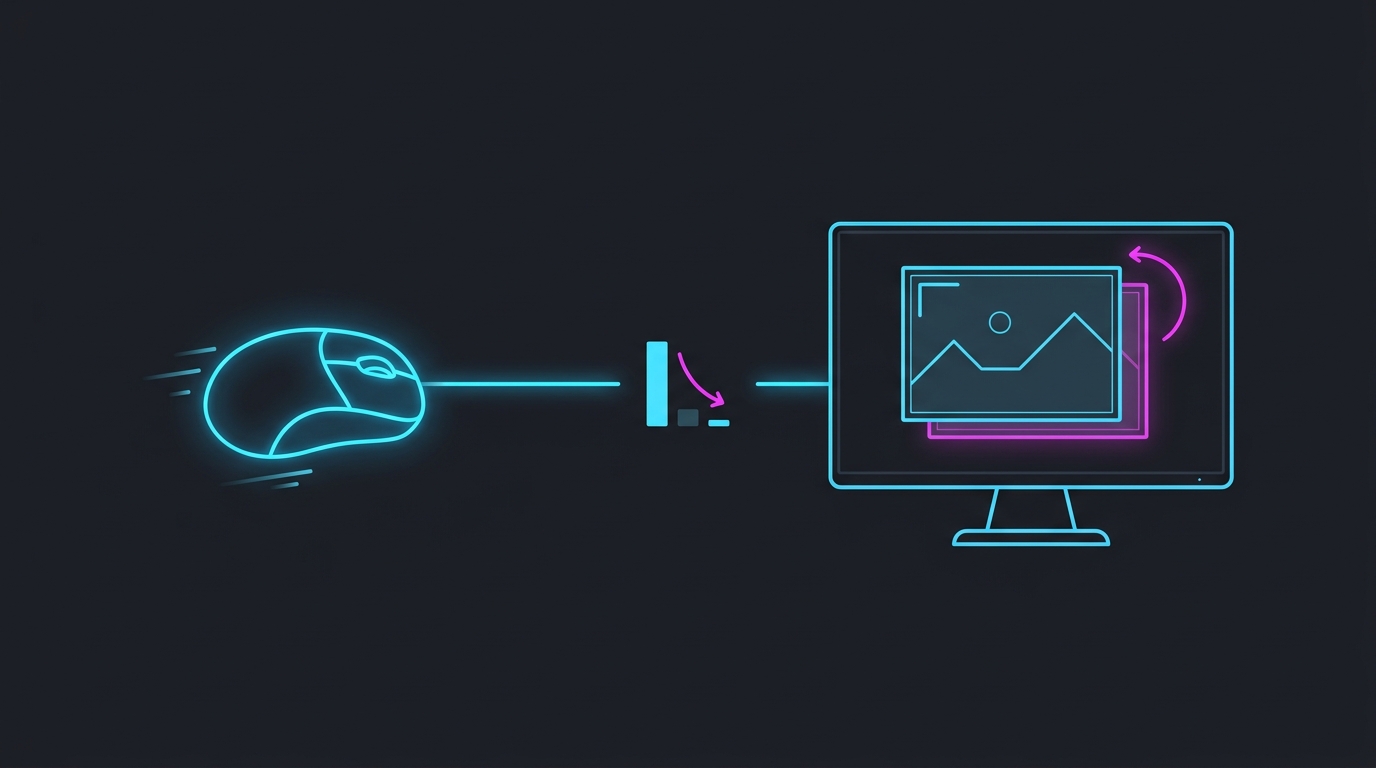
- Frame Warp (new in Reflex 2). After a frame is fully rendered, Frame Warp shifts that image to match your most recent mouse and camera position, sampled at the last possible moment before display.
The pitch: Reflex 1 makes each frame start with newer input; Frame Warp updates the frame with even newer input after it is already drawn.
How Frame Warp works
Frame Warp takes the last rendered frame and re-projects it using the newest camera position derived from your latest mouse input. Because the pixels are pushed to match where you are now aiming — not where you were aiming when rendering began — small gaps open at the edges of the moved image (areas the original frame never drew). NVIDIA fills those gaps with a latency-optimized predictive in-painting algorithm that uses camera, color, and depth data from previous frames to reconstruct the missing slivers.
The effect is that the on-screen image reflects input from a moment later than the frame was rendered, cutting the last stretch of the mouse-to-photon pipeline that Reflex 1 can’t touch.
The latency numbers
NVIDIA’s headline figures come from two demos. Treat them as best-case, vendor-measured results — your mileage varies with GPU, resolution, and CPU/GPU load — but the direction is real:
| Scenario (NVIDIA demo) | No Reflex | Reflex (Low Latency) | Reflex 2 (Frame Warp) |
|---|---|---|---|
| THE FINALS, RTX 5070, 4K, max settings | 56 ms | 27 ms | 14 ms (−75%) |
| VALORANT, RTX 5090, 800+ FPS | — | — | under 3 ms avg PC latency |
The key read: most of the first drop (56 → 27 ms) is ordinary Reflex 1, which you can already use today. Frame Warp is responsible for roughly the second halving (27 → 14 ms). NVIDIA says the technique helps in both CPU-bound and GPU-bound situations.
Reflex 2 vs frame generation — opposite effects on lag
This is the point most people get backwards, so it earns its own table. Frame generation and Frame Warp both involve manipulating frames, but they move latency in opposite directions:
| Frame Generation (DLSS FG / FSR 3) | Reflex 2 Frame Warp | |
|---|---|---|
| What it does | Inserts a new interpolated frame between two real ones | Re-projects a real frame to match newer input |
| Goal | Smoother motion / higher frame counter | Lower input latency / faster aim response |
| Effect on input lag | Adds latency (holds a frame back) | Reduces latency |
| Carries your input? | No — generated frames add no responsiveness | Yes — updates the frame with newer input |
| Best for | Single-player, high base FPS, filling a high-refresh panel | Competitive shooters where response matters |
If you want the full mechanism behind why generated frames add lag, see Frame Generation and Input Lag Explained. The short version: more frames on the counter is not the same as faster input, and only Frame Warp among these actually lowers the number that matters for aim.
Availability in 2026 — don’t wait for it
Frame Warp was unveiled at CES 2025 and announced to arrive first in THE FINALS and VALORANT, debuting on GeForce RTX 50 Series GPUs, with support for other RTX cards planned afterward. As of mid-2026, however, it still has no broad public release — RTX owners are largely still waiting, and neither launch title has shipped a publicly available Reflex 2 implementation yet.
So Reflex 2 is a real technology with impressive demos, but it is not something to plan your setup around today. The honest move is to cut the latency you can cut right now:
- Turn on the original Reflex (or NVIDIA App’s low-latency option) in every game that supports it — that’s the 56 → 27 ms half of the gain, available today. See Should You Turn On NVIDIA Reflex?.
- Cap your FPS correctly so you stay inside your monitor’s refresh window and out of the GPU-bound queue that inflates latency: How to Cap Your FPS Correctly.
- Clean up the rest of the input pipeline — polling rate, background load, and a lower timer resolution all shave milliseconds before any frame is drawn: How to Minimize Input Delay for Competitive Gaming.
The free Tier1Suite bundles our timer-resolution, tuning, and monitor tools to lower system latency now, no new GPU or unreleased feature required.
Bottom line
Reflex 2 is worth understanding because it does the one thing frame generation can’t: it makes a rendered frame reflect newer input, cutting latency rather than adding it, for up to a 75% total reduction in NVIDIA’s demos. But it’s still gated to RTX 50 and largely unreleased in mid-2026, so it changes nothing about your setup today. Turn on Reflex 1, cap your frames, and tighten your input pipeline — those are the milliseconds you can claim right now, and they compound with Reflex 2 whenever it finally ships.
Related guides
Frequently asked questions
What is NVIDIA Reflex 2?
NVIDIA Reflex 2 is a low-latency technology that combines the original Reflex Low Latency mode with a new step called Frame Warp. Reflex 1 reduces the render queue so frames reach the GPU sooner; Frame Warp then shifts the finished frame to match your latest mouse input right before it is shown. Together NVIDIA measures up to a 75% cut in PC latency versus running with no Reflex at all.
How does Frame Warp work?
Frame Warp takes the last fully rendered frame and re-projects (warps) it using the newest mouse and camera position, sampled just before the frame is sent to the display. Moving the pixels to match your most recent aim leaves small empty gaps at the screen edges, which a predictive in-painting algorithm fills using camera, color, and depth data from prior frames. The result is that your aim on screen reflects input from milliseconds later than the frame was actually rendered.
Is Reflex 2 different from frame generation?
Yes, and they work in opposite directions on latency. Frame generation (DLSS Frame Generation, FSR 3) inserts interpolated frames between real ones for smoother motion but adds input lag, because it holds a frame back. Reflex 2 Frame Warp reshapes a real, already-rendered frame using newer input, so it reduces latency instead of adding it. Frame gen buys smoothness; Frame Warp buys responsiveness.
How much latency does Reflex 2 remove?
In NVIDIA's own THE FINALS demo on an RTX 5070 at 4K, PC latency was 56 ms with no Reflex, 27 ms with Reflex Low Latency, and 14 ms with Reflex 2 Frame Warp — an overall 75% reduction, with Frame Warp responsible for roughly the last halving. In VALORANT on an RTX 5090 running 800+ FPS, Reflex 2 brought average PC latency under 3 ms. Real-world gains depend on your GPU, resolution, and how CPU- or GPU-bound the game is.
Can I use Reflex 2 right now?
Not yet in most cases. Frame Warp was unveiled at CES 2025 and, as of mid-2026, still has no broad public release — it was announced to debut first on GeForce RTX 50 Series GPUs in THE FINALS and VALORANT, with other RTX cards planned later. Until it ships in your game, use the original Reflex (widely available), cap your FPS, and clean up your input pipeline for latency you can cut today.