MUX Switch and Advanced Optimus Explained (Force the dGPU)
Published
On this page
If your laptop has a powerful discrete GPU but games feel slower than they should, there’s a good chance your frames are taking a detour through the integrated GPU before they reach the screen. A MUX switch fixes that — and it’s one of the biggest free FPS gains on a gaming laptop.
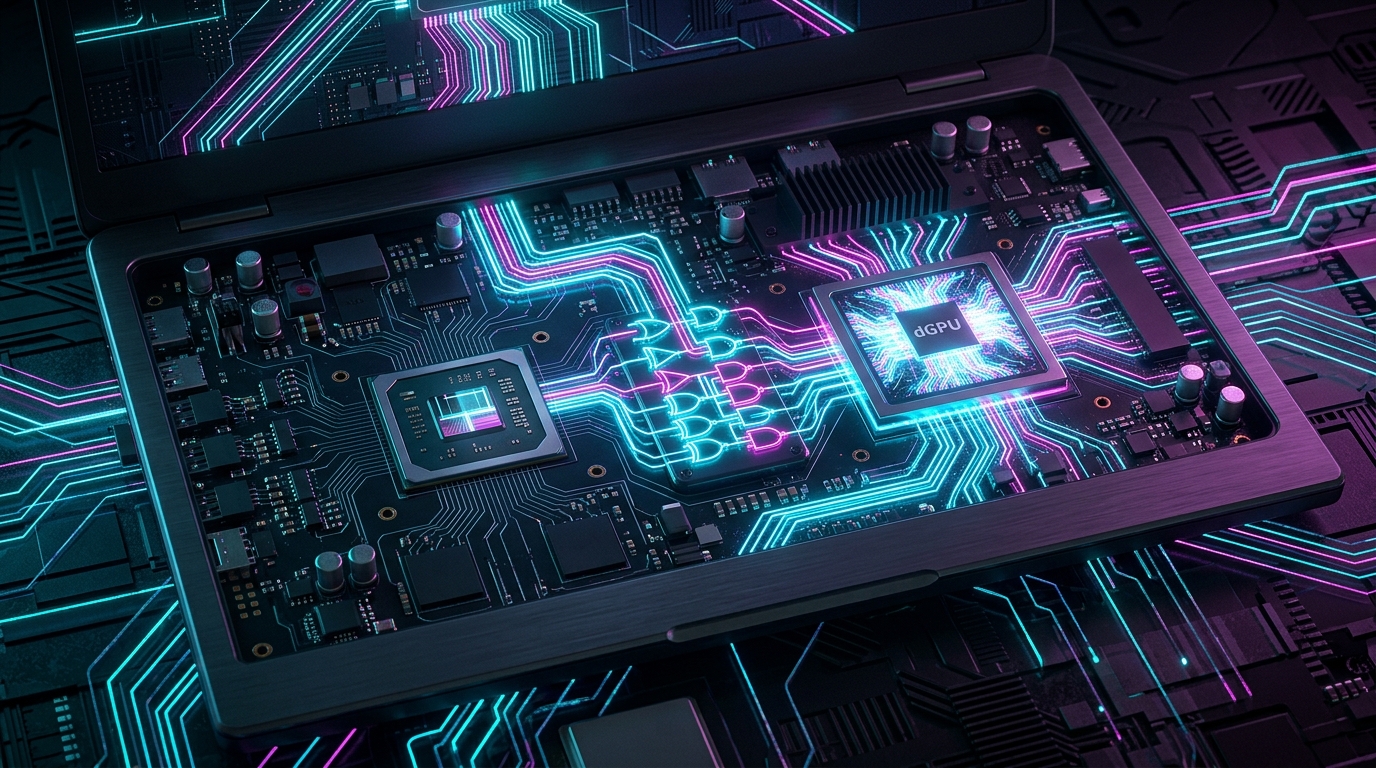
Every frame your discrete GPU renders has to reach the display. The shortest path is the fastest one.
The problem: Optimus routes around your best GPU
To save battery, NVIDIA Optimus (and AMD’s equivalent) wires the laptop display to the integrated GPU. When you game, the discrete GPU renders the frame, then copies it over to the integrated GPU to actually display it. That copy step costs performance and adds a little latency every single frame.
The fix: a MUX switch
A Multiplexer (MUX) switch is hardware that lets you reroute the display directly to the discrete GPU, cutting the integrated GPU out of the chain entirely. The result is typically 5–15% more FPS (more in GPU-bound titles) and slightly lower input lag.
The catch: a classic MUX switch requires a reboot to change modes.
Advanced Optimus: the automatic version
NVIDIA’s Advanced Optimus is a smarter MUX. It switches the display between integrated and discrete GPU automatically and without a reboot, giving you discrete-GPU performance when gaming and integrated-GPU battery life otherwise. If your laptop supports it, it’s the best of both worlds.
How to force the discrete GPU
The exact wording depends on your laptop brand, but the setting lives in the vendor app:
- ASUS → Armoury Crate → GPU Mode → Ultimate (dGPU) / Standard (hybrid)
- Lenovo Legion → Legion Vantage / Legion Space → GPU Mode → Discrete / Hybrid
- MSI → MSI Center → GPU Switch → Discrete GPU
- HP Omen → Omen Gaming Hub → GPU settings
- NVIDIA app / Control Panel → Advanced Optimus systems expose a Display GPU toggle
Set it to the discrete/dedicated option, reboot if prompted, and game plugged in (forcing the dGPU drains the battery fast — see laptop power settings).
Verify the integrated GPU is out of the chain
- Open NVIDIA app / Control Panel while a game runs and check the GPU activity, or
- Use an FPS/hardware overlay such as MSI Afterburner to confirm the discrete GPU is the one under load and driving the display.
If you’re still not getting expected FPS afterwards, rule out other causes with our bottleneck guide and a clean driver install.
When hybrid mode is actually fine
If you’re away from a charger and just browsing or doing light work, hybrid/integrated mode is the right call — it dramatically extends battery life. Save discrete mode for when you’re plugged in and gaming, or let Advanced Optimus handle it for you.
Stack the free wins
Forcing the dGPU is a free FPS gain; the timer is a free latency gain. Pair this with the Windows timer resolution tweak via Tier1Suite and proper FPS capping for the smoothest possible feel from your laptop.
Related guides
- Gaming Laptop Optimization Guide
- Best Windows Power and Battery Settings for a Gaming Laptop
- How to Show an FPS Overlay in Any Game
- How to Clean Install GPU Drivers With DDU
- How to Check for a CPU or GPU Bottleneck
A MUX switch sends frames straight from your discrete GPU to the screen instead of detouring through the integrated GPU, gaining FPS and cutting latency for free. Enable it in your vendor app, reboot, game plugged in, and verify the dGPU is doing the work.
Frequently asked questions
Does a MUX switch increase FPS?
Yes. By routing the display directly from the discrete GPU instead of copying frames through the integrated GPU first, a MUX switch removes that overhead and typically gains 5 to 15 percent FPS, sometimes more in GPU-bound games, plus a small latency reduction.
How do I know if my laptop has a MUX switch?
Check your laptop's vendor app (Armoury Crate, Legion Vantage, MSI Center) for a GPU Mode, Display Mode, or Discrete GPU option. If you can set it to dedicated or discrete GPU only and it asks you to reboot, you have a MUX switch. If there is no such option, your laptop likely lacks one.
What is the difference between Optimus, MUX, and Advanced Optimus?
Standard Optimus always routes the display through the integrated GPU to save battery, costing some FPS. A MUX switch lets you manually route the display to the discrete GPU but requires a reboot to change. Advanced Optimus (NVIDIA) does that switching automatically and without a reboot.
Should I use the discrete GPU all the time?
For gaming and plugged in, yes. For battery life on desktop tasks, no — running the discrete GPU constantly drains the battery much faster. Use hybrid or integrated mode for everyday use and switch to discrete for gaming, or let Advanced Optimus decide automatically.