Is Lossless Scaling Worth It? Frame Gen and Input Lag Explained
Published
On this page
Lossless Scaling is worth it for single-player and slower-paced games where you already hold 60+ real FPS and want to fill a high-refresh monitor — its LSFG frame generation is the only option that works in any game on any GPU — but it is not worth it for competitive shooters, because it adds roughly 10 ms of input lag and its generated frames add smoothness, not responsiveness. This guide explains how Lossless Scaling works, the real latency cost, the dual-GPU trick, and exactly when to turn it on or leave it off.
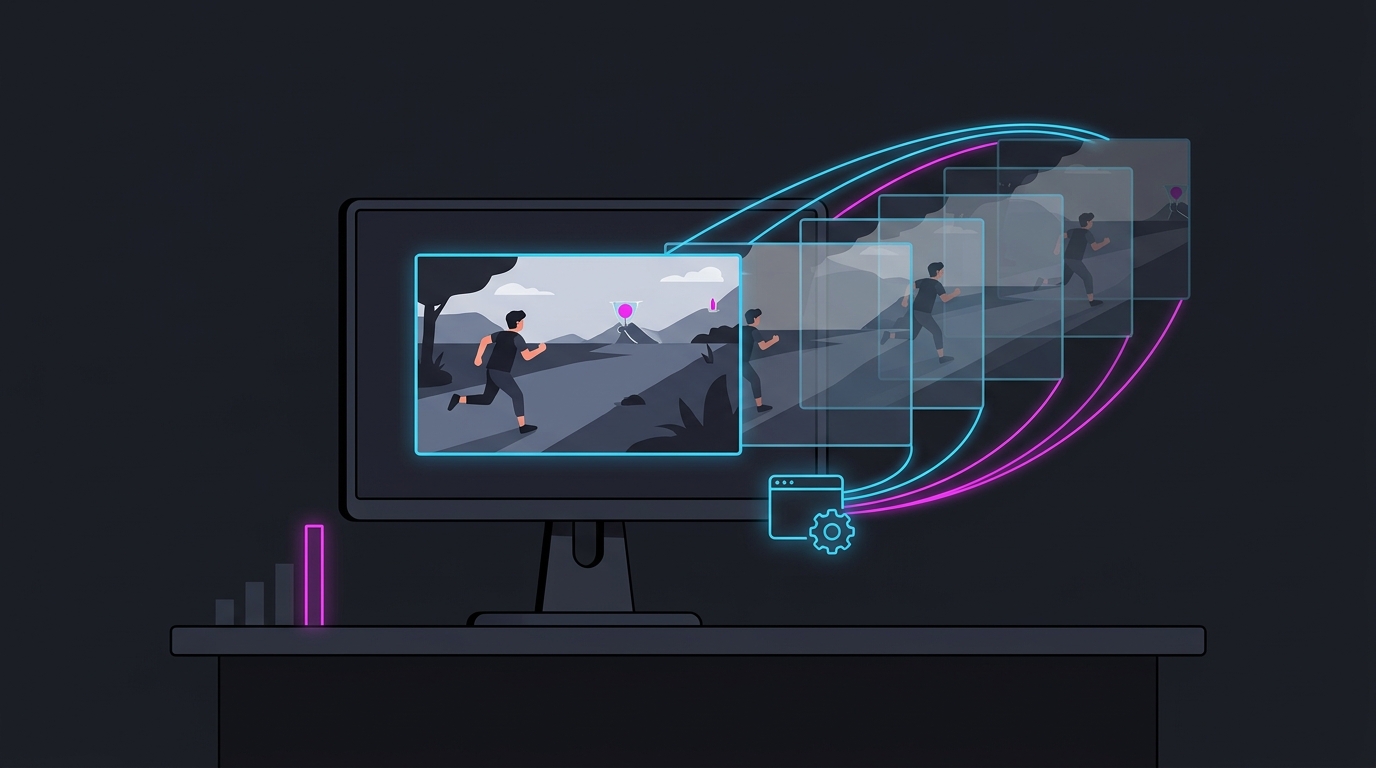
What Lossless Scaling actually is
Lossless Scaling is a $7 Steam app that adds frame generation (LSFG) and upscaling to almost any game by working on the finished, rendered image rather than inside the game engine. Because it never touches the game’s code, it works in titles that have no built-in DLSS or FSR — old games, emulators, capped games, even video.
That universality is the whole pitch. Built-in frame generation is locked down:
| Frame-gen method | Where it runs | GPU requirement | Games |
|---|---|---|---|
| DLSS Frame Generation | Inside the game | RTX 40/50 only | Supported titles only |
| DLSS 4 Multi-Frame Gen | Inside the game | RTX 50 only | Supported titles only |
| FSR 3 Frame Generation | Inside the game | GPU-agnostic | Supported titles only |
| Lossless Scaling (LSFG) | Overlay on the image | Any GPU | Almost any game |
If your GPU or your game is left out of the vendor tech, Lossless Scaling is the fallback that still works.
Does Lossless Scaling add input lag?
Yes — Lossless Scaling frame generation adds input lag, because it interpolates each generated frame between two real frames, so it has to hold a real frame back before it can insert the fake one. No frame-generation method escapes this: generated frames raise your FPS counter but do not carry your mouse input.
The specifics from LSFG 3 testing:
- Going from 40 real FPS smoothed to 80, input lag rose by about 10 ms.
- LSFG 3 cut latency ~24% versus LSFG 2 — roughly 41.7 ms vs 54.3 ms at 80 FPS — and reduced GPU load ~40–45% at higher multipliers.
- Even improved, the floor is set by your real frame rate. Start from a low base like 30 FPS and the game still feels like 30 FPS no matter how high the counter climbs.
The rule is the same one that applies to every frame generator: it is smoothness, not responsiveness. For why interpolated frames can never lower latency, see Frame Generation and Input Lag Explained.
When Lossless Scaling is worth it
Turn it on when smoothness matters more than reaction time and you already have a solid base frame rate:
- Single-player and slower games — RPGs, strategy, simulators, third-person adventures where 60 real → 120+ smoothed fills a high-refresh screen nicely.
- Old or capped games with no DLSS/FSR and a hard engine frame cap you want to visually smooth.
- Older GPUs (GTX 10-series, RX 500/5000, Arc) that have no native frame generation at all.
Best practice: hold at least 55–60 real FPS first, cap your frame rate for even pacing, and use a multiplier that lands on your monitor’s refresh rate. Cap your FPS correctly before enabling it.
When to leave it off
- Competitive shooters — Valorant, CS2, Apex, Fortnite ranked. The added ~10 ms and the fact that only real frames carry your aim make it a net negative. Chase real frames instead with our lowest input lag settings.
- Low base frame rates — below ~40–50 real FPS the game already feels sluggish, and smoothing it just hides the problem while adding latency.
- Anywhere you’re already GPU-bound at 99–100% usage on a single GPU — frame gen needs headroom, so it can stutter or lower real FPS if the card has nothing left to give.
The dual-GPU trick
Enthusiasts pair a second GPU that does nothing but generate frames while the main card renders the game. Offloading LSFG this way removes the frame-gen overhead from the rendering GPU, and testing found the latency it adds is around half that of DLSS 3 Frame Generation with Reflex. A cheap or old second card — even a GTX 1080 — can serve as the interpolator.
It works, but it adds a second GPU’s cost, power, and a spare slot, so treat it as an enthusiast build choice, not a default.
Lossless Scaling vs built-in frame generation
| Lossless Scaling | DLSS / FSR Frame Gen | |
|---|---|---|
| Works in any game | ✅ Yes | ❌ Supported titles only |
| Works on any GPU | ✅ Yes | ⚠️ DLSS = RTX 40/50; FSR = broad |
| Image quality | Good (no motion vectors) | Better (uses engine data) |
| Input-lag cost | ~10 ms (single GPU) | Lower with Reflex/Anti-Lag |
| Cost | ~$7 one-time | Free (built in) |
If a game has native DLSS or FSR frame generation and your GPU supports it, use that — it reads the engine’s motion vectors and produces cleaner frames with less latency. Reach for Lossless Scaling when the built-in option isn’t available. To pick between the built-in upscalers, see DLSS vs FSR vs XeSS for Gaming.
Bottom line
Lossless Scaling is a genuinely useful $7 tool for smoothing single-player and older games on any GPU, and LSFG 3 made it meaningfully faster than before. But it can’t beat physics: frame generation adds latency and only real frames carry your input, so keep it out of competitive play and out of low-base-FPS situations. Get your real frame rate and system latency in order first — a lower timer resolution and clean input pipeline help every frame land sooner. The free Tier1Suite bundles our timer, stretched-res, and tuning tools to do exactly that.
Related guides
Frequently asked questions
Is Lossless Scaling worth it?
Lossless Scaling ($7 on Steam) is worth it for single-player and slower games where you already hold 60+ real FPS and want to fill a high-refresh monitor, because its LSFG frame generation works in any game on any GPU — including older NVIDIA, AMD, and Intel cards that lack built-in frame gen. It is not worth it for competitive shooters, where the extra generated frames add smoothness but not responsiveness and it adds roughly 10 ms of input lag.
Does Lossless Scaling add input lag?
Yes. Lossless Scaling frame generation adds input lag because every generated frame is interpolated between two real frames, so the tool must hold a frame back. Testing on LSFG 3 showed about a 10 ms increase going from 40 real FPS smoothed to 80. Version 3 cut latency roughly 24% versus LSFG 2 (about 41.7 ms vs 54.3 ms at 80 FPS), but frame generation can never reduce latency below your real frame rate — only real frames carry your mouse input.
How much does Lossless Scaling cost?
Lossless Scaling is a one-time purchase of about $7 on Steam, with no subscription. That single license covers both its LSFG frame generation and its upscaling filters, and updates like LSFG 3 are free. Because it runs as an overlay on the finished image, it works in almost any game, emulator, or video without developer support.
Does Lossless Scaling work with any GPU?
Yes. Lossless Scaling is GPU-agnostic — it operates on the rendered image rather than the game engine, so it runs on NVIDIA GTX and RTX, AMD Radeon, and Intel Arc cards, including older GPUs with no native DLSS or FSR frame generation. This universality is its main advantage over DLSS Frame Generation (RTX 40/50 only) and FSR 3 Frame Generation (in-game support only).
What is the Lossless Scaling dual-GPU setup?
A dual-GPU Lossless Scaling setup uses a second GPU purely to generate frames while your main GPU renders the game, which removes the frame-gen performance hit from the card doing the real work. Testing found the latency added by dual-GPU LSFG is around half that of DLSS 3 Frame Generation with Reflex, and a modest second card (even an old GTX 1080) can act as the frame interpolator. It adds cost and complexity, so it is an enthusiast option, not a default.