Helldivers 2 Stuttering Fix: Stop FPS Drops and Frame Spikes
Published
On this page
When Helldivers 2 hitches during a big bug breach or a stratagem barrage, it’s frame-time spikes — and those get teammates killed. This guide smooths pacing so the chaos stays playable.
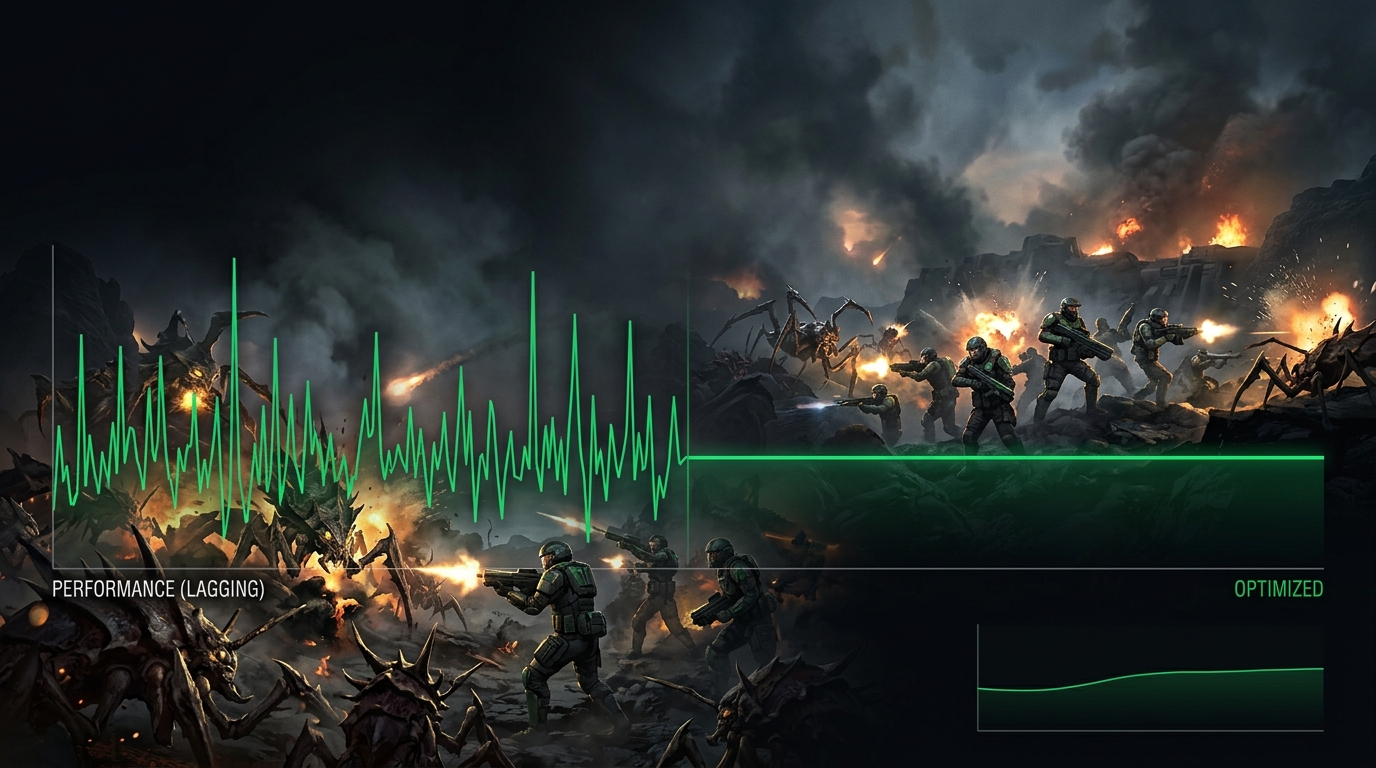
A steady 60 beats a spiky 100. Aim for consistency, especially when the screen fills with enemies.
What Helldivers 2 stutter usually looks like
- hitching when many enemies spawn at once
- FPS drops during explosions and stratagem effects
- stutter right after launch while shaders compile
- inconsistent feel even at a high FPS number
Change these first
- Set Display Mode to Fullscreen and V-Sync Off.
- Use a Quality upscaling preset to give the GPU headroom during chaos.
- Lower Screen-Space GI, Volumetric Fog, and Shadows.
- Set the Windows power plan to High Performance.
Upscaling plus lower GI/fog removes most combat spikes because those effects scale with how much is on screen.
Update or clean-install your GPU driver
- Install the latest stable GPU driver.
- Roll back if stutter started after a driver update.
- Reset driver settings to default before layering tweaks.
- Let shader compilation finish after each patch before judging performance.
Stop CPU and GPU power throttling
- Control Panel → Power Options → High Performance.
- On laptops, plug in and disable battery-saver modes.
- Set GPU Power Management Mode to Prefer Maximum Performance.
Lower the spiky settings
- Screen-Space Global Illumination: Off
- Volumetric Fog / Clouds: Low
- Shadow Quality: Low
- Particle Quality: Medium
See the full pass in Best Helldivers 2 Settings for FPS and Performance.
Background apps and storage
- Close browsers, launchers, and hardware monitors you don’t need.
- Disable Steam/Discord overlays.
- Install Helldivers 2 on an SSD if it’s on a hard drive.
- Reboot before long sessions if your PC has been on for hours.
Windows tweaks worth trying
- Enable Game Mode and disable unnecessary startup apps.
- On laptops, confirm the game uses the correct discrete GPU.
- Consider disabling VBS for extra CPU headroom.
- If teammates rubber-band or actions delay, see lag spikes and high ping / packet loss.
For smoother input, read The Ultimate Guide to Timer Resolution for Gaming (and grab Tier1Suite) and How to Minimize Input Delay for Competitive Gaming.
Related guides
- Best Helldivers 2 Settings for FPS and Performance
- How to Fix Lag Spikes in Games
- How to Minimize Input Delay for Competitive Gaming
- The Ultimate Guide to Timer Resolution for Gaming
Most Helldivers 2 stutter comes from heavy effects, drivers, or power throttling. Use upscaling, lower GI and fog, fix your power plan, and clean up drivers — and the bug breaches stay smooth.
Frequently asked questions
Why does Helldivers 2 stutter during bug breaches and stratagem barrages?
Helldivers 2 spikes frame time heavily when many enemies spawn simultaneously alongside explosion and stratagem effects. Screen-Space Global Illumination and Volumetric Fog are the biggest contributors because they scale with how much is on screen. Turning SSGI off and lowering Volumetric Fog to Low removes most combat hitching.
How do I fix Helldivers 2 FPS drops in co-op firefights?
Enable upscaling at Quality preset to give the GPU headroom during chaos, lower Shadows and Particle Quality, and force fullscreen with V-Sync off. If teammates are all present and stutter only happens mid-fight, the bottleneck is rendering cost rather than network — focus on the GPU-heavy settings first.
Does Helldivers 2 stutter on a good PC?
Yes. The game has well-documented frame-time issues tied to its engine, and even capable systems can see hitching during large enemy encounters. The usual culprits are power throttling on laptops, driver conflicts, and effects settings that spike GPU load faster than the hardware can recover. A steady 60 FPS with upscaling beats an unstable 90.
Will updating my GPU driver fix Helldivers 2 stuttering?
It often helps, but can also introduce new problems. Install the latest stable driver and test across a few missions before judging. If stutter appeared right after a driver update, roll back to the previous version. Helldivers 2 has also received patches addressing stutter specifically, so verifying game files after a major update is worth doing.
Does Helldivers 2 stutter right after launch while shaders compile?
Yes. Shader compilation runs in the background after launch and after patches, so the first session always feels rougher than subsequent ones. Let the game sit at the menu for a few minutes after an update before loading a mission, and do not judge performance until you have played through at least one full mission.