Best Hytale Settings for FPS: View Distance, Presets and Frame Cap
By Tier1Settings Published
On this page
The best Hytale settings for FPS are a view distance of 192 blocks on weaker PCs (384 on recommended-spec PCs), the Low or High graphics preset to match, and a frame rate cap you can hold. View distance matters far more than anything else in the menu: Hypixel Studios calls it “the most impactful performance option”. This guide is written as of 15 November 2026 (after Update 6 and Chapter I) and is based on Hypixel’s own hardware post, download page and patch notes.
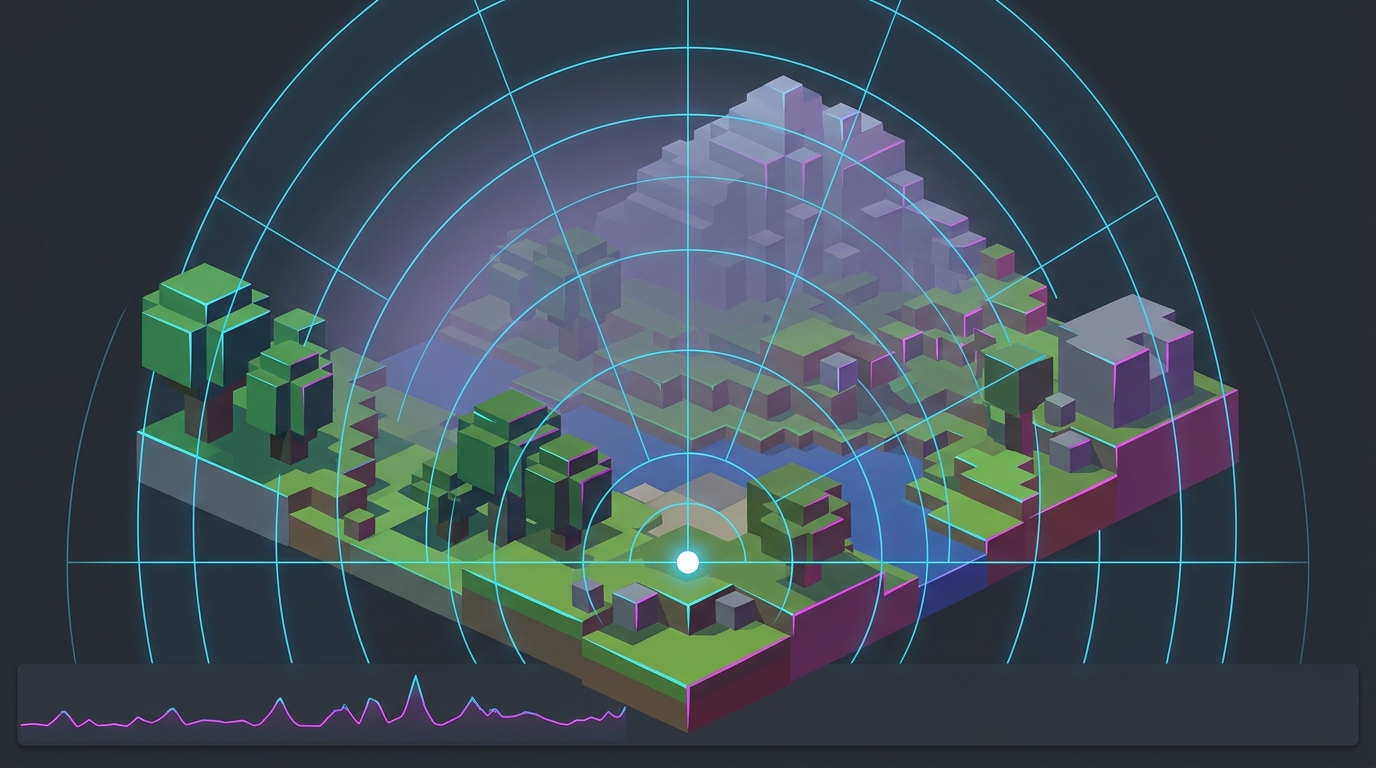
Hytale is a voxel sandbox, so it behaves more like Minecraft than a shooter: the world around you is simulated and rebuilt as you move, and the CPU usually runs out before the graphics card does. That changes which settings are worth touching.
Quick settings
| Setting | Minimum-spec PC | Recommended-spec PC | Why |
|---|---|---|---|
| View distance | 192 blocks | 384 blocks | Hypixel’s own targets for each tier; the biggest single cost |
| Graphics Preset | Low | High | Hypixel’s spec targets use these presets |
| Frame rate cap | At or under what you hold in busy areas | Same | Update 6 frame pacing is smoothest at a capped rate |
| Water (Advanced Rendering) | Lower it if you play near water | Your choice | Added in Update 6; only changes how water renders |
| Other programs | Closed | Closed | Hypixel’s advice for minimum-spec PCs |
Hypixel’s published targets are 30+ FPS at 1080p on the Low preset with a 192-block view distance for the minimum tier, and 60+ FPS at 1080p on the High preset with 384 blocks for the recommended tier. If you’re below those numbers on matching hardware, the cause is usually something in the sections below, not the preset.
View distance: the setting that decides your frame rate
Hypixel’s hardware post explains why this one setting dominates: every time you double the view distance (for example 192 to 384), you quadruple the amount of world around you. That is four times the terrain to generate, light, store and draw.
- Start at 192 blocks. Hypixel recommends it on minimum-spec PCs.
- If FPS holds, step up to 384 blocks, the distance Hypixel says it recommends experiencing Hytale at.
- Go higher only on a strong PC. Hypixel’s showcase test (Ryzen 9 9950X3D, RTX 5080, 64 GB DDR5) held around 400 FPS at 768 blocks, which is far beyond a typical setup.
High view distances also raise VRAM use. Hytale builds large texture atlases, and Hypixel warns that some GPUs run out of video memory or start stuttering at high view distances “even if they look fine on paper”. If stutter appears only when you raise view distance, that’s the cause. See how much VRAM you need for gaming for how to read your usage.
On a server, the server can cap the maximum view distance. Since Update 6 the setting shows when that cap is in place, so if the slider stops short, that’s the server’s limit, not a bug.
Singleplayer is the hardest case for your PC
This surprises a lot of players: Hytale usually runs better on a multiplayer server than in singleplayer on the same PC. In singleplayer your machine runs the game server too: world generation, NPCs and voxel logic all happen locally. Hypixel calls singleplayer “the most demanding scenario” for that reason. On a server, your PC only handles graphics and gameplay.
What that means in practice:
- If singleplayer stutters while exploring new ground, that’s world generation competing for CPU time. Lower view distance first; it shrinks how much world is generated around you.
- Hosting for friends from your own PC adds more server work on top. A dedicated server moves that load off your gaming machine; see survival game dedicated server performance for how that split works.
- Mods add load too. Hypixel says plainly that mods increase requirements.
The same CPU-bound pattern shows up in every base-building game, and it’s why big builds cost frames that graphics settings can’t win back. Why base building tanks FPS in survival games explains the mechanism.
Upgrade the CPU and RAM before the GPU
Hypixel’s guidance is direct: once your graphics card meets the minimum spec (GTX 900 series, Radeon 400 series or Intel Arc A-series), upgrading your CPU and having enough system memory will usually help more than buying a faster graphics card.
| Tier | CPU | RAM | Storage |
|---|---|---|---|
| Minimum (1080p, 30 FPS, 192 blocks) | Core i5-7500 / Ryzen 3 1200 | 8 GB | SSD, 10 GB free |
| Recommended (1080p, 60 FPS, 384 blocks) | Core i5-10400 / Ryzen 5 3600 | 16 GB | SSD, 20 GB free |
Source: hytale.com download page, read 15 November 2026.
- RAM: with integrated graphics, the GPU borrows system memory. Hypixel’s December 2025 hardware post listed 12 GB for singleplayer on integrated graphics against 8 GB with a dedicated card. More on sizing in how much RAM you need for gaming.
- Storage: both tiers in the current spec table list an SSD, and Hypixel calls an SSD “strongly recommended”. Don’t run Hytale from a hard drive.
Laptops and integrated graphics
- Force the dedicated GPU. Hypixel says to prefer a discrete GPU over integrated graphics on laptops. In Windows, open Settings > System > Display > Graphics, add the Hytale executable and pick the high-performance GPU.
- Keep drivers current. Since Update 6 Hytale needs OpenGL 4.1 or later and closes immediately without it. Hypixel’s notes say a driver update will “almost always” fix a game that stopped launching.
- Plug in. Laptops on battery often limit CPU clocks, and Hytale leans on the CPU.
Integrated graphics can run Hytale: Hypixel’s minimum tier lists Intel UHD 620 and Radeon Vega 6, and its own test of Intel HD 630 reached about 30–34 FPS at 1080p. Expect the minimum-tier settings, not more.
Use a frame rate cap
Update 6 “improved frame pacing to reduce stutter during gameplay, resulting in smoother motion especially at capped frame rates”. So an uncapped frame rate that swings between, say, 140 and 70 will feel worse than a steady cap.
- Watch your FPS in your busiest area (a big build, a crowded server hub) and cap a little below what you hold there.
- On a high-refresh monitor, a cap just under your refresh rate is a good default, for example
141on 144 Hz.
For how to pick the number, see the best FPS cap for low latency.
Bugs Hypixel has already fixed
If you last played months ago and gave up on performance, these fixes may change your experience. All are from Hypixel’s patch notes:
| Update | Fix |
|---|---|
| Update 6 (27 August 2026) | Improved frame pacing; reduced memory use at high view distances; fixed several memory leaks, including one in the map and leaks after leaving a world |
| Chapter I (12 October 2026) | Fixed a crash on older NVIDIA cards (GeForce 400 to 700 series and their laptop versions); fixed a random crash on the main menu or inventory screens with integrated Intel graphics |
If your FPS slowly falls over a long session and recovers after a restart, that’s the pattern a memory leak produces. Make sure you’re on the current version, then see why FPS drops after hours of gameplay.
Windows checks worth doing
- Close browsers, recording tools and launchers you don’t need. Hypixel tells minimum-spec players to make sure no other programs are running.
- Turn off overlays while testing.
- Use a high-performance power plan on desktops.
Hytale’s frame times also benefit from the same system-level consistency as any CPU-bound game. If you want to check your Windows timer and power settings in one place, Tier1Suite is free.
Related guides
- Best Minecraft Settings for FPS, the closest game to Hytale in how it uses your PC
- Why Base Building Tanks FPS in Survival Games
- Survival Game Dedicated Server Performance
- Why FPS Drops After Hours of Gameplay
- Best Valheim Settings for FPS
Set view distance first, match the preset to your tier, cap the frame rate, and remember that singleplayer asks your CPU to run a server too. Those four things cover almost all of Hytale’s performance.
Frequently asked questions
What is the best view distance in Hytale for FPS?
Hypixel Studios recommends 192 blocks on minimum-spec PCs and 384 blocks on recommended-spec PCs. View distance is the setting with the biggest effect on performance, because doubling it (192 to 384) quadruples the amount of world the game keeps around you. Start at 192, then raise it one step at a time while the frame rate holds.
Why does Hytale run worse in singleplayer than on a server?
In singleplayer your PC runs the game server as well as the game: world generation, NPCs and block logic all happen locally, so Hypixel calls singleplayer the most demanding scenario. On a multiplayer server your PC only handles graphics and gameplay, which usually gives better performance on the same hardware.
Is Hytale CPU or GPU heavy?
Mostly CPU and RAM. Hypixel says Hytale, as a sandbox voxel game, cares more about CPU performance and system memory than many other games, and that once your graphics card meets the minimum spec, a faster CPU and enough RAM usually help more than a faster GPU.
Should I cap my frame rate in Hytale?
Yes, at a rate your PC can hold in busy areas. Update 6 improved Hytale's frame pacing to reduce stutter, and Hypixel says the smoother motion shows most at capped frame rates. A cap a little below what you average keeps frame times even instead of swinging.
Why won't Hytale launch after an update?
Since Update 6, Hytale requires OpenGL 4.1 or later and closes immediately if your system doesn't have it. Hypixel's notes say updating your graphics drivers almost always fixes it. On a laptop, also make sure the game runs on the dedicated GPU rather than integrated graphics.