V-Sync On or Off for Gaming? When It Actually Adds Input Lag
Published
On this page
The honest answer: it depends entirely on whether your monitor has G-Sync or FreeSync. V-Sync is not “always bad” — it’s a fixed-refresh solution that a variable-refresh monitor mostly makes redundant. This guide gives you the decision for both cases, how much latency V-Sync actually costs at each refresh rate, and what to use instead.
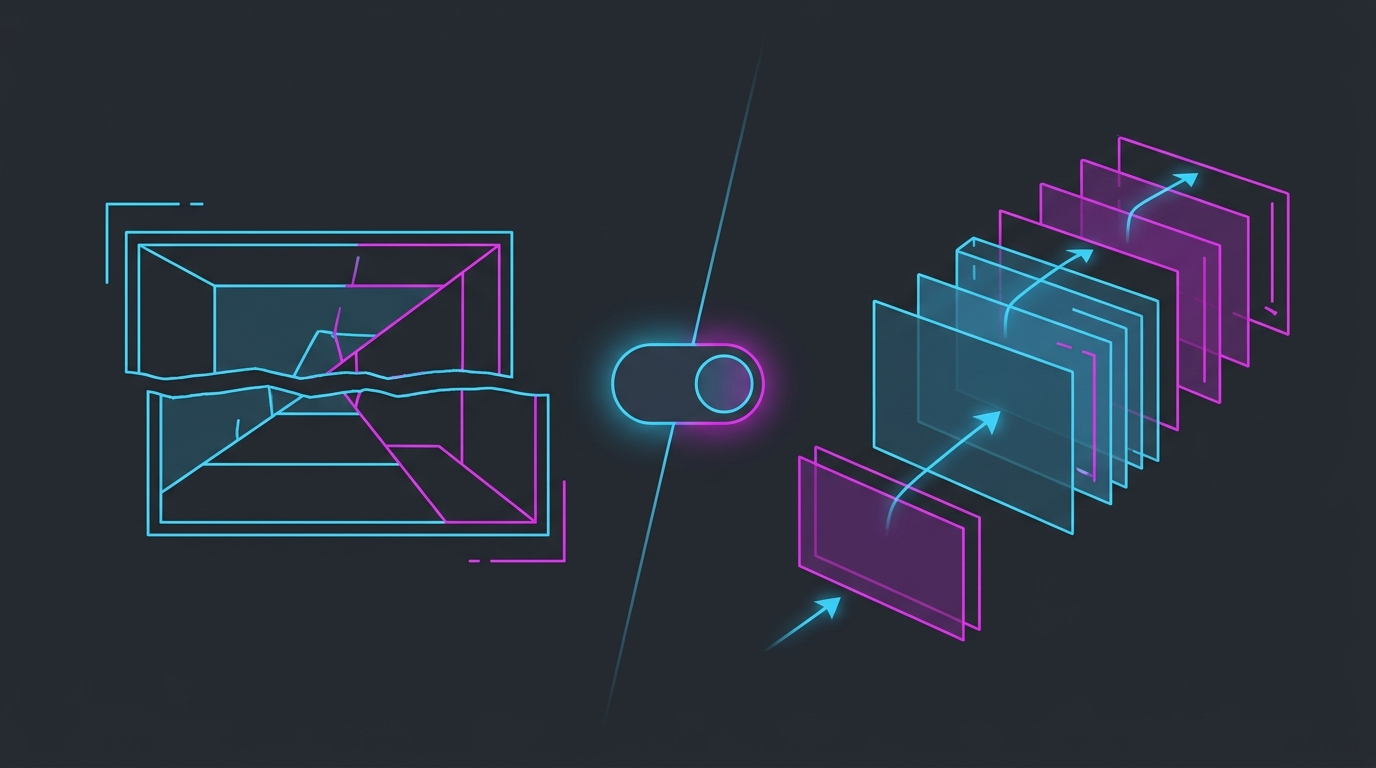
V-Sync trades a frame queue for a clean image. On a fixed-refresh panel that trade costs you latency; on a VRR panel it costs almost nothing.
The decision in one table
| Your setup | V-Sync | Why |
|---|---|---|
| Fixed refresh, competitive shooter | Off + FPS cap | Tearing is cheaper than a frame queue |
| Fixed refresh, single-player / cinematic | On | Latency doesn’t matter, tearing does |
| G-Sync / FreeSync, any game | On in the driver + cap below refresh | It never engages; acts as a safety ceiling |
| G-Sync / FreeSync, in-game V-Sync option | Off | In-game V-Sync adds its own queue |
If you have a variable-refresh monitor, stop here and follow the full G-Sync + V-Sync + Reflex setup — that’s the configuration you want, and the rest of this page is about the fixed-refresh case.
What V-Sync actually does
Without V-Sync, the GPU sends a new frame the moment it’s finished. If that happens mid-scan, the top of your screen shows the old frame and the bottom shows the new one — a tear line.
V-Sync fixes this by holding finished frames until the monitor is ready for a fresh refresh cycle. No mid-frame swap, no tear. The cost is that the frame you’re now looking at finished rendering some time ago and sat waiting — that wait is the input lag.
How much lag it costs
The penalty is roughly one to two frame intervals, so it scales with refresh rate:
| Refresh rate | Frame interval | Typical V-Sync penalty |
|---|---|---|
| 60Hz | 16.7ms | ~16–33ms |
| 120Hz | 8.3ms | ~8–17ms |
| 144Hz | 6.9ms | ~7–14ms |
| 240Hz | 4.2ms | ~4–8ms |
| 360Hz | 2.8ms | ~3–6ms |
This is why “V-Sync ruins aim” is folklore from the 60Hz era and why V-Sync on a 240Hz panel is much less offensive. It’s also why the penalty is worst exactly when you have the most FPS — a GPU producing 300 FPS into a 60Hz V-Sync ceiling is queueing stale frames constantly.
The better alternative on a fixed-refresh monitor
You don’t have to choose between tearing and lag. Cap your frame rate just below your refresh rate and leave V-Sync off:
- Set an in-game FPS cap, or use RTSS / the driver’s frame-rate limiter. Aim for ~3 frames below refresh — 141 on 144Hz, 237 on 240Hz.
- Turn on NVIDIA Reflex or AMD Anti-Lag 2 if the game supports it — it manages the render queue automatically.
- Use exclusive fullscreen where available, so the desktop compositor isn’t adding a layer.
A cap doesn’t eliminate tearing on a fixed-refresh panel — nothing but V-Sync or VRR does — but it makes the tear line drift slowly and sit far less often in the middle of the screen, while keeping latency near V-Sync-off levels. For most competitive players that’s the right trade.
Details on doing this properly: how to cap your FPS correctly and the best FPS cap for low latency.
Where to set it (and where not to)
- Driver level (NVIDIA Control Panel / AMD Software) — this is the one that interacts correctly with G-Sync/FreeSync. Use this if you’re on VRR.
- In-game V-Sync — often adds its own buffering on top of the driver’s. On a VRR setup, leave this off.
- “Fast Sync” (NVIDIA) / “Enhanced Sync” (AMD) — renders uncapped and shows only the newest complete frame. Tear-free with much less lag than V-Sync, but it needs FPS well above refresh and can produce uneven frame pacing. Worth trying on a fixed-refresh panel if you comfortably exceed your refresh rate.
Common mistakes
- Running V-Sync at 60Hz on a 240Hz monitor. Check Windows is actually set to your panel’s full refresh rate — see optimize your monitor for gaming.
- V-Sync on and an aggressive cap above refresh. The cap never engages, so you get the queue anyway.
- Blaming V-Sync for stutter that’s actually frame-time related. If the lag comes in spikes rather than as constant sluggishness, look at lag spikes, shader cache, or DPC latency instead.
- Leaving triple buffering on with V-Sync. In DirectX it usually means a deeper queue, not the low-latency variant — more smoothness, more lag.
Verify the change
Turn V-Sync off, cap FPS below refresh, then check the result rather than trusting feel:
- Watch a frame-time graph (RTSS/Afterburner overlay) — you want a flat line, not a sawtooth.
- Use the input lag measurement methods if you want a real number.
- Make sure the rest of the chain isn’t the actual bottleneck: a steady Windows timer matters here too, which is what Tier1Suite handles — background on that in the timer resolution guide.
The short version
No VRR + competitive: V-Sync off, cap ~3 FPS below refresh, Reflex on. No VRR + single-player: V-Sync on, enjoy the clean image. G-Sync/FreeSync: V-Sync on in the driver, off in-game, cap below refresh — you get tear-free frames without the latency penalty.
Related guides
Frequently asked questions
Should V-Sync be on or off for gaming?
On a fixed-refresh monitor with no G-Sync or FreeSync, turn V-Sync OFF for competitive games — it can add a full frame or more of input lag. Turn it ON for single-player games where tearing bothers you and latency doesn't matter. If you have a VRR monitor, the answer flips: leave G-Sync/FreeSync on, enable V-Sync in the driver as a safety net, and cap FPS a few frames below refresh.
How much input lag does V-Sync add?
Typically one to two full frames of buffering. At 60Hz that's roughly 16–33ms; at 144Hz it's about 7–14ms; at 240Hz around 4–8ms. The penalty scales with refresh rate, which is why V-Sync feels crippling at 60Hz and much milder on a high-refresh panel. Triple buffering and pre-rendered frame queues can push it higher.
Does V-Sync cause input lag even at high FPS?
Yes — in fact, running well above your refresh rate is the worst case. When your GPU produces frames faster than the monitor can display them, finished frames sit in a queue waiting for the next refresh, and every one of them is stale by the time it appears. Capping FPS a few frames below refresh keeps the queue empty and removes most of the penalty.
Is it better to use V-Sync or an FPS cap?
An FPS cap, in almost every case. A cap a few frames below your refresh rate stops the render queue from filling up and dramatically reduces tearing without V-Sync's buffering delay. Pair the cap with NVIDIA Reflex or AMD Anti-Lag 2 where supported and you get near-V-Sync smoothness at close to V-Sync-off latency.
Why do people say to turn V-Sync ON with G-Sync?
Because inside the G-Sync range V-Sync barely engages — the monitor is already refreshing in step with your frames, so there is nothing to buffer. Driver-level V-Sync just acts as a ceiling that prevents tearing if your frame rate briefly spikes past the top of the VRR range. With an FPS cap below refresh you almost never reach that ceiling, so you get tear-free frames without the classic V-Sync lag.