RX 7800 XT Undervolt Guide: Lower Temps and Higher Clocks
Published
On this page
The RX 7800 XT is a power-limited RDNA 3 card, which makes undervolting unusually rewarding: drop the voltage and you free up the power budget, so the card runs cooler and often boosts higher for the same or slightly better FPS. AMD’s own Adrenalin software handles the whole job — there’s no need for third-party tools. Here’s the manual tuning method tuned for the 7800 XT.
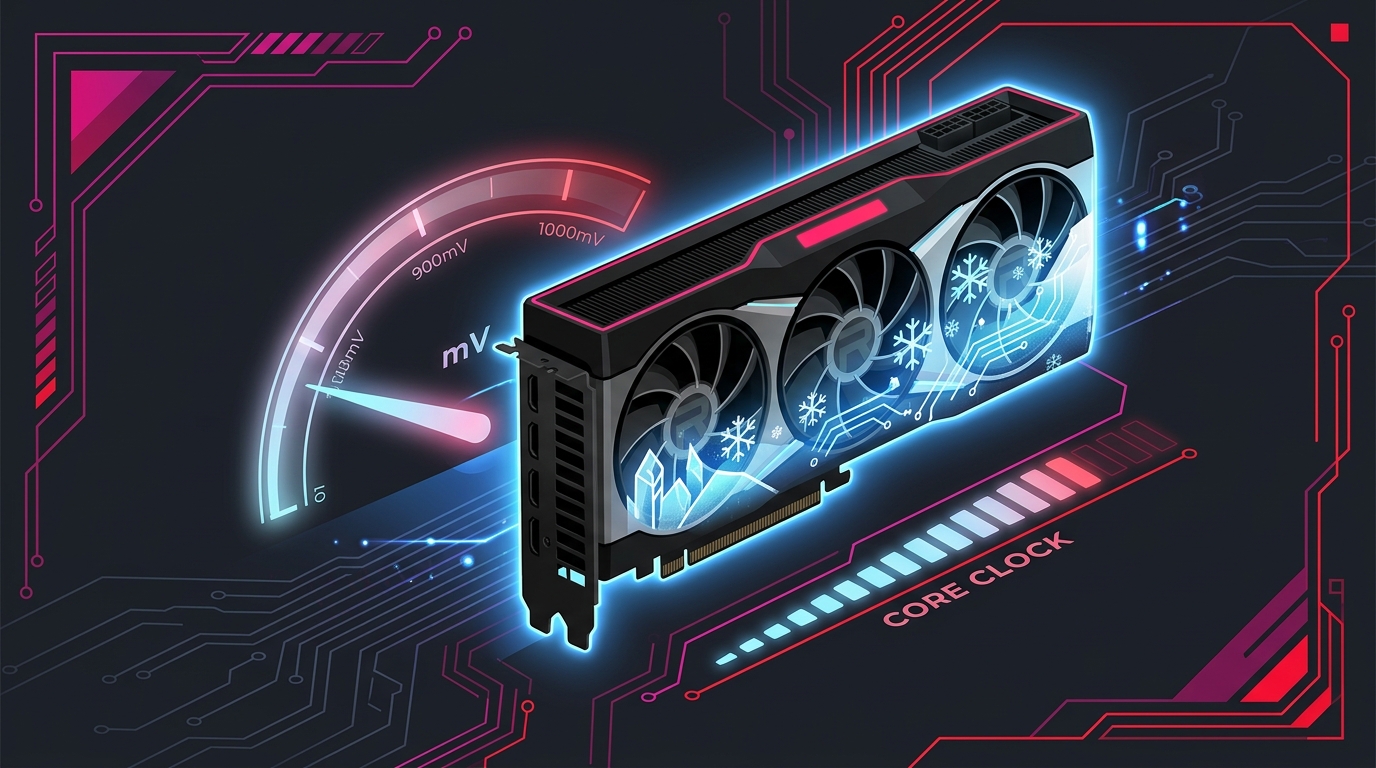
On power-limited RDNA 3 cards, lowering voltage can actually raise sustained clocks — a rare win-win.
Why undervolt an RX 7800 XT
- Lower temps including the hotspot/junction reading RDNA 3 cards report.
- Lower power draw, which on a power-capped card frees headroom for higher boost.
- Higher sustained clocks in many cases — the standout benefit on RDNA 3.
- Quieter fans as the cooler handles less heat.
What you need
- AMD Software: Adrenalin Edition (the official AMD driver suite) — see our Best AMD Adrenalin Settings for Gaming guide.
- A way to monitor temps, clocks, and power — Adrenalin’s own Performance overlay works well.
- A stress test and a demanding game to validate stability.
Note: this is the AMD method, not MSI Afterburner. You’ll set a lower voltage offset in Adrenalin’s manual tuning rather than editing a voltage/frequency curve.
Step 1 – Open manual tuning
- Open AMD Software: Adrenalin Edition.
- Go to Performance → Tuning.
- Switch the tuning control to Custom, then enable GPU Tuning (manual control).
Step 2 – Lower the voltage
- Find the Voltage (mV) field. Stock typically sits around 1150 mV.
- Lower it to about 1080–1100 mV as a starting point.
- Leave the maximum frequency on auto for now — the goal first is a stable lower voltage.
This is a voltage offset, not a curve: you’re telling the card to target the same clocks at less voltage, and RDNA 3 will boost into the freed-up power budget on its own.
Step 3 – Apply and (optionally) tune frequency
- Click Apply Changes.
- Once a lower voltage is stable, you can optionally nudge the maximum frequency up slightly to capture the extra headroom, then retest.
- Keep changes small — adjust voltage in ~10–15 mV steps and frequency in modest increments.
Step 4 – Test for stability
- Run a stress test for 15–20 minutes, then play demanding games for 20–30 minutes.
- Watch for driver crashes (a “default driver” reset), artifacts, or black screens — those mean the voltage is too low for your target clocks.
- If it crashes, raise the voltage by 10–15 mV and retest. If it’s rock solid, you can try lowering a little further.
- Once stable, save it as a profile in Adrenalin so it loads automatically.
How to revert
On the Tuning page, switch back to Default or hit the reset control to restore stock settings instantly. A driver reinstall via Adrenalin (or DDU) also clears any custom tuning.
Expected results
Expect lower temps and power, often alongside slightly higher sustained clocks because the card is no longer pinned to its power limit. Real FPS gains, if any, are small and depend on the title and your specific card — the dependable outcome is cooler, quieter, and at least as fast.
Related guides
- How to Undervolt Your GPU
- MSI Afterburner Guide
- Best AMD Adrenalin Settings for Gaming
- How to Check for a CPU or GPU Bottleneck
Undervolting the RX 7800 XT in Adrenalin is a quick, fully reversible tune that can leave the card cooler, quieter, and even a touch faster. Drop the voltage toward 1080–1100 mV, validate with a stress test, then save the profile.
Frequently asked questions
Is undervolting the RX 7800 XT safe?
Yes. In AMD Adrenalin you lower the voltage offset, so the card runs below stock rather than above it, with no risk of hardware damage. If you go too low the card crashes or black-screens and resets on reboot, leaving nothing changed.
How much can I undervolt an RX 7800 XT?
RDNA 3 cards undervolt well. Many 7800 XTs are stable dropping the voltage from a stock ceiling near 1150 mV down to around 1080–1100 mV. Because the card then runs cooler and stays within its power budget, it often boosts higher than before.
Does undervolting the RX 7800 XT lose FPS?
No. RDNA 3 is power-limited, so freeing up the power budget usually keeps clocks the same or slightly higher, meaning equal or marginally better FPS. You lower voltage, not the performance target.
What's a good undervolt for the RX 7800 XT?
Start by setting the voltage to around 1080–1100 mV in Adrenalin's custom tuning, leaving frequency on auto, then test. The silicon lottery means some cards go lower while others need a bit more, so adjust in small steps from there.
Will undervolting void my RX 7800 XT warranty?
No. It is a reversible setting inside AMD's own Adrenalin software with no permanent change to the card. Resetting the tuning page or reinstalling the driver restores stock behaviour.