How to Turn Off Mouse Acceleration for Gaming (Windows 11/10)
Published
On this page
Consistent aim requires one thing above all: the same hand movement producing the same crosshair movement, every time. Mouse acceleration breaks exactly that. Two checkboxes — one in Windows, one per game — make your aim deterministic.
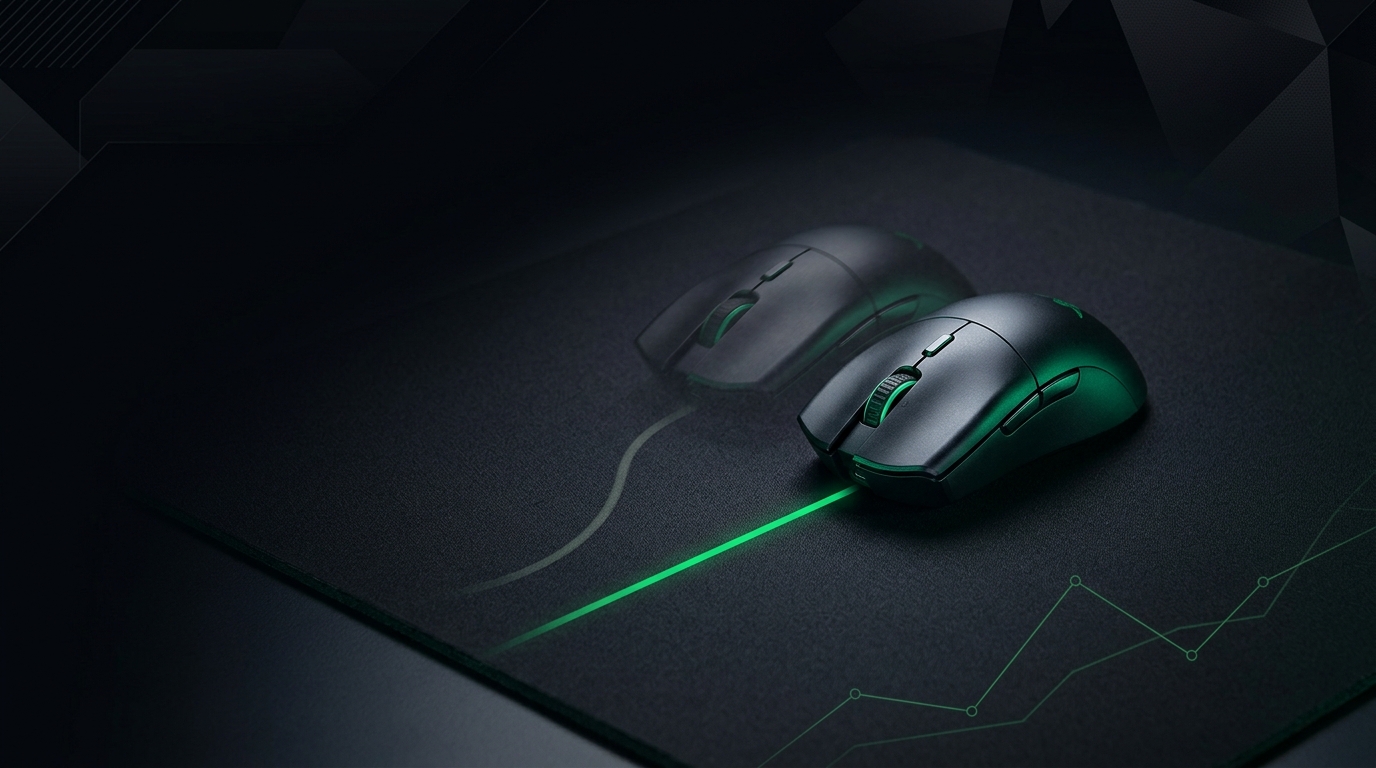
Same flick, same landing spot. That’s the entire point.
Step 1: turn off Enhance Pointer Precision
This is Windows’ acceleration:
- Win+R →
main.cpl→ Pointer Options tab. - Untick Enhance pointer precision.
- While you’re here: keep the pointer speed slider at the 6th notch (center) — other positions scale input in software.
Windows 11 path: Settings → Bluetooth & devices → Mouse → Additional mouse settings → same dialog.
Step 2: enable raw input in your games
Raw input bypasses Windows pointer processing completely:
- CS2 / Valorant / Apex / Overwatch 2: raw input is on by default or in mouse settings — verify it.
- Any game with a Raw Input toggle: set it On.
- Games without raw input are exactly why Step 1 matters.
Step 3: check your mouse software
Vendor software sometimes ships its own acceleration (“angle snapping,” “acceleration,” “smart tracking”):
- Open your mouse suite (Logitech G HUB, Razer Synapse, etc.).
- Set acceleration to 0/off, angle snapping off.
- Set DPI to a standard step (400/800/1600) — sensor interpolation at odd DPI values can add inconsistency. See best DPI and sensitivity.
Verify it’s actually off
Quick test: slowly drag your mouse 10 cm across the pad and note the crosshair travel. Now do the same 10 cm fast. Same end point = acceleration is off. Drift = something in the chain is still processing your input — recheck the three steps.
Rebuilding your aim after the switch
If you’ve played with acceleration on, expect a rough week — your muscle memory was compensating. Lock in a sensible eDPI, keep it fixed, and let consistency do its work. Pair it with 1000 Hz polling and the input delay checklist so the hardware chain matches the software one — and if you want the full pipeline tightened, Tier1Suite handles the Windows timer side.
Related guides
Frequently asked questions
Why is mouse acceleration bad for aim?
Acceleration makes cursor distance depend on how fast you move, not just how far. Your muscle memory can never settle because the same arm movement lands in different places at different speeds.
Does Enhance Pointer Precision affect games?
Games using raw input bypass it, and most competitive shooters do. But not all games and not all menus do — turning it off removes the inconsistency everywhere at zero cost.
Should I ever use mouse acceleration?
A small number of pros use carefully tuned custom acceleration curves deliberately. Unless you are consciously training one of those, flat (no acceleration) is the right default for FPS aim.
What is raw input in game settings?
Raw input reads the mouse hardware directly, skipping Windows pointer processing entirely — no acceleration, no smoothing. Enable it in every game that offers it.