Best Mouse DPI and Sensitivity for FPS Games
Published
On this page
The right DPI and sensitivity make your aim repeatable — the same flick lands the same way every time. This guide explains what DPI really does, why most pros play low, and how to lock in a sensitivity that improves your aim.
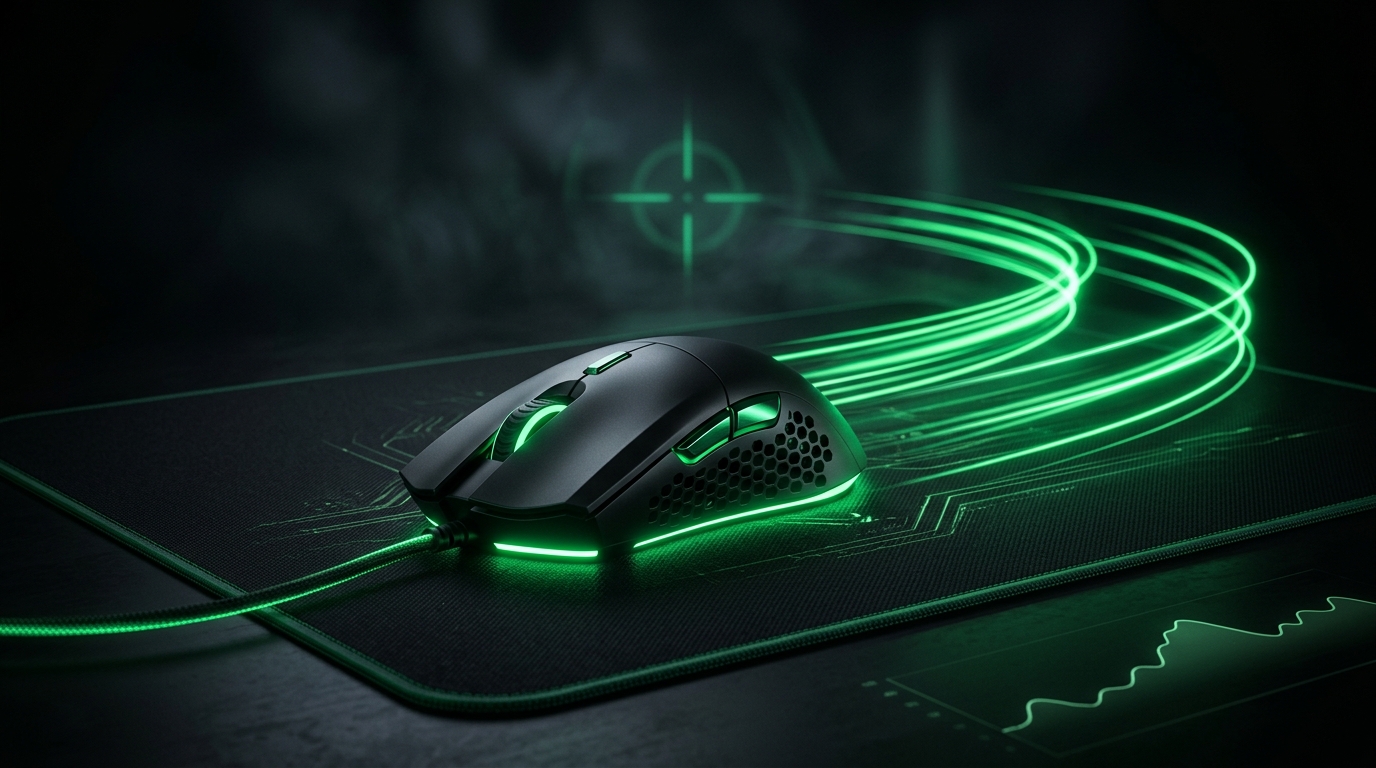
Higher DPI isn’t “faster aim” — it’s a more sensitive cursor. Consistency, not speed, is what makes you hit shots.
What DPI actually is
DPI (dots per inch) is how far the cursor moves per inch of mouse movement. Higher DPI = the crosshair travels further for the same hand motion. It is not a measure of mouse quality, and beyond a point it just makes aim twitchy and hard to control.
Why pros play low DPI
Most professional FPS players use 400–1600 DPI, commonly 800. Low-to-moderate DPI gives:
- Smoother, more controllable micro-adjustments.
- Consistent tracking without overshooting.
- Avoidance of sensor or USB-related jitter at extreme DPI.
The trade-off is you need a large mousepad and arm/wrist room for low-sensitivity swipes.
Set a sensible starting point
| Playstyle | DPI | In-game sens (example) |
|---|---|---|
| Tactical/precise (CS2, Valorant) | 400–800 | low |
| All-rounder | 800 | medium |
| Fast/flick-heavy (arena shooters) | 800–1600 | medium-high |
Start at 800 DPI, then tune the in-game sensitivity until a full-arm swipe turns roughly 180°. The real target is your eDPI, not DPI alone — see How to Find Your Perfect Sensitivity (eDPI).
Turn off mouse acceleration
Acceleration makes the same swipe produce different turns depending on speed — death for consistency:
- Windows Settings → Bluetooth & devices → Mouse → Additional mouse settings → Pointer Options.
- Uncheck “Enhance pointer precision” and Apply.
- Make sure no acceleration is enabled in your mouse software either.
Keep your sensitivity consistent everywhere
- Use the same eDPI across games so muscle memory transfers.
- Match your sensitivity when you change mice or DPI.
- Use raw input in games that offer it.
Lower input delay too
A perfect sensitivity still feels off with high latency. Pair this with How to Minimize Input Delay for Competitive Gaming and Mouse Polling Rate Explained.
Recommended gear
Low-sensitivity aim needs room and a precise sensor:
- A SteelSeries QcK Heavy XXL — a large cloth pad is essential for the big arm swipes low DPI demands.
- A Logitech G Pro X Superlight 2 — 60g with a flagship sensor so low counts still track cleanly (more lightweight options).
Related guides
- How to Find Your Perfect Sensitivity (eDPI)
- Mouse Polling Rate Explained
- Best Gaming Mouse for FPS
- How to Minimize Input Delay for Competitive Gaming
The best mouse DPI for FPS is low-to-moderate (often 800), paired with an in-game sensitivity you can repeat and zero mouse acceleration. Consistency beats speed — lock in your eDPI and your aim gets sharper.
Frequently asked questions
What DPI do professional FPS players use?
Most pros play 400–1600 DPI, with 800 being the most common choice. Low-to-moderate DPI provides smoother, more controllable micro-adjustments and consistent tracking without overshooting.
Why is low DPI better for FPS gaming?
Low DPI gives better precision for micro-adjustments and avoids sensor jitter at extreme values. The trade-off is you need a large mousepad and arm room for the bigger swipes required at lower sensitivity.
What is mouse acceleration and why should I disable it?
Mouse acceleration makes the same swipe produce different cursor movements depending on speed, destroying consistency. Disable it in Windows Settings → Bluetooth & devices → Mouse → Pointer Options by unchecking 'Enhance pointer precision'.
How do I know what DPI and sensitivity to use?
Start at 800 DPI, then tune your in-game sensitivity until a full-arm swipe turns roughly 180°. Use a large mousepad and keep your eDPI (effective DPI) consistent across all games for muscle memory.
Does DPI alone make a difference in aim?
No. Consistency matters more than DPI alone. The real target is your eDPI (DPI × in-game sensitivity), which should feel repeatable. Use raw input when available and match your sensitivity across games.