Best Gaming Mouse for FPS (Buying Guide)
Published
On this page
The right FPS mouse disappears in your hand and lets your aim do the work — the wrong one fights you every duel. This guide covers what actually matters when choosing a gaming mouse for competitive shooters, beyond marketing numbers.
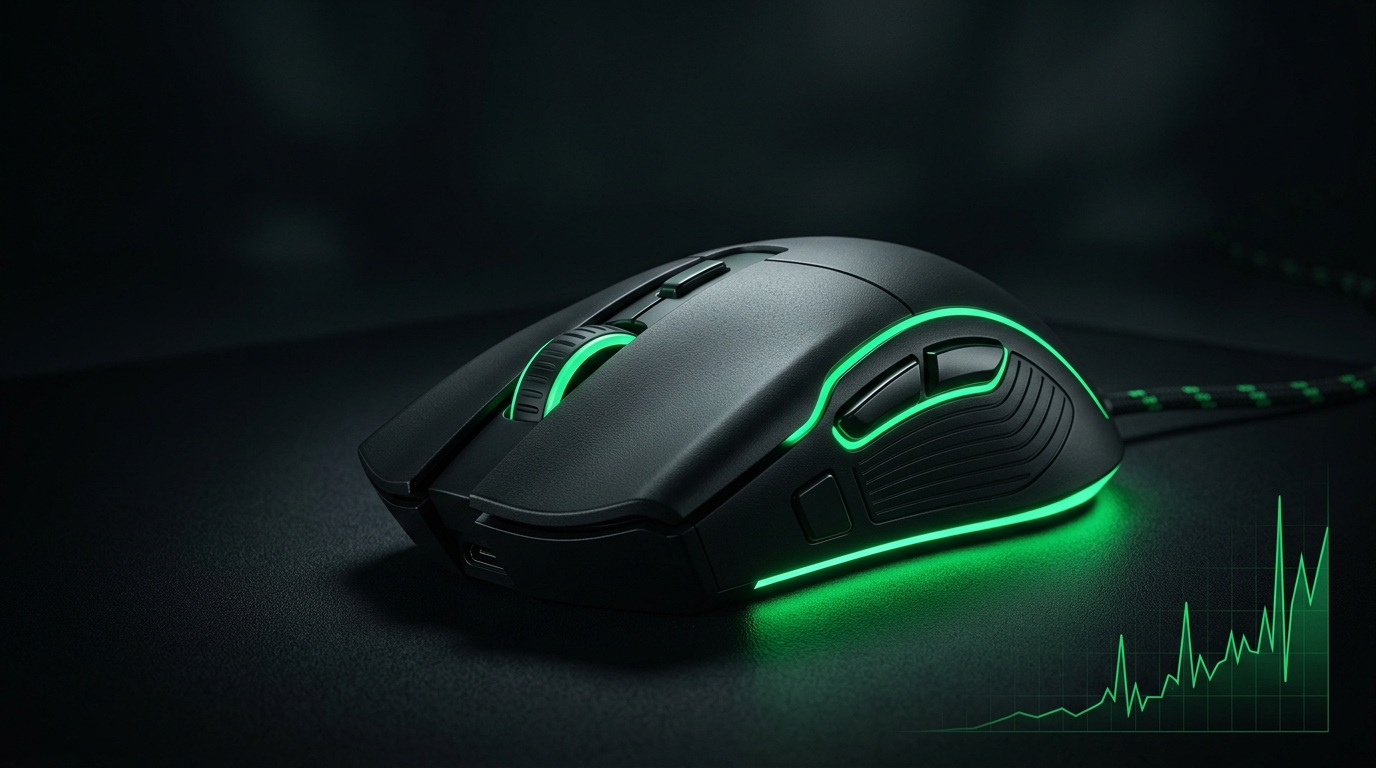
Shape and weight matter more than any spec on the box. A light mouse that fits your grip will improve your aim more than a heavier “higher DPI” one.
What actually matters in an FPS mouse
- Weight: lighter is generally better for flicks and tracking — many top mice are well under 60g.
- Shape and size: must fit your grip style (palm, claw, fingertip) and hand size.
- Sensor: any modern flagship sensor is flawless; don’t obsess over max DPI.
- Wireless vs wired: modern wireless is as low-latency as wired — buy on shape and weight, not the cable.
- Build quality: no rattle, consistent clicks, durable switches.
Grip style decides the shape
| Grip | What to look for |
|---|---|
| Palm | Larger, contoured shell that fills the hand |
| Claw | Medium, slightly humped shape |
| Fingertip | Small, light, flat-ish shell |
Match the shell to how you actually hold a mouse — this is the single most important fit decision.
DPI and polling rate, demystified
- DPI isn’t “better when higher” — most pros play 400–1600 DPI. See Best Mouse DPI and Sensitivity for FPS.
- Polling rate of 1000Hz is great; higher (4000/8000Hz) offers tiny latency gains at a CPU cost. See Mouse Polling Rate Explained.
- What you set as in-game sensitivity matters more than the mouse’s max DPI — find yours with eDPI.
Set it up to actually aim better
- Pick a sane DPI (e.g. 800) and a repeatable in-game sensitivity.
- Disable Windows mouse acceleration (“Enhance pointer precision” off).
- Use a large, smooth mousepad so low-sens swipes have room.
- Lower input delay end-to-end with How to Minimize Input Delay for Competitive Gaming.
Recommended mice
The mice that tick the boxes above — light, wireless, accurate sensor:
- The Logitech G Pro X Superlight 2 is what most pros use today — 60g with a flagship HERO 2 sensor. Prefer an ergonomic shape? The Razer DeathAdder V3 Pro (63g) is the palm-grip pick, or browse more lightweight options.
- A SteelSeries QcK Heavy XXL so low-sensitivity swipes have room to track.
Related guides
- Best Budget Gaming Mouse
- Best Mouse DPI and Sensitivity for FPS
- How to Find Your Perfect Sensitivity (eDPI)
- Mouse Polling Rate Explained
The best gaming mouse for FPS is light, shaped for your grip, and built around a modern sensor — not the one with the biggest DPI number. Get the fit right, set a sane sensitivity, and your aim improves immediately.
Models change every year — apply the same logic: prioritize weight and shape for your grip, trust any modern sensor, and don’t pay for DPI you’ll never use.
Frequently asked questions
What matters most when choosing an FPS gaming mouse?
Weight, shape, and grip fit matter more than specs. A light mouse under 60g that matches your grip style (palm/claw/fingertip) will improve your aim more than a heavier mouse with higher DPI numbers.
Does polling rate affect FPS gaming performance?
A 1000Hz polling rate is excellent for competitive gaming. Higher polling (4000–8000Hz) offers tiny latency improvements but increases CPU usage—not worth the trade-off for most players.
What DPI should I use for FPS gaming?
Most professional players use 400–1600 DPI. The actual DPI number matters less than your in-game sensitivity setting. Find a repeatable eDPI (effective DPI) that matches your play style.
Is wireless or wired better for competitive FPS?
Modern wireless gaming mice have latency equal to wired models. Buy based on shape, weight, and comfort—not the cable. Both are competitive options if they use a modern sensor.
What should I look for in mouse grip style?
Palm grip players need larger, contoured shells; claw grip prefers medium, humped shapes; fingertip grip works best with small, light, flat designs. Match the shape to how you actually hold your mouse.