Best Budget Gaming Mouse: Great Aim for Less
Published
On this page
You don’t need an expensive mouse to aim well — budget gaming mice in 2026 ship with sensors that were flagship-tier just a couple of years ago. This guide shows how to get pro-level performance without overspending.
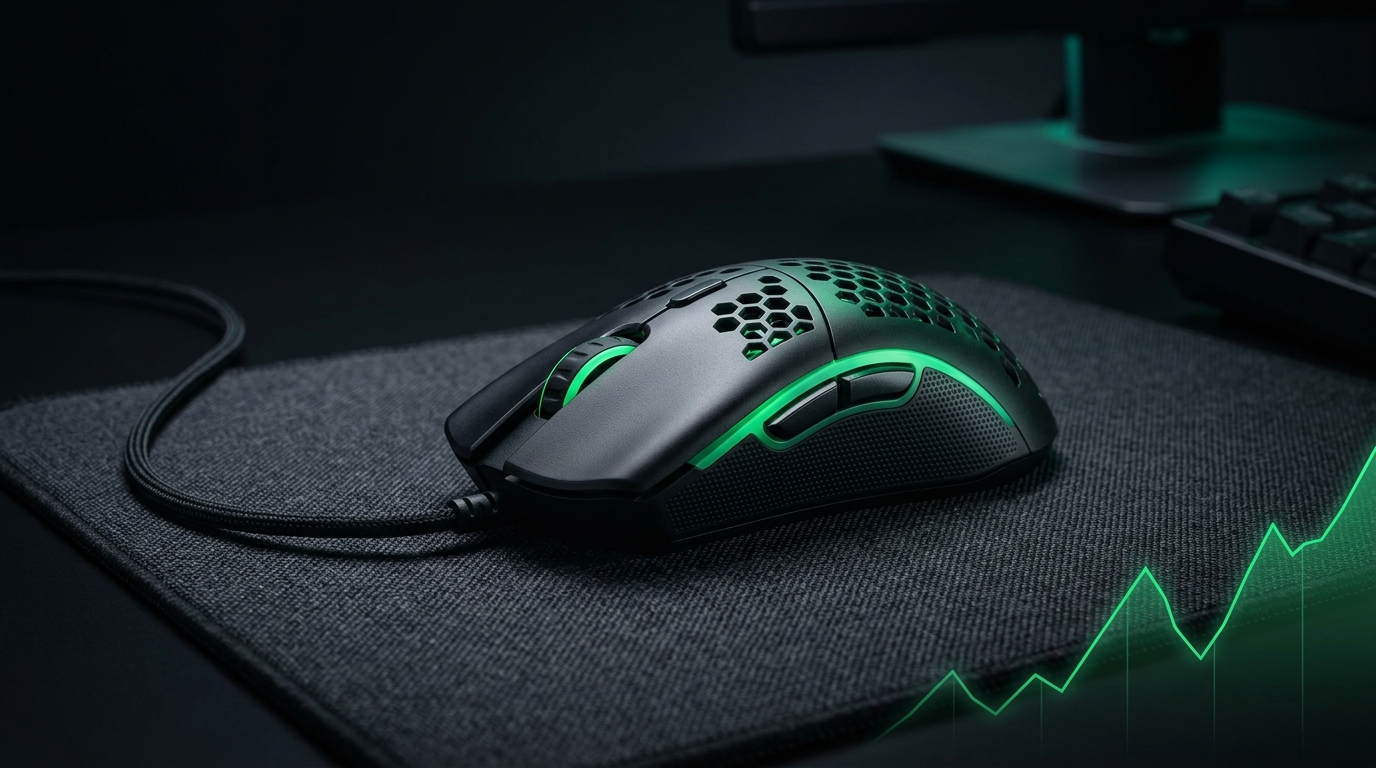
The gap between a $30 mouse and a $150 one is mostly weight, materials, and wireless — not aim-deciding sensor performance. Budget can absolutely compete.
What to pay for on a budget
- A good modern sensor — even cheap mice now have flawless tracking.
- Reasonable weight — sub-70g is achievable on a budget, often via a honeycomb shell.
- 1000Hz polling — plenty; you don’t need 8000Hz. See Mouse Polling Rate Explained.
- A shape that fits your grip — comfort doesn’t cost extra.
What’s safe to skip
| Feature | Worth it on a budget? |
|---|---|
| Ultra-high (8000Hz) polling | Skip — tiny gains, higher CPU use |
| Extreme max DPI numbers | Skip — you’ll play at 400–1600 anyway |
| Premium wireless | Optional — good budget wireless exists, but wired is fine |
| RGB | Cosmetic — don’t pay extra for it |
Wired vs cheap wireless
Budget wired mice give you the most performance per dollar and zero battery worries. Budget wireless has improved a lot, but verify it uses a true low-latency wireless mode, not Bluetooth, for gaming. Either is fine — buy on shape and weight first.
Get flagship results from a budget mouse
The setup matters more than the price tag:
- Set a sane DPI (e.g. 800) — see Best Mouse DPI and Sensitivity for FPS.
- Find a repeatable sensitivity with eDPI.
- Turn off Windows “Enhance pointer precision” (mouse acceleration).
- Use a large, smooth mousepad.
- Lower input delay end-to-end with How to Minimize Input Delay for Competitive Gaming.
Related guides
- Best Gaming Mouse for FPS
- Best Mouse DPI and Sensitivity for FPS
- How to Find Your Perfect Sensitivity (eDPI)
- Mouse Polling Rate Explained
The best budget gaming mouse has a modern sensor, sensible weight, a grip-friendly shape, and 1000Hz polling — skip the gimmicks. Set it up correctly and it’ll aim every bit as well as mice costing three times more.
Models rotate constantly — apply the same logic: trust modern sensors, prioritize weight and shape, and ignore spec-sheet numbers you’ll never use.
Frequently asked questions
Do I need an expensive gaming mouse for good aim?
No. Budget gaming mice in 2026 have modern sensors that were flagship-tier years ago. The gap between a $30 and $150 mouse is mostly weight, materials, and wireless—not sensor performance.
What specs matter when buying a budget gaming mouse?
Prioritize a modern sensor, weight under 70g, and 1000Hz polling. Skip ultra-high (8000Hz) polling, extreme DPI numbers, premium wireless, and RGB—they don't improve aim on a budget.
Is wired or wireless better for a budget mouse?
Budget wired mice offer the most performance per dollar with zero battery worries. Budget wireless has improved, but make sure it uses true low-latency 2.4GHz wireless, not Bluetooth. Either is fine if you prioritize weight and shape.
How do I aim better with a budget mouse?
Set a sane DPI like 800, find a repeatable in-game sensitivity, disable Windows mouse acceleration, use a large mousepad, and lower input delay end-to-end with proper PC and game settings.
Are high DPI numbers important for a budget mouse?
No. Most pros play 400–1600 DPI regardless of mouse price. The mouse's max DPI number doesn't matter—your actual in-game sensitivity and consistency do.