Best Wireless Gaming Mice for Low Input Lag
Published
On this page
The best wireless gaming mice for low input lag are lightweight (under ~65g), use a 2.4GHz dongle, and have a flagship sensor — and modern ones are as fast or faster than wired. Wireless is no longer a latency compromise; the bigger wins come from weight, shape, and your overall system latency. Here’s how to choose.
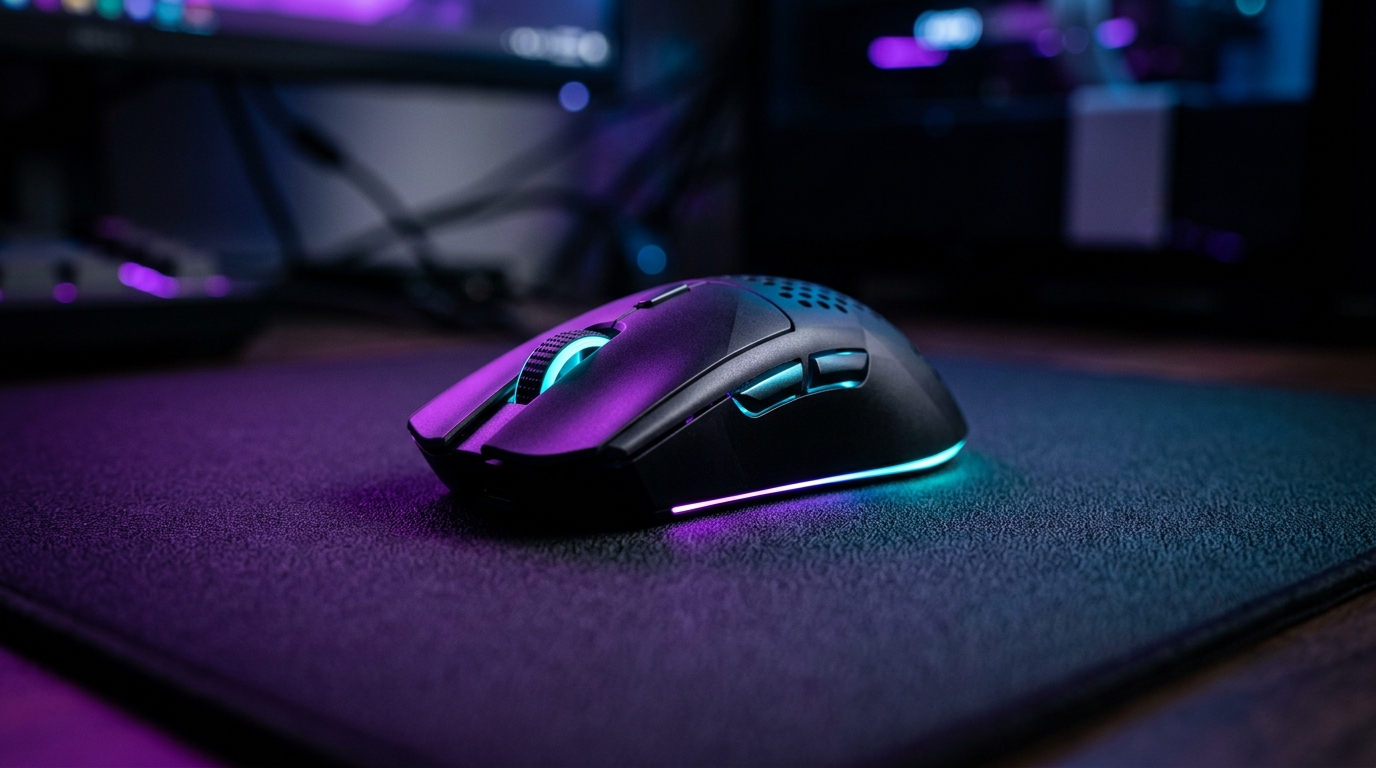
Modern 2.4GHz wireless matches or beats wired — weight and shape matter more than the cable.
Quick comparison
| Pick | Weight | Connection | Best for |
|---|---|---|---|
| Logitech G Pro X Superlight 2 | 60g | LIGHTSPEED 2.4GHz | Most competitive players |
| Razer DeathAdder V3 Pro | 63g | HyperSpeed 2.4GHz | Palm grip and comfort-first players |
| Razer Viper V3 Pro | 54g | 2.4GHz, 8K HyperPolling | Strong CPUs at very high refresh |
Wireless isn’t slower anymore
The “wireless is laggy” rule is outdated. Today’s wireless gaming mice use dedicated 2.4GHz dongles with latency equal to or below wired in real testing. The one rule: always use the 2.4GHz dongle, never Bluetooth, which is too slow for competitive play.
Weight matters more than specs
The single biggest “feel” factor is weight. The competitive trend has gone very light:
- A lightweight wireless mouse (under ~60g) is what most pros use — easier flicks, less fatigue.
- Match the shape to your grip (palm, claw, or fingertip) — comfort and control beat raw specs.
Logitech G Pro X Superlight 2 — the competitive default
- 60g — easy flicks and less fatigue in long sessions
- LIGHTSPEED 2.4GHz dongle, up to 8kHz report rate
- HERO 2 flagship sensor (44k DPI) — the mouse most pros reach for
Razer DeathAdder V3 Pro — ergonomic comfort pick
- 63g with a true ergonomic shape for palm grip and bigger hands
- Focus Pro 30K sensor, HyperSpeed 2.4GHz, up to 90hr battery
- A shape you can control beats a lighter mouse you can't
Prefer a different shape? Browse more lightweight wireless options — the weight and dongle rules above apply to all of them.
See our best gaming mouse for FPS guide for shape and grip details.
Polling rate: don’t overpay for 8000Hz
Going past 1000Hz shaves only a fraction of a millisecond and costs real CPU. A high-polling-rate mouse is only worth it on a strong CPU at very high refresh — and only if benchmarks confirm it isn’t hurting your frame rate. For the full breakdown, read Mouse Polling Rate Explained.
Razer Viper V3 Pro — the 8K polling pick
- 54g symmetrical shape with true 8000Hz wireless via the included HyperPolling dongle
- Focus Pro 35K sensor, 95hr battery at 1000Hz
- Only worth it on a strong CPU at very high refresh — 1000Hz remains the right default
Don’t forget the mousepad and sensitivity
A light mouse needs room to move. Pair it with a SteelSeries QcK Heavy XXL (or any large cloth pad) and a sensible DPI and sensitivity so low-sens swipes track cleanly.
The mouse can’t fix a laggy PC
Even a perfect mouse feels off on a high-latency system. The largest share of “input lag” is your monitor refresh, frame rate, and frame pacing — not the mouse. Apply the minimize input delay checklist and the free timer resolution tweak via Tier1Suite to cut end-to-end latency.
Related guides
- Best Gaming Mouse for FPS
- Mouse Polling Rate Explained
- Best Mouse DPI and Sensitivity for FPS
- How to Minimize Input Delay for Competitive Gaming
Buy light, use the 2.4GHz dongle, and don’t overpay for an exotic polling rate. Then fix your system latency — that’s where most of the “lag” actually lives.
Frequently asked questions
Is wireless slower than wired for gaming?
Not anymore. Modern wireless gaming mice using dedicated 2.4GHz dongles (not Bluetooth) have latency equal to or lower than wired in real testing. The old 'wireless is laggy' advice predates these technologies. Bluetooth is still too slow for competitive play, so always use the included 2.4GHz dongle.
What weight should a competitive gaming mouse be?
Most modern competitive mice sit between 45g and 65g. Lighter mice are easier to flick and cause less fatigue, which is why the trend has gone so light. Weight matters more for aim feel than an exotic polling rate does — a light, well-shaped mouse with a good sensor beats a heavy one every time.
Does a higher polling rate reduce input lag?
Slightly. Going from 1000Hz to 4000Hz or 8000Hz shaves a fraction of a millisecond, but it costs measurable CPU and the real-world feel difference is tiny. 1000Hz is the right default for almost everyone; only chase higher rates on a strong CPU at very high refresh, and verify it isn't hurting your frame rate. See our polling rate guide.
What's the most important spec for low input lag?
Honestly, the sensor and connection quality matter less than people think — almost every flagship today has an excellent sensor and a fast 2.4GHz link. The biggest 'felt' factors are weight and shape (for control) and your whole-system latency (monitor refresh, FPS, frame pacing). A great mouse can't fix a high-latency PC setup.