Best Budget GPU 2026: Most FPS Per Dollar
Published
On this page
You don’t need a flagship to play well — a smart budget GPU gets you high frames at 1080p for a fraction of the price. This guide covers how to choose a budget graphics card in 2026 and where the value really is.
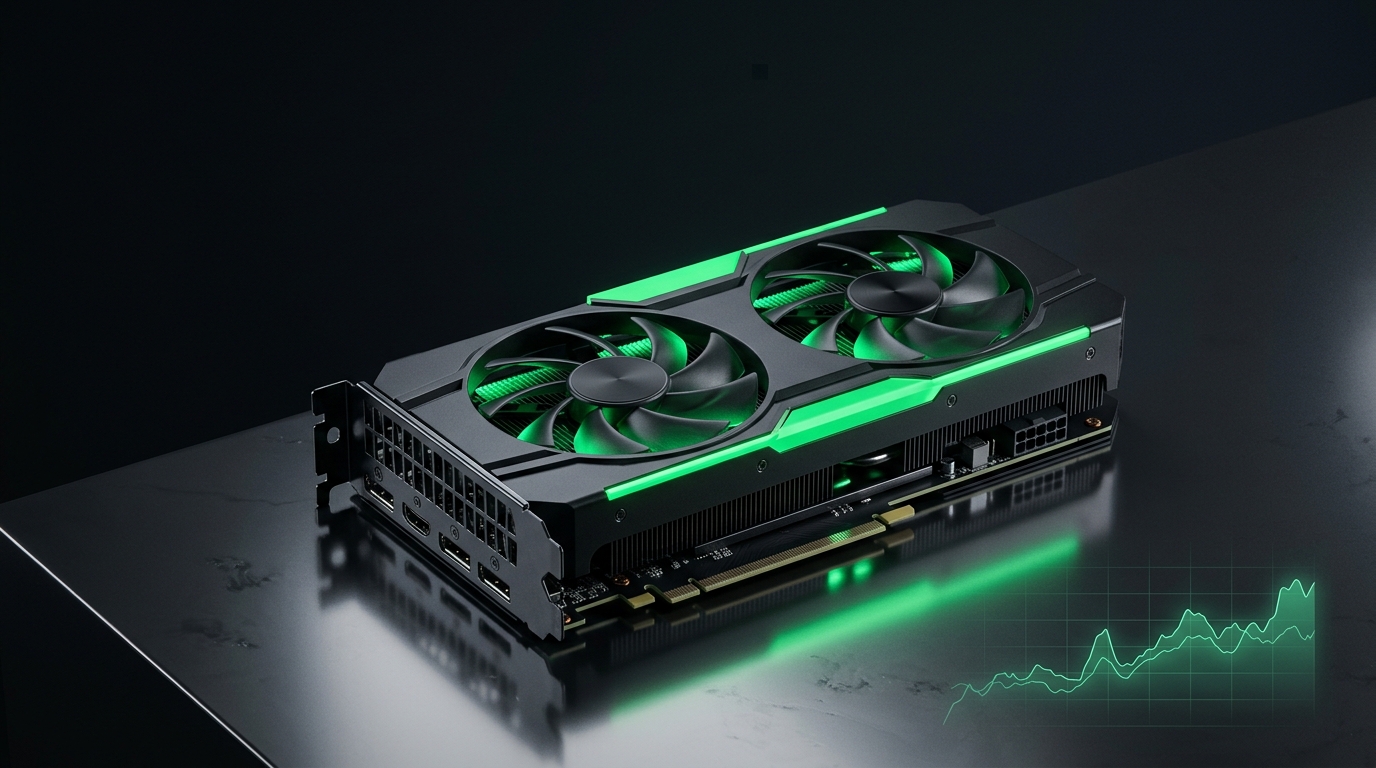
On a budget, FPS-per-dollar is king. Skip the features you won’t use and put every dollar into raw performance and enough VRAM.
What to prioritize on a budget
- 8 GB VRAM minimum — going below this causes texture stutter even at 1080p.
- Raster performance per dollar over ray tracing, which budget cards struggle with anyway.
- Upscaling support (DLSS/FSR/XeSS) to stretch the card’s life.
- Low power draw so you can reuse an existing PSU.
New vs used
| Option | Pros | Watch out for |
|---|---|---|
| Current-gen budget card | Warranty, efficiency, latest upscaling | Can be light on VRAM |
| Used last-gen mid-range | More raw performance per dollar | No warranty, check condition/VRAM |
A used mid-range card from the previous generation often beats a new entry-level card at the same price — just buy from a reputable source and test it on arrival with benchmarking tools.
Don’t pair it with a weak everything-else
A budget GPU still needs a balanced system:
- Make sure your CPU isn’t the bottleneck — see How to Check for a CPU or GPU Bottleneck.
- Have at least 16 GB of RAM with XMP/EXPO enabled.
- Run games off an SSD — see NVMe vs SATA.
Squeeze every frame out of a budget card
Budget GPUs benefit most from free optimizations:
- Enable Resizable BAR for supported games.
- Undervolt the GPU to hold boost clocks without throttling.
- Apply the best NVIDIA Control Panel settings or AMD Adrenalin settings.
- Use Quality upscaling in demanding games.
Related guides
- Best GPU for 1080p Gaming
- How to Undervolt Your GPU
- How to Check for a CPU or GPU Bottleneck
- Enable Resizable BAR for Gaming
The best budget GPU in 2026 has at least 8 GB of VRAM, strong raster value, and good upscaling — paired with 16 GB of RAM and an SSD. Add free wins like ReBAR and an undervolt, and you’ll punch well above the price tag.
GPU prices and models change fast — apply the same logic: maximize FPS-per-dollar, never skimp below 8 GB VRAM, and balance the rest of the build.
Frequently asked questions
How much VRAM do I need in a budget GPU?
8 GB minimum for 1080p gaming. Going below 8 GB causes texture stutter and stuttering in modern games. 12 GB is ideal for future-proofing, but 8 GB is the practical floor for a budget card.
Should I buy a new budget GPU or used mid-range from last gen?
A used mid-range card from the previous generation often delivers more raw performance per dollar than a new budget card at the same price. Buy from a reputable seller and test it on arrival with benchmarking tools.
What features can I skip on a budget GPU?
Skip ray tracing, extreme memory, and high-end cooling—budget cards struggle with ray tracing anyway. Prioritize raster performance, upscaling support (DLSS/FSR/XeSS), and low power draw.
What else does my PC need to pair with a budget GPU?
At least 16 GB of RAM with XMP/EXPO enabled, an SSD for game storage, and a CPU strong enough not to bottleneck the GPU. Enable Resizable BAR and apply driver optimizations for extra free performance.
How can I get more FPS from a budget GPU?
Enable Resizable BAR for supported games, undervolt the GPU to hold boost clocks, apply optimal driver settings (NVIDIA Control Panel or AMD Adrenalin), and use Quality upscaling in demanding titles.