How to Undervolt Your CPU for Lower Temps and Better Boost
Published
On this page
Undervolting your CPU reduces the voltage it uses, dropping temperatures and letting it hold higher boost clocks for longer before thermal limits kick in. Done right, you get cooler, quieter operation and often better sustained performance. This guide covers safe methods for both Intel and AMD.
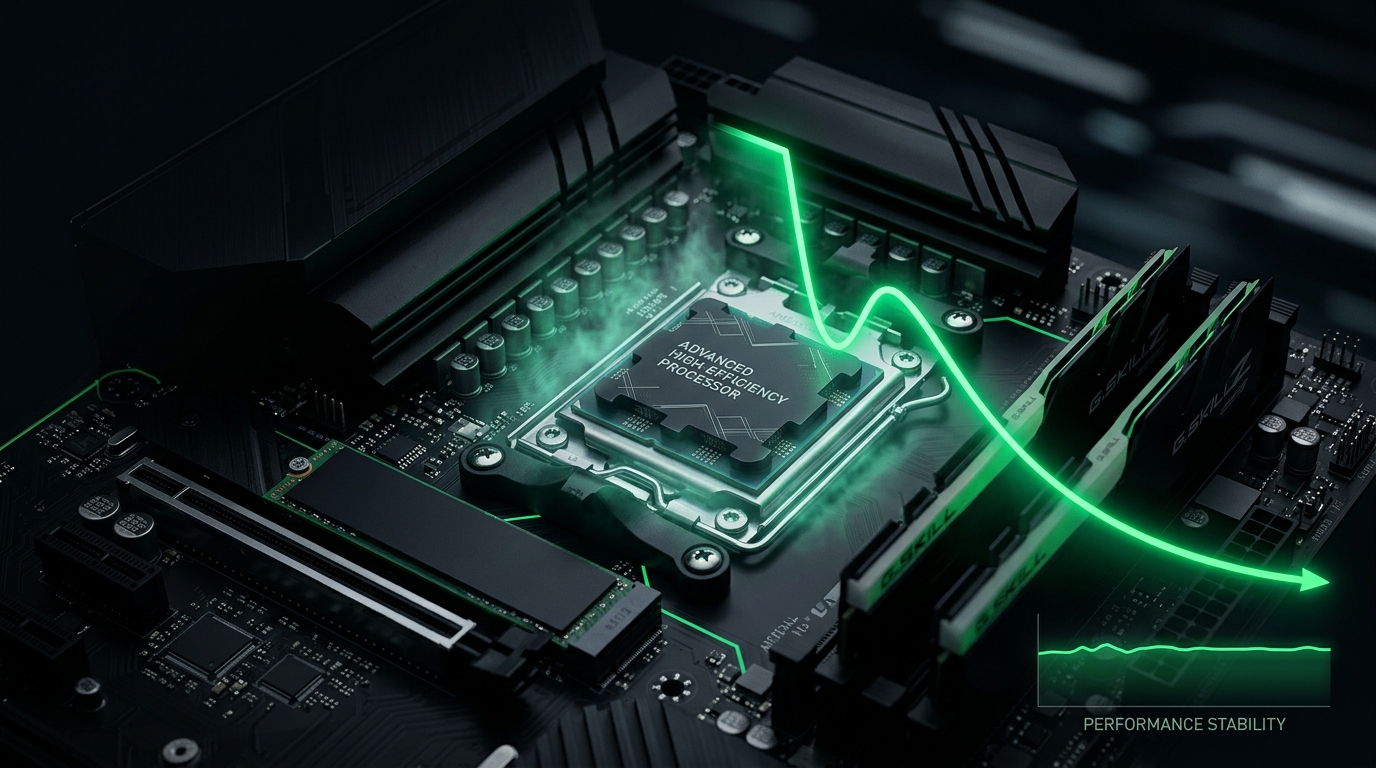
Modern CPUs throttle on temperature and power. Give them less voltage and more thermal headroom, and they boost higher for longer.
Why undervolt your CPU
- Lower temperatures — often a meaningful drop under load.
- Higher sustained boost — a cooler CPU stays at peak clocks instead of throttling.
- Quieter cooling and lower power draw.
- Especially helpful on laptops and hot-running chips.
A safety note first
Undervolting is generally safe — an unstable undervolt just causes a crash or reboot, not damage. But test thoroughly, because instability can appear under specific loads. Always validate before trusting it for important sessions.
Method 1 – AMD (Ryzen): Curve Optimizer / PBO
For modern Ryzen, Curve Optimizer is the cleanest undervolt:
- Enter BIOS and find PBO (Precision Boost Overdrive) → Curve Optimizer.
- Set an all-core negative offset (start around -10).
- Save, boot, and stress test.
- If stable, push further (e.g. -15 to -25) in small steps; if it crashes, back off.
This raises effective boost while lowering temps, with no max-clock loss.
Method 2 – Intel: voltage offset
For Intel, use a negative voltage offset (in BIOS, or a vendor tool where supported):
- Find CPU Core Voltage → Offset Mode in BIOS.
- Apply a small negative offset (e.g. -0.025 V).
- Save, boot, and stress test.
- Increase the offset in small steps until you find the stable limit, then back off one step.
Note: some platforms restrict offset undervolting; if the option is missing, your board/firmware may have locked it.
Step – Stress test every change
- Run a CPU stress test for 15–30 minutes after each change. See benchmarking tools.
- Watch for crashes, reboots, or errors.
- Also test light/idle loads — instability sometimes shows up at low voltage, not just full load.
- When stable, recheck temps and boost clocks to confirm the win.
Don’t confuse it with RAM tuning
Undervolting the CPU is separate from memory speed. For free FPS from RAM, also enable XMP/EXPO.
Related guides
- How to Undervolt Your GPU
- Best CPU for Gaming 2026
- How to Enable XMP or EXPO for Gaming
- Testing PC Components Using Benchmarking Tools
Undervolting your CPU — Curve Optimizer on Ryzen or a voltage offset on Intel — lowers temps and lifts sustained boost. Move in small steps, stress test every change, and you’ll run cooler and often faster.
BIOS labels vary by board; apply the same logic: small negative offset, validate stability under load and idle, then lock it in.
Frequently asked questions
What does undervolting do to my CPU?
Undervolting reduces the voltage your CPU uses, lowering temperatures and letting it hold higher boost clocks longer before thermal throttling. This gives cooler, quieter operation and often better sustained performance.
Is undervolting safe?
Yes. An unstable undervolt just causes a crash or reboot, not physical damage. Test thoroughly under various loads to ensure stability before trusting it for important sessions.
How do I undervolt AMD Ryzen CPUs?
Use Curve Optimizer in BIOS: enter PBO settings, set an all-core negative offset (start around -10 to -15), save, and stress test. Increase the offset in small steps until stable, then back off one step.
How do I undervolt Intel CPUs?
Apply a negative voltage offset in BIOS (e.g. -0.025V). Some platforms restrict this; if the option is missing, your board may have locked it. Small steps, test after each change.
How do I know if my undervolt is stable?
Run a CPU stress test for 15–30 minutes after each change. Watch for crashes, reboots, or errors. Also test at light/idle loads—instability sometimes appears there, not just under full load.