Best microSD Cards for Gaming Handhelds (Steam Deck, ROG Ally)
Published
On this page
The best microSD card for a gaming handheld is a high-quality A2-rated, U3/V30 UHS-I card from a trusted brand — and a microSD upgrade is the single best-value thing you can do for a Steam Deck, ROG Ally, or Legion Go. Because every current handheld uses a UHS-I slot, you don’t need an expensive UHS-II card; brand reliability and the A2 rating matter more than headline numbers.
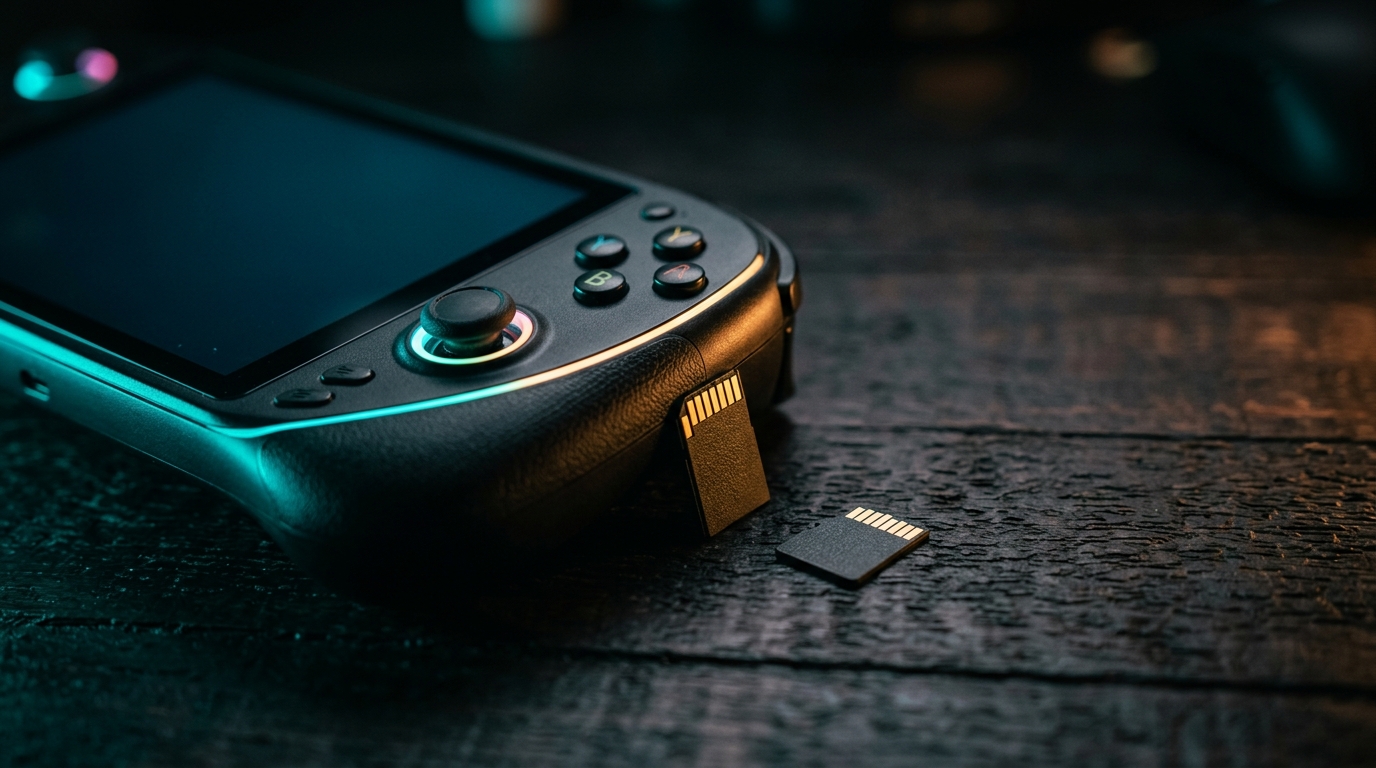
Handhelds use UHS-I slots, so a reliable A2/U3 card is all you need — capacity is the real decision.
Quick comparison
| Card | Rating | Capacity | Best for |
|---|---|---|---|
| 256GB A2 U3 | A2, U3/V30, UHS-I | 256GB | A few games installed at a time |
| 512GB A2 U3 | A2, U3/V30, UHS-I | 512GB | The sweet spot for most people |
| 1TB A2 U3 | A2, U3/V30, UHS-I | 1TB | Big AAA installs and large rotations |
What the ratings actually mean
Ignore the marketing and look for two things:
- A2 — higher random read/write, which is what game loading actually stresses.
- U3 / V30 — sustained speed for installs and large files.
A card with both is the right target. Brands like the major names are worth the small premium for reliability.
Don’t overpay for UHS-II
Steam Deck, ROG Ally, and Legion Go all use UHS-I slots, which cap the speed — so an expensive UHS-II card runs no faster in them. A good A2 U3 UHS-I card like the SanDisk Extreme is all you need. Put the savings into capacity instead.
How much capacity?
Samsung EVO Select 512GB — the sweet spot
- Room for a healthy library without overpaying
- A2 + U3/V30 UHS-I, 130MB/s — everything a handheld slot can actually use
- Best value per GB for most people
SanDisk Extreme 1TB — for big libraries
- Fits large AAA installs and a big game rotation
- Same A2 + U3/V30 UHS-I target — up to 190MB/s reads
SanDisk Extreme 256GB — the budget entry
- Cheapest way to double most handhelds' storage
- Fine if you keep just a few games installed at a time
Game sizes keep growing, so when in doubt, size up.
microSD vs the internal SSD
The internal NVMe SSD is faster, so loads are a little quicker from it. Keep your most load-sensitive or competitive games on the internal drive and use the card for everything else — the capacity boost is cheap and well worth the minor load difference.
Buy from a reputable seller
Counterfeit and unrated microSD cards are common and can be slow or fail outright. Buy a known brand from a trusted seller to avoid losing your library. Once it’s installed, tune the rest of your handheld with our optimization guides below.
Related guides
- Steam Deck Optimization Guide
- ROG Ally Optimization Guide
- Legion Go Optimization Guide
- Best Gaming Handhelds for FPS & Stretched Res
Get an A2-rated U3/V30 UHS-I card from a trusted brand, pick 512GB for the best balance, and don’t waste money on UHS-II your handheld can’t use. It’s the cheapest, biggest quality-of-life upgrade your handheld can get.
Frequently asked questions
What microSD card is best for the Steam Deck or ROG Ally?
A high-quality A2-rated, U3/V30 UHS-I card from a reputable brand is the sweet spot for every current handheld. The Steam Deck and most handhelds use UHS-I slots, so paying for an ultra-fast UHS-II card gives no benefit — the slot caps the speed. Prioritize a trusted brand and the A2 rating over headline sequential numbers.
What size microSD card should I get for a handheld?
512GB is the practical sweet spot for most people — enough for a healthy library without overpaying. Get 1TB if you install large AAA games or keep a big rotation. 256GB works if you only keep a few games installed at a time. Game sizes keep growing, so size up if you're unsure.
Is a microSD card slower than the internal SSD?
Yes — the internal SSD (NVMe on most handhelds) is much faster, so load times are a bit longer from microSD. For most games the difference is minor and well worth the cheap capacity boost. Keep your most load-sensitive or competitive games on the internal drive and use the card for everything else.
Do I need an A2 rated microSD card for gaming?
A2 rating helps — it specifies higher random read/write performance, which matters more for game loading than raw sequential speed. Combined with U3/V30 for sustained speed, an A2 card is the right target. Avoid cheap unrated or counterfeit cards, which can be slow and fail; buy from a reputable seller.