Best Gaming Handhelds for FPS & Stretched Res in 2026
Published
On this page
The best gaming handheld for competitive FPS in 2026 comes down to one trade-off: the Steam Deck OLED wins on value, battery, and polish, while the Windows handhelds — ROG Ally X and Legion Go — win on raw power, higher-refresh screens, and full access to PC tweaks like stretched resolution and timer-resolution tuning. This guide breaks down which fits you.
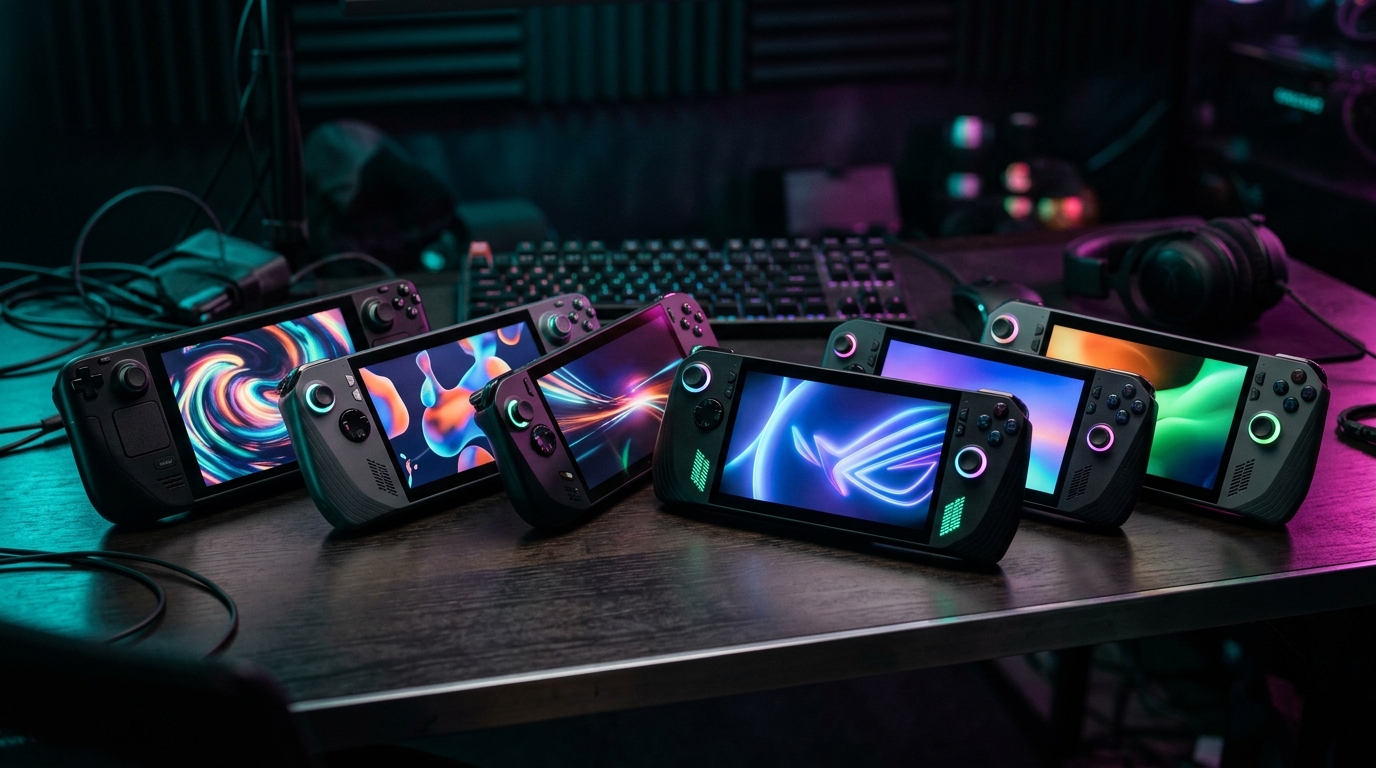
The right handheld depends on whether you value battery and simplicity (Steam Deck) or power and tweakability (Windows handhelds).
Quick comparison
| Handheld | Screen | OS | Best for |
|---|---|---|---|
| Steam Deck OLED | 7.4” 90Hz OLED (800p) | SteamOS | Value, battery, all-round polish |
| ROG Ally X | 7” 1080p 120Hz | Windows 11 | Highest FPS + full PC tweaks |
| Legion Go | 8.8” 1600p 144Hz | Windows 11 | Biggest screen, detachable controllers |
| MSI Claw | 7” 1080p 120Hz | Windows 11 | The Intel option, price shopping |
What matters for FPS on a handheld
Four things decide how a handheld feels in a shooter:
- Refresh rate — a 120Hz or 144Hz screen is a real competitive advantage over 60Hz.
- Raw power (APU + TDP) — more wattage means higher, more stable frame rates.
- OS — Windows gives you every game and every tweak; SteamOS is smoother but more limited for anti-cheat titles.
- Battery and weight — the things you actually live with day to day.
Steam Deck OLED — best value and battery
Steam Deck OLED
- 7.4" 90Hz HDR OLED screen (800p) — easy to drive at high FPS
- Best battery life and most polished software of any handheld
- SteamOS — a few kernel-level anti-cheat titles don't run
Valve sells the Steam Deck direct through Steam — Amazon listings are third-party resellers at marked-up prices, so buy from the official store.
The Steam Deck OLED is the most refined handheld experience: a gorgeous 90Hz OLED, excellent battery, and the friendliest software. For esports titles it’s plenty fast. The catch for competitive players is SteamOS — some kernel-level anti-cheat games don’t run, and custom stretched resolutions are awkward. See our Steam Deck Optimization Guide.
ROG Ally X — best for high-refresh FPS
ASUS ROG Ally X
- 7" 1080p 120Hz screen — a real competitive refresh advantage
- Ryzen Z1 Extreme APU + big 80Wh battery
- Full Windows — every anti-cheat title and stretched-res tweak works
The ASUS ROG Ally X pairs a 120Hz 1080p screen with a powerful APU and a big battery, running full Windows — so every anti-cheat title and every PC tweak is on the table. It’s our pick for players who want the highest frame rates. Tune it with our ROG Ally Optimization Guide.
Legion Go — biggest screen, detachable controllers
Lenovo Legion Go
- 8.8" 2560×1600 144Hz screen — the biggest, fastest panel in the class
- Switch-style detachable controllers
- Full Windows; the high-res panel is demanding — lean on upscaling
The Lenovo Legion Go has a large 8.8” 144Hz screen and Switch-style detachable controllers — the most flexible Windows handheld. The big, high-res panel is demanding, so lean on upscaling and a frame cap. See the Legion Go Optimization Guide.
MSI Claw — the Intel option
MSI Claw 8 AI+
- Intel Core Ultra 7 258V — the non-AMD alternative, and a genuinely fast one
- 8" 1200p 120Hz screen, 32GB RAM, 1TB SSD
- Full Windows; drivers have matured and it now trades blows with the AMD handhelds
The MSI Claw 8 AI+ is the Intel-based alternative, also full Windows with a high-refresh screen. Driver maturity has improved a lot; it’s worth comparing on price (browse Claw models). Tuning notes are in our MSI Claw Optimization Guide.
The free performance win on any Windows handheld
Whichever Windows handheld you pick, the timer resolution tweak tightens frame pacing and trims input latency at zero battery cost — a free win on a power-limited device. Read The Ultimate Guide to Timer Resolution for Gaming and grab Tier1Suite to apply it automatically.
Related guides
- ROG Ally Optimization Guide
- Legion Go Optimization Guide
- Steam Deck Optimization Guide
- MSI Claw Optimization Guide
- How to Minimize Input Delay for Competitive Gaming
For competitive FPS, a high-refresh Windows handheld (ROG Ally X or Legion Go) gives you the most speed and the most control; the Steam Deck OLED is the better-value all-rounder. Match the screen and power to the games you actually play, then tune it for a stable frame rate.
Frequently asked questions
Which gaming handheld is best for competitive FPS?
For pure FPS, a Windows handheld with a high-refresh screen — the ROG Ally X or Legion Go — has the edge, because you get a 120Hz/144Hz panel, more GPU power, and full access to anti-cheat and stretched-resolution tweaks. The Steam Deck OLED is the better all-rounder for value, battery, and a polished experience, but its 90Hz screen and Linux base make competitive shooters slightly harder.
Can you use stretched resolution on a handheld?
On Windows handhelds (ROG Ally, Legion Go, MSI Claw) yes — you can set a lower or stretched resolution to lift frame rates, though the small screen limits how useful the wider look is. The Steam Deck runs SteamOS, which makes custom stretched resolutions harder. On any handheld, dropping resolution is mostly an FPS lever rather than an aim-feel one.
Do gaming handhelds run anti-cheat games?
Windows handhelds run anti-cheat titles like any PC, so Valorant, Fortnite, and Apex work. The Steam Deck (Linux/Proton) depends on the developer enabling anti-cheat for Proton — many games work, but some kernel-level anti-cheat titles do not. Check the specific game before buying if a competitive title is your priority.
Is a handheld powerful enough for high FPS?
For esports titles (CS2, Valorant, Rocket League, older shooters) yes — handhelds hit high frame rates at lowered settings, especially with a frame cap and upscaling. For demanding AAA games you'll trade settings and resolution for a stable 60fps. Tuning the TDP, capping the frame rate, and using upscaling makes a big difference.