1440×1080 vs 1280×960 Stretched Resolution: Which Should You Use?
Published
On this page
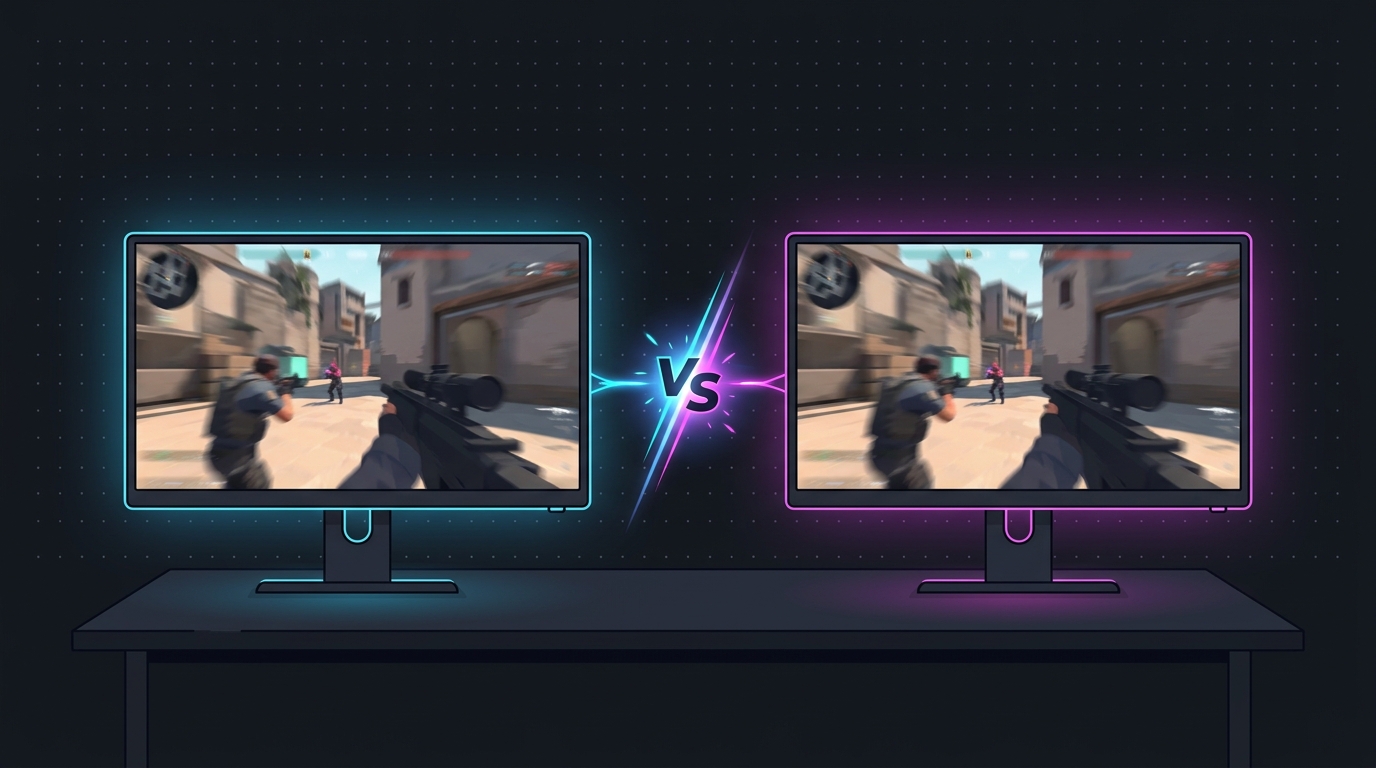
1440×1080 vs 1280×960 is the most common stretched-resolution decision competitive players face. Both are 4:3 stretched to a 1920×1080 panel, both widen enemy models, and both can raise FPS — but they trade sharpness against pixel load differently. Here is the head-to-head and a recommendation by use case.
The short answer
- 1440×1080 — sharper, slightly more GPU load, the better default. Wide 4:3 models with cleaner detail.
- 1280×960 — softer, lowest pixel count, highest FPS. The choice when you are GPU-limited or want the most extreme stretch.
If you are not sure, start with 1440×1080.
Head-to-head comparison
| 1280 × 960 | 1440 × 1080 | |
|---|---|---|
| Aspect | 4:3 | 4:3 |
| Stretched to | 1920 × 1080 | 1920 × 1080 |
| Pixels rendered | 1.23 M | 1.56 M |
| Relative GPU load | Lower (~21% fewer pixels) | Higher |
| Sharpness | Softer | Sharper |
| Model width | Wide | Wide (same stretch factor) |
| FPS | Highest | Slightly lower |
| Best for | Max FPS / extreme stretch | Clarity / all-round use |
Model width: basically a tie
This is the misconception. Because both resolutions are 4:3 stretched to the same 1920×1080 panel, the horizontal stretch factor is identical — so enemy models are the same width in both. People sometimes describe 1280×960 as “wider,” but what they are really noticing is the softer, lower-detail image, not extra geometric stretch. If your only goal is fat models, either resolution delivers the same widening.
Sharpness: 1440×1080 wins clearly
1440×1080 renders 1.56 million pixels versus 1.23 million for 1280×960. More source pixels means more detail to stretch across your screen, so text is crisper, distant enemies are cleaner, and the image avoids the slightly blocky, soft look 1280×960 can have. If clarity at range matters to you — picking off players across a Dust2-length sightline or spotting a peeker in Apex — the extra detail helps.
FPS and GPU load: 1280×960 wins
1280×960 does about 21% less rendering work per frame. On a GPU-limited system — a weaker card, a heavy game, or a very high-Hz target — that translates into real extra frames. On a strong GPU running a light, CPU-bound title like Valorant, the gap can shrink to a handful of FPS, at which point the sharpness of 1440×1080 is usually the better trade.
To know which side you are on, check whether you are GPU- or CPU-limited before choosing. If your GPU usage sits near 99% in-game, you will feel the 1280×960 FPS gain; if your CPU is the bottleneck, you mostly won’t.
Recommendation by use case
- You want the best balance / are unsure → 1440×1080. Wide models, sharp image, minimal FPS cost on modern hardware.
- You are GPU-limited or on older hardware → 1280×960. Take the frames.
- You are chasing a 240Hz/360Hz frame target → 1280×960 to ease pixel load; see best stretched resolution for high-refresh monitors.
- You play a CPU-bound title (Valorant, CS2 at high FPS) → 1440×1080. You are not GPU-limited, so take the clarity.
- You prefer a softer, lower-detail look → 1280×960, purely on feel.
For the full menu of 4:3 and 16:10 options beyond these two, see the best 4:3 stretched resolutions guide, or run your own native resolution through the stretched resolution calculator for the complete table.
Setting either one up
The setup is identical for both — only the resolution value changes:
- Create the custom resolution (1440×1080 or 1280×960) at your native refresh rate.
- Force full-panel GPU scaling so the image fills the screen instead of showing black bars.
- Set the game to exclusive Fullscreen and select your custom resolution.
On NVIDIA, Tier1Suite creates the custom resolution and applies full-panel scaling in one click — download it free — or do it manually with the custom resolution guide. If you get black bars instead of a stretch, see how to fix black bars.
Related guides
- Best 4:3 Stretched Resolutions for Competitive FPS
- How to Fix Black Bars with Stretched Resolution
- Stretched Resolution Keeps Resetting? How to Make It Stick
- CS2 Stretched Resolution Guide
- Valorant Stretched Resolution Guide
Both are great 4:3 options. Pick 1440×1080 for sharpness and an easy default, drop to 1280×960 when FPS matters more than detail. Test both stretched on your own panel and let your aim make the final call.
Frequently asked questions
Is 1440×1080 or 1280×960 better for stretched resolution?
1440×1080 is the better all-rounder because it keeps wide 4:3 models while looking noticeably sharper. 1280×960 gives slightly wider-feeling models and the higher FPS, so it is better if you are GPU-limited or specifically want the most aggressive stretch. Both are 4:3 stretched to 1920×1080.
Does 1280×960 give more FPS than 1440×1080?
Yes, slightly. 1280×960 renders 1.23 million pixels versus 1.56 million at 1440×1080, about 21% fewer, so a GPU-limited system gains some frames. On a strong GPU running a light game the difference is often only a handful of FPS, which is why many players take the sharper 1440×1080.
Which gives wider enemy models, 1440×1080 or 1280×960?
Both are 4:3 and stretch to the same 1920×1080 panel, so the geometric model width is essentially identical. 1280×960 can feel marginally wider to some players because it is softer and lower-detail, but the actual horizontal stretch factor is the same for both.
Why is 1440×1080 sharper than 1280×960?
1440×1080 renders more pixels (1.56 million vs 1.23 million), so there is more detail to spread across your 1080p screen when the GPU stretches the image. That means crisper text, cleaner distant enemies and less of the soft, blocky look that 1280×960 can have.
Should I switch from 1280×960 to 1440×1080?
If you have GPU headroom and the soft look of 1280×960 bothers you, yes — 1440×1080 keeps the same 4:3 advantage with better clarity. If you are chasing every last frame or you genuinely prefer the lower-detail feel, stay on 1280×960. Test both and trust your aim.