EMPULSE Best Settings for FPS: Max Performance on Day One
Published
On this page
EMPULSE is a 6v6 movement shooter from 1047 Games (the Splitgate studio) built around wall-runs, grapple hooks, holojumps, and mechs. At this pace, FPS and input lag aren’t quality-of-life niceties — they are competitive tools. This guide sets up your PC for the lowest latency and highest sustainable frame rate on day one.
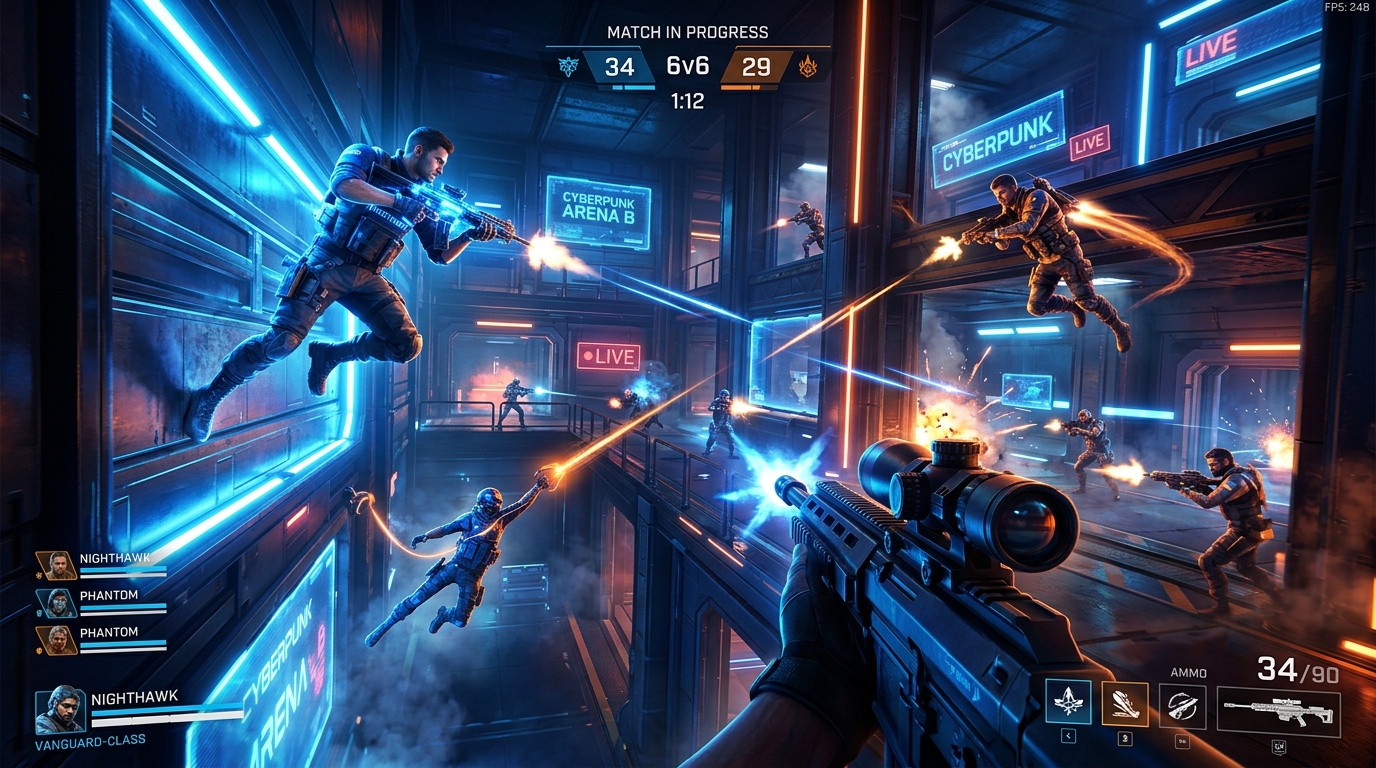
EMPULSE rewards fast reactions above everything else. Every frame you gain and every millisecond you cut from input lag directly translates to won gunfights.
System requirements
| Tier | CPU | GPU | RAM |
|---|---|---|---|
| Minimum | i3-6100 / Ryzen 3 1200 | GTX 960 / RX 470 | 8 GB |
| Recommended | i5-6600K / Ryzen 5 1400 | GTX 1060 / RX 580 | 12 GB |
| Competitive target | i5-10400 / Ryzen 5 5600 | RTX 3060 / RX 6600 | 16 GB |
At minimum specs, target 60 FPS at 1080p Medium. At the competitive tier, target 144 FPS at 1080p Low–Medium with DLSS Performance.
Display settings
| Setting | Value | Why |
|---|---|---|
| Display Mode | Fullscreen | Lowest latency — Borderless adds compositor delay |
| Resolution | Native | Use DLSS for load reduction, not a non-native res |
| Refresh Rate | Your monitor’s max | Confirmed in Windows Display Settings too |
| V-Sync | Off | Adds full-frame buffer delay — cap the FPS instead |
| Frame Rate Limit | Refresh − 3 | Prevents render queue buildup, tightest latency |
| Brightness / Gamma | Personal preference |
Best graphics settings for FPS
EMPULSE is a fast-paced movement game — low-latency visuals beat high-fidelity visuals. Prioritize consistency over visual quality.
| Setting | Recommended | Notes |
|---|---|---|
| Shadow Quality | Low | Largest GPU cost — biggest FPS gain when lowered |
| Shadow Distance | Low | Complements Shadow Quality reduction |
| Ambient Occlusion | Off | High cost, low competitive benefit |
| Anti-Aliasing | Low / TAA | TAA reduces shimmer on moving geometry |
| Texture Quality | Medium | VRAM-dependent; minimal FPS impact |
| Effects Quality | Low | Reduces particle load during hectic fights |
| Post-Processing | Low | Motion blur, depth of field: Off or minimum |
| Motion Blur | Off | Reduces visual clarity on fast movement |
| View Distance | Medium | Don’t go below Medium — affects enemy visibility |
| Foliage | Low | |
| VSync | Off |
DLSS and NVIDIA Reflex
DLSS 4.5
If you have an RTX GPU, DLSS Super Resolution is the single most impactful setting for FPS vs. image quality:
- DLSS Balanced — recommended for 1080p, excellent quality/FPS trade
- DLSS Performance — for 1440p or when GPU is the hard limit
- DLSS Quality — minimal FPS gain; only if you have headroom to spare
DLSS is not available on AMD or Intel Arc GPUs — use FSR if it’s exposed in-game, or run at native with low settings.
NVIDIA Reflex
Enable NVIDIA Reflex: On (or On + Boost if available). In a movement shooter where wall-run timing and grapple hits are frame-precise, Reflex’s reduction in render latency is one of the highest-value single-click options you have. On Boost mode, the GPU prioritizes low latency over raw throughput — suitable for EMPULSE where consistent sub-144 FPS matters more than uncapped peaks.
GPU driver settings
NVIDIA
- Low Latency Mode → Ultra (NVIDIA Control Panel → Manage 3D Settings → EMPULSE)
- Power Management Mode → Prefer Maximum Performance
- V-Sync → Off
AMD
- Anti-Lag → On
- Radeon Boost — test; it dynamically drops resolution during fast motion which suits movement games
- V-Sync → Off
System settings
- Windows Power Plan → High Performance — keeps CPU cores at full clock, reducing scheduler jitter.
- Game Mode → On (Windows Settings → Gaming → Game Mode).
- Disable overlays during competitive play (Discord, Steam, Xbox Game Bar).
- Let EMPULSE’s shader compilation finish on first launch before queuing a match.
Timer resolution
Enable Tier1Suite for the lowest system-level input latency. Timer resolution tightens the Windows scheduler to 0.5ms from the default 15.6ms — in a game where wall-run timing and grapple hooks are frame-counted, that tighter scheduling is directly felt.
Network
EMPULSE is a multiplayer-first game. Reduce network-side latency with:
- Wired Ethernet over Wi-Fi where possible
- How to Fix High Ping and Packet Loss
- How to Optimize Your Internet Connection for Gaming
Quick-reference checklist
- Display Mode: Fullscreen
- V-Sync: Off, Frame Rate: refresh − 3
- Shadows: Low, AO: Off, Motion Blur: Off
- DLSS: Balanced (RTX) or FSR (AMD/Arc)
- NVIDIA Reflex: On
- Low Latency Mode: Ultra (NVIDIA) / Anti-Lag (AMD)
- Power Plan: High Performance
- Timer resolution: Tier1Suite applied
- Shader compilation: complete before first match
Related guides
- EMPULSE Stuttering Fix
- How to Minimize Input Delay for Competitive Gaming
- The Ultimate Guide to Timer Resolution for Gaming
- How to Fix High Ping and Packet Loss
- DLSS vs FSR vs XeSS for Gaming
Fullscreen, V-Sync off, a tight frame cap, Shadows Low, AO Off, NVIDIA Reflex On, and Tier1Suite cover the vast majority of controllable latency and FPS in EMPULSE. In a movement shooter, those gains are immediately felt — set them up before your first match.
Frequently asked questions
What are the best settings for EMPULSE for maximum FPS?
Set Display Mode to Fullscreen, disable V-Sync, cap FPS to your refresh rate minus 3, set Shadow Quality to Low or Medium, disable Ambient Occlusion, and enable DLSS Performance or Balanced if your GPU supports it. NVIDIA Reflex reduces input lag significantly in a game this fast-paced — always enable it.
Does EMPULSE support DLSS and NVIDIA Reflex?
Yes. EMPULSE supports DLSS 4.5 with Super Resolution and NVIDIA Reflex for low-latency mode. Reflex is especially impactful in a movement shooter where reaction time directly determines who wins a grapple or wall-run firefight. Enable both if you have an RTX card.
Why is EMPULSE running poorly on my PC?
The most common early-access causes are: shader compilation stutter on first launch (wait for the shaders-compiling screen to finish before playing), outdated GPU drivers, running in Windowed/Borderless instead of exclusive Fullscreen, or V-Sync enabled. Check the EMPULSE Stuttering Fix guide if problems persist after these steps.
What graphics settings have the biggest FPS impact in EMPULSE?
Shadows and Ambient Occlusion have the largest GPU cost in most Unreal Engine-based movement shooters. After those, reducing Anti-Aliasing quality and any screen-space reflections gives the next-biggest FPS gains. Texture quality has almost no FPS impact unless you are VRAM-limited, so leave it at a visually acceptable level.
What are the minimum system requirements for EMPULSE?
Minimum: GTX 960 or RX 470, Intel Core i3-6100, 8GB RAM. Recommended: GTX 1060 or RX 580, Core i5-6600K or Ryzen 5 1400, 12GB RAM. For high refresh rate competitive play at 1080p, a GTX 1070 / RX 5500 XT or better is the practical target.