AMD fTPM Stutter Fix: Stop the Random Freezes and Audio Crackling
Published
On this page
If your Ryzen PC randomly freezes for a fraction of a second — mouse hitches, audio crackles, frame times spike — and it happens even on the desktop, you are probably looking at the AMD fTPM stutter bug. It is one of the few stutter problems that has nothing to do with your GPU, your drivers, or your game settings, and it has an official fix.
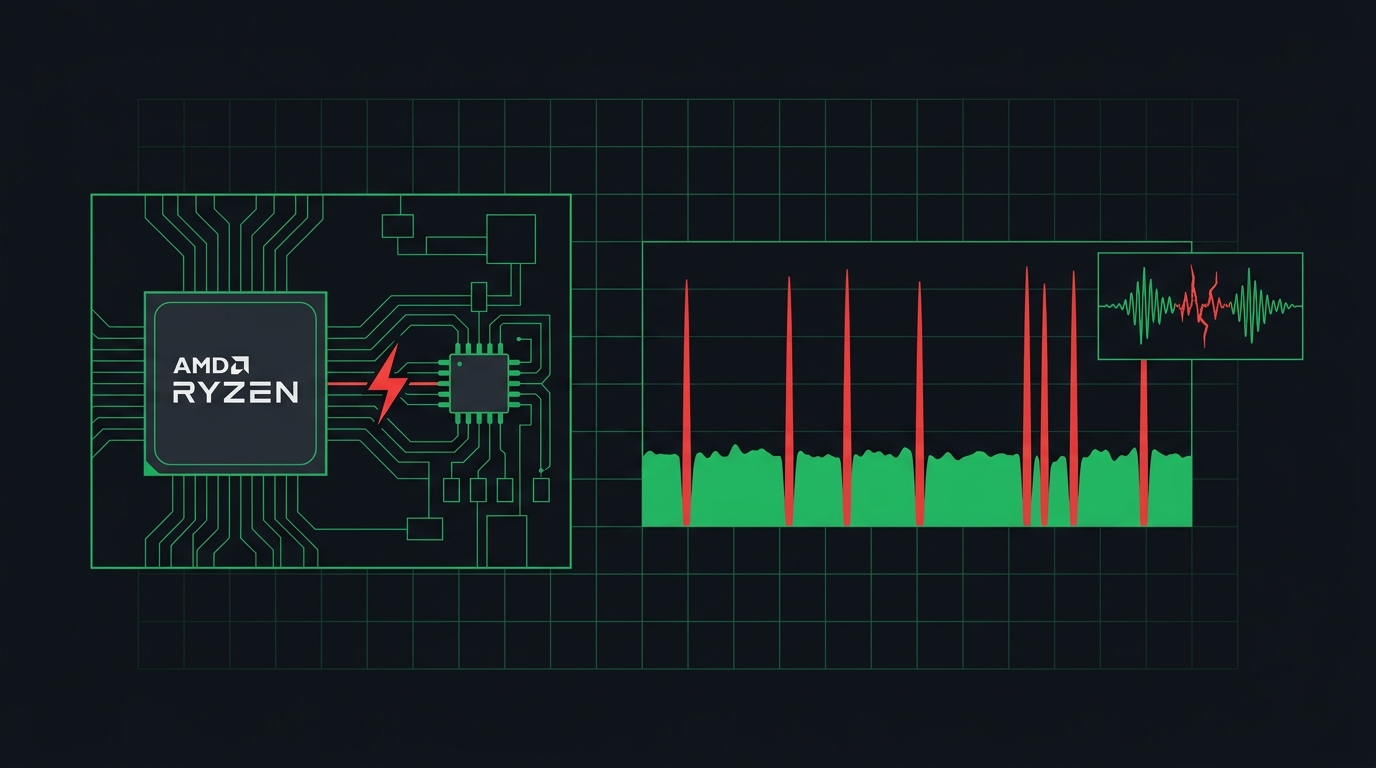
The whole system pauses while fTPM waits on the motherboard’s SPI flash — games just make it obvious.
What AMD fTPM stutter looks like
This bug has a very specific fingerprint. If most of these match, keep reading:
- brief system-wide hitches or freezes, usually a fraction of a second
- audio crackling or popping at the exact moment of the hitch
- it happens at random intervals, not tied to anything you are doing
- it happens on the desktop, in menus, and during video playback — not just in games
- mouse movement visibly stutters during the freeze
- nothing GPU-related shows up in Event Viewer, and GPU usage looks normal
The affected systems are Ryzen PCs with fTPM enabled — most commonly Ryzen 3000 and 5000 series builds from the 2021–2022 era, where fTPM got switched on to satisfy the Windows 11 TPM 2.0 requirement. AMD officially acknowledged the issue in March 2022.
If your stutter only happens in one game, or only after a patch, this is not your bug — that is shader or driver territory, covered in how to clear your shader cache to fix stuttering.
Why fTPM causes stutter
fTPM is a firmware TPM: instead of a dedicated security chip, your Ryzen CPU runs the TPM in firmware and stores its data on the SPI flash ROM — the same small chip on your motherboard that holds the BIOS.
The problem is how those transactions were handled. When fTPM periodically reads from or writes to that flash chip, the memory transaction can stall, and while it stalls, the entire system waits. CPU, audio pipeline, frame delivery — everything pauses until the transaction completes. That is why the symptom is a system-wide freeze with audio crackle rather than an ordinary FPS drop: it is not your game slowing down, it is your whole PC briefly stopping.
Because the trigger is the TPM doing routine housekeeping, the stutter shows up at random intervals regardless of load. You can be idling on the desktop and still get hit.
How to confirm fTPM is your problem
Two checks will tell you with near certainty.
1. Run LatencyMon
Download LatencyMon, let it run for 10–15 minutes while you use the PC normally, and watch the DPC and ISR latency results. fTPM stutter shows up as large periodic DPC/ISR spikes, often attributed to ACPI.sys or storport.sys, with the highest measured latency jumping every time you feel a hitch. A clean system stays consistently low.
2. The toggle test
This is the definitive check:
- Suspend BitLocker if it is enabled (Control Panel → BitLocker Drive Encryption → Suspend protection).
- Reboot into BIOS and disable fTPM.
- Boot into Windows and use the PC the way that normally triggers the hitching.
If the stutter is completely gone with fTPM off, you have your answer. Re-enable fTPM afterwards and apply one of the fixes below — do not just leave it off and forget about it.
Fix 1: Update your BIOS (the real fix)
AMD’s fix shipped in AGESA 1.2.0.7. Any BIOS update for your board that contains AGESA 1.2.0.7 or newer resolves the fTPM stutter. Since the bug peaked in 2021–2022, virtually every affected board has had a fixed BIOS available for years — many systems just never got updated.
Check your current BIOS version with msinfo32, then look up your exact motherboard model on the vendor’s support page. The changelog or AGESA version listed against each BIOS release tells you which one contains the fix. Follow how to update your BIOS safely for the full process — the short version is: use the exact file for your board revision, use the built-in flash utility, and do not power off mid-flash.
After updating, the BIOS usually resets to defaults, so you will need to re-enable fTPM (and XMP/EXPO, boot order, and anything else you had set). These guides show exactly where the TPM setting lives on each vendor’s UEFI:
- Enable TPM in a Gigabyte BIOS
- Enable TPM in an ASUS BIOS
- Enable TPM in an MSI BIOS
- Enable TPM in an ASRock BIOS
With the fixed AGESA in place and fTPM re-enabled, the stutter should be gone for good. For most people, this is the only fix you need.
Fix 2: Use a discrete TPM module
If a fixed BIOS is genuinely not available for your board, or you simply do not trust firmware TPM anymore, a discrete TPM module (dTPM) sidesteps the problem entirely. It is a small add-in board that plugs into the TPM header on your motherboard and has its own dedicated storage, so it never touches the SPI flash and never triggers the stall.
Two things to get right:
- Buy the module that matches your board. TPM headers are vendor-specific (pin count and layout differ between ASUS, MSI, Gigabyte, and ASRock), so check your motherboard manual for the exact compatible part.
- Suspend BitLocker before switching. Moving from fTPM to dTPM changes the TPM Windows sees, which means BitLocker will demand the recovery key on next boot if you do not suspend it first. After switching, set the BIOS TPM option from “Firmware TPM” to “Discrete TPM.”
Fix 3: Disable fTPM temporarily
If you need stutter-free gaming right now and cannot flash or buy anything yet, disabling fTPM works as a stopgap. Do it in this order:
- Suspend BitLocker first. If your drive is encrypted and you skip this, Windows will demand the 48-digit recovery key at next boot. Suspend protection, then make the BIOS change.
- Reboot into BIOS and switch fTPM off (the setting is in the same place as the enable guides linked above).
- Boot into Windows and confirm the stutter is gone.
Two caveats before you treat this as a solution:
- Windows 11 requires TPM 2.0. Your installed system keeps running with the TPM off, but features that depend on it (BitLocker auto-unlock, Windows Hello in some configurations) stop working, and Microsoft expects TPM 2.0 for upgrades and some updates.
- It is a workaround, not a fix. Use it to bridge the gap until you flash a BIOS with AGESA 1.2.0.7+, then turn fTPM back on.
After the fix: clean up remaining stutter
Once the system-wide freezes are gone, any stutter you still see has an ordinary cause — and ordinary fixes:
- Periodic spikes during online play point at the network or background processes: how to fix lag spikes in games.
- Hitching in the first session after a driver or game update is shader compilation: clear your shader cache.
- For tighter frame pacing and snappier input across every game, set your Windows timer correctly: the ultimate guide to timer resolution for gaming.
fTPM stutter is unusual because it is completely fixable. Confirm it with the toggle test, flash a BIOS with AGESA 1.2.0.7 or newer, re-enable fTPM, and the random freezes and audio crackling stop — permanently.
Frequently asked questions
What is AMD fTPM stutter?
It is a brief system-wide freeze, often with audio crackling, caused by the firmware TPM in Ryzen CPUs. When fTPM talks to the SPI flash chip on the motherboard, the whole system can stall for a moment. AMD acknowledged the issue in March 2022.
Does updating the BIOS fix fTPM stutter?
Yes. A BIOS update containing AGESA 1.2.0.7 or newer resolves the issue on affected Ryzen systems. It is the official fix from AMD and the first thing you should try.
Is it safe to disable fTPM?
Temporarily, yes, with two caveats. Suspend BitLocker first or you will be asked for the recovery key, and remember Windows 11 requires TPM 2.0, so some features and future updates expect it to stay enabled. Treat disabling fTPM as a test or a stopgap, not a permanent fix.
Is a discrete TPM module better than fTPM?
For this specific bug, yes. A discrete TPM (dTPM) plugs into the motherboard's TPM header and has its own storage, so it never triggers the SPI flash stalls that cause fTPM stutter. On a fixed BIOS, fTPM is otherwise fine for normal use.
Does Intel PTT have the same stutter problem?
No. Intel's firmware TPM (PTT) has no equivalent widespread stutter issue. This bug is specific to AMD's fTPM implementation on affected Ryzen platforms and was fixed via AGESA updates.