Splitgate 2 Stuttering Fix: Stop Frame Stutter and FPS Drops
Published
On this page
Splitgate 2 can hold a high average FPS and still feel rough, because its Unreal Engine 5 foundation compiles shaders and streams assets on the fly. This guide targets the real causes of Splitgate 2 stutter — shader compilation, VRAM pressure, storage streaming, and background conflicts — so your frame pacing stays smooth through fast portal fights.
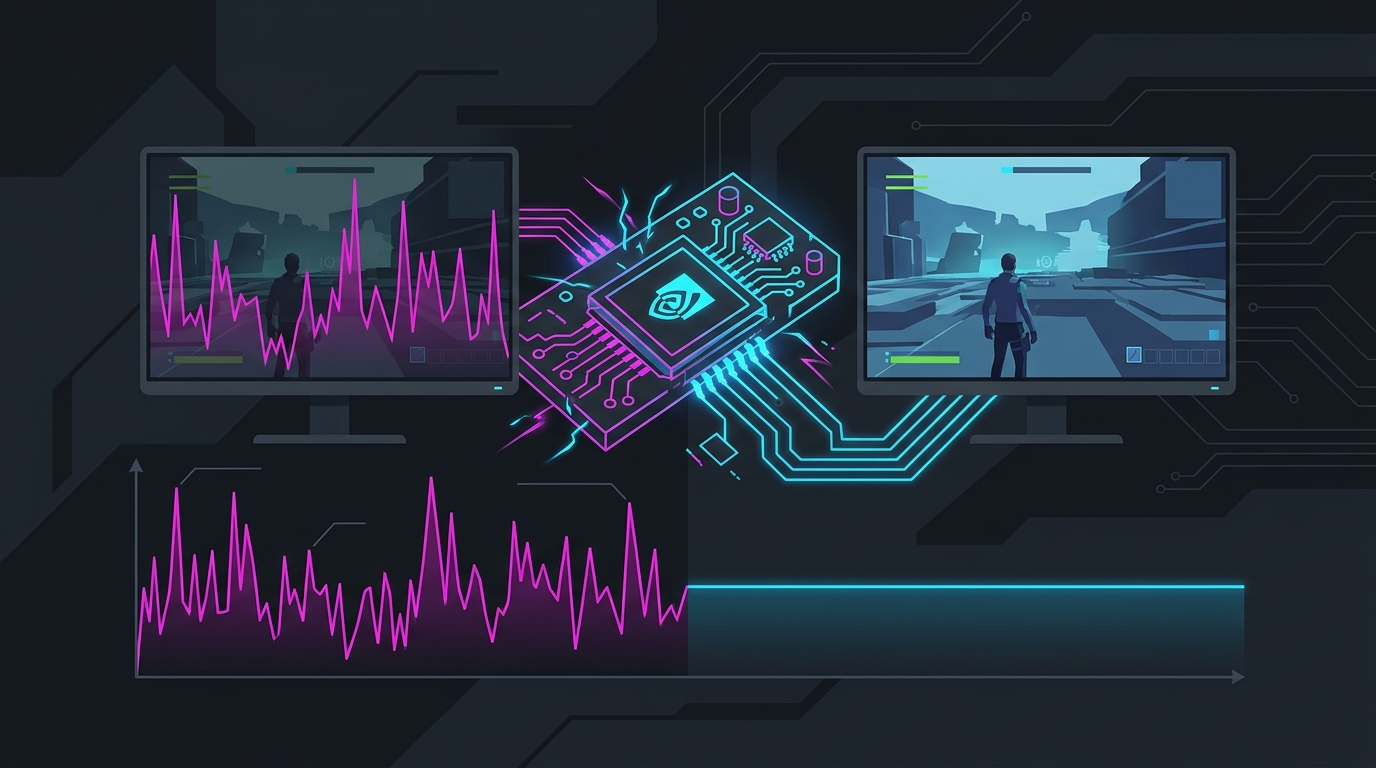
Work through this as a checklist before changing random settings.
What Splitgate 2 stutter usually looks like
If your average FPS is fine but the game still feels bad, you’re fighting frame-time spikes, not low FPS. Common symptoms:
- brief freezes the first time a weapon, portal, or effect appears
- hitching when you spawn into a match or a new area streams in
- FPS drops when multiple players and portals are on screen at once
- inconsistent aim feel even at high average FPS
- worse performance right after a patch or driver update
That’s a different problem than a general best-settings guide solves — this page is about smoothing the spikes.
Change these in-game settings first
Set these in Settings → Video:
| Setting | Recommended value |
|---|---|
| Window Mode | Fullscreen (exclusive) |
| V-Sync | Off |
| Frame Rate Limit | Cap just below refresh |
| NVIDIA Reflex | On (On + Boost if CPU-bound) |
| Texture Quality | Medium if VRAM is limited |
| Shadows | Low |
| Effects / Post Processing | Low |
| Anti-Aliasing | TAA or lower |
Texture Quality, Shadows, and Effects cause the biggest frame-time spikes. UE5 streams a lot of texture data, so on GPUs with 8 GB or less of VRAM, maxing textures is a top cause of hitching even when average FPS looks fine.
Let shader compilation finish
A lot of early-match hitching is shader-related.
- After a game or driver update, launch and play through the first couple of minutes so new effects and portals compile.
- Judge performance after a full match, not in the first 30 seconds.
- If hitching spikes after every patch, verify game files so a stale shader cache is rebuilt cleanly.
Update or clean-install your GPU driver
Driver issues are a top cause of new stutter after an update.
- Install the latest stable driver for your GPU.
- If stutter started right after a driver update, roll back to the previous stable version.
- For a stubborn case, do a clean reinstall with DDU.
- Reset driver settings to default before layering custom tweaks.
Check VRAM, RAM, and background apps
Splitgate 2 gets choppy when your system runs out of headroom.
Watch for
- GPU memory near full during busy fights
- high system RAM use before the match starts
- Discord, browser, capture tools, and overlays all running together
Fast fixes
- Close browsers, launchers, and monitors you don’t need.
- Disable Steam, Discord, and Xbox Game Bar overlays — see Disable Xbox Game Bar and Game DVR.
- Lower Texture Quality one step.
- Reboot before long sessions if memory use is messy.
Install Splitgate 2 on an SSD
UE5 streams assets continuously, so slow storage causes traversal and load hitching — especially when the arena fills with players and portals. Use an NVMe SSD if possible, keep 15–20% free space, and don’t download or copy large files while playing.
Clear the shader cache if stutter persists
If hitching stays bad after a driver update, a corrupt shader cache is a common cause. Clearing it forces a clean rebuild — walk through Clear Shader Cache to Fix Stuttering, then play one full match to let Splitgate 2 recompile from scratch.
Windows fixes worth trying
- Enable Game Mode (Settings → Gaming → Game Mode → On).
- Disable unnecessary startup apps.
- Set the Windows power plan to High Performance — see Best Windows Power Plan for Gaming.
- On laptops, force the correct discrete GPU.
- Consider disabling VBS for extra CPU headroom.
For smoother input and steadier frame delivery, also read The Ultimate Guide to Timer Resolution for Gaming — lowering the Windows timer from 15.6ms to 0.5ms tightens the scheduler that paces your frames, which helps the jittery feel that lingers after the big spikes are gone.
When to lower your frame cap
Uncapped isn’t always smoothest. If FPS swings wildly in busy portal fights, a stable cap reduces frame-time spikes:
141 FPSfor 144 Hz237 FPSfor 240 Hz117 FPSfor 120 Hz
Pick the cap that feels steadiest in real fights, not the biggest benchmark number.
If stutter started after an update
- Verify game files.
- Let shaders rebuild over one full match.
- Reset aggressive driver overrides to default.
- Lower textures and effects one step.
- Wait for hotfixes if many players report the same issue.
Related guides
- Splitgate 2 Stretched Resolution Guide
- Splitgate 2 Lowest Input Lag Settings
- Clear Shader Cache to Fix Stuttering
- How to Fix Lag Spikes in Games
- The Ultimate Guide to Timer Resolution for Gaming
If Splitgate 2 is stuttering, fix shader behavior, VRAM pressure, and storage streaming before chasing obscure tweaks. Most players get the biggest gain from clean drivers, an SSD install, lower texture/shadow/effect settings, and a stable frame cap.
Frequently asked questions
Why does Splitgate 2 stutter even on a good PC?
Splitgate 2 runs on Unreal Engine 5, which compiles shaders and streams assets as new effects, portals, and players appear, so hitching is largely engine behavior rather than a lack of raw power. Strong hardware shortens the spikes but does not remove them. Capping your frame rate just below your refresh, keeping VRAM headroom free, and running the game off an SSD produce the most consistent frame times.
How do I fix shader compilation stutter in Splitgate 2?
Most early-match hitching in Splitgate 2 is shaders compiling the first time new weapons, portals, and effects render. Play through the opening minutes of a session so those cache, and judge performance after a full match rather than the first 30 seconds. After each game update or GPU driver update, let the shaders rebuild over one full match — a stale cache forces constant recompilation and visible stutter.
Does capping FPS reduce stuttering in Splitgate 2?
Often yes. An uncapped frame rate lets the GPU render ahead and swing wildly during busy portal fights, which shows up as frame-time spikes even when average FPS looks high. A cap a few frames below your refresh rate — 141 on 144Hz, 237 on 240Hz — keeps pacing even and pairs well with NVIDIA Reflex. Pick the cap that feels steadiest in real fights, not the biggest benchmark number.
What settings cause the most stutter in Splitgate 2?
Texture Quality, Shadows, and Effects/Post Processing drive the biggest frame-time spikes because they push the most streaming and GPU load. On GPUs with 8 GB of VRAM or less, maxed textures are a top cause of hitching even when average FPS looks fine. Lower those three first instead of dropping the whole preset to Low blindly, and keep some VRAM headroom free.
Will an SSD stop Splitgate 2 stutter?
It helps a lot. Unreal Engine 5 streams assets continuously, so a slow hard drive causes traversal and load hitching, especially when many players and portals are on screen. Install Splitgate 2 on an NVMe SSD, keep 15 to 20 percent of the drive free, and avoid downloading or copying large files while playing so the engine can stream assets without contention.