Diablo 4 Stuttering Fix: Stop Hitching and Frame Drops
Published
On this page
Diablo 4 stutters for a lot of players — hitching as you load into a busy town, frame-time spikes during packed Helltide fights, and drops even on strong hardware. Most of it comes from shader compilation, asset streaming, and VRAM pressure, not a weak GPU. This guide walks through the fixes that actually smooth it out across seasons and expansions.
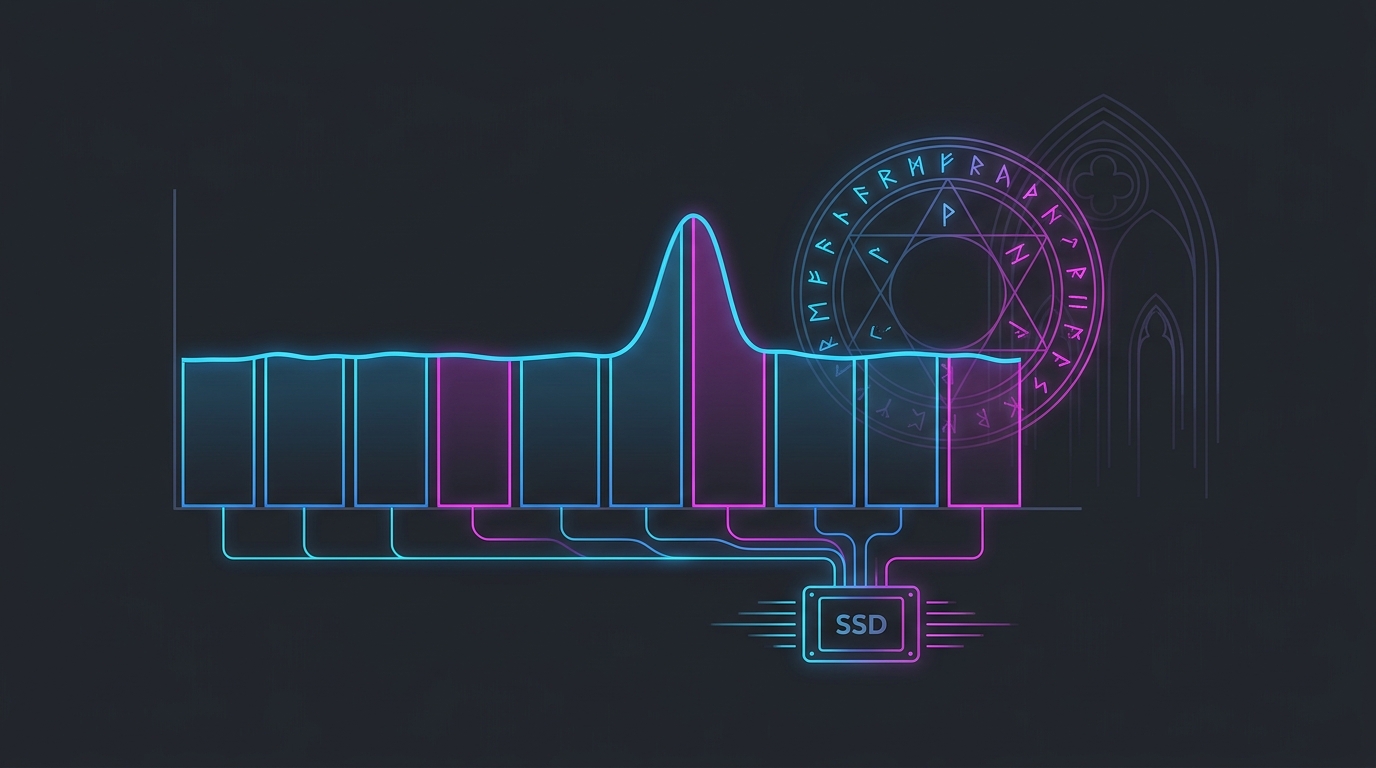
If your FPS counter looks fine but the game hitches when you teleport or fight, you have a frame-time problem — not a low-FPS problem.
What Diablo 4 stutter looks like
- hitching when you load into a town or teleport to a new zone
- frame-time spikes during Helltides and dense particle-heavy fights
- stutter that’s worst in the first hour after a patch or driver update
- VRAM-related hitching at high texture settings on 6–8 GB cards
The goal isn’t a higher number — it’s a flat, consistent frame time with no spikes. Every fix below targets that.
Rather not do this by hand? Tier1Suite sets timer resolution per game and applies Windows tweaks for you, each with a working revert. Get Tier1Suite free →
Let shaders compile, then clear the cache after updates
Diablo 4 compiles shaders as you encounter new zones, enemies, and effects, so the first session after any change is always the roughest.
- After a seasonal patch or GPU driver update, play through a busy town and some combat first.
- Judge performance on your second session, once common shaders are cached.
- After a driver update, clear the shader cache for a clean rebuild — see Clear Shader Cache to Fix Stuttering.
Install Diablo 4 on an NVMe SSD
This is one of the biggest fixes for load and teleport stutter. Diablo 4 streams assets constantly, and a slow drive can’t keep up.
- use an NVMe SSD if at all possible
- keep 15–20% free space on that drive
- don’t download, update, or copy large files while playing
Update or clean-install your GPU driver
- Install the latest stable GPU driver — both vendors ship Diablo 4 fixes.
- If stutter started right after a driver update, roll back to the previous stable version.
- For persistent issues, do a clean install to wipe a corrupted profile — How to Clean Install GPU Drivers with DDU.
- Reset the driver control panel to defaults before layering tweaks.
Manage VRAM and heavy settings
Texture and effect settings drive most of the VRAM-related hitching in busy areas.
- Keep Texture Quality at a level your VRAM can hold — overflow causes hard hitches on 6–8 GB cards.
- Drop Shadow Quality and particle/effects a step for crowded fights.
- Enable DLSS, FSR, or XeSS upscaling to free GPU headroom — see DLSS vs FSR vs XeSS for Gaming.
- Turn SSAO / fog down a notch if town stutter persists.
Close background apps and enable XMP
Towns are CPU-heavy, and background overhead shows up as hitches there first.
- Close browsers, Discord overlays, launchers, and hardware monitors before playing.
- Enable XMP/EXPO so your RAM runs at rated speed — town streaming leans on memory bandwidth.
- 16 GB of system RAM is a realistic minimum; 32 GB gives comfortable headroom.
- On laptops, force the correct discrete GPU for the game.
Cap your FPS for even pacing
An uncapped frame rate swings between quiet zones and packed towns and causes uneven pacing.
- Cap a few frames below what your PC can reliably sustain — How to Cap Your FPS Correctly.
- Pair the cap with G-SYNC/FreeSync for tear-free, evenly-paced frames — G-SYNC, V-Sync and Reflex Low-Latency Setup.
- Run Fullscreen rather than borderless for the most stable pacing — Fullscreen vs Borderless vs Windowed for Gaming.
Windows fixes worth trying
- Set your power plan to High Performance — Best Power Plan for Gaming.
- Enable Game Mode and disable unnecessary startup apps.
- If you still see periodic hitching, check for lag spikes and background scans.
For steadier frame pacing, a fine timer resolution keeps the scheduler ticking evenly — read The Ultimate Guide to Timer Resolution for Gaming and let Tier1Suite apply it automatically.
Related guides
- Clear Shader Cache to Fix Stuttering
- How to Fix Lag Spikes in Games
- DLSS vs FSR vs XeSS for Gaming
- How to Cap Your FPS Correctly
- The Ultimate Guide to Timer Resolution for Gaming
Most Diablo 4 stutter comes from shader compilation, asset streaming, and VRAM pressure — not weak hardware. Put the game on an NVMe SSD, let shaders build (and clear the cache after patches), keep textures inside your VRAM, keep drivers clean, and cap your FPS for even pacing. That clears the worst of the town and Helltide hitching.
Frequently asked questions
Why does Diablo 4 stutter even on a high-end PC?
Most Diablo 4 stutter comes from shader compilation, asset streaming, and VRAM pressure rather than raw GPU power. Crowded towns, packed Helltide events, and dense particle effects force the engine to load and compile assets on the fly, which shows up as frame-time hitches even on a strong card. Storage speed, VRAM headroom, and background load matter more than a few extra teraflops.
How do I fix Diablo 4 shader stutter?
Play through a busy town and some combat so common shaders compile and cache, then judge performance on your next session. After a GPU driver update or a seasonal patch, clear your shader cache so it rebuilds cleanly, and keep the latest stable driver installed. Capping your FPS keeps frame times even and hides the worst of the compile hitches.
Does Diablo 4 need an SSD?
Yes — an SSD, ideally NVMe, is strongly recommended. Diablo 4 streams assets constantly as you teleport between zones and load into crowded areas, and a hard drive causes long loads plus in-game hitching. Install the game on an NVMe drive with 15 to 20 percent free space and don't run downloads while playing.
Why does Diablo 4 stutter in town but not while mapping?
Towns concentrate dozens of other players, NPCs, and their gear effects into one area, which spikes CPU load and forces heavy asset streaming — so they stutter more than open zones. Lower your background FPS or crowd-heavy settings, close background apps, and make sure your RAM is running at rated speed with XMP so the CPU isn't the bottleneck in town.
Does lowering settings fix Diablo 4 stutter?
Lowering the right settings helps. Keep texture quality within your VRAM, drop shadow and particle quality a step for busy fights, and cap your FPS for even pacing. Raw resolution matters less than VRAM overflow and frame-time consistency, so target a flat frame time rather than just a higher FPS number.