Best Monitor for Valorant (2026): Refresh Rate, Size & What to Buy
Published
On this page
The best monitor for Valorant is a fast 1080p panel at 240Hz or higher. Valorant is built to run at very high frame rates on modest hardware, so the bottleneck for most players isn’t the GPU — it’s whether the monitor can actually display all those frames. Get the refresh rate right and everything else falls into place. Here’s how to choose.
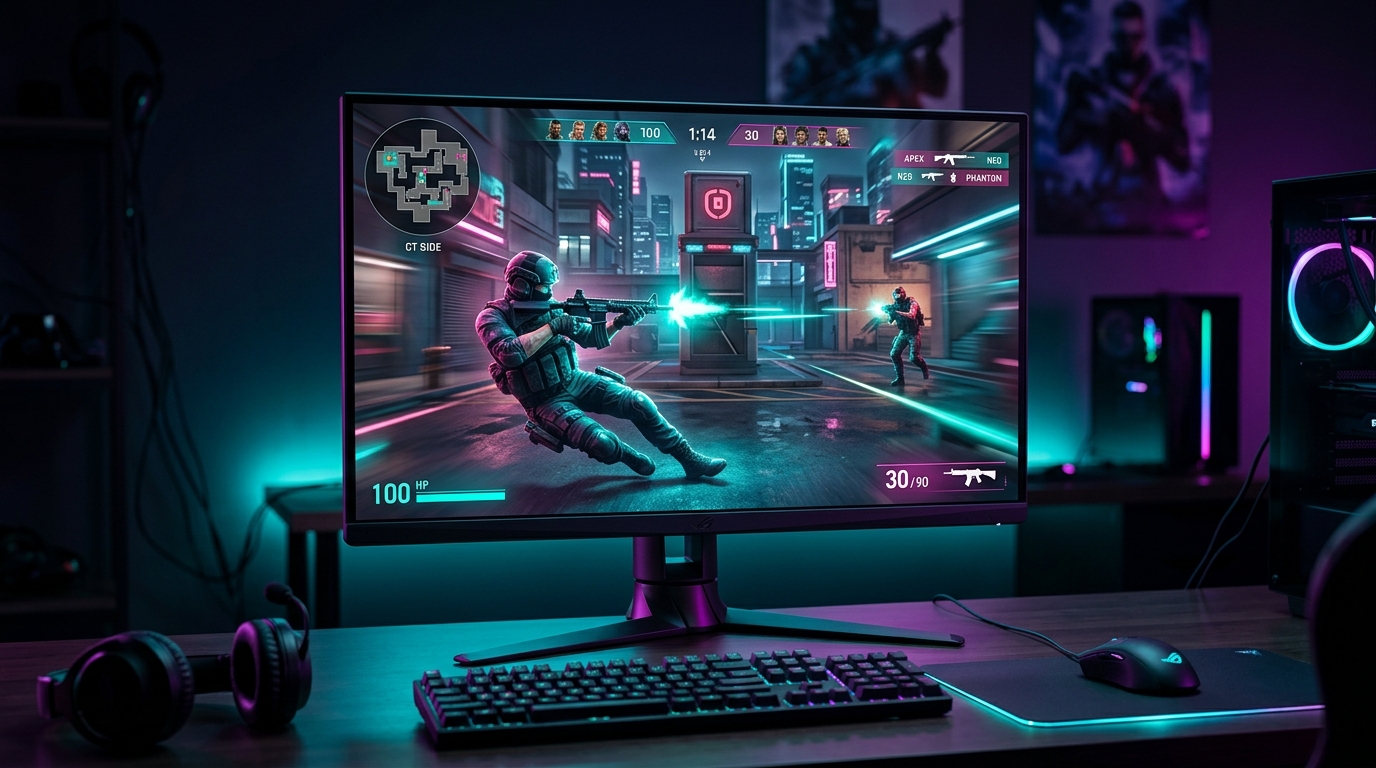
Valorant hits 300+ FPS on modest PCs — a high-refresh 1080p monitor is what turns those frames into a competitive edge.
Quick comparison
| Pick | Refresh | Resolution | Best for |
|---|---|---|---|
| 1080p 240Hz | 240Hz | 1080p | The competitive sweet spot |
| 1080p 360Hz | 360Hz | 1080p | Radiant grinders on strong rigs |
| 1080p 144/165Hz | 144–165Hz | 1080p | Budget entry, still huge vs 60Hz |
Refresh rate matters more than resolution
Valorant’s engine is light — mid-range PCs routinely hold 250–400 FPS at competitive settings. That makes refresh rate, not resolution, the upgrade that actually changes how the game feels. A 240Hz panel shows nearly twice the frames of a 144Hz one, which means less motion blur on flicks and a fresher image every time you peek.
ASUS TUF VG259QM — the competitive sweet spot
- 24.5" 1080p Fast IPS, overclocks to 280Hz — 240Hz-class speed with no VA smearing
- 24.5" is the size nearly every Valorant pro plays on — the whole screen stays in view
- G-Sync Compatible + ELMB-Sync for tear-free, low-blur motion
240Hz vs 360Hz for Valorant
Valorant is one of the few games that can genuinely saturate a 360Hz panel — many rigs push 360+ FPS at competitive settings. If your PC reliably holds 300+ FPS and you’re grinding ranked seriously, 360Hz shaves a little more motion latency. For most players, 240Hz is the value pick and the difference to 360Hz is subtle.
Alienware AW2523HF — the 360Hz step up
- 24.5" 1080p IPS at 360Hz — the smoothest option when your rig feeds 300+ FPS
- Ideal for Radiant-tier grinders on a high-end CPU/GPU
- Fast IPS response with a genuinely low gray-to-gray
The budget pick
If your GPU can’t hold 200+ FPS, or you just want the biggest jump for the least money, a 1080p 144/165Hz panel is still a massive upgrade over 60Hz — and Valorant will happily fill it.
AOC 24G2SP — the value entry
- 24" 1080p IPS at 165Hz — transforms the game versus 60Hz at the lowest price
- FreeSync, 1ms MPRT, height-adjustable stand
Stay at 1080p and 24.5 inches
Almost every Valorant pro plays 1080p on a 24–24.5” screen, and it’s not an accident: at that size the whole screen sits inside your focal vision, so you track flicks and spot peekers without your eyes darting across the panel. 1080p also has the lowest pixel load, which keeps frames high. A bigger 27” 1440p monitor looks nicer but is a slight competitive disadvantage.
Get the most from your panel
A fast monitor is a latency tool — don’t waste it. Run exclusive Fullscreen, enable G-Sync/FreeSync, cap your FPS just under the refresh, and work through the minimize input delay checklist. Then dial in the rest of the setup: our best Valorant settings for FPS and Valorant lowest input lag settings cover the in-game side.
Many top Valorant players also run a stretched resolution to raise frames and enlarge models — Tier1Suite applies it in one click, and tightens frame pacing with timer resolution on top.
Related guides
- Valorant Stretched Resolution Guide
- Best Valorant Settings for FPS
- Valorant Lowest Input Lag Settings
- Best Monitor for Stretched Resolution & Competitive FPS
Buy for refresh rate first, stay at 1080p and 24.5 inches, and pick 240Hz unless your rig reliably feeds 300+ FPS. The panel sets the ceiling; clean settings and stretched resolution help you reach it.
Frequently asked questions
What monitor is best for Valorant?
A fast 1080p monitor at 240Hz or higher is the best all-round choice for Valorant. Valorant runs at very high frame rates on modest hardware, so almost any modern PC can feed a 240Hz panel, and the lower pixel load of 1080p keeps frames high and latency low. 24.5 inches is the size most pros use because the whole screen stays in your vision.
Is 240Hz or 360Hz better for Valorant?
Both are excellent. 240Hz is the value sweet spot and what most competitive players use; 360Hz shaves a little more motion latency if your PC reliably pushes 300+ FPS, which Valorant easily can. The jump from 144Hz to 240Hz is bigger and more noticeable than 240Hz to 360Hz, so 240Hz is the smarter spend for most players.
What size monitor do Valorant pros use?
Almost all Valorant pros use a 24 to 24.5-inch 1080p monitor. At that size the entire screen sits inside your focal vision, so you spot enemies and track flicks without moving your eyes across a large panel. Bigger 27-inch+ monitors look more immersive but are a slight disadvantage for pure competitive play.
Do I need a special monitor for stretched resolution in Valorant?
No. Stretched resolution is applied by your GPU, so it works on almost any 16:9 monitor. A high-refresh 1080p panel is the ideal match because stretched res lowers the pixel count to free frames, and a 240Hz+ monitor is what turns those extra frames into real motion clarity.