Stretched Resolution Pros and Cons (Should You Use It?)
Published
On this page
Stretched resolution is a trade-off, not a free upgrade. The pros are wider enemy models, a zoomed-in feel, more FPS when GPU-bound, and easier aim for some players. The cons are a blurrier, distorted image, a narrower field of view, and settings that can reset after driver updates. Whether it is worth it comes down to whether the wider-model feel outweighs the image quality you give up.
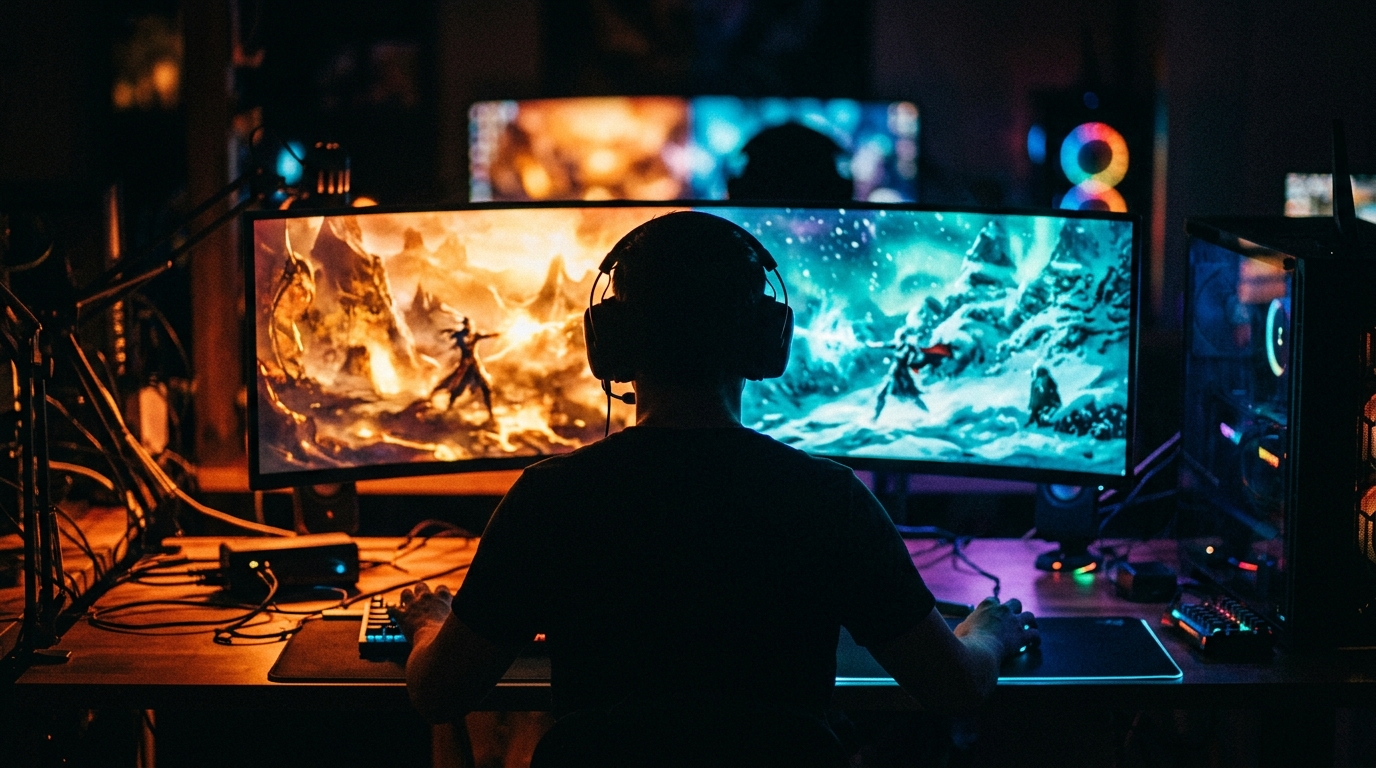
Stretched resolution buys you wider models and frames at the cost of clarity — a balance only you can judge.
The pros and cons at a glance
| Pros | Cons |
|---|---|
| Wider enemy models — bigger horizontal target | Blurrier image (upscaling fewer pixels) |
| Zoomed-in feel, enemies look closer | Distorted picture (circles become ovals) |
| Modest FPS gain when GPU-bound | Smaller field of view, less peripheral awareness |
| Some players find aim easier | Not everyone gains aim |
| Renders fewer pixels, can lower latency via FPS | Can reset after driver updates |
The whole decision is reading this table against your own preferences. There is no objectively correct choice.
The pros, in detail
Wider models. Stretching a 4:3 image across a 16:9 panel pulls everything horizontally, so enemies become wider and easier to track left-to-right. This is the main reason competitive players use it — covered fully in how stretched resolution makes aim easier.
More FPS. Fewer rendered pixels means less GPU work, so a GPU-bound system gains a modest 5-20%. On light esports titles already at 300+ FPS the gain is small. Details in does stretched resolution increase FPS.
Zoomed-in feel. The cropped horizontal field of view makes enemies appear closer, which some players find helps them lock on faster.
Lower or equal latency. The stretch itself adds no meaningful input lag, and the FPS boost can actually reduce it. See does stretched resolution cause input lag.
The cons, in detail
Blur. This is inherent — you are stretching fewer pixels across the same screen, so the image is softer than native. You can reduce it but not eliminate it; see how to fix blurry stretched resolution.
Distortion. The aspect-ratio change warps the picture. Movement and shapes look slightly off until you adapt.
Narrower field of view. The horizontal crop trims your peripheral vision, which can hurt awareness in wide-open maps.
It can reset. GPU scaling sometimes reverts after a driver update, so you may have to reapply your settings.
No guaranteed aim gain. Plenty of players track worse with a blurrier, distorted image. It genuinely does not suit everyone.
Who should use it — and who shouldn’t
Good fit: experienced players in horizontal-duel titles (CS2, Valorant) who value wider models and don’t mind softness, and players on weaker GPUs chasing frames.
Poor fit: beginners still building fundamentals, players who prize a crisp image, and anyone on games where wide peripheral awareness matters more than horizontal flicks.
If you are unsure, the safe default is native 16:9 — the sharpest, widest, most stable reference. Compare them directly in stretched resolution vs native resolution.
How to decide for yourself
Run an honest back-to-back test. Pick a 4:3 stretch like 1440x1080, play several sessions, then switch to native for several more, and judge two things: does your aim genuinely feel better, and does the blur bother you. Let your own results decide, not a pro’s config.
The fastest way to flip between the two is a one-click tool that creates the custom resolution and sets full-panel GPU scaling automatically — that is what Tier1Suite does.
Related guides
- Stretched resolution vs native resolution
- How stretched resolution makes aim easier
- Does stretched resolution increase FPS?
- How to fix blurry stretched resolution
- Best 4:3 stretched resolutions for competitive FPS
Stretched resolution trades image clarity for wider models, frames, and a zoomed feel. If those benefits matter to how you play and the blur doesn’t bother you, it’s worth keeping — but native 16:9 is an equally valid competitive choice. Test both and trust your own aim.
Frequently asked questions
What are the pros and cons of stretched resolution?
The pros are wider enemy models, a zoomed-in feel, and a modest FPS boost when GPU-bound, with some players finding aim easier. The cons are a blurrier, distorted image, a smaller field of view, settings that can reset after driver updates, and the fact that not everyone gains aim. It is a trade-off, not a pure upgrade.
Is stretched resolution worth it?
It is worth trying if you play horizontal-duel games like CS2 or Valorant and don't mind a softer image. Many players keep it for the wider models and zoom; others dislike the blur and go back to native. The only honest answer is to test it for a few sessions and judge your own aim.
Does stretched resolution have any real downsides?
Yes. The image is blurrier because you upscale fewer pixels, the picture is distorted, your field of view shrinks, and GPU scaling can reset after a driver update. None of these break the game, but they are genuine trade-offs against the benefits.
Should beginners use stretched resolution?
Beginners are usually better off learning on native 16:9 first, since it gives the sharpest, widest view and a stable reference for muscle memory. Stretched resolution is a refinement to experiment with later once your fundamentals are solid.
Does stretched resolution reduce image quality?
Yes, somewhat. Stretching fewer pixels across the same panel makes the image softer and distorted. You can reduce the blur with a higher 4:3 resolution and GPU image sharpening, but it will never look as crisp as native.