Modern Warfare 4 Stretched Resolution Guide for FPS
Published
On this page
Modern Warfare 4 players run stretched resolution for wider enemy models and, on the driver route, a real FPS gain. MW4 exposes an Aspect Ratio setting on the Display tab, so you have two clean paths: change the aspect ratio in-game for the look, or force full-panel GPU scaling and pick a 4:3 output resolution for the look plus the frames. This guide covers both, plus the black-bar fixes.
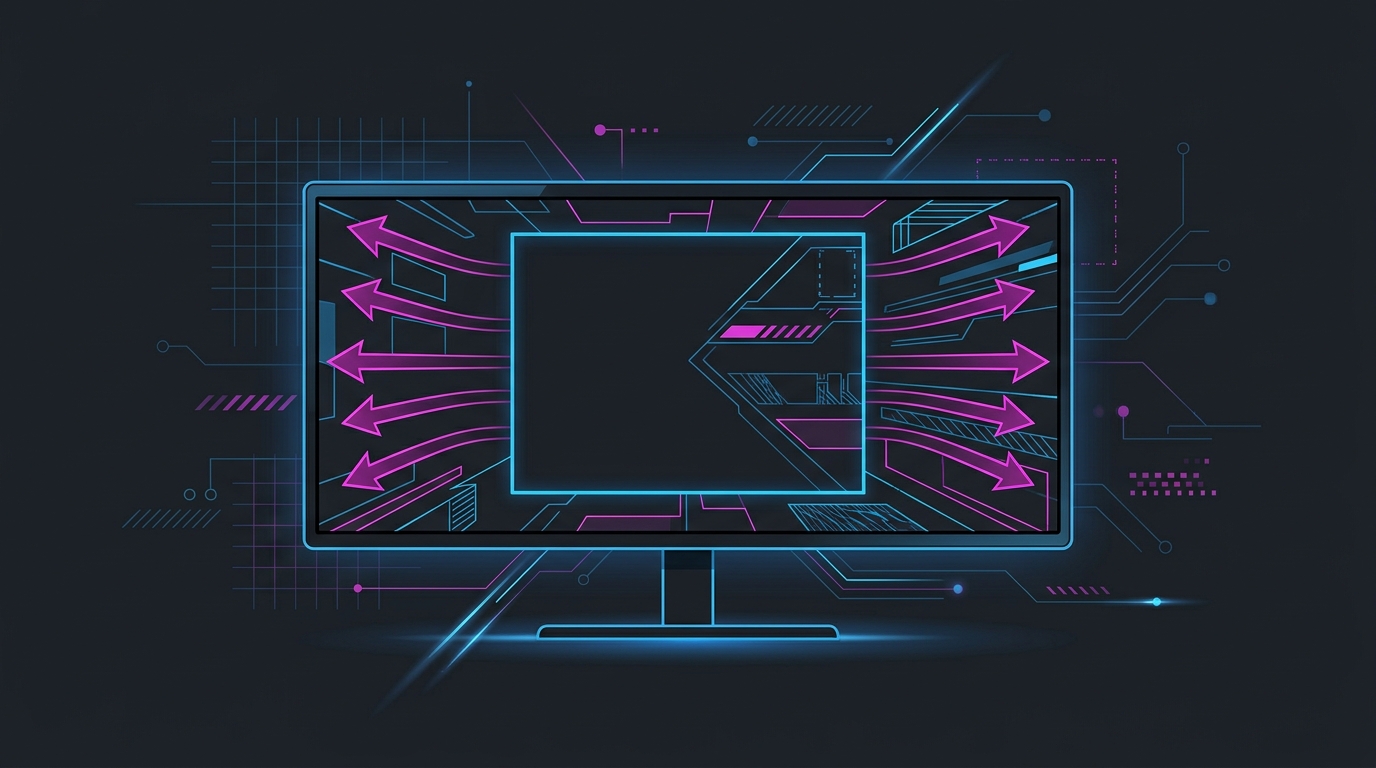
Stretched is a preference, not an upgrade. Test it against native and keep whatever makes your aim more consistent.
Note for the beta. These steps are based on the MW4 beta build. Menu names on the Display tab may shift slightly by the October 23, 2026 launch — the driver-side method below works regardless of what the game calls its settings.
Two ways to stretch in Modern Warfare 4
| Route | What it changes | FPS gain | Best for |
|---|---|---|---|
| In-game Aspect Ratio | Stretches the image internally at native resolution | None by itself | The wide-model look, quickest setup |
| Driver + 4:3 resolution | Renders fewer pixels and scales to the full panel | Yes — real reduction in pixel count | The look plus more frames |
| Either + lower Render Resolution | Cuts the internal render target further | Yes, on top of the above | Squeezing frames on weak hardware |
Pick one of the first two. You do not need both at once.
Recommended Modern Warfare 4 stretched resolutions
| Resolution | Aspect | Pixels vs 1920×1080 | Feel |
|---|---|---|---|
| 1280 × 960 | 4:3 | −41% | Classic stretched, widest models |
| 1440 × 1080 | 4:3 | −25% | Sharper 4:3, still clearly wide |
| 1600 × 1024 | 25:16 | −21% | Mild stretch, keeps distance detail |
| 1920 × 1080 + Aspect Ratio 4:3 | 4:3 override | 0% | Full panel, no pixel drop, no FPS gain |
1280 × 960 is the standard competitive pick. 1440 × 1080 is worth considering in MW4 specifically, because the game’s longer sightlines and large-scale Big War maps punish the extra softness of a lower resolution more than tight 6v6 maps do.
If you run a 1440p or ultrawide panel, the maths changes — the stretched resolution calculator lists every valid stretched resolution for your native panel with its exact stretch factor and pixel-count change.
Step 1 — Force full-panel GPU scaling (driver route)
NVIDIA
- Open NVIDIA Control Panel → Adjust desktop size and position.
- Scaling mode: Full-screen.
- Perform scaling on: GPU.
- Tick Override the scaling mode set by games and programs, then Apply.
AMD
- Open AMD Software → Settings → Display.
- Set GPU Scaling: On.
- Set Scaling Mode: Full Panel.
Intel Arc
- Open Intel Graphics Software → Display → General.
- Set Scaling to Stretch Full Screen (or Maintain Display Scaling, depending on driver version).
If your 4:3 resolution is not listed, create it first via Create Custom Resolution (NVIDIA), Custom Resolutions (AMD), or Custom Resolution (Intel). The manual method is covered step by step in how to get custom resolution / stretch res for any game, or the free Tier1Suite creates the resolution and sets full-panel scaling in one click on all three vendors, with a 15-second auto-revert if the display goes wrong.
Step 2 — Set the resolution in Modern Warfare 4
- Launch Modern Warfare 4 → Settings → Display.
- Set Display Mode to Fullscreen Exclusive. Stretched will not apply in Borderless or Windowed.
- Driver route: set Display Resolution to your 4:3 value, for example
1280 x 960. - In-game route: leave Display Resolution at native and set Aspect Ratio to
4:3. - Apply, and confirm the image fills the panel edge to edge.
Render Resolution is not stretching
Modern Warfare 4’s Render Resolution slider lowers the internal render target while keeping your output resolution and aspect ratio unchanged. It is a strong FPS lever, but it does not widen anything — for the stretched look you still need either a 4:3 output resolution or the Aspect Ratio override.
You can stack them: run 1280 × 960 stretched, then drop Render Resolution to 90 for extra frames. Watch the image quality as you do — at some point the softness costs you more in missed distant targets than the frames give back.
Adjust your FOV after stretching
Stretching changes how much of the world you see horizontally. After switching, re-check your Field of View and spend a few matches adapting rather than judging it immediately. Most players who move to 4:3 end up slightly raising FOV to recover some of the horizontal awareness they lost. Set ADS Field of View to Affected so the sight picture stays consistent.
Still seeing black bars?
This is the most common stretched-res complaint, and it is nearly always the scaling step:
- Display Mode is Borderless or Windowed — it must be Fullscreen Exclusive.
- NVIDIA scaling mode is set to “Aspect ratio” instead of Full-screen, or the override checkbox is unticked.
- AMD GPU Scaling is off, or Scaling Mode is not set to Full Panel.
- Your monitor’s own OSD scaling is overriding the GPU — set the monitor’s aspect or image-size option to Full / Wide.
- A driver update reset your scaling. Re-check these settings after every GPU driver update; it is the single most common cause of stretch suddenly stopping.
- A hybrid laptop where the integrated GPU owns the panel — custom resolutions often fail here, and the fix is to set scaling in the Intel or AMD integrated-graphics panel rather than the discrete GPU’s.
Is stretched actually better?
Honestly: it depends on you. Wider models are easier to hit, but you also lose horizontal information and every target is distorted relative to how you learned to aim. Some players gain measurable consistency, some lose it and never notice because the placebo is strong.
Test it properly. Play five matches native and five stretched, and compare your accuracy rather than your impression. Keep whichever wins. The trade-offs are laid out in stretched resolution vs native resolution.
Related guides
Frequently asked questions
How do I get stretched resolution in Modern Warfare 4?
There are two routes. The simplest is the in-game override: in Settings, Display, set Display Mode to Fullscreen Exclusive and Aspect Ratio to a 4:3 value. The second is to force full-panel GPU scaling in the NVIDIA or AMD driver and then select a 4:3 output resolution such as 1280x960 in-game. The driver route is the one that also lowers your rendered pixel count, so it is the route that gains FPS.
What is the best stretched resolution for Modern Warfare 4?
1280x960 is the standard 4:3 pick — the widest classic stretch with a real FPS gain. 1440x1080 is a sharper 4:3 option that keeps more detail at range, which suits Modern Warfare 4's longer sightlines and Big War maps. If you only want the wide look without dropping resolution, leave Display Resolution at native and set the in-game Aspect Ratio to 4:3 instead.
Is stretched resolution bannable in Modern Warfare 4?
No. Both the in-game Aspect Ratio setting and GPU display scaling are legitimate built-in display features, not modifications of the game. You are not editing game files or injecting code, so Ricochet anti-cheat does not flag them. Stretched resolution has been standard, sanctioned PC behaviour in Call of Duty for years and remains so in Modern Warfare 4.
Does stretched resolution increase FPS in Modern Warfare 4?
Only when it lowers your rendered pixel count. Selecting a 4:3 resolution like 1280x960 through the driver route renders roughly 41% fewer pixels than 1920x1080, which is a real GPU-side gain. Using the in-game Aspect Ratio override at native resolution changes the look without reducing pixels, so it does not raise FPS by itself. If you are CPU-bound in a busy lobby, neither route will help much.
Why does Modern Warfare 4 show black bars in stretched resolution?
Your GPU is centring the narrower 4:3 image inside your 16:9 panel instead of stretching it. Fix it by setting scaling mode to Full-screen with scaling performed on the GPU in the NVIDIA Control Panel, or GPU Scaling on with Scaling Mode set to Full Panel in AMD Software. Display Mode must also be Fullscreen Exclusive — borderless and windowed will not stretch. Check your monitor's own OSD scaling option too.