Best Monitor for Fortnite (2026): Competitive vs Visual Picks
Published
On this page
The best monitor for Fortnite depends on how you play. Fortnite has two very different audiences: competitive players who run Performance Mode for maximum frames, and casual players who run DirectX 12 with the visuals cranked. The right monitor is different for each — so start by being honest about which one you are.
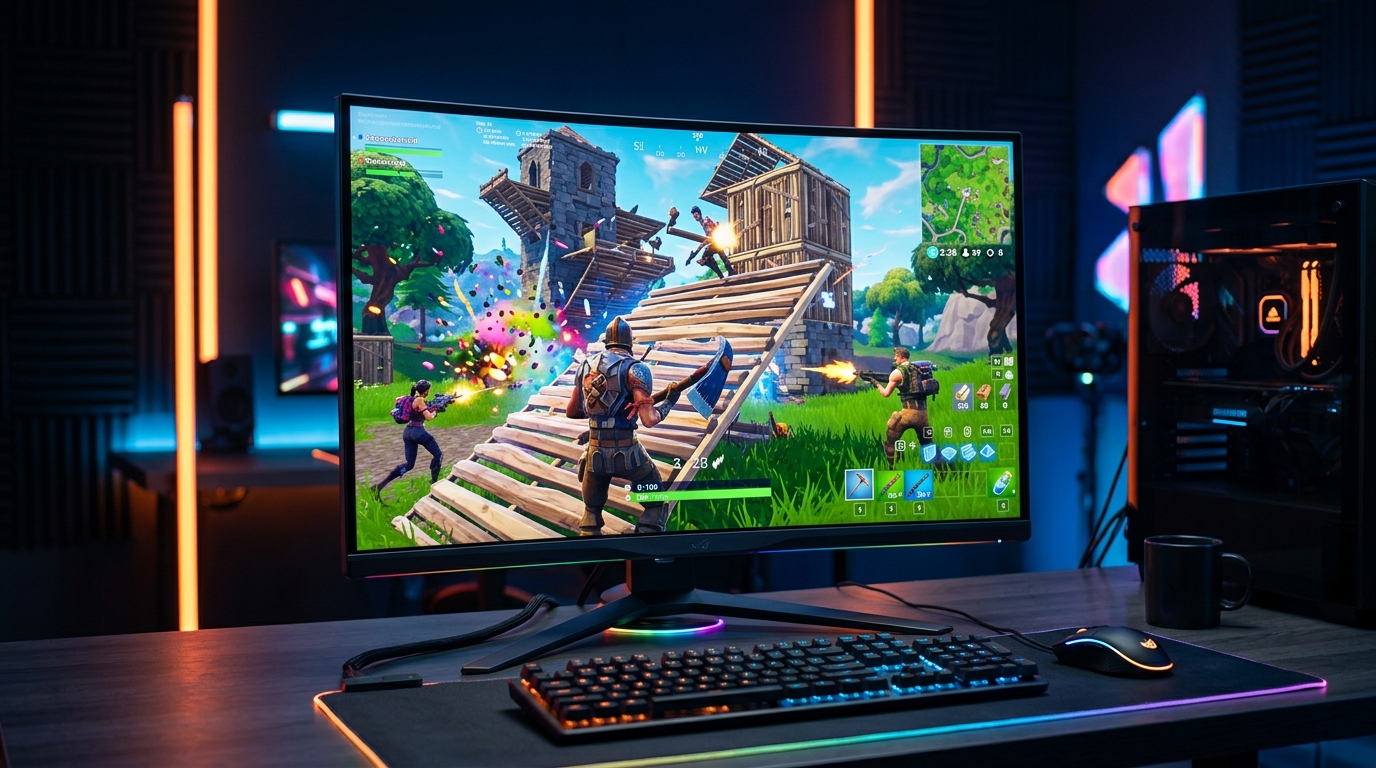
Performance Mode wants raw refresh rate; DirectX 12 visuals reward resolution. Pick the monitor that matches how you actually play.
Quick comparison
| Pick | Refresh | Resolution | Best for |
|---|---|---|---|
| 1080p 240Hz | 240Hz | 1080p | Competitive / Performance Mode |
| 1440p 240Hz | 240Hz | 1440p | The all-rounder — visuals + speed |
| 1080p 144/165Hz | 144–165Hz | 1080p | Budget competitive entry |
Competitive: prioritize refresh rate
If you play ranked, build fights, or arena, you’re almost certainly on Performance Mode — which strips Fortnite down so even mid-range PCs push 240+ FPS. That makes refresh rate the upgrade that matters. A 240Hz panel makes rapid building, editing, and target tracking noticeably crisper, and 1080p keeps frames high.
ASUS TUF VG259QM — the competitive pick
- 24.5" 1080p Fast IPS, overclocks to 280Hz — high frames for Performance Mode
- 24.5" keeps the whole screen in view for building and box fights
- G-Sync Compatible + ELMB-Sync for tear-free, low-blur motion
Casual / visual: the 1440p all-rounder
If you play Fortnite mostly for fun with DirectX 12 and Lumen visuals turned up, a 1440p high-refresh monitor is the better fit — you get a sharp, detailed picture and still have the headroom to drop to Performance Mode or a stretched resolution when you want frames for a competitive session.
Samsung Odyssey G7 (27") — visuals plus speed
- 27" 1440p at 240Hz — sharp for maxed DirectX 12 visuals, still fast for competitive
- Headroom to stretch down to 1080p-class resolutions for ranked
- G-Sync Compatible + FreeSync Premium Pro (1000R curved VA)
The budget pick
On a tighter budget, or if your GPU can’t hold 200+ FPS in Performance Mode, a 1080p 144/165Hz panel is still a huge upgrade over 60Hz and pairs well with mid-range hardware.
AOC 24G2SP — the value entry
- 24" 1080p IPS at 165Hz — transforms the game versus 60Hz at the lowest price
- FreeSync, 1ms MPRT, height-adjustable stand
Match the monitor to your GPU
A 240Hz monitor only helps if your PC feeds it frames. Check your typical FPS in the mode you actually play: if Performance Mode holds 240+ FPS, buy 240Hz; if maxed DirectX 12 sits around 120–150 FPS, a 165Hz panel (or a stronger GPU) is the better match. Don’t buy refresh you can’t fill.
Get the most from your panel
However you play, keep the setup clean: run exclusive Fullscreen, enable G-Sync/FreeSync, cap FPS just under the refresh, and follow the minimize input delay checklist. Our best Fortnite settings for FPS and Fortnite lowest input lag settings cover the in-game side, and Tier1Suite tightens frame pacing on top. For competitive sessions it also applies a stretched resolution in one click.
Related guides
- Fortnite Stretched Resolution Guide
- Best Fortnite Settings for FPS
- Fortnite Lowest Input Lag Settings
- Best Monitor for Stretched Resolution & Competitive FPS
Decide competitive or casual first: Performance-Mode players want a fast 1080p 240Hz panel, visual players want a sharp 1440p all-rounder. Then match the refresh rate to the frames your PC actually produces.
Frequently asked questions
What monitor is best for Fortnite?
It depends on how you play. For competitive Fortnite in Performance Mode, a fast 1080p 240Hz monitor is best — Performance Mode pushes very high frame rates, and high refresh makes box fights and edits feel sharper. If you play casually with DirectX 12 and maxed visuals, a 1440p 165–240Hz panel gives you a sharper picture while still being fast.
Is 240Hz worth it for Fortnite?
Yes, if you play competitively and use Performance Mode. Performance Mode strips the game down so mid-range PCs can push 240+ FPS, and a 240Hz panel turns those frames into cleaner motion during fast building and editing. If you run maxed DirectX 12 visuals and rarely exceed 120 FPS, a 144–165Hz monitor is the smarter buy.
Should I play Fortnite at 1080p or 1440p?
Competitive players almost always choose 1080p — lower pixel load means higher, more stable frames and lower latency, which matters in build fights. 1440p looks noticeably sharper and is great if you play more casually or also do creative/other work, but it needs a stronger GPU to keep frame rates high.
Does Fortnite Performance Mode need a special monitor?
No — Performance Mode works on any monitor. But it exists to unlock very high frame rates, so its benefit is largely wasted on a 60Hz screen. Pair Performance Mode with a 144Hz+ monitor (ideally 240Hz at 1080p) to actually see the frames it produces.